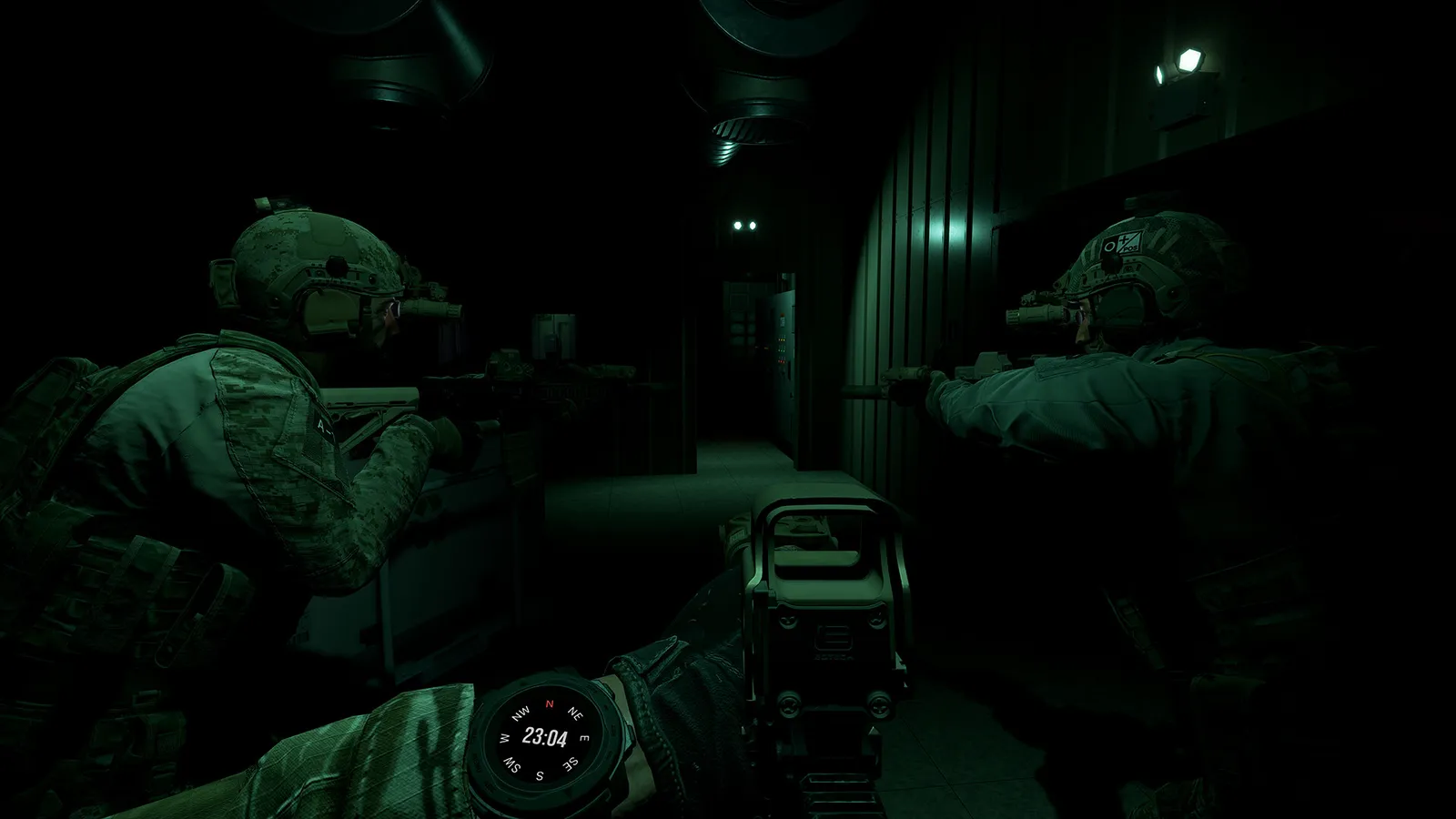
Ground Branch multiplayer guide: co-op and PvP modes, 16-player servers, the Ready Room, VOIP, server browser, hosting and dedicated servers with ports.
Ground Branch Multiplayer Guide: Co-op, PvP & Dedicated Servers
Ground Branch is a multiplayer-first tactical shooter: 8-player co-op against AI, or 8v8 PvP, all running on player-hosted and dedicated servers. There is no matchmaking — you find servers the old-fashioned way, in a browser, and you talk to your squad because half the game is coordination. Here's everything you need to know to get online, join the right kind of server, and host your own.
Here's what you'll learn:
- Player counts: co-op vs. PvP vs. the Ready Room
- Every multiplayer game mode, PvE and PvP
- Why there's no matchmaking (and how to find good servers)
- The server browser, filters and how to join friends
- Hosting a listen server vs. running a dedicated server
- VOIP, radio comms and co-op etiquette
Official resources: Steam store page · Official wiki · Steam community hub · Steam dedicated server guide
Player Counts: 16 Players, Two Flavors
A Ground Branch server caps at 16 players. How they're used depends on the mode:
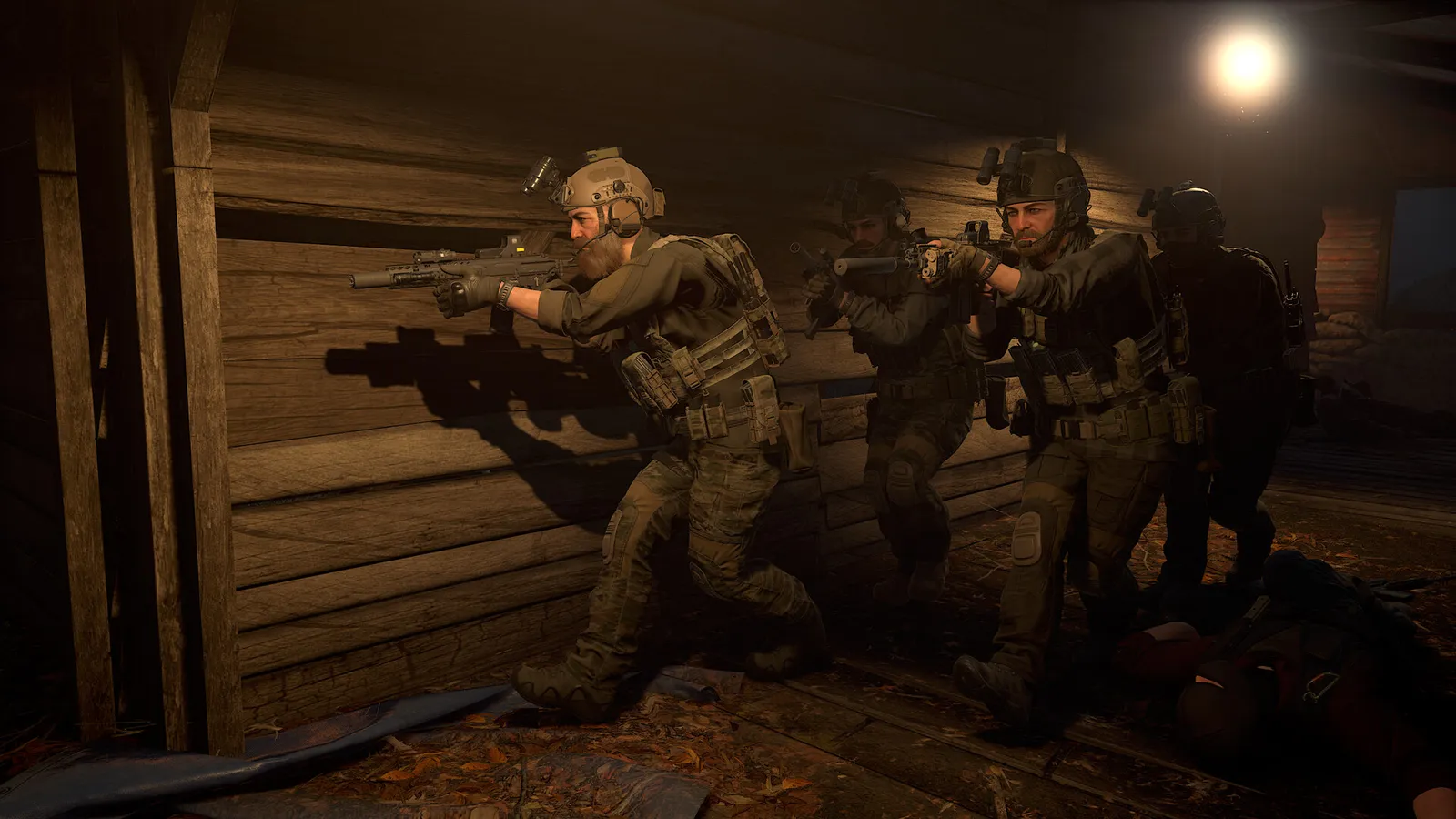
- Co-op (PvE): 1–8 players against AI enemies — the standard co-op size.
- PvP: 8v8 — 8 per team, standard for Team Elimination, Uplink, Deathmatch-style rounds.
- The Ready Room: the physical lobby holds the full 16, so squads can plan together before splitting into co-op teams.
Official source: the Steam store listing describes the game's multiplayer as "8-player co-op or 8v8 adversarial game modes."
Co-op vs. PvP: Which Should You Play?
Co-op (PvE) is where most players live:
- Terrorist Hunt — clear the map of AI. Configurable difficulty and enemy count; the co-op bread-and-butter.
- Intel Retrieval — grab the objective and exfil as a team.
- Defuse — find and defuse bombs before the timer.
- Extraction (V1.0) — rescue a hostage from two captors; 10–30 enemies per map.
- Operations (campaign) — the Prologue missions (Onyx Flame, Gilded Arrow) run in online co-op as well as solo.
PvP is unforgiving — no respawns in several modes, and players punish the mistakes AI forgives:
- Deathmatch — free-for-all.
- Team Deathmatch — team-scored eliminations.
- Team Elimination — 8v8, last team standing.
- Uplink — attackers hack the intel device, defenders guard it.
- Defuse — attack/defend bomb rounds.
- Hostage Rescue — round-based rescue vs. defenders.
Start in co-op — the AI is challenging but predictable; players are not. Mode-by-mode rules are in the missions & modes guide.
No Matchmaking: The Server Browser
Ground Branch has no matchmaking. You choose your server, and that's a feature: you can pick a "no-mic" PvE server, a hardcore 8v8 community, or a private squad game. The server browser has tabs for:
- Internet servers (the full list)
- LAN servers
- Friends (servers your friends are on)
- Favourites and History
Filters let you show only specific game modes, maps, servers that aren't full, servers with players, and non-passworded servers. Practical tips:
- Sort by ping; anything under 80 ms is fine for co-op, lower is better for PvP.
- Names like "PVE Intel/Hunt 24/7" tell you the mode and map before you join.
- Join via the Ready Room board or the browser — both lead to the same session.
Ground Branch has no party system in the classic sense — the fastest way to play with friends is to have one person host (or join a server), then everyone joins through the Friends tab and loads into the same Ready Room. F4 returns you to the Ready Room at any time.
Communication: VOIP, Radio and the Commo Rose
Ground Branch ships with integrated VOIP — no Discord required:
- 3D positional voice — teammates close to you sound close; distance affects volume and direction.
- Team radio (PTT) — a separate channel for longer-range communication.
- Commo rose — pre-recorded voice messages ("enemy spotted", "moving", "need backup") for mic-less players, plus text chat.
In co-op, callouts should be short and factual: direction ("two o'clock"), distance, and target ("one hostile, third floor, west window"). The tactics guide covers squad communication discipline in detail.
There is no friendly-fire forgiveness in Ground Branch. Barrel-blocking a teammate's shot, or sweeping them with your muzzle in a hallway, ends runs — and gets you kicked off good servers. Keep your weapon down when walking behind teammates, and never cross in front of the pointman.
Hosting: Listen Servers vs. Dedicated Servers
Host Game (listen server): the easiest option — you host from your machine, choose Internet or LAN, set the player count and mode, and friends join you. Fine for squads of 2–8; your PC does double duty as client and server, so performance dips.
Dedicated server: a separate process that runs the match without you playing in it — the right choice for 24/7 community servers or competitive 8v8. Key facts:
- Free and included with the game; Windows-only officially (Linux support is planned per the official FAQ).
- Deployable via SteamCMD — the community-maintained Steam dedicated server guide walks through the full setup.
- Configuration:
Server.inilives in...\GroundBranch\GroundBranch\ServerConfig\(generated on first start; key=value pairs). - Ports: the default game port is 7777 (UDP), with 27015 used for Steam query — forward both for internet hosting.
- Map rotation: edit
MapList.inito pair maps with missions, e.g. a Terrorist Hunt round on SmallTown with 30 AI — the mission type is set per map entry.
If a server doesn't appear in the browser, you can open the in-game console and use the community-documented open <IP>:<port> command to connect directly — handy for private or firewall-strict servers.
Is Ground Branch Crossplay?
No. Ground Branch is Windows-only (per the official FAQ, the team "cannot commit to anything beyond Windows PC"), so there is no crossplay with consoles — there are no console versions — and no macOS/Linux client. Windows players all share the same Steam ecosystem, so cross-region play works within that.
Frequently Asked Questions
Is Ground Branch multiplayer?
Yes — it's a multiplayer-first game: up to 8-player co-op (PvE) and 8v8 PvP, plus solo Lone Wolf for every PvE mission. There is no matchmaking; you use the server browser or host your own.
How many players can play Ground Branch together?
16 per server: 1–8 for co-op and 8v8 for PvP, with the Ready Room lobby holding the full 16 for planning.
Does Ground Branch have matchmaking?
No. Servers are found via the in-game server browser (with filters for mode, map, ping, password and player count), by hosting your own game, or by joining friends through the Friends tab.
How do I join a Ground Branch server?
Open Multiplayer from the main menu, use the server browser with filters (mode, map, not full, has players), and join — you'll spawn in the server's Ready Room. Or have a friend host and join them via the Friends tab.
Can I host my own Ground Branch server?
Yes — either a listen server from the Host Game menu (good for 2–8 friends), or a free dedicated server via SteamCMD with Server.ini configuration, map rotation in MapList.ini, and ports 7777 (game) / 27015 (Steam query) forwarded.
Is Ground Branch crossplay?
No crossplay — the game is Windows-only on Steam, with no console or macOS/Linux versions announced. Windows players share one ecosystem.
Related Guides
- Ground Branch Wiki — Complete Game Overview, Modes & 1.0
- Ground Branch Beginners Guide — Start Your First Session Like an Operator
- Ground Branch Missions & Modes: Operations, PvE and PvP
- Ground Branch Tactics Guide: CQB Formations, Breaching & Entry
- Ground Branch Weapons Guide: Every Class, Ranked & Recommended
- Ground Branch System Requirements: Minimum & Recommended PC Specs
Last updated: August 14, 2026.
More GROUND BRANCH Guides
Ground Branch how to play: default controls, stance and weapon-handling basics, the engage loop, mission flow from Ready Room to exfil, and training habits.
Ground Branch loadout guide: the loadout system, armor plates vs soft armor, encumbrance and weight, plus the best loadouts for every mission type in V1.0.
Ground Branch missions and modes: the Operations campaign Prologue, PvE quick missions, PvP modes, training areas, every map, and server mission setup.
Ground Branch has official mod support: Steam Workshop, the UE4 Mod Kit SDK, and hundreds of mods — weapons, missions, game modes. Install steps + top mods.
Ground Branch realism mechanics: no minimap, no HUD ammo, muzzle-origin ballistics, zeroing, limb damage, first aid, weapon positions and arm strength.
Ground Branch release date: V1.0 launched July 16, 2026 after 8 years of Early Access. Full EA timeline, platforms, price, and the 2026–2027 update roadmap.
Honest GROUND BRANCH review after V1.0: all-time Steam rating Very Positive (~84%), recent reviews Mostly Negative. Pros, cons, price, verdict.
GROUND BRANCH squad tactics for co-op and PvP: fireteam roles, movement formations, sectors of fire (AOR), comms discipline and contact drills that win rounds.