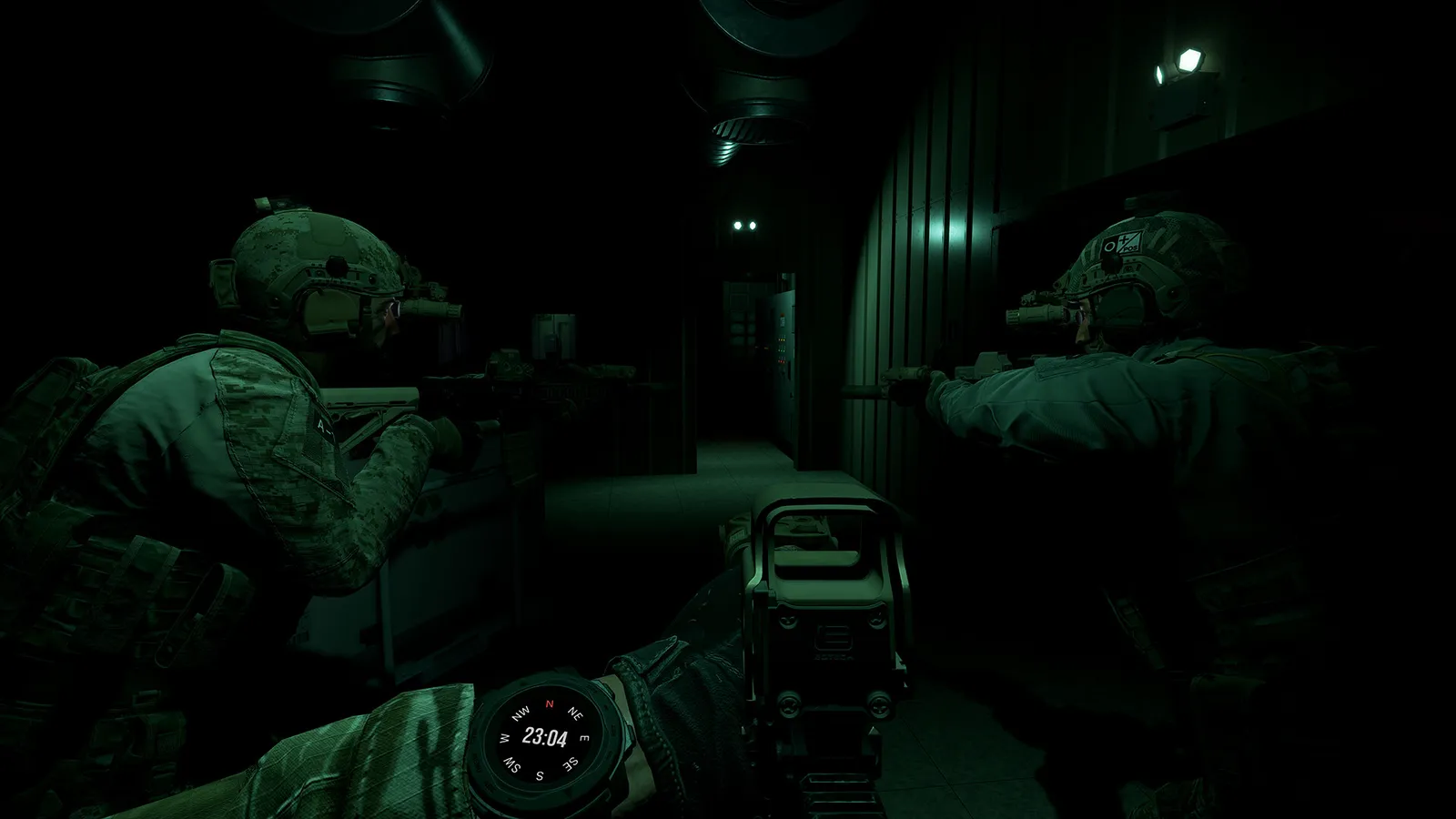
Ground Branch how to play: default controls, stance and weapon-handling basics, the engage loop, mission flow from Ready Room to exfil, and training habits.
Ground Branch How to Play: Controls, Combat Flow & Objectives
Ground Branch plays like a simulation of real close-quarters battle: you plan, you move with purpose, you engage on your terms, and one mistake ends you. There is no matchmaking, no minimap and no regenerating health — but the core loop is simpler than it looks: orient, move, observe, engage, reload with intent. This guide walks the entire loop, from keybinds to exfil, so your first mission isn't spent reading controls under fire.
Here's what you'll learn:
- The default control scheme and the binds that matter most
- Stances, movement speeds and the ready-position system
- How aiming actually works: ADS, point shooting and free aim
- Reload discipline: tactical vs. empty reloads
- The mission flow: Ready Room → briefing → insertion → objective → exfil
- What HUD elements exist (and what intentionally doesn't)
Official resources: Steam store page · Official wiki · IGN game page · Official FAQ
The Core Loop: How Ground Branch Plays
A Ground Branch match follows the same rhythm every time:
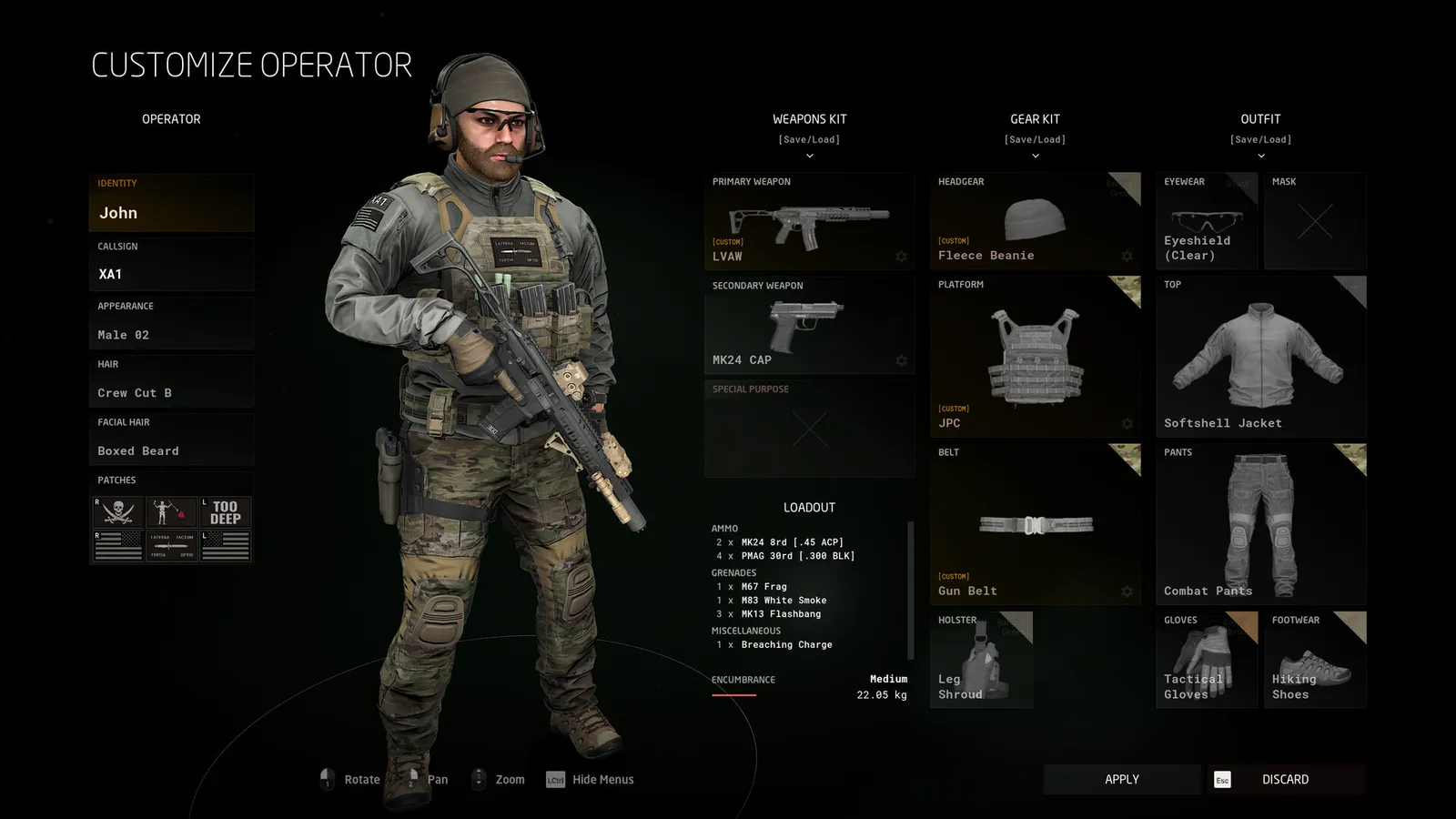
- Plan in the Ready Room — pick your kit at the locker, agree on insertion point and roles with your squad.
- Briefing — read/hear the mission: objective type, map, time of day, enemy count.
- Insertion — spawn at the chosen entry point. There is no combat until you create it.
- Movement and observation — navigate without a minimap; use your eyes, ears and map tablet ([M]). This is 70% of the game.
- Engagement — the actual shooting is often seconds long. Whoever set up the ambush wins.
- Extraction (Intel Retrieval, Extraction mode) or objective hold — the most dangerous phase, because everyone knows you're there.
Official source: the Ground Branch V1.0 release notes describe the intent: "deliberate, calculated and unforgiving gameplay" — the game "puts the tactical back in tactical shooter, no compromises."
Default Controls (Remappable)
These are the community-documented defaults; everything is rebindable in Settings → Controls. The ones circled in bold are the binds new players should master first:
| Action | Default | Why it matters |
|---|---|---|
| Move | W / A / S / D | Standard |
| Lean left / right | Q / E | Slice corners without exposing your body |
| Free look | Tab | Head turns independent of aim — scan while walking |
| Jump / Crouch / Prone | Space / C / Z | Prone shrinks your silhouette massively |
| Walk / Run / Sprint | (no key) / Shift / Ctrl | Sprinting is loud and drains stamina |
| Fire | LMB | — |
| Aim (ADS) | RMB | Takes time — not always the right choice |
| Point shoot / free aim | Right-click options | Fires from the hip with a customizable dead zone |
| Reload | R | Tap = tactical reload; double-tap/empty = dump |
| Interact | F | Doors, lockers, pickups |
| Map tablet | M | Your only navigation aid besides terrain |
| Check watch | (keybind) | Tells the time — night ops need it |
| PTT radio | V (default) | Team radio vs. positional voice |
The free-aim (point shooting) system has an optional "dead zone" that moves your aim with the mouse before the gun follows. If your shots go where your gun is, not where you look, tune the dead zone in Settings — this one setting changes how the game feels more than any graphics option.
Stances and Ready Positions
Ground Branch gives you three stances (standing, crouching, prone) and multiple weapon postures:
- Low ready — the default. Gun pointed down, full vision, fast to raise. This is your walking posture.
- High ready — gun up near your chest, slower movement but faster to fire; used when contact is imminent.
- Aimed (ADS) — sight picture up; accurate but tunnel-visioned and slow. Use it for deliberate shots, not for walking.
- Point shooting — fire from the shoulder without sights using the free-aim system. Inside a room at 5 meters, this beats ADS almost every time.
Movement speed matters tactically: walking is quiet, running is loud, sprinting is very loud and saps stamina (which affects aim). In V1.0 the locomotion was rebuilt with new motion-capture, so movement feels heavier and more deliberate than in older builds.
Reloading: The Skill That Wins Fights
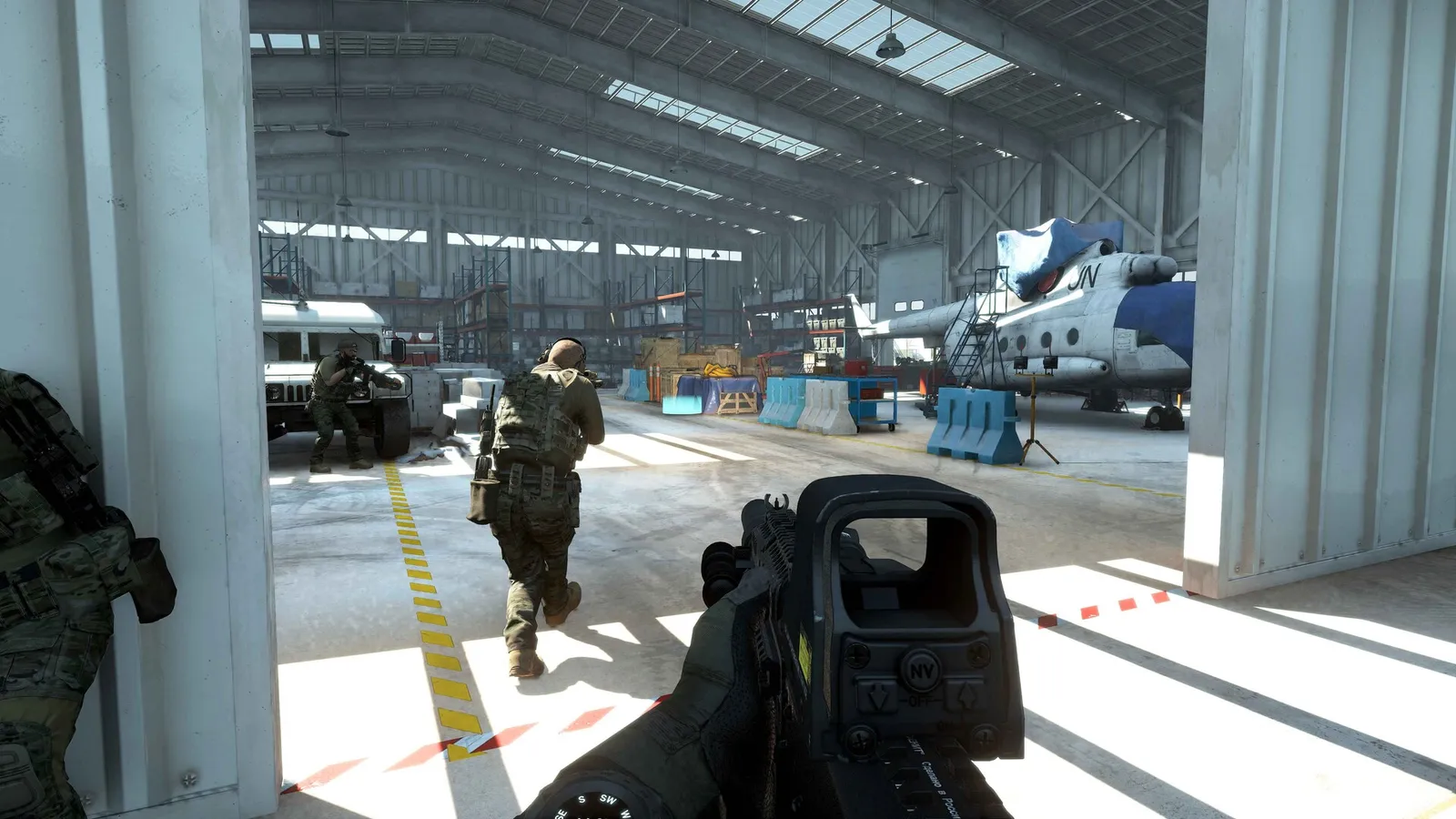
Ground Branch distinguishes tactical reloads from emergency reloads:
- Tactical reload — you have rounds left: you keep the partial magazine. Slower in combat, but you retain ammo.
- Emergency/empty reload — the bolt locks back, you dump the mag, insert a fresh one and chamber. Faster to get firing again, but you lose whatever was left.
Rule of thumb: in contact, reload behind cover and always reload on a confirmed empty or between engagements — never in the open. Because there is no HUD ammo counter, train yourself to count shots and to react to the bolt lock. The community-documented controls wiki covers the full bind list: see the official wiki.
The Engage Loop: Aim, Fire, Follow Through
When you make contact, run this sequence:
- From low ready, point shoot first — the first fraction of a second decides the fight; ADS later if you survive.
- Two-to-three-round bursts, not sprays — recoil climbs fast; full auto is for suppression.
- Use cover correctly — peek with lean (Q/E), not by stepping out; remember your barrel sticks out around corners.
- Relocate after shooting — muzzle flash and sound give you away; the AI (and players) will push your last position.
- Check your back — the flank kills more operators than the frontal fight.
The AI in V1.0 was substantially reworked: it can throw frag grenades, smoke its own retreat, react to flashlights and laser pointers, and patrol unpredictably. Treat it as a thinking enemy — the old "shoot the static target" habits will get you killed. See the tactics guide for room clearing and formations.
Mission Flow and Objectives
Every mission type has a different objective, but the flow is the same:
- Terrorist Hunt — eliminate all hostiles; map cleared when the last AI dies.
- Intel Retrieval — find the objective (e.g. a laptop), pick it up, and exfiltrate to the marked extraction point as a team.
- Defuse — locate all planted bombs and defuse them before the timer expires.
- Extraction (V1.0) — rescue a hostage from two captors; keep combat pressure off the hostage so their morale doesn't hit zero (execution).
- Operations (campaign) — mission-specific objectives (kill or capture, etc.) with briefing voice-over; two Prologue missions, Onyx Flame and Gilded Arrow.
Start with Terrorist Hunt to learn the loop — it has no timer pressure and no exfil phase. The mission-by-mission breakdown lives in the missions & modes guide.
What the HUD Shows (and What It Doesn't)
Ground Branch's HUD is intentionally minimal and partially optional (hide it with [H] while spectating):
- Shows: stamina indicator, stance/movement hints, interaction prompts, objective marker at range, time of day via watch.
- Deliberately absent: minimap, ammo counter, hit markers, kill confirmation, score pop-ups, health bar, enemy markers.
Because there is no ammo counter, you manage rounds by feel — check by reloading or by a quick magazine check animation. Because there is no minimap, you navigate by landmarks, the map tablet, and communication. This is the "thinking man's shooter" pitch: information is earned, not granted. For the full beginner path through this loop, start with the beginners guide.
Before every session, run one 5-minute drill in Training: clear the killhouse at walking pace, then at contact pace. Then do 25 rounds at the firing range checking your zero. Ten sessions of this and your in-mission deaths drop noticeably — it's the same habit real units use.
Frequently Asked Questions
How does Ground Branch play?
As a deliberate, high-lethality tactical sim: plan in the Ready Room, move without a minimap, engage with real ballistics, and survive with no medkits. One or two hits usually kill; positioning beats aim.
What are the controls in Ground Branch?
WASD movement, mouse aim, Q/E lean, Tab free-look, C crouch, Z prone, Shift run, Ctrl sprint, R reload, F interact, M map tablet, and a PTT key for radio. All binds are fully remappable in Settings.
How do you aim in Ground Branch?
Right mouse button aims down sights, but you also have point shooting (hip fire with a customizable free-aim dead zone) and ready positions (low/high ready). Inside a room, point shooting is often faster and safer than ADS.
How does reloading work in Ground Branch?
R does a tactical reload (keeps the partial magazine) when you have rounds left; on an empty mag you dump it and chamber a fresh one. There is no ammo counter — watch for the bolt locking back.
What are the objectives in Ground Branch missions?
Eliminate all enemies (Terrorist Hunt), retrieve an objective and exfil (Intel Retrieval), defuse all bombs before the timer (Defuse), rescue a hostage (Extraction), or complete campaign objectives in Operations (kill or capture, etc.).
How do I get better at Ground Branch?
Train in the killhouse and firing range, run Lone Wolf to build reload and movement discipline, then move to co-op and PvP. Slow is smooth, smooth is fast — sprinting and ADS everywhere is how beginners die.
Related Guides
- Ground Branch Wiki — Complete Game Overview, Modes & 1.0
- Ground Branch Beginners Guide — Start Your First Session Like an Operator
- Ground Branch Tactics Guide: CQB Formations, Breaching & Entry
- Ground Branch Weapons Guide: Every Class, Ranked & Recommended
- Ground Branch Multiplayer Guide: Co-op, PvP & Dedicated Servers
- Ground Branch Missions & Modes: Operations, PvE and PvP
Last updated: August 14, 2026.
More GROUND BRANCH Guides
Ground Branch missions and modes: the Operations campaign Prologue, PvE quick missions, PvP modes, training areas, every map, and server mission setup.
Ground Branch has official mod support: Steam Workshop, the UE4 Mod Kit SDK, and hundreds of mods — weapons, missions, game modes. Install steps + top mods.
Ground Branch multiplayer guide: co-op and PvP modes, 16-player servers, the Ready Room, VOIP, server browser, hosting and dedicated servers with ports.
How GROUND BRANCH multiplayer works: 16-player servers, 8-player co-op, server browser (no matchmaking), joining friends, ping, and crossplay.
Ground Branch realism mechanics: no minimap, no HUD ammo, muzzle-origin ballistics, zeroing, limb damage, first aid, weapon positions and arm strength.
Ground Branch release date: V1.0 launched July 16, 2026 after 8 years of Early Access. Full EA timeline, platforms, price, and the 2026–2027 update roadmap.
Honest GROUND BRANCH review after V1.0: all-time Steam rating Very Positive (~84%), recent reviews Mostly Negative. Pros, cons, price, verdict.
GROUND BRANCH squad tactics for co-op and PvP: fireteam roles, movement formations, sectors of fire (AOR), comms discipline and contact drills that win rounds.