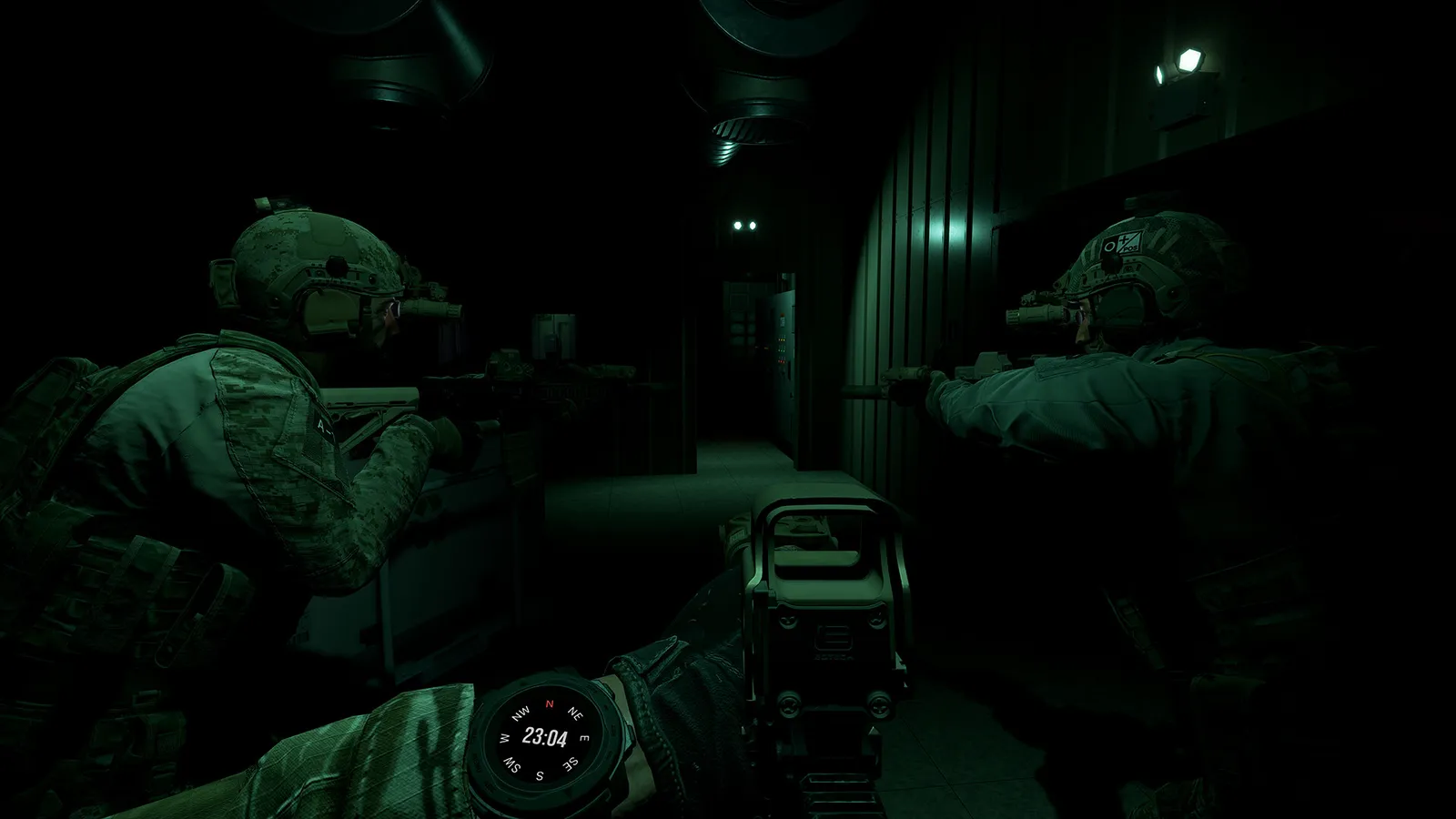
Ground Branch has official mod support: Steam Workshop, the UE4 Mod Kit SDK, and hundreds of mods — weapons, missions, game modes. Install steps + top mods.
Ground Branch Mods — Workshop, Mod Kit & Best Mods (2026)
Yes — GROUND BRANCH has first-class, official mod support. The game ships with a Steam Workshop ("Play GROUND BRANCH Your Way"), a full Unreal Engine 4–based Mod Kit (SDK) released in 2024, and hundreds of community mods covering weapons, missions, game modes, patches, and mutators. This guide covers what mods exist, how to install them, which ones are worth your time, and how to start making your own.
Here's what you'll learn:
- The official mod ecosystem: Steam Workshop + Mod Kit SDK + modding wiki
- Mod types that exist (weapons, missions, game modes, mutators, patches)
- How to install and enable mods — and why load order matters
- The best mods and collections the community actually runs
- Server-side mods (mods.txt) and how to make your own mods
Official resources: Steam Workshop · Mod Kit overview (official wiki) · Build Update #053 — Mod Kit announcement
Yes, GROUND BRANCH Has Official Mod Support
This isn't a fragile community hack — modding is part of the game's design. V1.0's own roadmap post describes the release as "a fully functional, stable, content-rich tactical shooter with a campaign framework and mod support." The ecosystem has three layers:
- Steam Workshop — the distribution channel. The official workshop blurb: "Easily share and install custom game modes, missions, patches, mutators, and more." Hundreds of items are live.
- The Mod Kit (SDK) — an official extension of the Unreal Engine 4 editor, distributed free via the Epic Games Launcher, first released in Build Update #053 (September 4, 2024). It initially supported weapon mods (including magazines and suppressors) and has since expanded to maps, missions, and game modes.
- The GROUND BRANCH Modding Wiki — official documentation at wiki.groundbranch.com/en/modding, covering the Quick Create system, the Lua API, and the Mission Editor.
Per the official Build Update #053: "We're also officially releasing the long-anticipated GROUND BRANCH Mod Kit: a Software Development Kit (SDK) that allows modders to create a whole new world of mods using a specially extended version of the Unreal Engine 4 editor."
What Kinds of Mods Exist
The workshop supports a wide range of mod types — a single workshop item's info panel lists the full set: Patch, GameMode, Mission, LuaScript, Mutator, AILoadout, Localization, Default Item Build, Custom Kit. In practice, the community's output clusters into:
- Weapon mods — new guns (SIG MCX Virtus, Sig P226 XFIVE LEGION, AA-12, etc.) and attachments (suppressors, risers, rails, mags)
- Gear and cosmetics — clothing, plate carriers, flag patches for every country, helmets
- Custom missions — user-made Terrorist Hunt missions (e.g., room-clearing courses on Tanker decks, "Sniper's Nest" missions on City)
- Game modes — the open-source GBGMC (GB Game Mode Collection) adds Asset Extraction, Break Out, Break Through, Kill Confirmed, and Security Detail across a dozen maps
- Mutators and scripts — gameplay tweaks via LuaScript
Two things to know before you dive in: the Mod Kit is currently frozen — it will not receive updates until the V1.2.0 Multiplayer Update ships map and mission mod support (see our update guide for the timeline), and some workshop items are still pending acceptance into the official listing.
How to Install and Use Mods
Client-side (playing mods):
- Browse the Steam Workshop and click Subscribe on anything you want.
- Launch the game — subscribed mods download automatically.
- Open the in-game mods menu (available from the start screen) and enable the mods you want to use. If a mod doesn't appear, this step is the usual culprit.
- For collections, subscribe in order and enable in the same order — load order matters. The "Best Mod Pack" collection (nearly 300 mods) explicitly documents its load order because mods that override the same files conflict if the order flips.
Common problem: weapon mods subscribed but not showing in loadout screens. Community reports point to mutator files conflicting or mods not being enabled in the mod menu — double-check both before assuming the mod is broken.
Mods built for V1035-era builds can behave unpredictably after V1.0's refactor. Check each workshop item's comments and last-update date, and prefer mods explicitly tested on the current build.
Recommended Mods and Collections
Community consensus picks (verify current build compatibility before subscribing):
- GB Game Mode Collection (GBGMC) — the definitive game-mode pack, open source (site) with mission credit lists; adds five PvE modes across 747, Arena, City, Compound, Creek, Small Town, Storage Facility, Tanker, and more.
- "The Best Mod Pack In Ground Branch" collection — a ~300-mod curated pack with a documented load order; includes weapons, gear, patches, and mutators. Use it as a mod menu rather than subscribing to all 300.
- SIG MCX Virtus — a modular rifle mod with over 100,000 documented configurations (barrels, stocks, handguards).
- M4 customization packs — 35 AR-15 uppers, 11 stocks, 4 pistol grips, optional magwells.
- AA-12 CQB — automatic shotgun for close-quarters work (note: uses stock animations).
- Suppressor packs and riser packs (Unity Fast, KAC Skyscraper, etc.) — the standard kit-furniture upgrades.
- Flag patch packs — cosmetic patches for all countries.
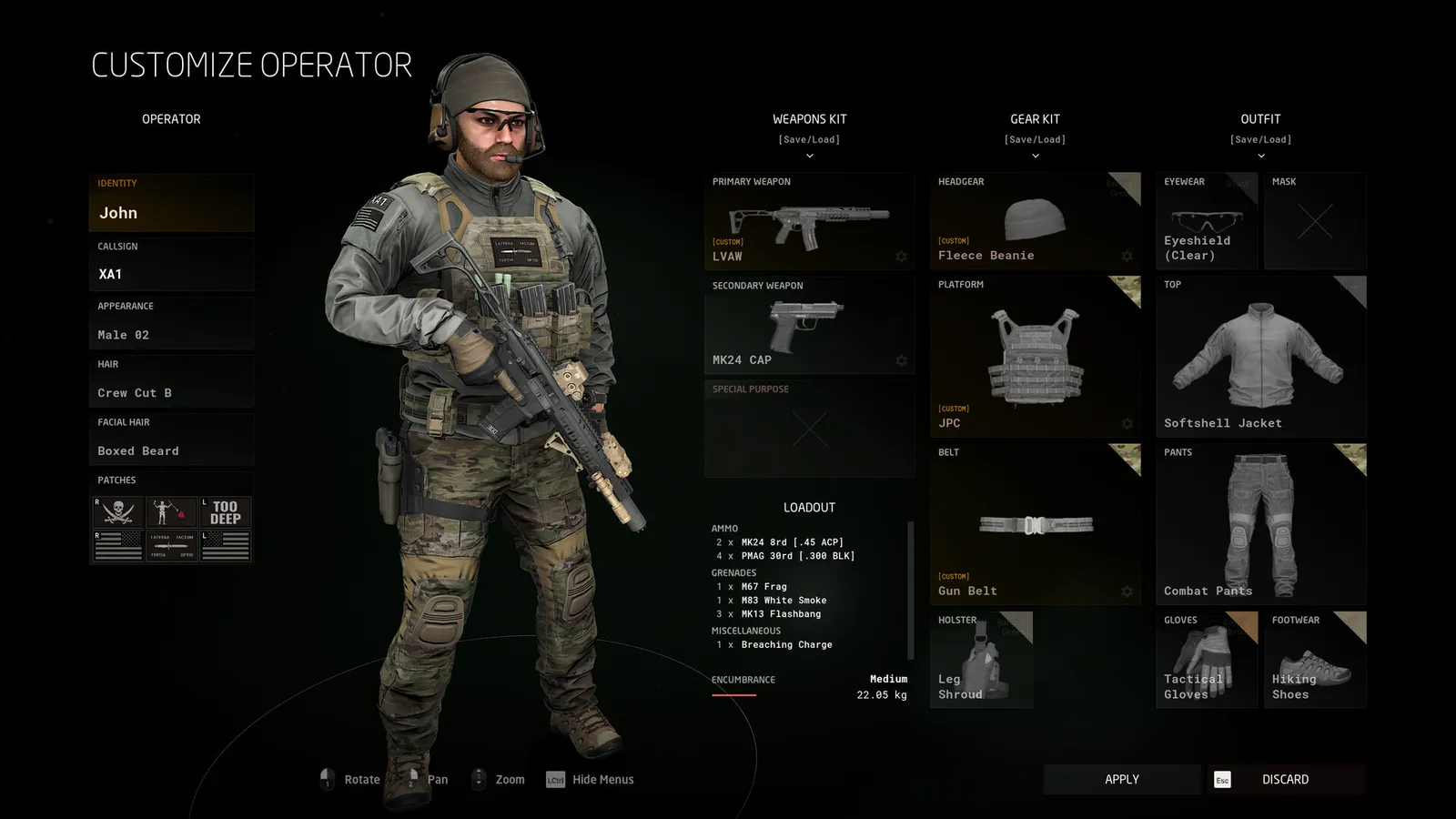
See our weapon customization guide for how modded attachments slot into the vanilla attachment system, and the loadout guide for building kits around them.
GROUND BRANCH's base arsenal is already deep — M4A1 SOPMOD, HK416, AK-103, and more, all free. Play a few sessions before modding so you know what you actually want to change. Mods multiply the game; they don't fix dissatisfaction with the core.
Adding Mods to a Server
If you host a dedicated server (see our dedicated server guide), mods are configured with a mods.txt file:
- Stop the server, open
mods.txtin the server config folder. - Add each mod's workshop ID (the number at the end of its workshop URL, e.g.
3306480725) — one mod per line. - Save and start the server. The server downloads and loads the mods.
- Players joining must also have the mods enabled locally — most communities require the same collection.
Server admins can also enforce rules with the Lua command layer (team colors, loadout restrictions via .res files), which many server-owning communities package as their own mods. The multiplayer FAQ covers joining modded community servers.
Making Your Own Mods
The official path, documented on wiki.groundbranch.com:
- Install the Mod Kit — search for "GROUND BRANCH Mod Kit" in the Epic Games Launcher (free, lean install). It launches a specialized UE4 editor.
- Start with Quick Create (in-game, no Unreal knowledge needed) for simple patches — this is how many cosmetic and small gameplay mods are made.
- Use the Mission Editor for custom missions — no programming required; the GBGMC team explicitly recruits mission creators this way.
- Write Lua scripts for mutators and server logic using the documented Lua API.
- Publish to the Steam Workshop via the in-editor tools, then share in the community Discord (#gb-modding channel) for feedback.
The official wiki's Mod Kit overview walks through the editor layout, and the roadmap commits to expanding the SDK at V1.2.0 — map and mission tooling updates are explicitly planned.
FAQ
Does GROUND BRANCH support mods?
Yes — officially. GROUND BRANCH has a Steam Workshop, a free UE4-based Mod Kit SDK (released September 2024), an official modding wiki, and hundreds of community mods for weapons, missions, game modes, and mutators.
How do I install GROUND BRANCH mods?
Subscribe on the Steam Workshop, launch the game, enable the mods in the in-game mod menu, and keep load order consistent with the collection's instructions. Server mods go in a mods.txt file on the dedicated server.
What mods are worth getting for GROUND BRANCH?
The GBGMC Game Mode Collection, curated ~300-mod packs, the SIG MCX Virtus, M4 customization packs, suppressor/riser packs, and flag patches. Always verify each mod's compatibility with the current build.
How do I add mods to a GROUND BRANCH server?
Edit mods.txt on the server, adding each mod's workshop ID on its own line, then restart. Players must have the same mods enabled locally to join.
How do I make my own GROUND BRANCH mods?
Install the Mod Kit from the Epic Games Launcher, start with Quick Create or the in-game Mission Editor, use Lua for mutators, and publish to the Steam Workshop. Official docs are at wiki.groundbranch.com/en/modding.
Related Guides
Last updated: August 14, 2026.
More GROUND BRANCH Guides
Ground Branch loadout guide: the loadout system, armor plates vs soft armor, encumbrance and weight, plus the best loadouts for every mission type in V1.0.
Ground Branch missions and modes: the Operations campaign Prologue, PvE quick missions, PvP modes, training areas, every map, and server mission setup.
Ground Branch multiplayer guide: co-op and PvP modes, 16-player servers, the Ready Room, VOIP, server browser, hosting and dedicated servers with ports.
How GROUND BRANCH multiplayer works: 16-player servers, 8-player co-op, server browser (no matchmaking), joining friends, ping, and crossplay.
Ground Branch realism mechanics: no minimap, no HUD ammo, muzzle-origin ballistics, zeroing, limb damage, first aid, weapon positions and arm strength.
Ground Branch release date: V1.0 launched July 16, 2026 after 8 years of Early Access. Full EA timeline, platforms, price, and the 2026–2027 update roadmap.
Honest GROUND BRANCH review after V1.0: all-time Steam rating Very Positive (~84%), recent reviews Mostly Negative. Pros, cons, price, verdict.
GROUND BRANCH squad tactics for co-op and PvP: fireteam roles, movement formations, sectors of fire (AOR), comms discipline and contact drills that win rounds.