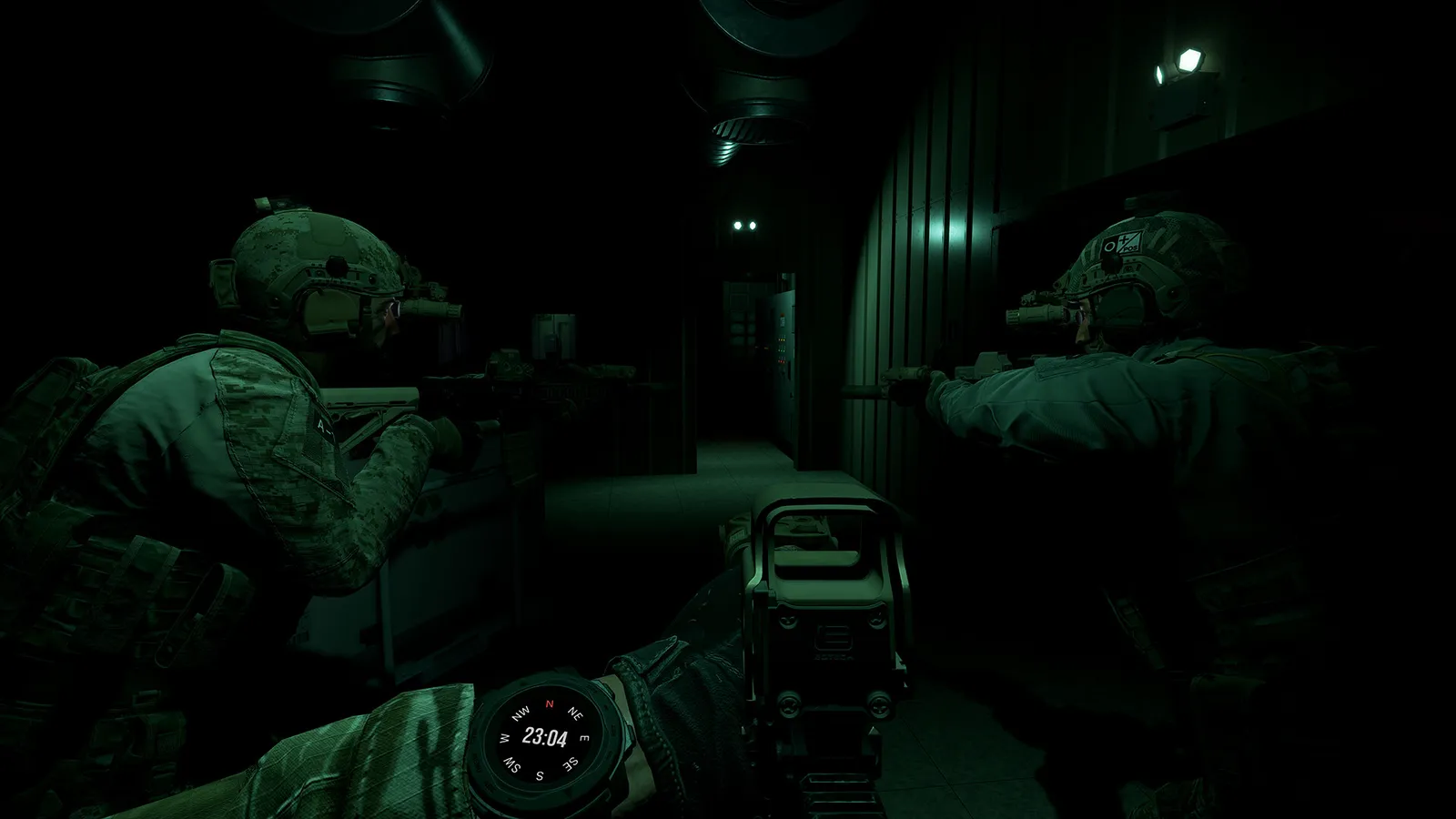
Ground Branch beginners guide: first-session plan, training modes, ready room, loadout basics, and the realism mechanics that kill new players.
Ground Branch Beginners Guide: Start Your First Session Like an Operator
Ground Branch does not hold your hand, and it does not have a built-in tutorial. Your first session can feel like being thrown into a raid with no briefing: no minimap, no health bar, no hit markers, and enemies that end you in one or two rounds. The good news is that the learning curve is a ladder, not a cliff — Training mode, Lone Wolf and the Ready Room were designed exactly for this. This guide is the roadmap for your first few hours.
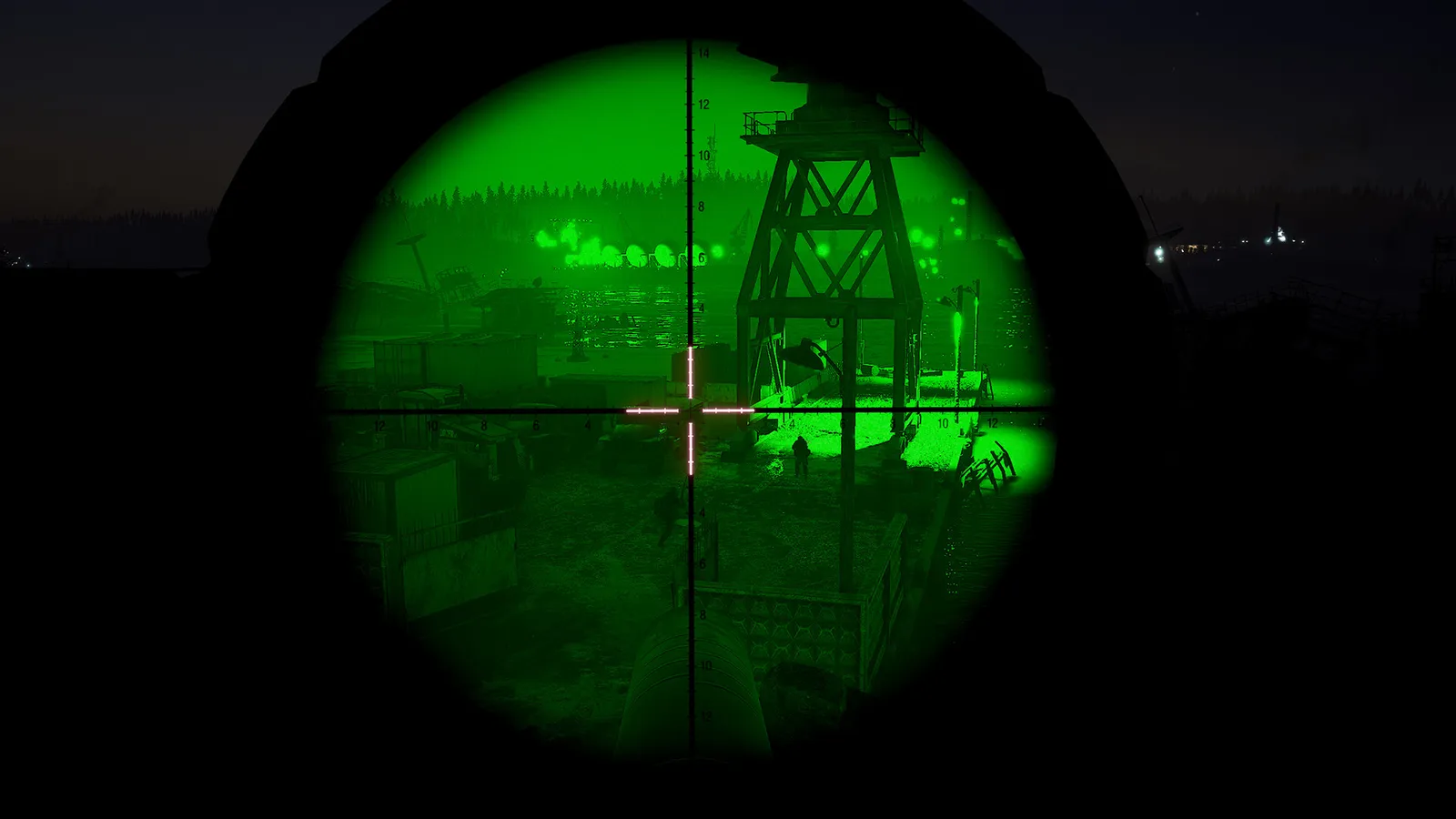
Here's what you'll learn:
- How the main menu works: Training, Lone Wolf, Host and Multiplayer
- Why Training mode should be your first stop (it is the real tutorial)
- The Ready Room: lockers, the firing range and the mission board
- A first-session plan that gets you into a real mission fast
- The five realism mechanics that punish beginners (and how to survive them)
- Common first-week mistakes and how to avoid them
Official resources: Steam store page · Official site · Official wiki · Ground Branch FAQ
There Is No Tutorial — Training Mode Is It
Ground Branch has no scripted tutorial. The developers instead built full practice environments inside the game, reachable from the main menu under Training:
- The Farm — the main training map (Camp Peary). You spawn here directly, skip the Ready Room, and can modify your kit at a workbench.
- Aircraft Takedown — a 747 fuselage with pop-up targets and hostages, with timers. Great for preparing for aircraft raids.
- Killhouse — rooms, doors and hallways with pop-up targets and timers. This is where you learn CQB movement without dying.
- Shooting and explosive ranges — stationary and moving targets, plus a version with simulated explosion and sound effects to train under stress.
Use Training for two things: first, get used to the controls (stance, ready, reload); second, build a loadout and test it — see how a suppressor changes handling, how a heavy plate carrier slows your sprint. When you can clear the killhouse without shooting a hostage target, you are ready for Lone Wolf.
Open Settings → Controls and go through every keybind once. The defaults are sensible (F interact, R reload, Tab free-look, C crouch, Ctrl sprint), but you will want a comfortable layout for lean (Q/E) and the ready/point-shoot toggle. Players on non-QWERTY keyboards should remap before training, not after.
Lone Wolf: Your First Real Missions
Lone Wolf is single-player mode with AI enemies — up to 50 of them per map, though the community recommendation is around 15 for solo play (30+ starts to hurt performance). You get three mission types:
- Terrorist Hunt — eliminate all AI in the area. The best first mission type.
- Intel Retrieval — find a laptop, grab it, exfiltrate to the extraction point (marked on your map tablet with [M]).
- Defuse — locate and defuse all planted bombs before the timer runs out.
Start a Terrorist Hunt on Small Town or Power Station at the lowest AI difficulty, daytime. Play it like a real operator: walk the perimeter, slice corners, check your fire. Die? That's fine — you respawn in Lone Wolf until the round ends, and dying is the fastest teacher. The full gameplay loop — movement, aiming, reloading — is explained in the how to play guide.
The Ready Room: Lobby, Lockers and Firing Range
When you play online (or launch any mission), you start in the Ready Room — the game's physical lobby. Walk to the Mission Prep Area:
- Lockers — press [F] at a locker to open the customization menu; hold [F] to re-equip (convenient after testing at the range). The menu splits into: Weapons (primary, secondary), Gear (headgear, platform/vest, belt, holster), Outfit (eyewear, mask, top, pants, gloves, footwear) and your operator name/appearance.
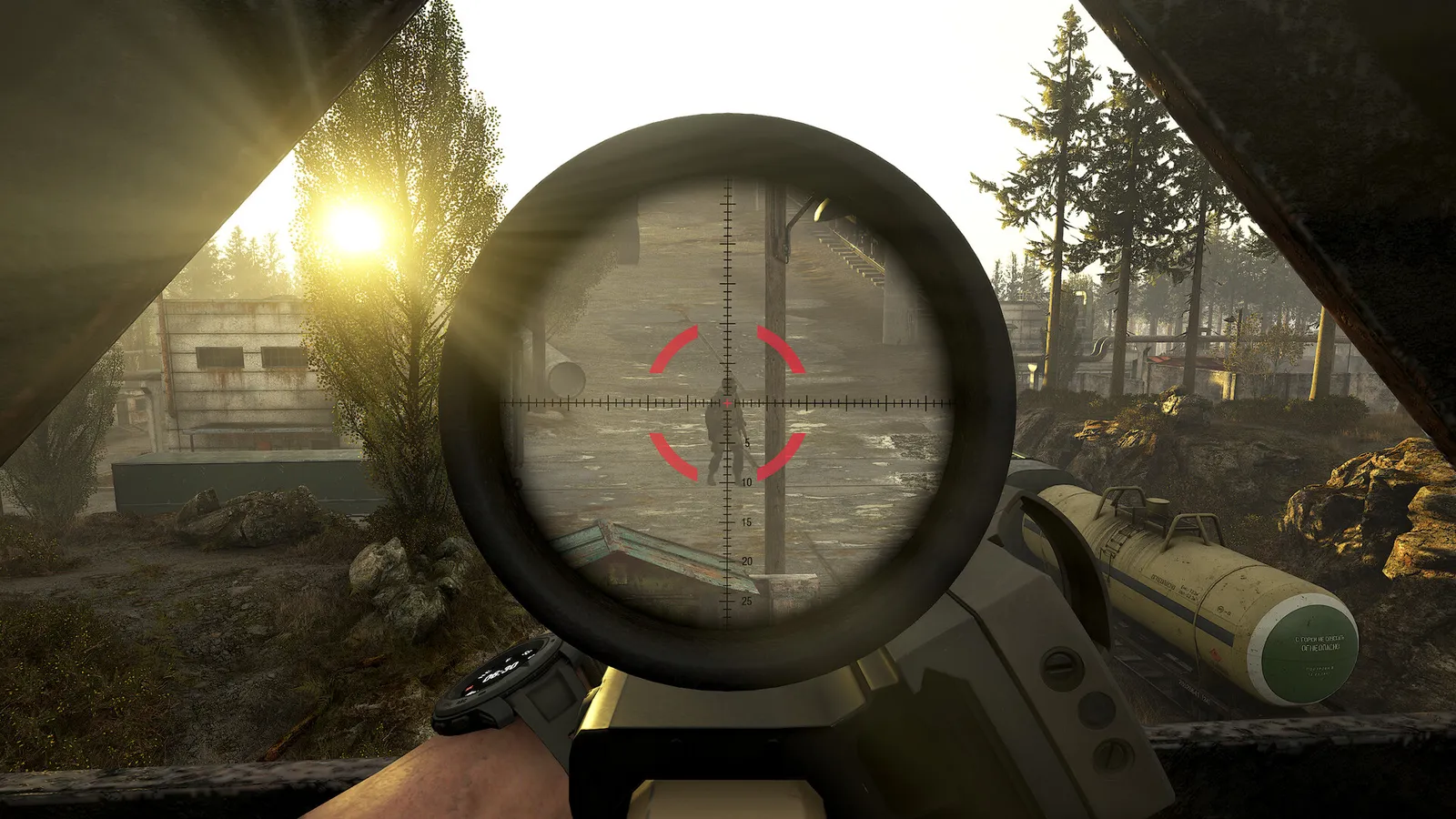
- Firing range — test your kit before a match; this is where you learn how far your red dot holds, how a 7.62 battle rifle kicks, and why a suppressor makes you harder to locate.
- Mission board / Operations area — pick a mission or join a server from here. Press [F4] at any time to force yourself back to the Ready Room.
Your loadout is saved in unlimited slots, so build one "general purpose" kit and one "night" kit. For what to put in them, see the weapons guide and the multiplayer guide.
The Five Realism Mechanics That Punish Beginners
These are the mechanics that kill new players, in rough order of lethality:
- No minimap or HUD ammo. You learn orientation by reading terrain and the map tablet. Check your magazine by reloading — and know when you're empty by the bolt locking back.
- Manual and tactical reloads. Tapping reload with rounds left keeps the partial mag (tactical reload); dumping it on an empty mag is slower but safer in firefights. Getting caught mid-reload is the #1 beginner death.
- Ready stance and point shooting. Aiming down sights takes time and narrows your view. From low ready, you can fire immediately with a "point shoot" (dead-zone free-aim) — often the right call inside a room, where ADS gets you killed.
- No healing. There are no medkits at V1.0. A single rifle round is usually fatal or mission-ending. Every engagement must be treated as potentially your last.
- Encumbrance. Every plate, pouch and spare magazine slows you down. A full "I might need it" kit turns you into a turtle — and turtles get flanked.
Sprinting through an open door is the single most common beginner death in Ground Branch. In V1.0 doors have a full interaction system — locked doors, breaching charges, ballistic entry — and a sprinting operator is a free kill. Slow down, slice the door, clear the near corner first. See the tactics guide for the entry sequence.
Your First Online Session: A Plan
Here is a concrete first multiplayer session that builds skills instead of frustration:
- 10 minutes in Training — killhouse on low difficulty until you can clear it cleanly.
- One Lone Wolf Terrorist Hunt at 10–15 AI, daytime, Small Town — practice movement and reload discipline.
- Join a PvE co-op server via the server browser (filter: Terrorist Hunt, not full). Tell your squad you're new — the community is famously patient with newcomers who listen.
- Stay on the wing — follow the most experienced player, match their pace, and never walk in front of them (muzzle discipline matters; friendly fire is on).
- After one good run, try Hostage Rescue or Uplink PvP once you can handle co-op without dying constantly. PvP punishes mistakes instantly, so wait until the basics are muscle memory.
For the specifics of joining servers and co-op etiquette, read the multiplayer guide.
Ground Branch players are unusually helpful to new operators who ask questions. The official Steam community hub and the official Discord are where you'll find people willing to run you through your first missions — and the community-run wiki at the official wiki documents mechanics the game never explains.
Frequently Asked Questions
How do I start playing Ground Branch?
Install it on Steam, launch it, and go to Training mode first — there is no tutorial, and Training (The Farm, Killhouse, ranges) is how you learn controls without dying. Then play Lone Wolf Terrorist Hunt before going online.
Does Ground Branch have a tutorial?
No scripted tutorial. The intended learning path is Training mode (killhouse and ranges), then Lone Wolf single-player missions, then co-op servers. The community wiki and this guide fill the gaps.
What is the best way to practice in Ground Branch?
Use the Killhouse with pop-up targets and a timer to train movement and target discrimination; use the firing range to learn recoil and zeroing; then run Lone Wolf Terrorist Hunt at 10–15 AI to practice the full loop.
What should a beginner do in their first game?
Stay slow, stay alive: use the ready stance, slice corners, don't sprint through doors, learn manual reload, and follow a veteran in co-op rather than leading. Dying to a single bullet is normal at first.
How do I equip a loadout in Ground Branch?
In the Ready Room, press [F] at a locker (or use Customize Operator from the main menu) and drag equipment onto your character in the Weapons, Gear and Outfit menus. Everything is unlocked from the start; your kit is saved in loadout slots.
Is Ground Branch hard for new players?
Yes, initially — it is a deliberate, high-lethality sim with no minimap, no medkits and no hand-holding. But the learning curve is fair: Training and Lone Wolf exist to build you up, and the community is patient with learners.
Related Guides
- Ground Branch Missions & Modes: Operations, PvE and PvP
- Ground Branch Best Settings: Performance & Sensitivity
- Ground Branch Review — Is It Worth It After 1.0? (2026)
- Ground Branch Updates — V1.0, Hotfixes & 2026 Roadmap
Last updated: August 14, 2026.