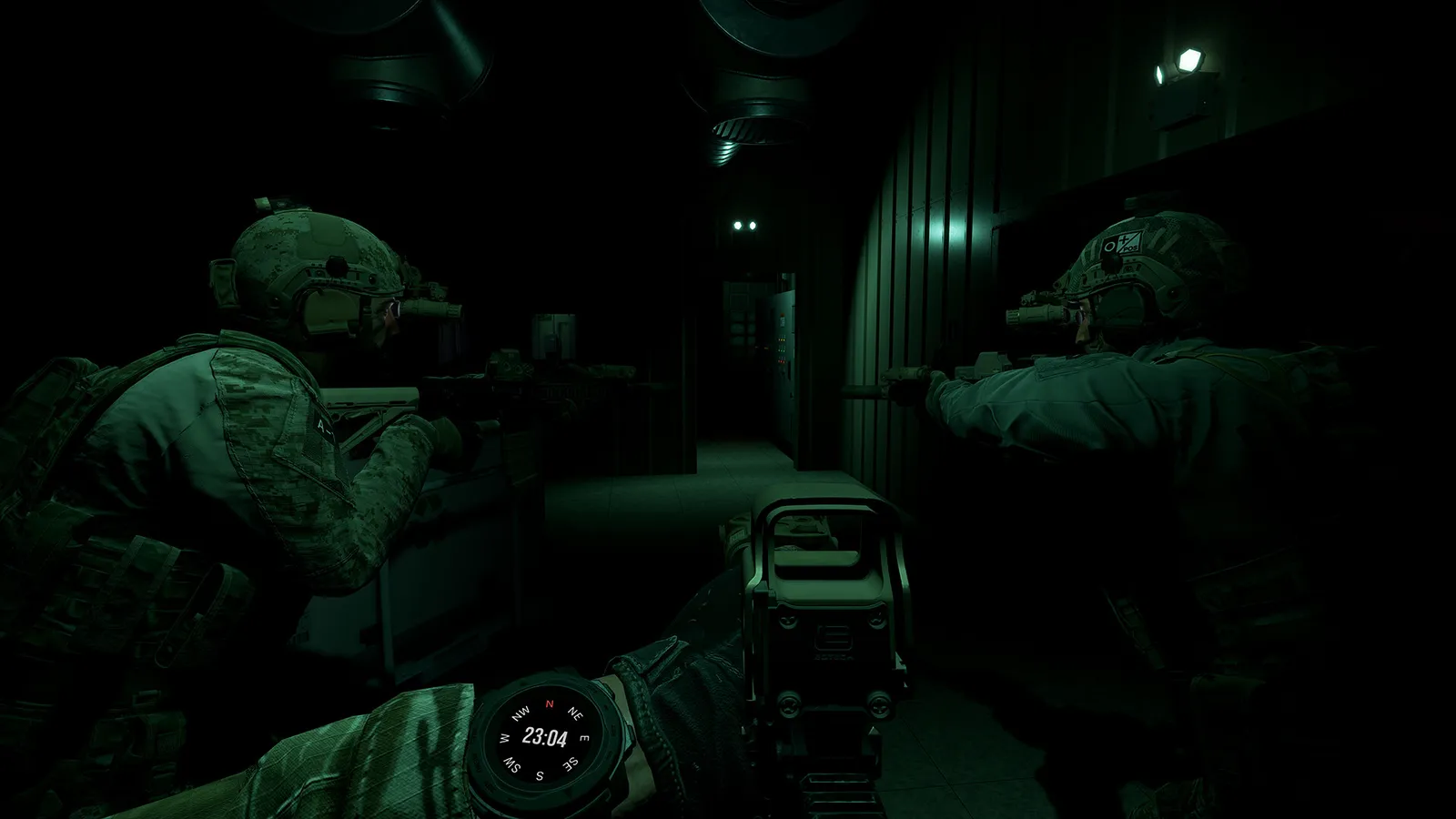
Ground Branch system requirements: official minimum and recommended PC specs, storage size, DX11/DX12 and DLSS support, plus save and config file locations.
Ground Branch System Requirements: Minimum & Recommended PC Specs (V1.0)
Ground Branch is a Windows-only Unreal Engine 4 tactical shooter, and its V1.0 requirements are surprisingly modest for a game of its visual fidelity — but the recommended tier jumps hard for smooth online play. This page has the official numbers straight from the Steam store listing, what they actually mean for your hardware, and the DX11/DX12 and DLSS options that can stretch an older rig.
Here's what you'll learn:
- The official minimum and recommended specs (V1.0, from Steam)
- Whether your PC can run it — and what "can run it" really means
- Storage size: the official 40 GB vs. real-world installs
- DX11 vs. DX12 and DLSS 3.7 / frame generation explained
- Save and config file locations for backup and modding
- Performance tips for older GPUs
Official resources: Steam store page · PCGamingWiki · Official site · V1.0 release notes
Official Minimum and Recommended Specs
These are the exact requirements published on the Steam store page for V1.0 (retrieved via the Steam appdetails API, August 2026):
| Minimum | Recommended | |
|---|---|---|
| OS | Windows 10 64-bit | Windows 11 64-bit |
| Processor | Intel Core i5-9400F / AMD Ryzen 5 2600 | Intel Core i5-12600K / AMD Ryzen 5 5600X |
| Memory | 16 GB RAM | 32 GB RAM |
| Graphics | NVIDIA GeForce GTX 1060 6 GB / AMD Radeon RX 580 8 GB | NVIDIA GeForce RTX 4070 / AMD Radeon RX 7800 XT |
| DirectX | Version 11 | Version 11 |
| Network | Broadband Internet connection | Broadband Internet connection |
| Storage | 40 GB available space | 40 GB available space |
| Notes | SSD recommended | SSD required |
Official source: the Steam store listing for GROUND BRANCH lists the minimum as i5-9400F / Ryzen 5 2600, 16 GB RAM and GTX 1060 6 GB / RX 580 8 GB, with 40 GB of storage and "SSD recommended."
Can You Run It? What the Specs Actually Mean
Minimum tier (GTX 1060-class): you can run the game at 1080p with medium settings at 50–60 FPS in most situations. Expect drops in heavy CQB with 16 players and in the busiest outdoor sectors. DLSS can help if you're on an RTX card; otherwise drop shadows and anti-aliasing first.
Recommended tier (RTX 4070-class): 1440p at high settings with 60+ FPS, and headroom for DLSS quality or DLAA. This is the tier for competitive 8v8 play, where frame time variance matters more than raw resolution.
Above recommended: 4K is playable, but the game has no ray tracing and no HDR, so visual returns diminish quickly. A 4070-class card at 1440p is the sweet spot — money above it buys smoothness, not looks.
What won't run it: integrated GPUs are effectively out — the minimum discrete card is a GTX 1060. If you have a 950/960-class card or 8 GB of RAM, expect a slideshow; the community reports the game becomes unstable below 16 GB. Steam Deck is not officially supported (Windows-only, no verified status).
The minimum says 16 GB RAM, and it means it. V1.0's reworked systems and 16-player servers regularly push past 12 GB; players on 8 GB systems report stutter and crashes. If you're building or upgrading for this game, 32 GB removes an entire class of problems.
Storage: The Official 40 GB vs. Real Installs
The Steam listing says 40 GB of available space, and that's the number to plan around for a fresh V1.0 install. However, players have reported the installed size growing substantially — some community reports put the fully updated install around 100 GB on disk, driven by the V1.0 map remakes and texture packs. Treat 40 GB as the purchase-time minimum and leave 50–60 GB free if you can.
"SSD required" on the recommended tier isn't marketing fluff: Ground Branch streams map assets constantly, and on a hard drive you'll eat long loads and pop-in during CQB — which can literally cost you a room clear. A SATA SSD is enough; NVMe is nice-to-have.
DX11 vs. DX12 and DLSS 3.7
Ground Branch launches with a renderer choice:
- DX11 is the default and the most stable path — it's what the game has run on for years.
- DX12 was added in V1034 (originally via a
-dx12launch parameter, now a launch dialog choice). It's required for NVIDIA DLSS 3 Frame Generation and can improve frame rates on some GPUs even without DLSS.
DLSS: the game ships with the NVIDIA DLSS plugin updated to version 3.7 (per official patch notes). Modes are Off / Auto / Quality / Balanced / Performance, plus DLAA as a higher-quality anti-aliasing option. Frame generation works on RTX 40-series cards (and modders have enabled it on older cards, at your own risk). TAA settings are also exposed directly (current-frame weight, Gen 4/Gen 5 algorithm, samples, sharpness).
Known DX12 gotcha: DX12 combined with overlays (Discord, etc.) has caused crash-to-desktop on some 40-series systems — if you crash repeatedly, switch back to DX11. There is no ray tracing and no HDR in either mode.
Save and Config File Locations
For backups, modding and troubleshooting:
- Saves / settings:
Documents\GroundBranch— the game's primary data folder. Deleting it resets your configuration (the developers explicitly warn that not removing it after major updates causes asset and input issues). - Engine config:
AppData\Local\GroundBranch\Saved\Config\WindowsNoEditor— whereEngine.iniand related files live. Editing these is how players apply advanced tweaks (and how they fix DX12 crashes by removing a corrupt Engine.ini).
Official source: the official V1034 update notes instruct players to delete
Documents\GroundBranchafter updating "so you don't run into any asset or input issues" — worth remembering for every major update.
Performance Tips for Older Rigs
If you're below recommended, in rough order of effect:
- Switch to DX12 — some GPUs gain 5–15% from it even without DLSS.
- Enable DLSS Quality or Balanced on any RTX card (you keep most of the image quality).
- Drop shadows and anti-aliasing before touching resolution — CQB looks fine at 1080p.
- Limit background RAM use — with 16 GB, close the browser before a 16-player match.
- Lower the enemy count on your own servers — hosting with 30+ AI tanks CPU frames even on strong rigs.
For more on the online side — 16-player servers, co-op and hosting — see the multiplayer guide. And if you're checking whether your new build makes sense for this game, the wiki overview covers what V1.0 actually delivers at $29.99.
Frequently Asked Questions
What are the system requirements for Ground Branch?
Minimum: Windows 10 64-bit, i5-9400F / Ryzen 5 2600, 16 GB RAM, GTX 1060 6 GB / RX 580 8 GB, 40 GB storage, SSD recommended. Recommended: Windows 11 64-bit, i5-12600K / Ryzen 5 5600X, 32 GB RAM, RTX 4070 / RX 7800 XT, SSD required.
Can I run Ground Branch on a low-end PC?
At the minimum tier (GTX 1060 / 16 GB) yes — 1080p medium at playable frame rates. Below that, no: integrated GPUs and 8 GB systems are not workable. DX12 mode and DLSS help on supported cards.
How much storage does Ground Branch need?
The official requirement is 40 GB. Real-world installs after V1.0 updates have been reported at up to ~100 GB by some players, so leave generous headroom.
Does Ground Branch support DLSS?
Yes — NVIDIA DLSS 3.7 with Quality/Balanced/Performance modes and DLAA, plus DLSS 3 frame generation on RTX 40-series cards (DX12 mode required). FSR support has been requested but is not yet implemented.
Does Ground Branch support DX12?
Yes, optional. The game defaults to DX11; DX12 (a launch dialog choice, previously a -dx12 flag) is required for DLSS frame generation and can boost performance on some systems, with a known overlay-crash risk on some 40-series cards.
Where are Ground Branch saves stored?
Settings and saves live in Documents\GroundBranch; engine config files (Engine.ini etc.) are in AppData\Local\GroundBranch\Saved\Config\WindowsNoEditor.
Related Guides
- Ground Branch Wiki — Complete Game Overview, Modes & 1.0
- Ground Branch How to Play: Controls, Combat Flow & Objectives
- Ground Branch Multiplayer Guide: Co-op, PvP & Dedicated Servers
- Ground Branch Missions & Modes: Operations, PvE and PvP
- Ground Branch Weapons Guide: Every Class, Ranked & Recommended
- Ground Branch Beginners Guide — Start Your First Session Like an Operator
Last updated: August 14, 2026.
More GROUND BRANCH Guides
Ground Branch loadout guide: the loadout system, armor plates vs soft armor, encumbrance and weight, plus the best loadouts for every mission type in V1.0.
Ground Branch missions and modes: the Operations campaign Prologue, PvE quick missions, PvP modes, training areas, every map, and server mission setup.
Ground Branch has official mod support: Steam Workshop, the UE4 Mod Kit SDK, and hundreds of mods — weapons, missions, game modes. Install steps + top mods.
Ground Branch multiplayer guide: co-op and PvP modes, 16-player servers, the Ready Room, VOIP, server browser, hosting and dedicated servers with ports.
How GROUND BRANCH multiplayer works: 16-player servers, 8-player co-op, server browser (no matchmaking), joining friends, ping, and crossplay.
Ground Branch realism mechanics: no minimap, no HUD ammo, muzzle-origin ballistics, zeroing, limb damage, first aid, weapon positions and arm strength.
Ground Branch release date: V1.0 launched July 16, 2026 after 8 years of Early Access. Full EA timeline, platforms, price, and the 2026–2027 update roadmap.
Honest GROUND BRANCH review after V1.0: all-time Steam rating Very Positive (~84%), recent reviews Mostly Negative. Pros, cons, price, verdict.