
Pass the Fear on Steam Deck: playability, the official compatibility fix in Update 8.7, recommended settings, frame rate expectations, and Deck FAQs.
Pass the Fear Steam Deck Guide — Playability, Patches, and Settings
The short answer: yes, Pass the Fear is playable on Steam Deck, and it got official help doing it — Update 8.7 (August 7, 2026) lists "Fixed some compatibility issues on Steam Deck" among its patch notes. The longer answer involves the usual Deck caveats: official Verified status is not confirmed as of mid-August 2026, frame rate expectations depend on the absurdity of your build, and the controls are remappable but the UI has known quirks. This guide covers everything currently documented.
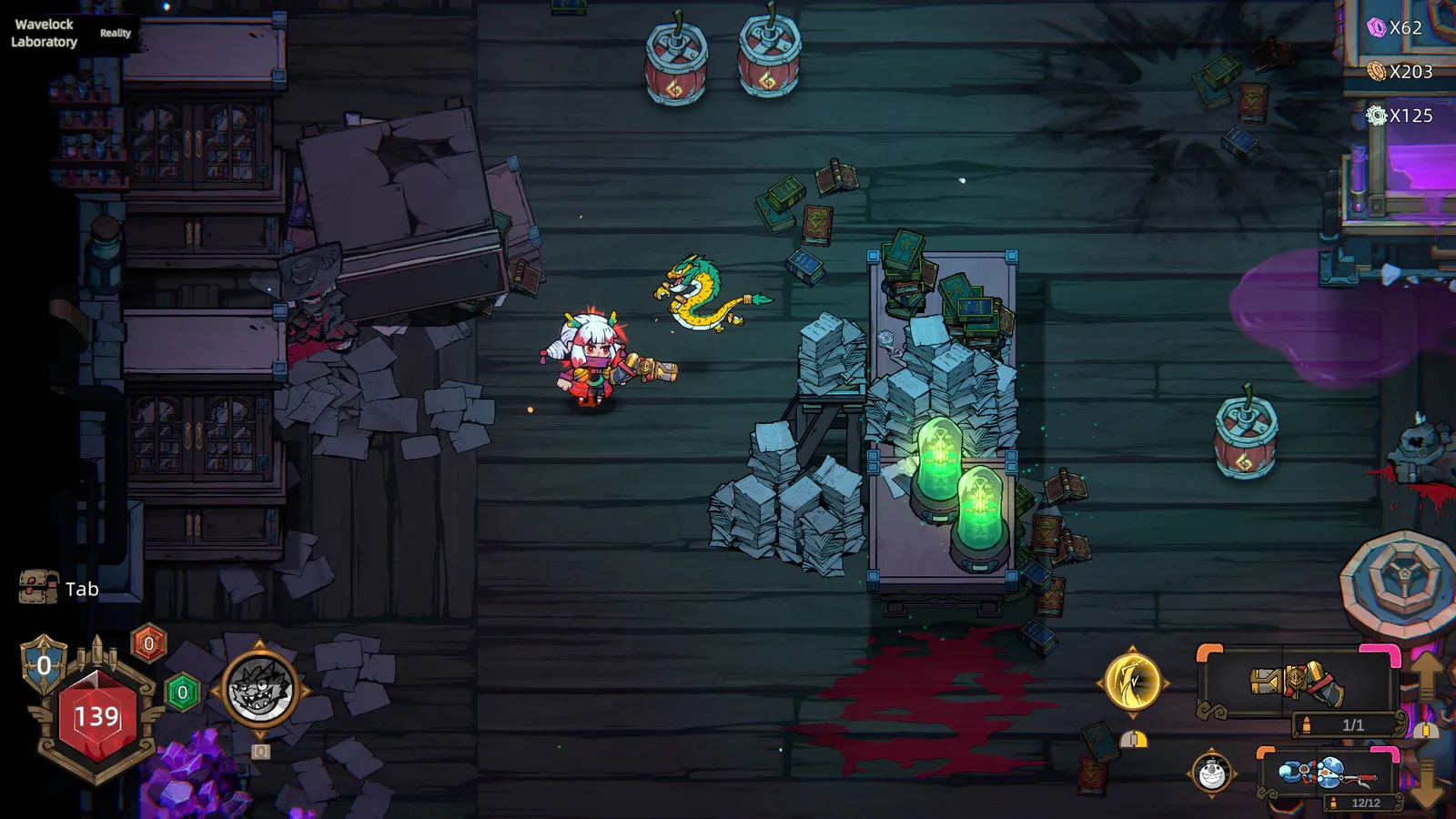
Deck Status: Playable, Not Officially Verified
The current status ladder:
- It runs — players report playing Pass the Fear on Deck-only setups, and the official 8.7 patch notes confirm the developers are actively fixing Deck compatibility ("Fixed some compatibility issues on Steam Deck").
- Not Verified — Steam's official "Verified on Deck" badge has not been confirmed as of mid-August 2026. The game is not flagged as unsupported; it simply has not cleared Valve's full verification checklist in the public listings.
- The launch window was rougher — early community reports described compatibility issues that the 7.x/8.x patches have been working through.
Per the official Update 8.7 patch notes: "Fixed some compatibility issues on Steam Deck. Fixed an issue where black bars appeared on certain screen resolutions."
Treat "playable with patch support" as the accurate summary, and check the Steam store page for a Verified badge before relying on one.
Frame Rate and Performance Expectations
Honest expectations for Deck hardware:
- Normal runs — the game is a 2D bullet-hell with a modest GPU load after the 7.25 rendering optimization (which cut GPU load by roughly 50%). Expect smooth 40-60 FPS on typical settings for most of a run.
- Extreme builds — the caveat is real and documented by the developers themselves: the 7.30 letter apologized for stuttering and freezes on "absurd" endgame builds (every bullet calculated independently, triggers without hard limits). On Deck, the effect is amplified — screen-filling Fireworks Master builds can drop the frame rate hard.
- Mitigations that help (all shipped in patches):
- Max Frame Rate option (7.28) — lower it to match Deck hardware load.
- Effect quality tiers for dropped items (7.28) — reduces resource use for ground items.
- VSync default on for new players (7.27).
On Deck, "what frame rate will I get?" has two answers: 40-60 FPS for normal runs, and "however many frames your screen-filling build leaves" for the endgame monsters. If you chase Fireworks Master builds (see the best builds guide), budget for frame drops and use the 7.28 options.
Recommended Deck Settings
Community-recommended starting point for Deck:
- Frame rate cap: 40 FPS (or 30 if you run particle-heavy builds) — use the in-game Max Frame Rate option added in 7.28.
- VSync: on (the 7.27 default for new players; keeps the panel tearing down).
- Effect quality: medium or lower — the dropped-item effect tiers (7.28) are exactly for this.
- Resolution: prefer the native panel resolution; the 8.7 black-bar fix addressed other resolutions, but native is still the safe choice.
- Window mode: note that 7.25 temporarily disabled Borderless Window mode to fix issues (existing settings auto-switched to Windowed); check the current state before relying on borderless on Deck.
Controls on Deck
- Full controller support is listed on the Steam API categories, and patch 7.25 added stick-press (click) as a remappable input — so the Deck's joystick click works as a bindable button.
- The 8.6 patch fixed Encyclopedia pages turning with a controller — the UI is actively being controller-polished.
- Twin-stick default mapping fits Deck natively: left stick move, right stick aim, triggers fire. See the controller guide for the full keybind table and remap walkthrough.
The Autofire Factor on Deck
One Deck-specific warning: the game has no autofire (hold-to-fire or click-to-fire). On a controller, holding the trigger is fine — the complaint that dominates the Steam Community hub ("No autofire, NO THANKS!!") is largely a mouse-click fatigue issue. On Deck you are on sticks and triggers, so the debate mostly does not apply to you.
Handheld FAQs
Is Pass the Fear on other handhelds?
The game is Windows-only with no console versions, so the Deck (or any Windows handheld — ROG Ally, Legion Go) is the handheld path. Steam Cloud is supported (per the store categories), so a Deck + PC rotation keeps progress synced via the cloud.
Does Pass the Fear support Steam Cloud on Deck?
The store lists Steam Cloud among its features, so cloud saves sync across devices — relevant if you switch between a desktop and a Deck.
The exact local save path has not been confirmed in official materials as of mid-August 2026. Steam Cloud covers the practical syncing question, but manual save-file backup paths are unverified — don't rely on file-level backup workflows yet.
FAQ
Is Pass the Fear Steam Deck verified?
Not confirmed as of mid-August 2026 — no Verified badge in the public listings. The game runs and the developers are actively patching Deck compatibility (Update 8.7 fixed Deck issues), but official verification status is pending.
Does Pass the Fear run well on Steam Deck?
Yes for normal runs — smooth 40-60 FPS at typical settings after the 7.25 rendering optimization. Extreme endgame builds can cause frame drops; the 7.27/7.28 performance options (VSync default, Max Frame Rate, effect quality tiers) are the mitigations.
What settings should I use on Steam Deck?
Start with a 40 FPS cap, VSync on, medium or lower effect quality, and native resolution. Watch the current Borderless Window state (disabled in 7.25 pending fixes).
Does Pass the Fear support Steam Deck controls?
Full controller support with remappable inputs, including stick-press binds since patch 7.25. Twin-stick mapping fits Deck natively; the 8.6 patch fixed Encyclopedia navigation on controllers.
Is Pass the Fear available on other handhelds?
Any Windows handheld (ROG Ally, Legion Go, etc.) can run it — there are no console versions. Steam Cloud syncs progress across devices.
Related Guides
- Pass the Fear System Requirements
- Pass the Fear Controller & Keybinds
- Pass the Fear Updates & Patch Notes
- Pass the Fear Best Builds
- Pass the Fear Review — Worth It in 2026?
- Pass the Fear Beginner's Guide
Official resources: Steam store page · Official patch notes · Steam Community hub
Last updated: August 13, 2026 — Deck status through Update 8.7 (V1.0.491, August 7, 2026).
More Pass the Fear Guides
The Pass the Fear co-op guide: how to set up Steam and LAN lobbies, join rules, item sharing, revives, the DPS panel, and the best co-op team roles.
The Pass the Fear community guide: r/roguelites discussions, Steam Community hub debates, the official Discord and X account, and where to find builds.
Pass the Fear controller support and keybinds: the default controls table, how to remap with mouse side buttons and stick-press, and keyboard vs pad verdict.
Every Pass the Fear difficulty explained: Journey, Common, Hard, Nightmare, Hell and Reality, with boons, curses, Chaos Battle Scars, Pearls and unlock rules.
The complete Pass the Fear wiki and guide: how the roguelite bullet-hell works, every hunter, the build system, difficulties, co-op, and whether it's worth it.
How long is Pass the Fear? Estimated single-run length, time to beat the main game, 100 percent time, and what affects your playtime, with honest sourcing.
How to play Pass the Fear: controls and keybinds, the camp hub, the full run structure, how the 12-hour clock works, and what you lose when you die.
Pass the Fear mods: the honest state of mod support, no official tools or Workshop, player-made mods status, and the workarounds that actually exist.