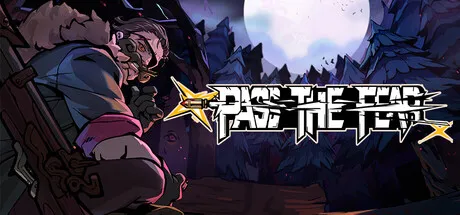
How to play Pass the Fear: controls and keybinds, the camp hub, the full run structure, how the 12-hour clock works, and what you lose when you die.
How to Play Pass the Fear — Controls, Run Structure & the 12-Hour Clock
Pass the Fear is a top-down roguelite bullet-hell shooter from PlayMud Studio, published by Paras Games, released July 22, 2026 on Steam (Windows). You play a demon hunter trapped on an island sealed by the Wall of Storms with 12 in-game hours before dawn to escape. Learning to play is not about mastering the shooting — the twin-stick shooting is the easy part — but about understanding the run loop: what happens in the hub, how the clock pressures your route, and what carries over when you die. This guide walks the whole loop.
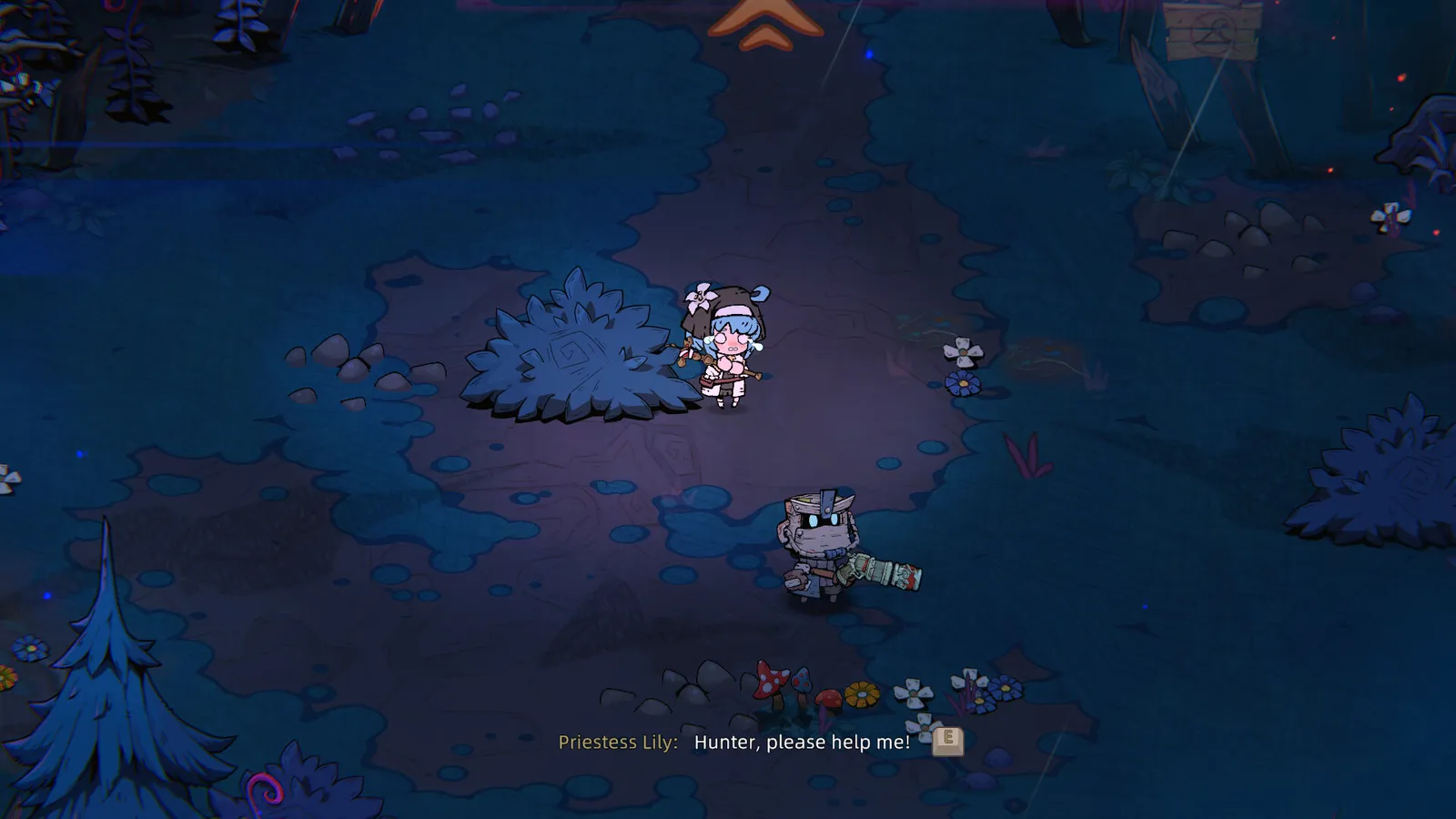
Controls and Keybinds
The game ships with full controller support and remappable keyboard controls. The default PC layout follows the twin-stick standard:
| Action | Default (KB+M) | Controller |
|---|---|---|
| Move | WASD | Left stick |
| Aim / fire | Mouse (hold or click) | Right stick / right trigger |
| Switch weapon | Q (or mouse wheel) | Shoulder buttons |
| Dodge / roll | Space (or Shift) | B / circle |
| Drop item (co-op) | E | Y / triangle |
| Pick up / share (co-op) | F | X / square |
| Interact | E | A / cross |
| Ultimate | Ultimate key (remappable) | LB / L1 (hold to cast repeatedly since patch 7.28) |
| Inventory | Tab | Menu button |
A few notes that trip people up:
- There is no autofire. Firing is hold-to-fire or click-to-fire, and the "No autofire, NO THANKS!!" thread on the Steam Community hub is one of the most-liked discussions in the game's first weeks. Some players find the clicking fatiguing; rebinding helps.
- Remapping is deep. Patch 7.25 added support for mouse side buttons and controller stick-press (click) as remappable inputs.
- Ultimate can be held. Patch 7.28 made holding the Ultimate button cast it continuously.
See the controller & keybinds guide for the full rebinding walkthrough and keyboard-vs-pad verdict.
The Camp Hub: What Happens Between Runs
The camp is your pre-run base, and it does more than look pretty:
- Buy and equip — spend currency on starting items, gear and loadout pieces before a run.
- Squad Points — spend Soul Shards/Gems on permanent account-wide stats (health, armor, move speed). These cannot be respec'd.
- Character skill trees — per-hunter upgrades, free to respec.
- Difficulty select — pick from the six tiers (Journey, Common, Hard, Nightmare, Hell, Reality) and choose Chaos Battle Scars and Pearls on higher difficulties.
- Training Room — added in Update 8.5: talk to Dummy in camp to enter a room where you can freely configure and test builds before committing to a run.
- Item Encyclopedia — also added in Update 8.5, browsable from the system menu.
In co-op, the camp is also where the lobby is locked: everyone must be present during camp preparation, because nobody can join after the run launches.
The Run Loop: From Hunter Select to Results Screen
Every run follows the same skeleton:
- Hunter select — seven hunters at launch, most locked behind early-stage progress (see the characters guide).
- Camp preparation — loadout, Squad Points, skill tree, difficulty. In co-op, this is the join window.
- Chapters — fight through the island chapter by chapter. Each chapter ends in a boss; clearing it awards meta currency and unlocks the next. The full release has five chapters plus hidden stages (community-documented; the official patch notes reference a "Secret Realm" as the endgame area).
- Pickups and experiments — between fights you collect weapons, weapon parts, relics and tarot cards. Dismantle what you do not want, fuse and forge what you do.
- The boss and the clock — chapter bosses gate progress. In Reality difficulty, after defeating a boss and choosing a Pearl, you can now press TAB to open your inventory (patch 7.26).
- Death and reset — solo, one death ends the run; co-op, the run ends when the whole squad is down. Meta progress (Squad Points, skill tree levels, Team Talents) carries over regardless.
The through-line is build cohesion: your weapons, affixes and relic pile need to agree with each other, which is why TheBigBois' launch review called it "a bullet hell that's far more focused on build cohesion than on twitch movement."
How the 12-Hour Clock Actually Works
The 12-hour countdown is the narrative and pacing spine of every run. The official Steam store page frames the mission directly:
Per the official Steam store description: "Your mission is to flee the island within 12 hours. But as you reach the coastline, a despair-inducing Storm Wall blocks your path. As the monsters multiply, a dark conspiracy slowly begins to unravel..."
In practice the clock is the roguelite timer: it pressures how many rooms you can afford to clear for loot versus how fast you push toward the chapter boss and the extraction point. Players describe it as a pacing governor rather than a hard countdown — the longer you take, the more corruption spreads and the harder the island fights back. Exact clock mechanics (whether time is spent per room, per chapter, or on a global scale) are not published in official materials as of mid-August 2026, so treat the details as community-observed rather than developer-documented.
On higher difficulties, over-farming a chapter is how runs die. Kill what you need, grab what fits your build, and keep moving toward the boss gate. The walkthrough covers pacing chapter by chapter.
Death, Penalties and What Carries Over
Death in solo play ends the run instantly — no continue, no second chance. What you keep:
- Squad Points earned during the run (spent on permanent account-wide stats).
- Character skill tree progress for the hunter you used.
- Team Talents progress.
- Unlocks — difficulties, characters, and items you have permanently unlocked stay unlocked.
What you lose: everything in-run — weapons, parts, relics, tarot cards, currency not spent. Higher difficulties pay out more and permanently expand the loot pool (Red-rarity items, Mythic relics), so a wipe on Nightmare still banks more account progress than a Journey clear.
The single biggest mechanical difference from co-op: in solo, there is no crawl-and-revive state. If your build has no defensive layer by chapter 3, one mistake is the run. That is why health and armor lead the Squad Point priority list.
Solo vs Co-op: Same Rules, One Huge Difference
Solo and co-op share every system — same chapters, same loot, same clock. The one mechanical difference is the revive rule: a downed co-op player crawls and calls for help, a teammate revives them (hold E), and the run only ends when the whole squad is down. Co-op also adds item sharing (drop with E, pick up with F) and a live damage panel tracking total and single-stage damage with the top DPS highlighted in gold. There is no crossplay (Windows only), no split-screen, and no local co-op at launch — the co-op guide has the full lobby setup.
FAQ
What are the default controls in Pass the Fear?
WASD to move, mouse to aim and fire, space/Shift to dodge, Q or mouse wheel to switch weapons, Tab for inventory, and remappable Ultimate. Full controller support is included, and patch 7.25 added mouse side-button and stick-press rebinding.
How does the 12-hour timer work in Pass the Fear?
It is the run's pacing clock: escape the island before dawn, with the Storm Wall and corruption escalating the longer you take. Exact per-room timing rules are not officially published, so specifics are community-observed.
What happens when you die in Pass the Fear?
In solo, the run ends immediately. Meta progress carries over — Squad Points, skill trees, Team Talents and permanent unlocks all persist, so death still banks account progress.
What does the camp hub do?
It is the pre-run base: loadout purchases, Squad Point spending, character skill trees, difficulty and Chaos Battle Scar selection, plus the Training Room and Item Encyclopedia added in Update 8.5.
Does Pass the Fear have autofire?
No. Firing is hold-to-fire or click-to-fire, and the lack of autofire is a common complaint on the Steam Community hub. Rebinding and input options have improved across patches, so check the controller guide before deciding it is a dealbreaker.
Related Guides
- Pass the Fear Wiki & Complete Guide
- Pass the Fear Beginner's Guide
- Pass the Fear Controller & Keybinds
- Pass the Fear Walkthrough & Run Guide
- Pass the Fear Co-op & Multiplayer Guide
- Pass the Fear Difficulty Levels Explained
Official resources: Steam store page · Steam Community hub · Official patch notes
Last updated: August 13, 2026 — patch info through Update 8.7 (V1.0.491, August 7, 2026).
More Pass the Fear Guides
Every Pass the Fear hunter explained: roles, starting skills and numbers for Jester, Lanny, Marcus, Jenny, Elena, Long Tong and Stella.
The Pass the Fear co-op guide: how to set up Steam and LAN lobbies, join rules, item sharing, revives, the DPS panel, and the best co-op team roles.
The Pass the Fear community guide: r/roguelites discussions, Steam Community hub debates, the official Discord and X account, and where to find builds.
Pass the Fear controller support and keybinds: the default controls table, how to remap with mouse side buttons and stick-press, and keyboard vs pad verdict.
Every Pass the Fear difficulty explained: Journey, Common, Hard, Nightmare, Hell and Reality, with boons, curses, Chaos Battle Scars, Pearls and unlock rules.
The complete Pass the Fear wiki and guide: how the roguelite bullet-hell works, every hunter, the build system, difficulties, co-op, and whether it's worth it.
Pass the Fear mods: the honest state of mod support, no official tools or Workshop, player-made mods status, and the workarounds that actually exist.
Pass the Fear price analysis: the $18.99 cost, launch discount history, all five bundles including Brotato and Lost Castle 2, and the value verdict.