
Pass the Fear controller support and keybinds: the default controls table, how to remap with mouse side buttons and stick-press, and keyboard vs pad verdict.
Pass the Fear Controller Support & Keybinds — Every Input Explained
Pass the Fear ships with full controller support — the Steam API lists it explicitly — plus deep keyboard remapping, and the patches have been quietly expanding both: mouse side buttons and controller stick-press became remappable in patch 7.25, holding the Ultimate button casts continuously since 7.28, and the 8.6 patch fixed Encyclopedia navigation on controllers. This guide covers the default layout, how remapping works, and the keyboard-vs-pad verdict.
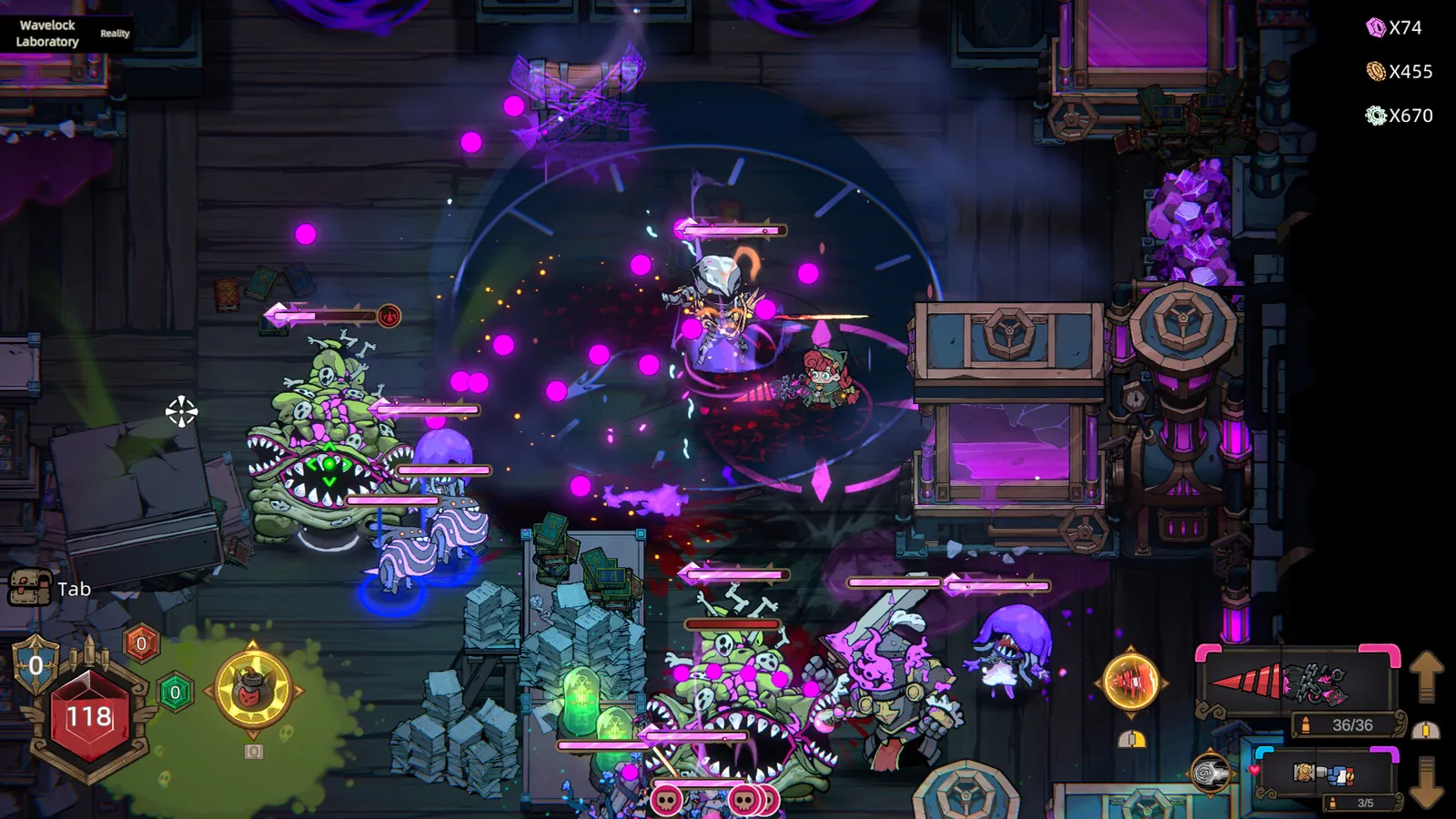
The Default Control Layout
The game follows the twin-stick standard on both input schemes:
| Action | Keyboard + Mouse (default) | Controller |
|---|---|---|
| Move | WASD | Left stick |
| Aim / fire | Mouse (hold or click) | Right stick / right trigger |
| Switch weapon | Q (or mouse wheel) | Shoulder buttons |
| Dodge / roll | Space (or Shift) | B / circle |
| Interact / drop (co-op) | E | Y / triangle |
| Pick up / share (co-op) | F | X / square |
| Ultimate | Ultimate key (remappable) | LB / L1 — hold to cast continuously (7.28) |
| Inventory | Tab | Menu button |
Exact key names can vary by patch — the game's remap screen is the source of truth for your build — but this is the layout every launch guide documents.
Remapping: What the Patches Added
- Patch 7.25 — key remapping now supports mouse side buttons and controller stick-press (click). That means the two extra mouse buttons and a joystick click are bindable actions, not dead inputs.
- Patch 7.28 — holding the Ultimate button now casts the Ultimate continuously, replacing click-per-cast for ultimate-centric builds (Jenny's Wildcat Bomb rotations get much easier on a pad).
- Patch 8.6 — fixed Encyclopedia pages not turning with a controller; the UI is being actively controller-polished.
- Full controller support — Steam lists it in the feature categories; every menu, including the remap screen, is navigable with a pad.
Per the official Update 7.25 patch notes: "Key remapping now supports mouse side buttons and controller stick-press (click) buttons."
Keyboard + Mouse vs Controller: The Verdict
| Factor | Keyboard + Mouse | Controller |
|---|---|---|
| Aim precision | ✅ Precise pointer | ⚠️ Twin-stick (good, less precise) |
| Movement freedom | ⚠️ 8-way WASD | ✅ Analog 360° |
| Autofire fatigue | ❌ Clicking fatigue (no autofire) | ✅ Triggers, no fatigue |
| Dodge timings | ✅ Space is instant | ⚠️ B/circle reach depends on grip |
| Lobby menus | ✅ Smoother per launch guides | ⚠️ Some menus clunkier (being patched) |
The launch guides' consensus: keyboard + mouse for aim-sensitive builds (snipers, One-Shot Melt), controller for movement-sensitive builds (dodge-heavy bullet weaving, co-op crowd control), and controller if the no-autofire clicking fatigues you — the "No autofire, NO THANKS!!" thread on the Steam Community hub is one of the most-liked discussions in the game's first weeks, and a pad sidesteps the whole debate.
The default layouts are reasonable, but the game's remap depth (including the 7.25 mouse-side-button and stick-press binds) means most complaints about controls are fixable in the options screen. Rebind dodge to a comfortable finger before deciding the game "feels wrong."
Co-op Input Notes
- Revive interaction — reviving a downed teammate is a hold (hold E / hold the interact button), so whatever button you bind interact to needs to be comfortable for a sustained hold.
- Item sharing — drop (E) and pick up (F) are the co-op economy; on a pad they are Y/triangle and X/square. The co-op guide has the full trading workflow.
- Damage panel — openable mid-run (Tab / menu); the DPS panel is fully navigable on a pad.
The Autofire Question
There is no autofire toggle: firing is hold-to-fire or click-to-fire. The community's most-liked launch complaint is mouse-click fatigue. On controller, the issue mostly evaporates — trigger holds are natural. If you are on keyboard and mouse and clicking hurts, the practical fixes are: use a controller, bind fire to a comfortable key and hold, or lower your need for sustained fire with burst-friendly builds (see the best builds guide).
FAQ
Does Pass the Fear support controllers?
Yes — full controller support is listed on Steam, every menu is pad-navigable, and the patches are actively polishing pad UX (Encyclopedia navigation fixed in 8.6, stick-press remapping in 7.25).
How do I remap controls in Pass the Fear?
Open the remap screen from settings — it covers keyboard, mouse (including side buttons since 7.25), and controller (including stick-press since 7.25). The in-game remap screen is the source of truth for current key names.
Are keyboard and mouse better than controller in Pass the Fear?
It depends on the build: keyboard + mouse for aim-precision builds (snipers, one-shot), controller for movement-heavy bullet weaving and to avoid click fatigue. Lobby menus are smoother on keyboard per the launch guides.
Can I use mouse side buttons and stick-press for rebinding?
Yes — patch 7.25 added support for mouse side buttons and controller stick-press (click) as remappable inputs.
Does Pass the Fear have autofire?
No. Firing is hold-to-fire or click-to-fire. There is no autofire toggle; the no-autofire debate is a major community thread, and a controller trigger hold sidesteps the click-fatigue side of it.
Related Guides
- Pass the Fear How to Play Guide
- Pass the Fear System Requirements
- Pass the Fear Steam Deck Guide
- Pass the Fear Updates & Patch Notes
- Pass the Fear Co-op & Multiplayer Guide
- Pass the Fear Beginner's Guide
Official resources: Steam store page · Official patch notes · Steam Community hub
Last updated: August 13, 2026 — input support through Update 8.7 (V1.0.491, August 7, 2026).
More Pass the Fear Guides
The Pass the Fear co-op guide: how to set up Steam and LAN lobbies, join rules, item sharing, revives, the DPS panel, and the best co-op team roles.
The Pass the Fear community guide: r/roguelites discussions, Steam Community hub debates, the official Discord and X account, and where to find builds.
Every Pass the Fear difficulty explained: Journey, Common, Hard, Nightmare, Hell and Reality, with boons, curses, Chaos Battle Scars, Pearls and unlock rules.
The complete Pass the Fear wiki and guide: how the roguelite bullet-hell works, every hunter, the build system, difficulties, co-op, and whether it's worth it.
How long is Pass the Fear? Estimated single-run length, time to beat the main game, 100 percent time, and what affects your playtime, with honest sourcing.
How to play Pass the Fear: controls and keybinds, the camp hub, the full run structure, how the 12-hour clock works, and what you lose when you die.
Pass the Fear mods: the honest state of mod support, no official tools or Workshop, player-made mods status, and the workarounds that actually exist.
Pass the Fear price analysis: the $18.99 cost, launch discount history, all five bundles including Brotato and Lost Castle 2, and the value verdict.