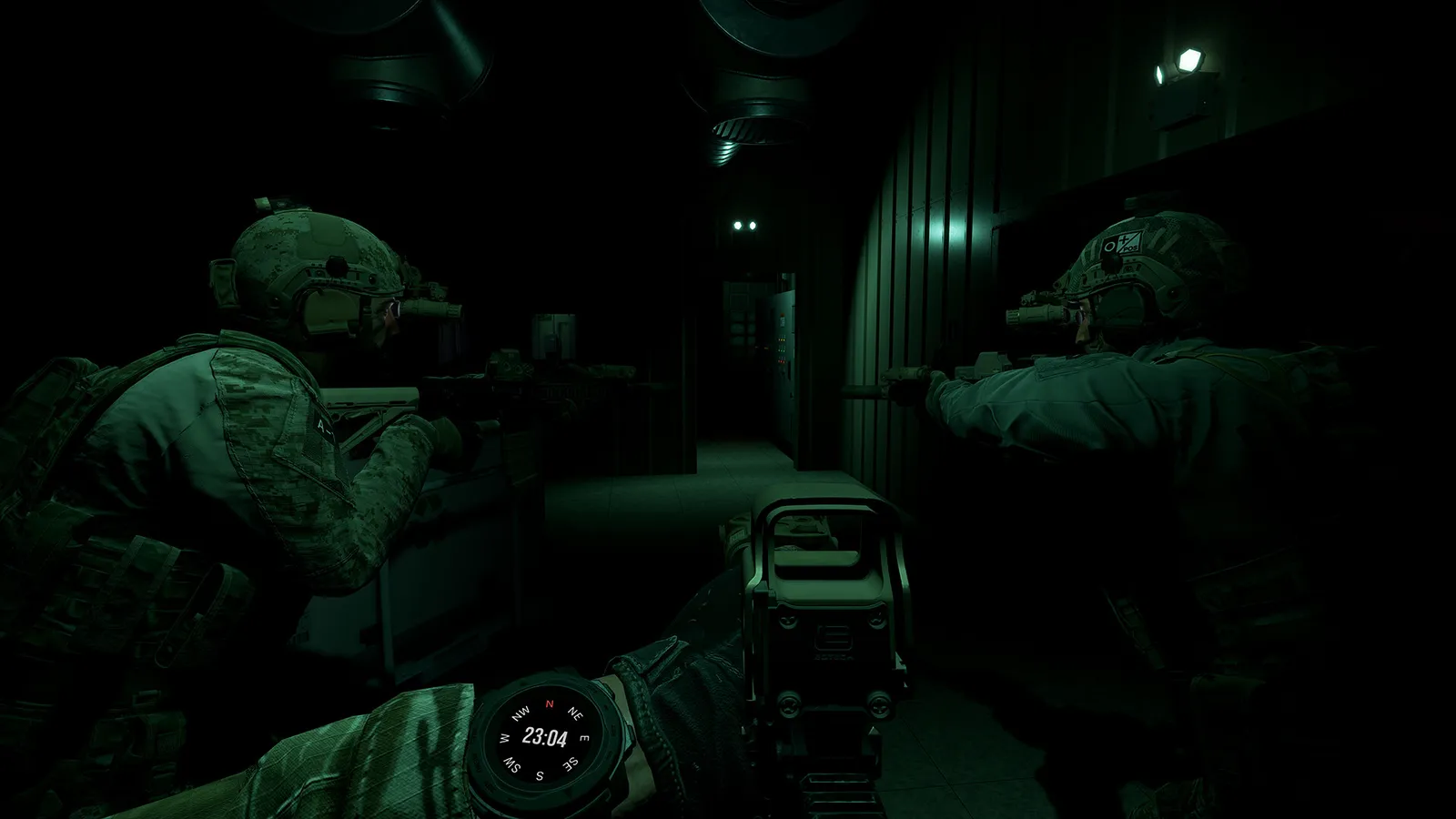
Ground Branch is officially rated Playable on Steam Deck. Player performance reports, the best graphics settings, controller setup, and what to expect.
Ground Branch Steam Deck — Compatibility, Performance & Settings
Valve rates GROUND BRANCH as Playable on Steam Deck — one step below Verified, which is exactly what you'd expect for a keyboard-and-mouse-first tactical shooter. The game runs, but the experience depends heavily on your settings and which maps you play. Here's what the official rating means, what players actually report for frame rates, the settings that make it comfortable, and how to handle controls.
Here's what you'll learn:
- The official Steam Deck compatibility rating and what its caveats mean
- Real player FPS reports from the Deck (and what's still unverified at 1.0)
- The best graphics settings for 1280x800 handheld play
- Controller, trackpad and gyro setup that works
- The honest bottom line on whether to buy for Deck
Official resources: Steam store page (Deck compatibility) · SteamInputDB community controller config · Official FAQ
GROUND BRANCH Steam Deck Rating — Playable, Not Verified
Steam's hardware compatibility data lists GROUND BRANCH with resolved category: Playable (category 2 in the store's deck-compatibility payload; Verified is category 1). The flagged test items explain why it isn't Verified:
- Controller glyphs don't match Deck buttons — the game shows Xbox prompts rather than Deck prompts
- Text input doesn't automatically invoke the keyboard — typing server names/chat needs manual action
- Interface text legibility flagged — the game's UI is dense and small on an 800p screen
None of these stop you from playing; they're the standard reasons a mouse-driven game with heavy UI lands at Playable. The game is Windows-only with no native Linux build, so it runs through Proton on Deck. ProtonDB reports are limited at the time of writing — the 1.0-era Deck experience is still being documented by the community.
Playable means the game is fully functional on Deck with some manual effort (settings, controller config). It does not promise frame rates. For a game this demanding, performance is your own job — see the settings below.
What FPS Players Actually Get
Community reports from the pre-1.0 builds (2025, V1035 era) give a realistic baseline:
- 35–50 FPS on older maps (Run Down, Power Station) at handheld settings
- Playable on some maps only after editing the settings file and reducing AI counts
- Newer, denser maps were basically unplayable pre-1.0 — one player described the experience as "15 FPS," another called the Deck roughly GTX 1050/1050 Ti class at 1280x800
- V1035.2 improved things — a Steam Deck performance check reported it "running so much more stably"
For V1.0 specifically, frame data is still thin (not yet verified). The good news: Hotfix 1's texture work and repacking (100 GB → 39.4 GB) targeted exactly the kind of memory and streaming pressure the Deck struggles with, and the release notes said the texture work "may improve performance on some systems." Expect 30–50 FPS on older/smaller maps at low-medium settings; treat the big V1.0 maps (Border, Hospital, Airbase) as the hard cases.
Ground Branch PvP and the new V1.0 maps (Border, Hospital, Airbase remakes) are the heaviest content in the game. If your only platform is the Deck, stick to co-op on the older maps (Small Town, Compound, Tanker) with reduced AI counts — that's where the game holds up best.
Best Steam Deck Settings
Start here, then adjust one variable at a time:
- Resolution: 1280x800 native (Deck's panel resolution); the game renders natively rather than upscaling
- Shadows: Medium or Low — the single biggest FPS lever
- Reflections: Off
- Anti-aliasing: FXAA or Off (TAA is expensive on the Deck's GPU)
- View distance / foliage: Medium unless the map is Border or Creek (drop to Low)
- AI counts: Reduce enemy count in mission setup for co-op — fewer AI, much steadier frames
- Frame limiter: Cap at 40 or 45 FPS in the Steam Deck menu (quick access) for consistent pacing
- DLSS note: GROUND BRANCH supports DLSS 3.7 (with frame generation) on PC, but DLSS is Nvidia-only — the Deck's AMD APU can't use it. Don't expect upscaling magic here.
The full PC graphics tuning applies too — our best settings guide covers every option, and the system requirements page shows the baseline hardware (minimum is an i5-9400F / GTX 1060 class, which is roughly what the Deck targets at 800p).
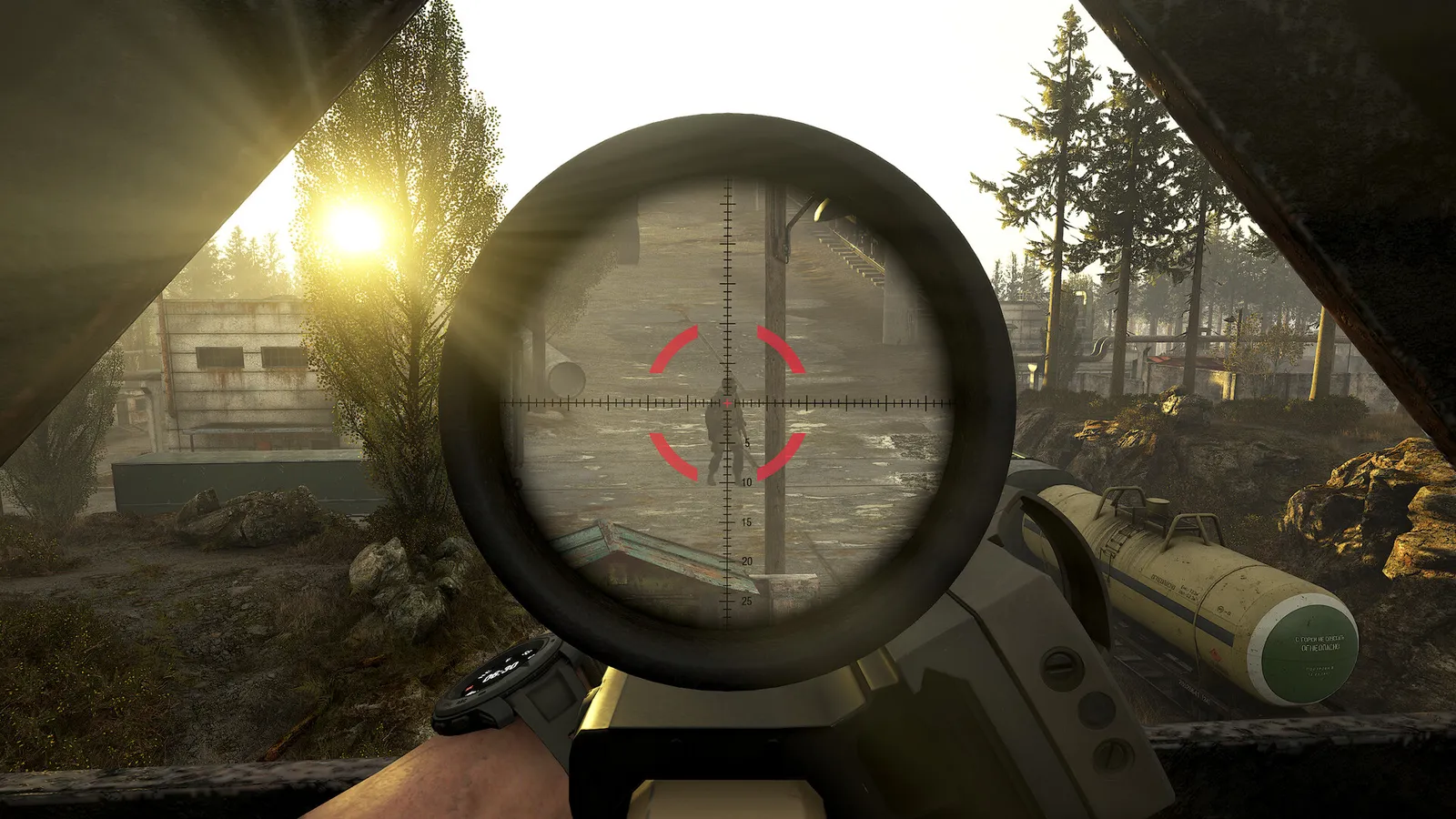
The Farm / Ready Room shooting range and the Training mode are the perfect Deck benchmark: stable environment, no AI pressure, and instant loadout access. Tune settings there before joining real co-op missions — nobody wants a 30 FPS firefight on your first attempt.
Controls on Steam Deck — Controller, Trackpad & Gyro
GROUND BRANCH is designed around keyboard and mouse, but it's fully controllable on Deck:
- Official controller config: V1.0 Hotfix 1 (July 23, 2026) implemented a new gamepad configuration — the game now ships with a real controller layout rather than relying purely on community profiles.
- Steam Input community configs: dedicated profiles exist (e.g., the "Only Playable 4 Ground Branch" config on SteamInputDB, which uses mouse-input emulation for the right trackpad + gyro). Use the Steam Deck controller menu to browse community layouts.
- What works best: right trackpad as mouse (with high sensitivity) + gyro for fine aim + controller binds for movement. Weapon selection, stance changes, and the Command Menu (K) need to be reachable — remap them onto back buttons.
- Voice chat: the game's VOIP works through the Deck's mic (Settings > Audio > Communications, Voice Input Mode: Toggle or Push-to-Talk). See our multiplayer FAQ for VOIP troubleshooting.
Expect a learning curve: this game punishes twitch aiming, which actually softens the mouse-vs-controller gap — but for serious PvP, a mouse is still king.
The Bottom Line for Deck Buyers
GROUND BRANCH is Playable on Steam Deck, and for a game this niche that's a win: it runs, it supports controllers better than ever after Hotfix 1, and co-op on older maps is a genuinely good handheld experience. The trade-offs are real — expect 30–50 FPS with careful settings, avoid the heaviest new maps, and plan for trackpad+gyro rather than pure sticks.
If you own both a Deck and a desktop PC, buy once, play on both: there is no Deck-specific version, no cross-save system needed (the game saves locally under Documents/GroundBranch), and Steam handles your library. If the Deck is your only machine and you're a PvP-focused player, wait for more 1.0-era Deck reports before committing.
FAQ
Is GROUND BRANCH playable on Steam Deck?
Yes — Valve rates it Playable. It runs through Proton with full functionality; the caveats are small UI text, Xbox-style controller glyphs, and manual keyboard invocation, plus the usual performance tuning.
What FPS does GROUND BRANCH get on Steam Deck?
Community reports (pre-1.0 builds) show 35–50 FPS on older maps at 1280x800 with low-medium settings, with newer maps much worse. V1.0-era Deck FPS data is still thin (to be verified); expect 30–50 FPS on smaller maps with tuned settings.
What are the best GROUND BRANCH Steam Deck settings?
1280x800 native, shadows Medium/Low, reflections off, FXAA, reduced AI counts, 40 FPS frame cap. DLSS is Nvidia-only and won't help the Deck's AMD APU.
Does GROUND BRANCH work with a controller on Steam Deck?
Yes — V1.0 Hotfix 1 added an official gamepad configuration, and Steam Input community profiles add right-trackpad mouse + gyro aiming. Remap weapon/stance keys to back buttons for comfort.
Is GROUND BRANCH verified on Steam Deck?
No — it's rated Playable (one step below Verified) due to UI legibility, controller glyphs, and text-input quirks. Performance on the heaviest V1.0 maps is the main practical limitation.
Related Guides
Last updated: August 14, 2026.
More GROUND BRANCH Guides
Ground Branch loadout guide: the loadout system, armor plates vs soft armor, encumbrance and weight, plus the best loadouts for every mission type in V1.0.
Ground Branch missions and modes: the Operations campaign Prologue, PvE quick missions, PvP modes, training areas, every map, and server mission setup.
Ground Branch has official mod support: Steam Workshop, the UE4 Mod Kit SDK, and hundreds of mods — weapons, missions, game modes. Install steps + top mods.
Ground Branch multiplayer guide: co-op and PvP modes, 16-player servers, the Ready Room, VOIP, server browser, hosting and dedicated servers with ports.
How GROUND BRANCH multiplayer works: 16-player servers, 8-player co-op, server browser (no matchmaking), joining friends, ping, and crossplay.
Ground Branch realism mechanics: no minimap, no HUD ammo, muzzle-origin ballistics, zeroing, limb damage, first aid, weapon positions and arm strength.
Ground Branch release date: V1.0 launched July 16, 2026 after 8 years of Early Access. Full EA timeline, platforms, price, and the 2026–2027 update roadmap.
Honest GROUND BRANCH review after V1.0: all-time Steam rating Very Positive (~84%), recent reviews Mostly Negative. Pros, cons, price, verdict.