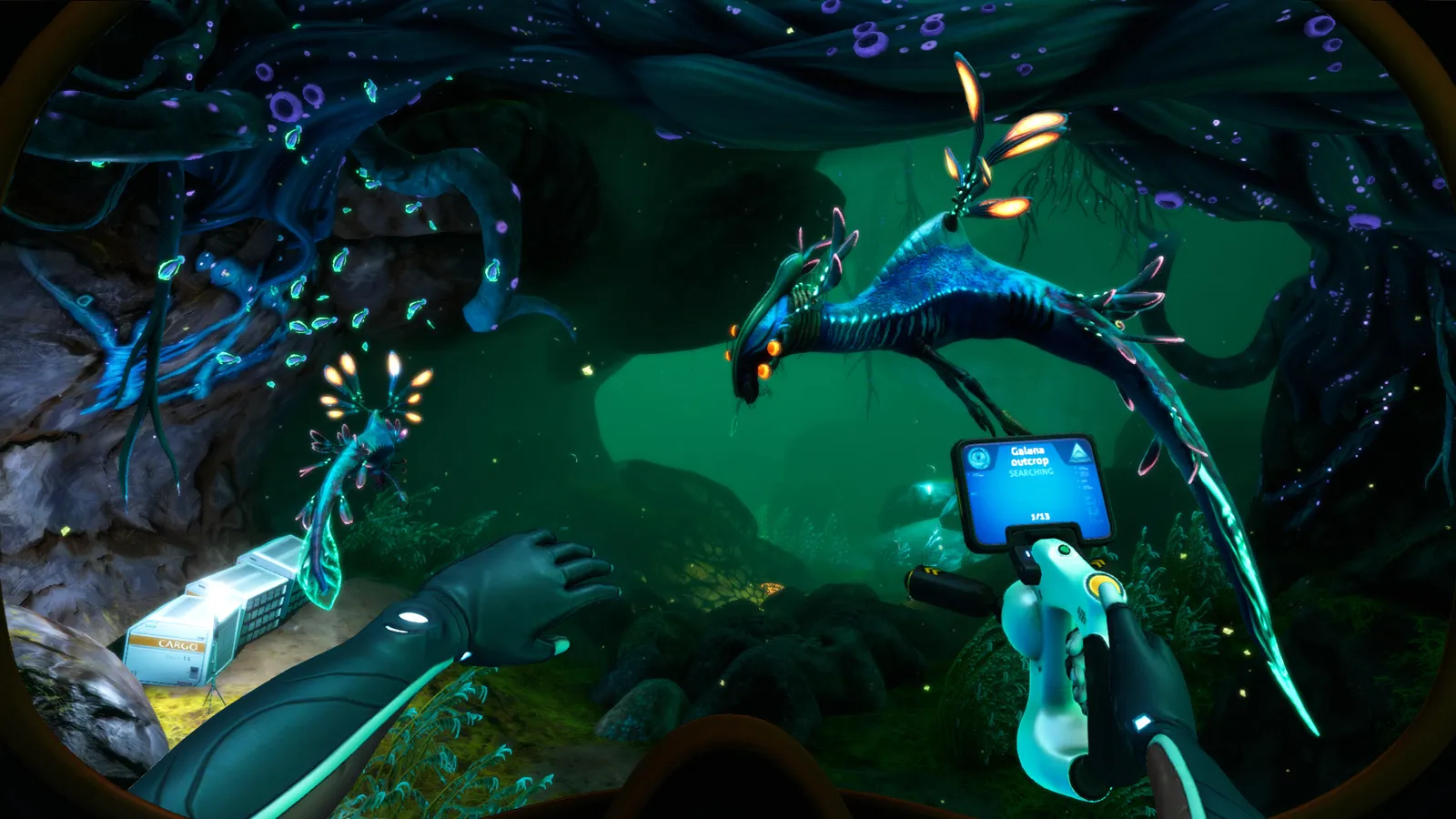
Is Subnautica VR worth it in 2026? Native VR support, launch options, SubmersedVR motion controls, Below Zero status and Subnautica 2 VR.
Subnautica VR — Support, Setup and Best VR Mods
Subnautica has official VR support — it's listed right on the Steam store page ("VR Supported") and has been since the early access era — but calling it "official" undersells how rough it is: no motion controllers, a floating gamepad HUD, and performance that needs tweaking. The good news is the mod scene fixed most of it. This guide covers how to launch Subnautica in VR, what works and what doesn't, the two mods that actually transform the experience (SubmersedVR and VR Enhancements), and the honest status of VR in Below Zero and Subnautica 2.
Here's what you'll learn:
- Whether Subnautica's VR support is real (and how good it is)
- The exact launch options to get into VR on Steam
- SubmersedVR vs VR Enhancements — which mod to pick and why
- Motion sickness tips from the community
- VR status for Below Zero and Subnautica 2
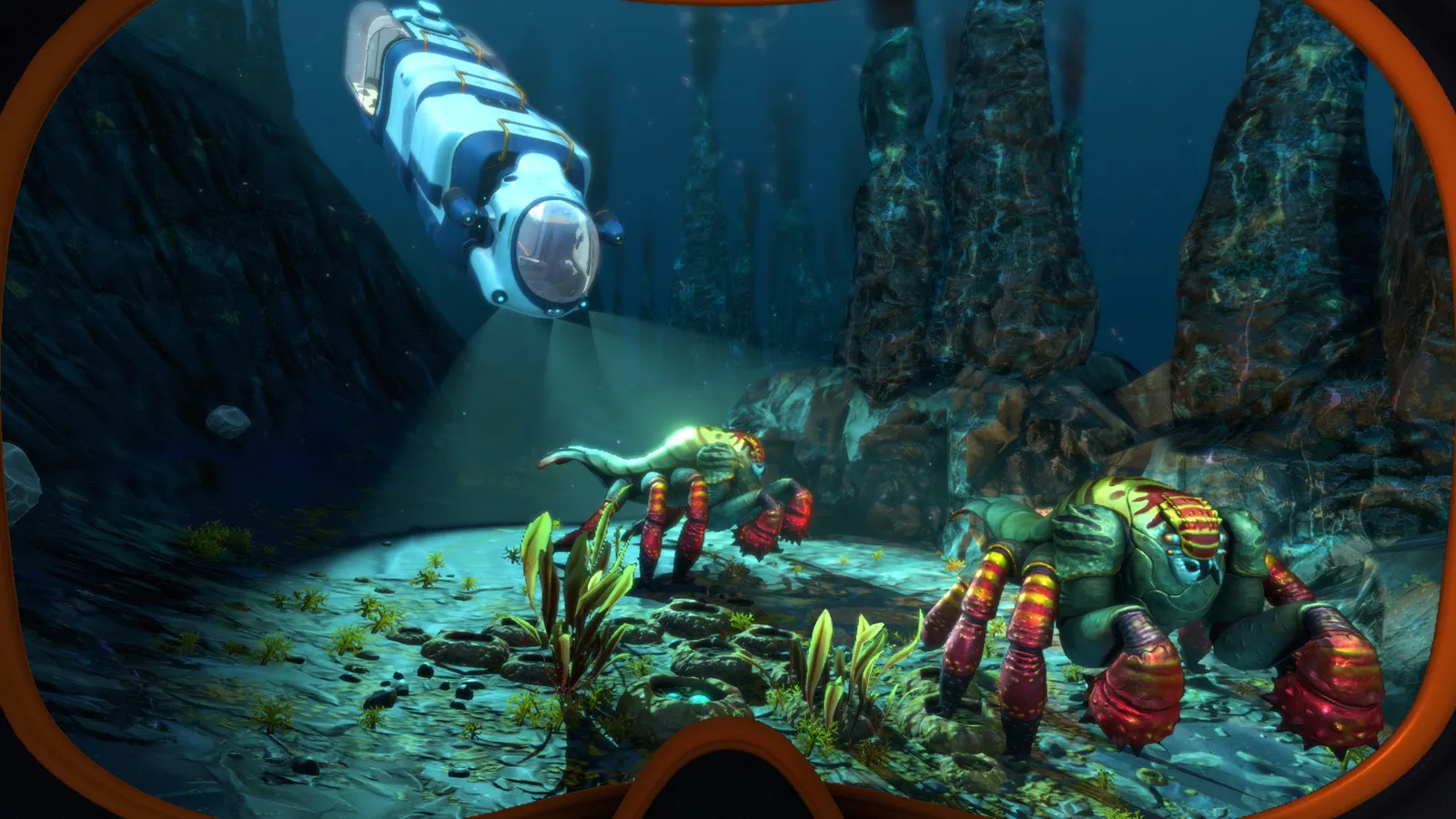
Official resources: Subnautica Steam store page · SubmersedVR on GitHub · VR Enhancements on Nexus · Road to VR — Subnautica 2 VR status
Does Subnautica Have VR Support?
Yes — officially, and historically. The original Subnautica got rudimentary Oculus Rift DK2 support within a week of its early access launch in December 2014, launched on Oculus Home in 2016, and shipped its VR mode into the 1.0 release in January 2018. The Steam store page still carries the "VR Supported" category today, and the game launches into SteamVR with no mods at all.
What that means in practice, per Road to VR's assessment and years of player reports:
- It works — you get a proper head-tracked first-person view of the ocean, which is genuinely stunning; "just being in the world of Subnautica in VR is breathtaking," as one popular r/ValveIndex thread put it.
- It's a gamepad/keyboard experience — no native motion controllers. You drive the Seaglide, the Seamoth and the Cyclops with an Xbox/PS4 controller like the flat game.
- The UI is floating and awkward — the PDA and inventory hover in front of you, menus re-center weirdly, and the HUD doesn't always sit where you expect.
- Performance is temperamental — the 2023 Steam Deck update notes even mention fixing a "black screen in VR after resolution change" (official update history).
Per the official Subnautica update history, the 2023 Steam Deck update included a fix for "black screen in VR after resolution change" — a reminder that VR remains a maintained but lightly-supported feature.
How to Launch Subnautica in VR (Step by Step)
The vanilla path, verified across Steam community guides and the SubmersedVR setup docs:
- Plug in your headset and start SteamVR.
- Launch Subnautica from Steam — either pick "Launch Subnautica in SteamVR mode" if Steam offers it, or add the launch option below.
- Launch options (reliable method): Steam library → right-click Subnautica → Properties → General → Launch Options, and add:
-vrmode openvr
- Launch the game. If SteamVR is running, the game opens on your headset. If it doesn't, close the game, start SteamVR first, then launch.
For Oculus/Meta Quest via Link or AirLink users, the mod docs explicitly recommend launching from the Meta Air Link menu instead of SteamVR-first, and note that the Oculus Runtime isn't supported by the motion-control mod — you must use OpenVR/SteamVR mode.
Players repeatedly report that booting Subnautica from inside another game's VR menu (or via a non-Steam shortcut) fails to load the VR enhancements and sometimes the VR mode itself. Launch it from your Steam library with SteamVR already open.
SubmersedVR vs VR Enhancements: Which Mod?
Two mods dominate, and they're mutually exclusive — pick one:
SubmersedVR (motion controls) — GitHub
The modern choice if you want your hands in the game. It's a BepInEx mod (latest release 0.2.0, updated for the August 2025 patch) that adds:
- Full motion controller support via the SteamVR API — grab tools, pilot the Seamoth with your hands, interact with panels
- Snap turning, comfortable UI re-positioning, and other common VR mechanics
- Works on Linux/Wine setups too (the author tests on Quest 3 via WiVRn)
Requirements: BepInEx, the current Steam/Epic build (no legacy/experimental branches), and SteamVR. Not compatible with the VR Enhancements mod or the older Motion Controls mod — uninstall those first. Expect rough edges: it's labeled a work in progress, and motion-sickness-sensitive players should enable snap turning.
VR Enhancements (gamepad quality-of-life) — Nexus Mods
The veteran pick (version 3.2.2, also updated for the 2025 patch, ~90,000 downloads) for players who prefer a controller. It fixes the vanilla VR annoyances:
- Repositions and resizes menus for comfort, replaces the VR cursor
- Makes the PDA open at a consistent position, fixes vehicle HUD rendering
- Adds an in-game option to re-center your VR position (no more hunting for the F2 key)
- Performance tweaks for sun shafts and UI
Want to physically grab the Seaglide and wave at leviathans? SubmersedVR. Want a comfortable, polished gamepad VR run? VR Enhancements. Both require BepInEx — installation steps are in our Subnautica mods guide.
Motion Sickness and Comfort Tips
Subnautica VR is notorious for motion sickness — swimming is free movement in all axes, which is the hardest thing for the human inner ear. Community consensus from r/ValveIndex and r/virtualreality threads:
- Use a controller, not mouse-and-keyboard, if you go the VR Enhancements route — smooth analog movement is far easier on the stomach than keyboard strafing.
- Turn on snap turning (both mods support it) instead of smooth turning.
- Lock your SteamVR frame rate — the r/ValveIndex guide recommends a 45 fps lock for stability.
- Take breaks — the only game that made many VR veterans sick is an early HL2 VR prototype; Subnautica is survivable, but don't push through nausea.
- Start in the Safe Shallows, not the Lost River. Calm, bright water is dramatically easier than dark brine-filled caves.
VR in Below Zero and Subnautica 2
- Below Zero: no official VR, ever. Below Zero shipped in May 2021 without VR support — it was dropped during development and never restored, even in the 2.0 "Living Large" update. The community restored it with the "Native VR Support for Below Zero" mod on the Below Zero Nexus (Nexus mods — Below Zero VR), which now includes motion controls in its current form. It's a separate mod scene from the original game.
- Subnautica 2: no VR planned. Unknown Worlds said in the 2024 FAQ that VR "seems unlikely," and creative producer Scott MacDonald reiterated they're "not currently working on VR support" (Road to VR). Because it's built on Unreal Engine 5, the community path is UEVR (Praydog's injector) once the early access build stabilizes. Full details in our Subnautica 2 guide.
FAQ
Does Subnautica have VR support?
Yes — official VR support since early access, still listed as "VR Supported" on the Steam store page. It's a gamepad-oriented implementation: head-tracked first-person view, no native motion controllers, and a UI that benefits from mods.
How do I launch Subnautica in VR?
Start SteamVR, then add the launch option -vrmode openvr to Subnautica in Steam Properties, then launch the game. Oculus Link users should launch from the Meta Air Link menu.
Does Subnautica VR support motion controllers?
Not natively — but the SubmersedVR mod adds full motion controller support via SteamVR, including grabbing tools and piloting vehicles with your hands. It requires BepInEx and the current game build.
Is Below Zero playable in VR?
Not officially — Below Zero never shipped VR support. The community "Native VR Support for Below Zero" mod restores it with motion controls in its current version.
Will Subnautica 2 have VR support?
No official VR is planned — Unknown Worlds said it "seems unlikely." Community VR via the UEVR injector is the realistic path since Subnautica 2 runs on Unreal Engine 5.
Related Guides
- Subnautica 2 — Release Date, Early Access & Steam Wishlist
- Subnautica Mods Guide — Best Mods and How to Install
- Subnautica Monsters — Every Creature & Leviathan Explained
- Subnautica Cyclops Guide — Fragments, Upgrades and Pilot Tips
Last updated: August 13, 2026.
More Subnautica Guides
Every leviathan in Subnautica and Below Zero: sizes, aggression, spawn biomes, health and how to deal with each — plus the extinct giants.
How to enter the Aurora in Subnautica: every door code (1454, 1869, 6483, 2679), the radiation suit requirement, what tools you need and all the loot inside.
All Subnautica Aurora door codes: 1454, 1869, 2679 and 6483, where each code is found, and exactly what's worth looting behind every door.
Subnautica Below Zero map explained: how big Sector Zero is, every biome with depth ranges, key coordinates, navigation tips and the best map mods.
Is Subnautica Below Zero multiplayer? No official co-op — but a full story-synced mod exists for Windows. Plus Nitrox and Subnautica 2's official co-op.
Subnautica Below Zero Picture Frame guide: the 16:9 aspect ratio you need for photos, where to get the blueprint, and how to load custom images.
Official Subnautica Below Zero pictures and 16:9 wallpapers: where to download store screenshots, wiki art and community shots in full HD.
The Subnautica map explained: all 18 aquatic biomes with depth ranges, resources and dangers, plus how to navigate without an in-game map.