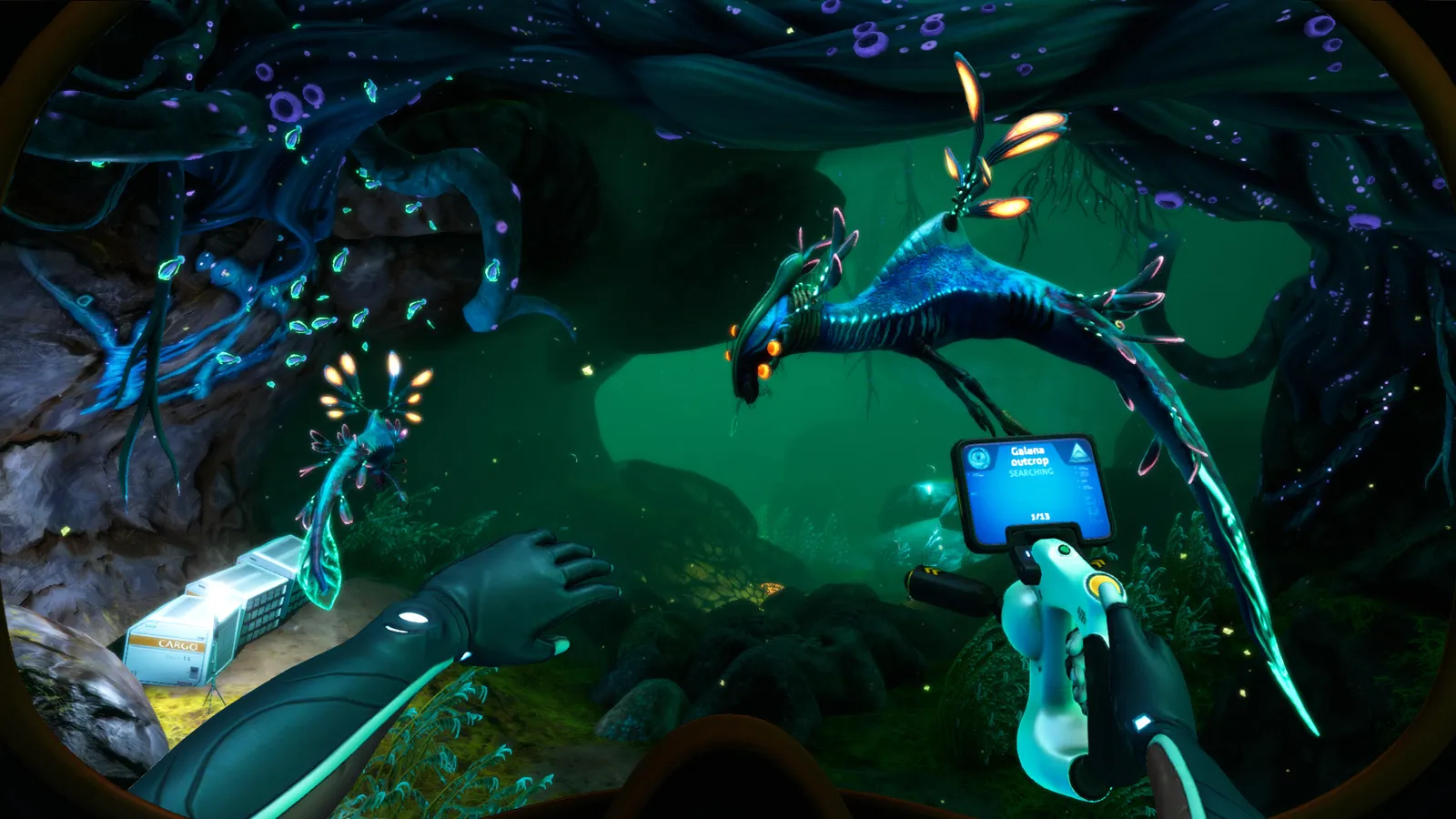
Subnautica Below Zero Picture Frame guide: the 16:9 aspect ratio you need for photos, where to get the blueprint, and how to load custom images.
Subnautica Below Zero Picture Frame Ratio — Aspect and Custom Photos
For the Picture Frame in Subnautica: Below Zero to display your photos correctly, the image needs a 16:9 aspect ratio (1920×1080 for example) — that's the one rule that matters, because the game will otherwise crop or distort the picture. The Picture Frame itself is a decorative wall item you build with the Habitat Builder after scanning its blueprint at the Omega Lab or Phi Robotics Center, and it can show either a single photo or a slideshow of everything in your PDA's photo gallery. This guide covers the ratio, the step-by-step way to hang and upload photos, where to drop custom images on PC, and how the feature differs in the original Subnautica.
Here's what you'll learn:
- The exact aspect ratio and resolution for Picture Frame images
- How to take, upload and display photos in-game
- Where to find the blueprint and what the build costs
- Where to put custom images on Windows and Mac
- Whether the original Subnautica has the same frame
Official resources: Steam store page — Below Zero · Official Subnautica Wiki — Picture Frame · IGN Subnautica: Below Zero wiki · Steam store page — Subnautica
What Aspect Ratio Does the Picture Frame Need?
16:9. Per the official Subnautica Wiki's Picture Frame page: "For the photo to fit in the Picture Frame properly, it must have a 16:9 aspect ratio (1920×1080 resolution, for example)."
Per the official Subnautica Wiki — Picture Frame: "For the photo to fit in the Picture Frame properly, it must have a 16:9 aspect ratio (1920×1080 resolution, for example)."
| Image spec | Value |
|---|---|
| Aspect ratio | 16:9 |
| Recommended resolution | 1920×1080 (or any 16:9 multiple) |
| Format | Any image the game reads from its screenshots folder (PNG/JPG work) |
| What happens with other ratios | The frame won't fit the image properly — it gets cropped or letterboxed |
This is the answer most players are actually searching for when they look up the picture frame: if your custom image looks wrong on the wall, it's a ratio problem, not a settings problem. Resize it to 1920×1080 (or 1280×720 / 2560×1440 — any clean 16:9) before you drop it in, and it will fill the frame edge to edge.
Where to Find the Picture Frame Blueprint
The blueprint is scanned from two fixed locations, both tied to the main story (both are marked on our Subnautica Below Zero map guide):
| Location | Notes |
|---|---|
| Omega Lab | The Architect research lab in the Lilypad Islands region, reached mid-game |
| Phi Robotics Center | The robotics facility in the Deep Twisty Bridges area, visited early-mid game |
It's crafted with the Habitat Builder from 1 Copper Wire (the recipe per the official wiki) and placed on an interior wall of any base module. It needs no power, no cables and no connection to base systems — purely decorative.
How to Use the Picture Frame
- Take a photo — press F11 (PC) in-game to capture a screenshot to your PDA's photo gallery.
- Face the Picture Frame and press LMB — the PDA opens on the Photo Manager tab.
- Select a photo and choose upload — it appears in the frame.
- For a slideshow, upload multiple photos; the frame cycles through them.
The in-game camera isn't a tool you craft; F11 captures directly. Frame your shot, hide the HUD if you can, and take a few angles — you can only display what's actually in the gallery. There's no photo count limit, so delete nothing until your frames are set.
Custom Images (Windows and Mac)
Want to hang your own art instead of gameplay shots? Drop the image into the game's screenshots folder — the game reads it on next launch and it appears in the Photo Manager.
Windows (per the official wiki's paths):
[Steam Folder]\SteamApps\common\Subnautica\SNAppData\SavedGames\slot(xxxx)\screenshots- or
[Steam Folder]\Steam\userdata\[your ID]\760\remote\264710\screenshots
Mac:
(Steam game folder)/steamapps/common/Subnautica/Subnautica.app/Contents/SNAppData/SavedGames/slot(xxxx)/screenshots- Right-click the app and choose "Show Package Contents" to reach it.
A 4:3 wallpaper or a phone screenshot will render wrong in the frame. Batch-resize anything you plan to use to 1920×1080 first — there's no in-game crop tool, so what you import is exactly what the frame shows. And back up your save (SNAppData\SavedGames) before messing with the folder, in case a bad image causes a load hiccup.
Does the Original Subnautica Have It Too?
Yes. The original Subnautica has its own Picture Frame with the same mechanics — same 16:9 requirement, same Photo Manager workflow, same upload-folder trick (the path under SNAppData\SavedGames\slot(xxxx)\screenshots is the same on the 2018 build). The differences are cosmetic: the original frame ships as part of the base-game decorative items, while Below Zero's is tied to the story locations above. The full map of where Omega Lab and Phi Robotics sit — plus everything else in Sector Zero — is in our Subnautica Below Zero map guide.
If you'd rather have more control over photos entirely, the mod scene covers both games: the Below Zero mod section on Nexus Mods has photo and decoration mods, and our Subnautica mods guide explains how to install them on the current build without breaking your save.
FAQ
What aspect ratio do photos need for the Picture Frame in Below Zero?
16:9 — for example 1920×1080. The official wiki states the photo must have a 16:9 aspect ratio to fit the frame properly.
How do I use the Picture Frame in Below Zero?
Press F11 to take a photo, face the frame and press LMB to open the Photo Manager, select the photo and upload. The frame can show a single photo or a slideshow.
Where do I find the Picture Frame blueprint?
Scan it at the Omega Lab (Lilypad Islands region) or the Phi Robotics Center (Deep Twisty Bridges). It's built with the Habitat Builder from 1 Copper Wire.
How do I put custom images on the Picture Frame?
Copy the image into the game's screenshots folder (SNAppData\SavedGames\slot(xxxx)\screenshots on Windows, inside the app package on Mac) in 16:9, restart the game, and it appears in the Photo Manager.
Is the Picture Frame also in the original Subnautica?
Yes — the original game has the same frame with the same 16:9 requirement and the same upload folder mechanics.
Related Guides
- Subnautica Below Zero Map — Biomes, Coordinates & Navigation
- Subnautica Mods Guide — Best Mods and How to Install
- Subnautica Alien Containment Guide — Breeding and Hatching
- Subnautica Biome Map — Every Biome and Depth Range
Last updated: August 13, 2026.
More Subnautica Guides
All 17 Subnautica achievements in order with exact unlock conditions: from Getting Your Feet Wet to Go Among the Stars, plus how mods and commands affect them.
How to reach the Active Lava Zone in Subnautica: the exact entrances from the Inactive Lava Zone, gear you need, and every story location inside.
Aerogel in Subnautica is 1 Ruby + 1 Gel Sack in the Fabricator. Where to find both ingredients fast, plus every late-game recipe that needs Aerogel.
Subnautica Alien Containment guide: where to get the blueprint, the 5 Glass + 2 Titanium recipe, how breeding and egg hatching work, and the best fish to breed.
Every leviathan in Subnautica and Below Zero: sizes, aggression, spawn biomes, health and how to deal with each — plus the extinct giants.
How to enter the Aurora in Subnautica: every door code (1454, 1869, 6483, 2679), the radiation suit requirement, what tools you need and all the loot inside.
All Subnautica Aurora door codes: 1454, 1869, 2679 and 6483, where each code is found, and exactly what's worth looting behind every door.
The Subnautica map explained: all 18 aquatic biomes with depth ranges, resources and dangers, plus how to navigate without an in-game map.