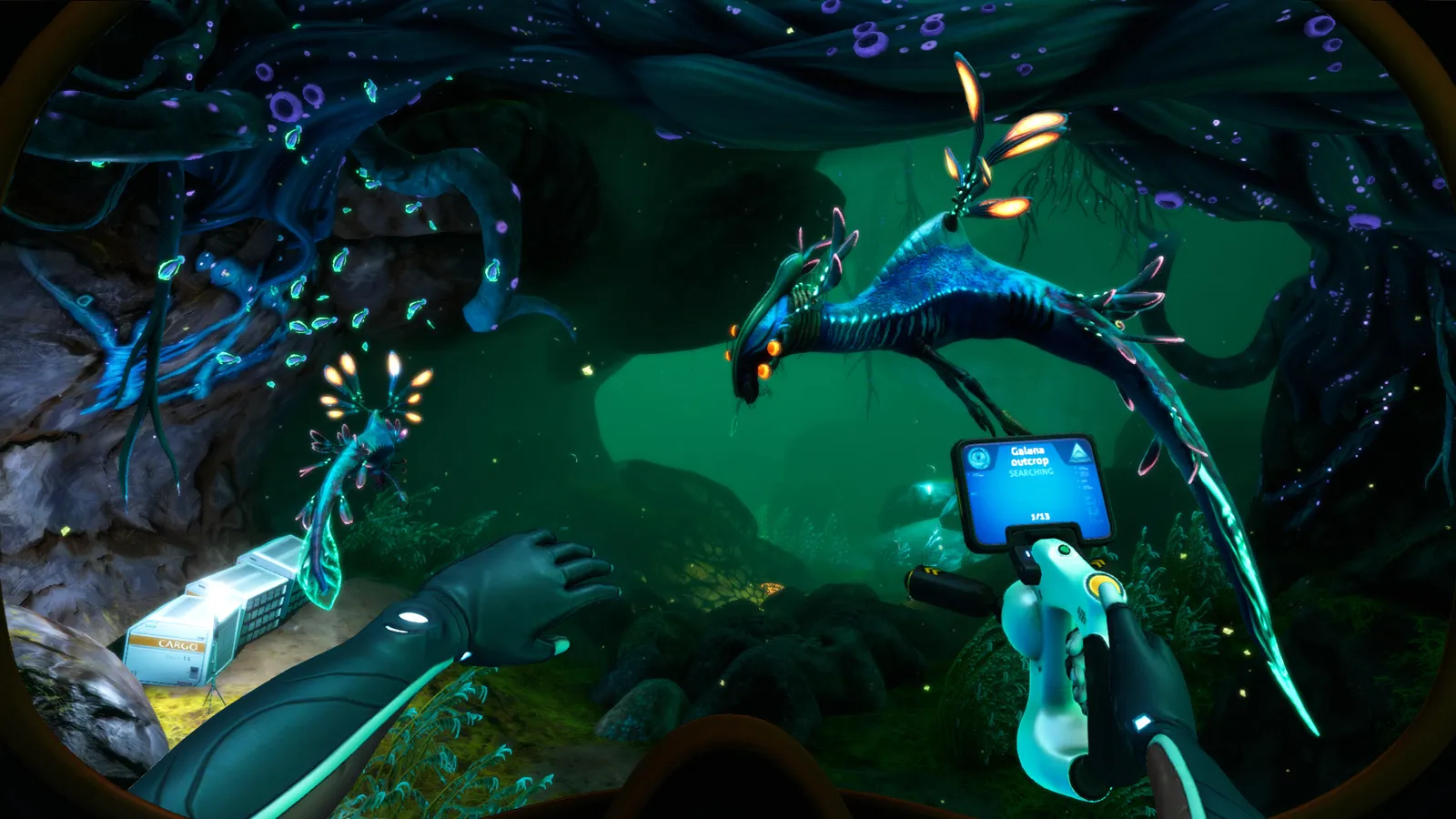
Best Subnautica mods in 2026: how to install mods with BepInEx, the legacy branch explained, and 22 essential mods for map, crafting, vehicles and multiplayer.
Subnautica Mods Guide — Best Mods and How to Install Them in 2026
Subnautica has over 2,000 mods on Nexus Mods, and the short version of how to use them in 2026 is: install BepInEx (the modern mod loader), grab mods flagged for the current version, and avoid anything that still requires QModManager unless you switch to the game's legacy branch. The December 2022 "Living Large" 2.0 update quietly split the modding scene in two, and most outdated install guides you'll find online will walk you into a wall. This guide covers the current state of the scene, a step-by-step install for both the new and the legacy paths, and the 22 mods actually worth your time — from the famous Map mod to Nitrox multiplayer.
Here's what you'll learn:
- Why the 2.0 "Living Large" update changed how modding works
- How to install mods with BepInEx, Vortex, or the Subnautica Mod Manager
- How (and why) to roll back to the legacy branch for old mods
- 22 essential mods, organized by what they fix
- How Below Zero modding differs from the original game
- Fixes for the most common mod problems
Official resources: Steam store page · Subnautica Nexus mods · Nitrox multiplayer mod · QModManager on GitHub
Why the 2.0 "Living Large" Update Changed Modding
On December 14, 2022, Unknown Worlds shipped Subnautica 2.0, codenamed "Living Large" — a free update that unified the game's engine with Below Zero, added the Large Room, Glass Dome and land hatches from Below Zero, and closed out over 800 bug fixes. What it did not do was keep the old mod ecosystem alive.
Per the official Living Large announcement from Unknown Worlds: "If you're not quite ready to move to the new update, because you're using mods on your save file or otherwise, you can also roll back to the 'legacy' beta on Steam."
The consequence, confirmed by the modding team and summarized in Nexus Mods' own explainer:
- QModManager is dead on the current build. QModManager 4.4.4 was the final release, and it only works on the legacy branch. The maintainers archived it.
- BepInEx is now the only supported loader for the current version of Subnautica. Every modern mod is a BepInEx plugin.
- Nexus mod pages now carry two files for many mods: one marked "Legacy" (QModManager) and one for "2.0"/current (BepInEx). Download the right one for your branch.
- Most pre-2.0 mods still work on the legacy branch, but some authors have moved on and their mods will never be updated.
This is why "install QModManager and drop it in the QMods folder" advice from pre-2023 videos will break your game today. You have two clean paths: current build + BepInEx mods, or legacy branch + QModManager mods. Don't mix them.
If a guide or mod page says "requires QModManager" and you're on the current 2.0 build, stop. Installing it will not make the mod work — it can actually cause crashes. Either use the legacy branch or find the mod's BepInEx version.
How to Install Subnautica Mods (Current Build)
The current-build path is simple once you know it. Manual install is the most reliable:
- Install BepInEx. Download Tobey's BepInEx Pack for Subnautica (Nexus mods/1108), extract it, and copy everything into your Subnautica install folder — the one containing
Subnautica.exe. Launch the game once so BepInEx generates its folder structure, then quit. - Drop mods into the plugins folder. Most modern mods are zips containing a folder. Extract it into
Subnautica\BepInEx\plugins\. Each mod should end up as its own subfolder. - Launch and check. A console window may appear on first launch (that's BepInEx initializing). If a mod fails to load, it logs to
BepInEx\LogOutput.log— that file is your first troubleshooting stop. - Use the Subnautica Mod Manager (Nexus mods/1168) for convenience. It's a BepInEx plugin that adds a Mod Manager button to the main menu, auto-installs zips you drag into its Downloads folder, shows missing dependencies, and lets you toggle mods on and off without touching files.
The alternative is Vortex, Nexus Mods' manager. The Subnautica extension handles deployment and dependency checks; the current extension is maintained by tobeyStraitjacket, the same person behind the BepInEx pack. Vortex works, but the manual path above is faster to debug when something goes wrong.
The Legacy Branch (For Old Mods)
Want the huge back-catalog of QModManager mods — or a save file created on an older version? Roll back:
- Steam library → right-click Subnautica → Properties → Betas.
- Select legacy — Public legacy builds from the dropdown.
- Steam re-downloads the pre-2.0 build. Then install QModManager (Nexus mods/201), drop QModManager-era mods into
Subnautica\QMods\, and launch.
Save files from the current build are not guaranteed to load on the legacy branch and vice versa. If you plan to keep a playthrough, decide on a branch first and stay there. The community's rule of thumb: legacy for maximum mod selection, current for the 2.0 features and any mods that have moved forward.
The 22 Best Subnautica Mods in 2026
These are the mods that survive the "is it worth reinstalling Subnautica" test. Download counts and endorsement numbers come from their Nexus pages; every mod below has a current-build (BepInEx) file unless noted. The list is organized the way a frustrated player thinks: first you can't find your way, then you can't manage your inventory, then your base and vehicles annoy you, and finally you want more game. Work through the categories in that order and you'll end up with a loadout that fixes real pain instead of a pile of gimmicks.
Navigation and UI
| Mod | What it fixes | Why it's essential |
|---|---|---|
| Map (newman55, mods/12) | No in-game map | Adds a full topographic PDA map with biome labels, your position, pings and coordinates. ~30,000 endorsements and still updated in 2025. The single most-downloaded Subnautica mod, and the reason nobody should suffer the no-map design twice. |
| More Quick Slots | 4 quickslots is too few | Expands the hotbar to 12 slots. No more juggling tools in your inventory mid-attack. |
| Blueprint Searchbar | Blueprint tab is unsearchable | Adds a search box to the PDA blueprint list — vital once mods inflate the list with new recipes. |
| Storage Info 2.0 | Can't see locker contents | Shows item counts and fullness on every locker, storage unit and vehicle inventory at a glance. |
| To-Do List | No in-game task tracking | Adds a PDA tab for your own quest list, so you stop re-reading map guides to remember what you were gathering. |
Crafting and Inventory QoL
| Mod | What it fixes | Why it's essential |
|---|---|---|
| EasyCraft | Crafting requires items in your personal inventory | Lets fabricators draw from nearby lockers and storage. The community's #1 quality-of-life pick — no more carrying every ingredient across your base. |
| Death Container | Corpse loot scatters and despawns | On death, packs your items into a marked container with coordinates, so the classic "my Seamoth drifted off with everything" rage quit becomes avoidable. |
| PDA Radio | Radio messages require returning to the radio | Plays incoming messages straight to your PDA and auto-adds the beacons, eliminating forced return trips. |
| Time Capsule Scanner | Time capsules are pure luck to spot | Alerts you when a time capsule is nearby and marks it on screen. |
| Autosort Lockers / Customized Storage | Manual locker sorting | Auto-sorts items into labeled lockers, or renames and re-organizes storage with color coding. |
| Color Tools | Tools all look identical | Recolors tools and vehicles individually from the options menu — cosmetic, but it saves you from grabbing the wrong tool mid-crisis. |
Base Building
| Mod | What it fixes | Why it's essential |
|---|---|---|
| Rotatable Ladders | Ladders can't be repositioned | Lets you rotate ladders before final placement, fixing the "ladder in the doorframe" annoyance. |
| Longer Sign | Sign text character limit | Removes the sign character cap for proper base labeling. |
| Pathfinder Node Connector | Pathfinder arrows are easy to lose | Upgrades the Pathfinder tool with bright directional lines that guide you back to your entry point — huge for Lost River-style cave systems. |
| Enhanced Cuddlefish | You can lose your pet | Puts a permanent beacon on your Cuddlefish and shows its health, so the game's best companion stops vanishing. |
Vehicles and Content
| Mod | What it fixes | Why it's essential |
|---|---|---|
| Cyclops Docking Mod | Cyclops can't carry a Prawn Suit and be repaired | Adds a docking bay that can hold both vehicles simultaneously plus a repair module — the classic "make the Cyclops the true mobile base" upgrade. Pairs well with our Subnautica Cyclops guide. |
| Vehicle Framework | Modded vehicles lack support | The API that most vehicle mods are built on; install it before any vehicle content mod. |
| Seaglide Upgrades | Seaglide has no upgrade path | Adds Mark I–III Seaglides with upgrade slots, speed tiers and stronger lights (via a new workbench). |
| De-Extinction | Canned creatures never made it into the game | Restores cut and concept creatures (including a GoPro-munching Leviathan variant) into their intended biomes. Acts as a light content expansion. |
| The Prototype | You want more story content | A vehicle/story mod taking you through new precursor facilities with a pilotable prototype submarine — the closest thing Subnautica has to a DLC-sized mod. |
Multiplayer
| Mod | What it does | Why it matters |
|---|---|---|
| Nitrox | Turns Subnautica into co-op multiplayer | The famous open-source multiplayer mod, with 3.3 million+ downloads and version 1.8.1.0 current. Host a server (or use a dedicated one), and friends join your 4546B world — bases, Cyclops, Prawn suits and story progress sync. Cross-play works across Steam, Epic and the Windows store. Supports up to 100 slots with ~5 players recommended for smooth play. |
If you only take five mods: Map, EasyCraft, More Quick Slots, Death Container and Autosort Lockers. That combination removes the five most-Googled frustrations (getting lost, inventory shuffling, hotbar juggling, corpse runs, locker chaos) without touching game balance. Add Nitrox on top if a friend is coming along.
Legacy vs Current Build: Which One Should You Mod?
This is the decision that actually determines everything else, so here's the honest comparison:
| Current build (2.0+) | Legacy branch | |
|---|---|---|
| Mod loader | BepInEx only | QModManager (or BepInEx) |
| Mod selection | Smaller but actively maintained | Huge back-catalog, much of it unmaintained |
| New features | Large Room, Glass Dome, land hatches, pinned recipes, run mode, pings in the Cyclops, 800+ fixes | None of the 2.0 additions |
| Multiplayer | Nitrox current builds | Nitrox older builds |
| Save compatibility | New saves | Old saves from the 2018-2022 era |
| Best for | New players, multiplayer, QoL-only modders | Veteran players with a beloved mod list |
The community's general recommendation: if you're starting fresh in 2026, use the current build with BepInEx mods. The must-have mods (Map, EasyCraft, More Quick Slots, Death Container) all have current-build versions, and you gain the 2.0 base-building pieces for free. The legacy branch is the right call only when a specific old mod you can't live without was never updated.
How to Choose Mods Without Breaking Your Game
Subnautica mods are small and mostly independent, but a few ground rules keep your install stable:
- Read the Requirements section before downloading. Content mods depend on a library — Nautilus (the modern one), SMLHelper (legacy), Vehicle Framework (vehicles), or Nitrox for multiplayer. Missing libraries are the #1 crash cause.
- Check the mod's compatibility notes. Some mods (newman55's Map mod, for instance) explicitly list what they're incompatible with — Autosave mods and experimental builds historically clash with it. The author knows; the notes are there for a reason.
- Install one mod at a time. Especially for content mods. If something breaks, you know exactly which zip caused it, and you can remove just that folder from plugins.
- Keep a save backup before big additions. Copy
Subnautica\SNAppData\SavedGames(orSubnauticaZero\SNAppData\SavedGamesfor Below Zero) to a safe folder. Modded saves that reference removed mod content are the one thing that can actually brick a playthrough. - Prefer maintained mods. A mod updated within the last two years is far more likely to work on the current build than a 2019 upload with no files marked for 2.0. The Nexus file list shows upload dates and target branches at a glance.
If you're coming from other survival games' mod scenes, the scale here is smaller but healthier than it looks: Terraria's modding, for example, is centralized through tModLoader (see our Terraria mods guide for that ecosystem), while Subnautica's is a free-for-all on Nexus with no workshop at all. That means you, the player, do the branch and dependency checking — the rules above are that check.
Subnautica Mods vs Below Zero Mods
Below Zero is a separate modding scene with its own Nexus section — Subnautica mods do not install into Below Zero and vice versa. A few of the same authors port their work, but treat them as two games:
- Below Zero Map mod (newman55, belowzero mods/15) — the map mod, adapted; ~8,300 endorsements, version 1.3.0, maintained through March 2025.
- EasyCraft for Below Zero — same locker-drafting convenience.
- SnapBuilder — snap-to-grid base building, hugely popular in the Below Zero section.
- Below Zero multiplayer — a separate co-op mod hosted at subnauticamultiplayer.com; it's a standalone launcher rather than a BepInEx plugin, Windows only, and story-synchronized in its full version.
newman55's Map mod exists for both Subnautica and Below Zero, and the Below Zero version is the direct solution to the navigation problem described in our Subnautica Below Zero map guide.
Common Mod Problems (and Fixes)
- "Mods aren't loading at all." Check you're on the right branch — current build needs BepInEx mods, legacy needs QModManager mods. Then check
BepInEx\LogOutput.logfor the failing plugin's name; 90% of failures are a missing dependency (SMLHelper/Nautilus/Vehicle Framework). - "The game won't start / crashes on load." Remove the last mod you installed. If it's a save-related crash, the save may reference the mod's content — back up your save (
Subnautica\SNAppData\SavedGames) before big mod installs. - "Mods worked yesterday, now nothing loads." A game update just landed. Steam may have auto-updated past your mods; if you must keep them, switch to the legacy branch until the authors catch up.
- "I get an error about SMLHelper." SMLHelper was the old modding library (QModManager era). Current mods use Nautilus (mods/1262). Install whatever the mod page lists under Requirements — don't guess.
- "My save says the game is modified and hides achievements." Subnautica tracks whether your save is modded and suppresses Steam achievements on that save. It does not ban you, and switching to an unmodified save restores achievements normally — mods don't flag your whole account.
- "Nexus downloads are slow without an account." Create a free Nexus account (no cost) to use fast downloads; mod managers like Vortex also need it.
- "The game stutters or slows down with mods." Heavy mods (De-Extinction, The Prototype) add world content that costs performance. If you're on a modest PC, run only the QoL list and skip the content mods, or lower the draw distance.
A Note on Safety and Ethics
Subnautica's mod scene is remarkably clean, but the same rules as any modding scene apply:
- Download from Nexus Mods (or the mod's official site) only. Subnautica has no Steam Workshop, which means fake "Subnautica mods" on random file-sharing sites are a real hazard. Nexus scans uploads and flags malicious files; mirror sites do not.
- Read the virus-scan badge. Every Nexus file page shows a scan status. If a file predates the scan system, treat it with extra care.
- Credit authors if you share setups. Mod lists and collections on Nexus exist for this purpose — sharing a list is polite, re-hosting files without permission is not.
- Don't badger authors for updates. The modding update after 2.0 left many authors burned out; the Nexus staff explicitly asked the community not to demand ports. If a mod is abandoned, the legacy branch still runs it.
FAQ
How do I install Subnautica mods?
Install BepInEx (Tobey's pack, Nexus mods/1108), launch the game once, then extract mods into Subnautica\BepInEx\plugins\. For the older QModManager mods, switch Steam to the legacy beta branch and install QModManager instead. The Subnautica Mod Manager plugin automates the whole thing.
Do Subnautica mods work on Below Zero?
No. Below Zero has a separate Nexus section and separate mods (its own Map mod, EasyCraft, SnapBuilder). Subnautica and Below Zero are different games with different mod folders and loaders.
Why aren't my Subnautica mods working?
Almost always a branch mismatch: QModManager mods on the current 2.0 build, or missing dependencies (SMLHelper/Nautilus). Check the mod page's Requirements and your BepInEx\LogOutput.log.
Is there multiplayer modding for Subnautica?
Yes — Nitrox turns the game into co-op multiplayer (3.3M+ downloads, version 1.8.1.0, cross-store play). Below Zero has a separate co-op mod via its own launcher.
Do mods disable achievements in Subnautica?
Mods don't ban you, but a modded save is marked "modified" and won't earn Steam achievements on that save. An unmodified save earns them normally. This is per-save, not per-account.
Related Guides
- Subnautica Below Zero Map — Biomes, Coordinates & Navigation
- Subnautica Cyclops Guide — Fragments, Upgrades and Pilot Tips
- Terraria Mods Guide — tModLoader and Best Mods
- Rust Beginners Guide — Surviving Your First Week
Last updated: August 13, 2026.
More Subnautica Guides
Subnautica Alien Containment guide: where to get the blueprint, the 5 Glass + 2 Titanium recipe, how breeding and egg hatching work, and the best fish to breed.
Every leviathan in Subnautica and Below Zero: sizes, aggression, spawn biomes, health and how to deal with each — plus the extinct giants.
How to enter the Aurora in Subnautica: every door code (1454, 1869, 6483, 2679), the radiation suit requirement, what tools you need and all the loot inside.
All Subnautica Aurora door codes: 1454, 1869, 2679 and 6483, where each code is found, and exactly what's worth looting behind every door.
Subnautica Below Zero map explained: how big Sector Zero is, every biome with depth ranges, key coordinates, navigation tips and the best map mods.
Is Subnautica Below Zero multiplayer? No official co-op — but a full story-synced mod exists for Windows. Plus Nitrox and Subnautica 2's official co-op.
Subnautica Below Zero Picture Frame guide: the 16:9 aspect ratio you need for photos, where to get the blueprint, and how to load custom images.
Official Subnautica Below Zero pictures and 16:9 wallpapers: where to download store screenshots, wiki art and community shots in full HD.