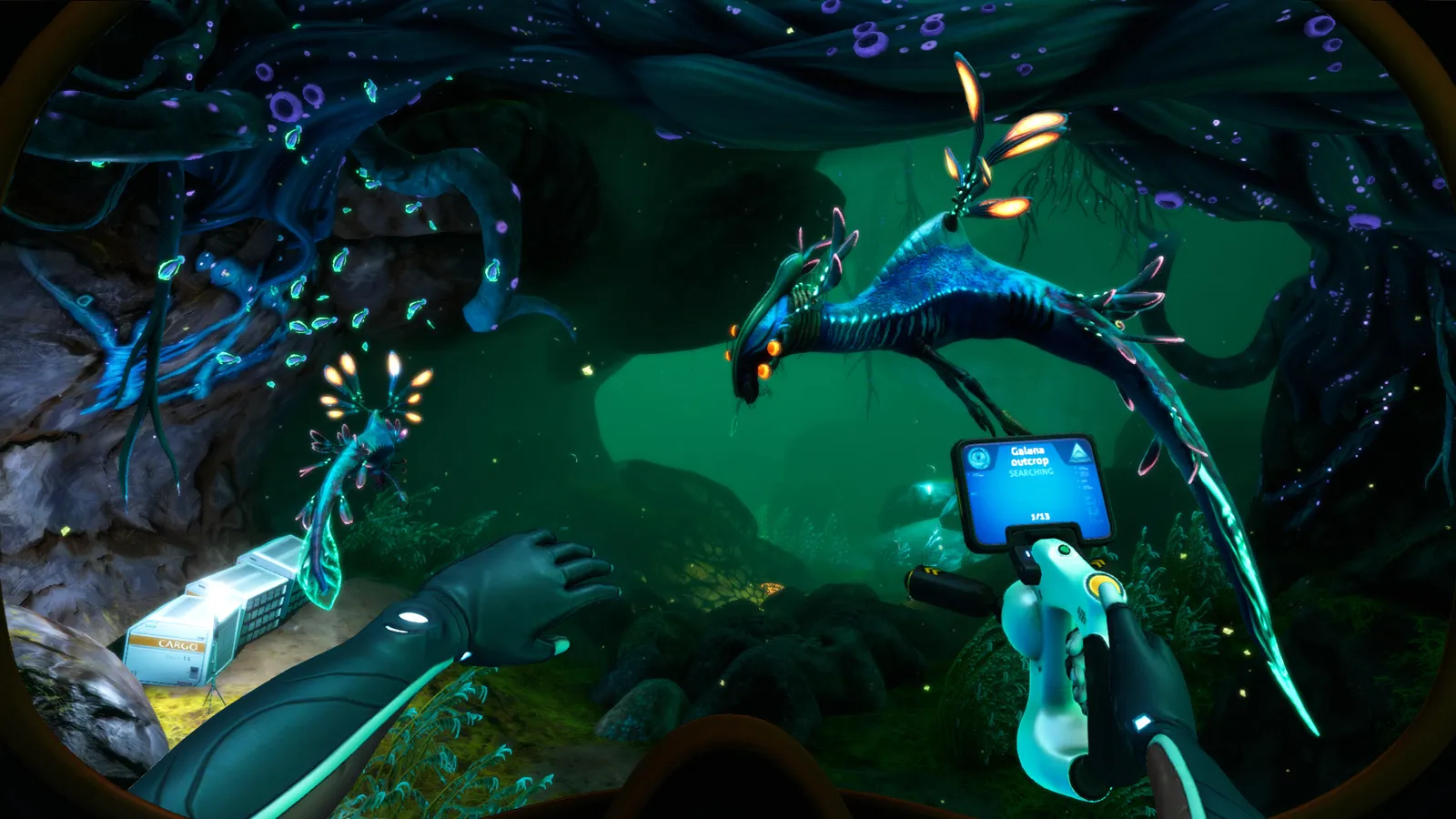
Official Subnautica Below Zero pictures and 16:9 wallpapers: where to download store screenshots, wiki art and community shots in full HD.
Subnautica Below Zero Pictures — 16:9 Wallpapers & Screenshots
Looking for Subnautica Below Zero pictures in 16:9? The three best official sources are the Steam store page (all screenshots are 1920×1080), the official Subnautica wiki galleries, and Unknown Worlds' own site — and the images below are official store screenshots, exactly the 16:9 full-HD ratio most people are after. This page collects the best places to grab 16:9 Below Zero wallpapers, explains what you're downloading, and points to the community galleries where the prettiest shots live.
Here's what you'll learn:
- The best official sources for 16:9 Below Zero pictures
- Where the community posts its best screenshots and wallpapers
- How the game's own photo tooling (or lack of it) works
- The image specs you should look for (resolution, aspect ratio, format)
- Direct links to every official image source
Official resources: Below Zero Steam store page · Official Subnautica Wiki — Biomes (Below Zero) · Wikipedia — Subnautica: Below Zero
Where to Get 16:9 Subnautica Below Zero Pictures (Official)
If you want clean, official, true-16:9 Below Zero images, these are the sources that don't require wading through fan re-uploads:
- Steam store page screenshots — every screenshot on the Below Zero store page is rendered at 1920×1080 (16:9). Open the page, click a screenshot to expand it, right-click and save. The store also hosts a library hero banner (1920×620) that makes a great ultrawide-ish wallpaper.
- The official Subnautica wiki — the official wiki and its sister Fandom wiki host biome renders, creature portraits and concept art. The biome images are 1920×1080 or larger, and the concept art is often the most striking stuff in the fandom. Some wiki images sit behind hotlink protection — open the image page itself, not just the thumbnail.
- Unknown Worlds' official site — unknownworlds.com hosts press kits and announcement art for the series, including Below Zero key art in multiple aspect ratios. Press kits are the best-kept secret for clean, logo-free renders.
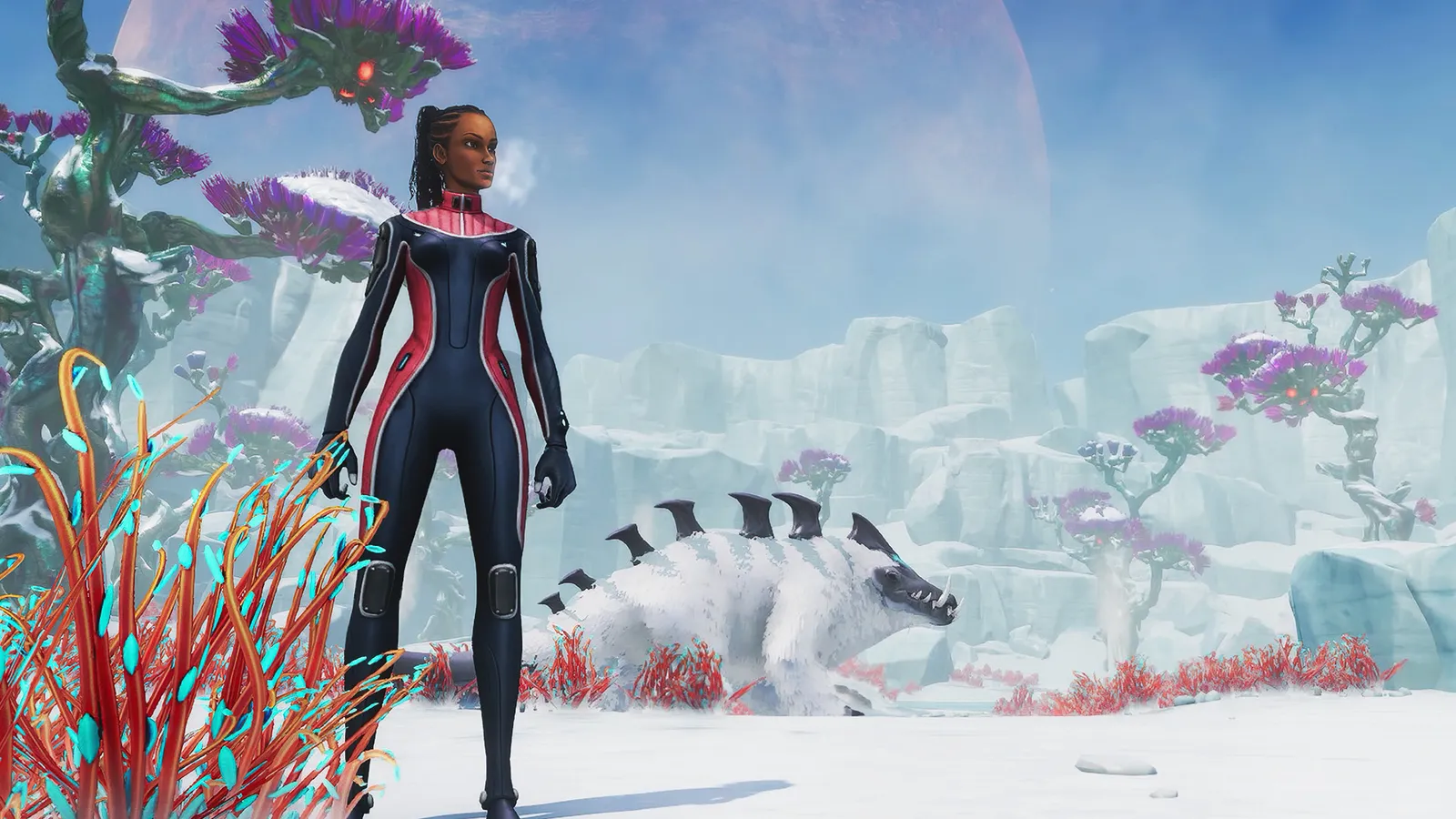
Per the official Subnautica: Below Zero Steam page: "Below zero. Above fear." — the store page itself is where Unknown Worlds keeps the official 16:9 screenshot set, updated through the game's final content updates.
What Resolution and Format Should You Download?
For a proper 16:9 wallpaper, aim for:
| Spec | Value |
|---|---|
| Resolution | 1920×1080 (Full HD) minimum; 2560×1440 or 3840×2160 if available |
| Aspect ratio | 16:9 exactly (the store screenshots are native 1920×1080) |
| Format | PNG or high-quality JPG from the store; WebP from the wiki is fine for viewing |
| Orientation | Landscape — the game is a first-person swimmer, so vertical shots are rare |
One honest caveat: Below Zero's store screenshots are all pre-release or launch-era footage, so they show the game as it looked at 1.0 — the post-launch updates (Seatruck tuning, Penguin pathing fixes, the map additions in the "Sea Monkeys update" era) aren't all represented. For genuinely current screenshots, community captures are more up to date than the store set.
Community Sources for the Good Stuff
The official set is clean but small (nine screenshots on the store page). The community galleries are where the stunning shots live:
- r/subnautica and r/Subnautica_Below_Zero on Reddit — players post 4K screenshot dumps regularly; search "wallpaper" or "4K" and sort by top of all time. The main Subnautica subreddit is the biggest single archive of high-quality captures.
- Steam Community Screenshots — on the Steam Community hub for Below Zero, filter by "16:9" and highest resolution. Steam hosts full-resolution originals, which beats any compressed re-post.
- The interactive map's renders — subnauticamap.io/belowzero uses the game's own biome data and renders clean biome previews, handy as reference art.
On Steam Community screenshots, use the filter dropdown to select "1920 × 1080" or your target resolution — that guarantees the exact 16:9 ratio without cropping. Reddit images can be any ratio, so check the file dimensions before setting a wallpaper.
The Images on This Page
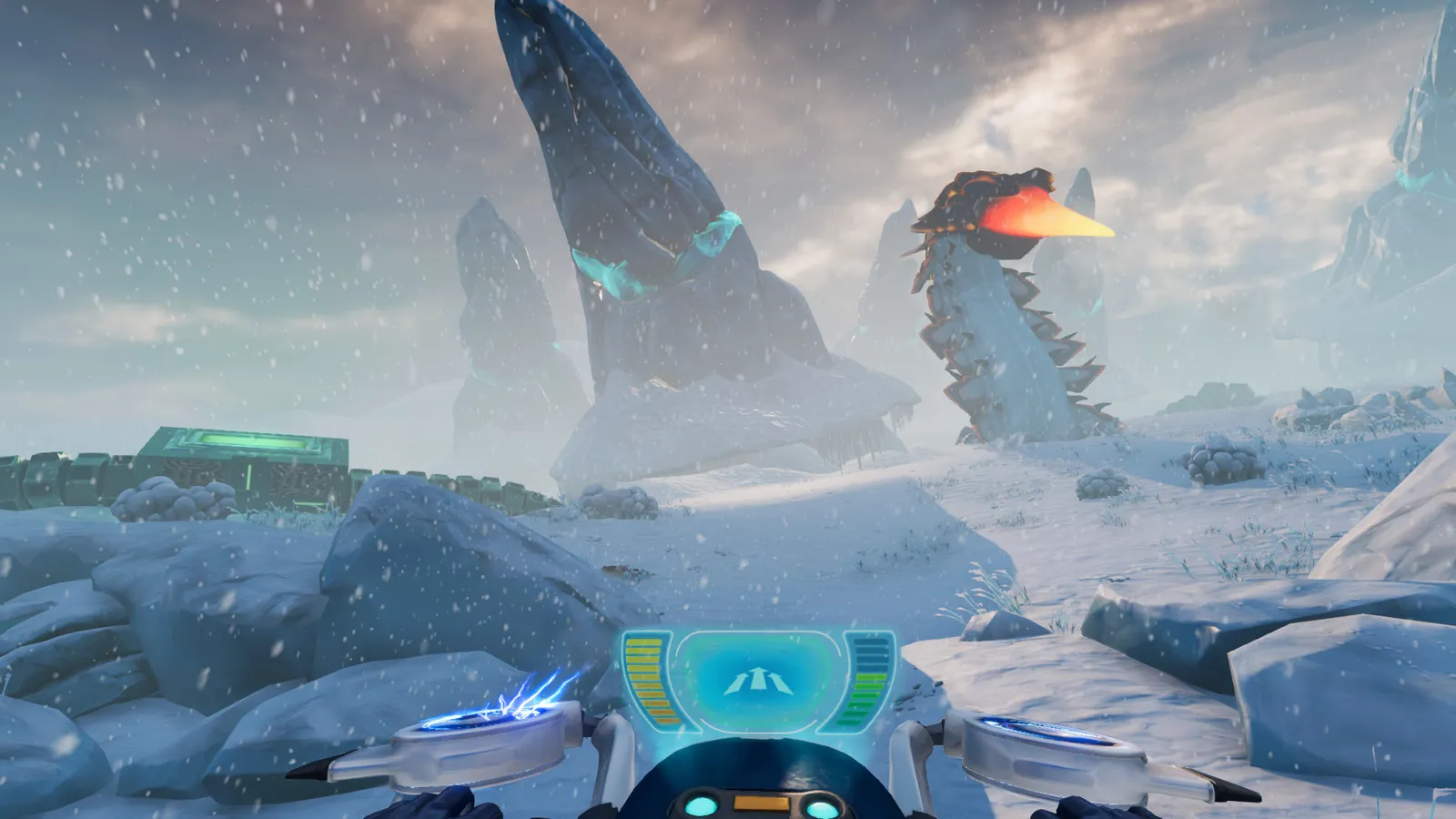
The three screenshots embedded in this guide (including the header above) are official Below Zero store screenshots from the Steam page, converted to WebP at up to 1600px wide for web display — the same assets you can download in full 1920×1080 from the store page. If you want the identical files at full resolution, that store page is the one-stop source.
Does Below Zero Have a Photo Mode?
No — neither Subnautica game ships a photo mode, which is why screenshots and wallpapers are mostly player captures. The closest official tools:
- F1 debug window / console — on PC you can use the console to hide the HUD (the
hudcommand toggles it) for clean screenshots; see the official wiki and community guides for the current console setup. - Mods — the Map mod and other QoL mods don't add a camera, but the mod scene does include free-camera tools for cinematic captures. Our Subnautica mods guide covers how to install mods if you want to go that route.
If you're after pictures of the original Subnautica rather than Below Zero, the same three official sources apply — the original's Steam page has its own ten-screenshot set in 16:9.
FAQ
Where can I download Subnautica Below Zero pictures in 16:9?
The Steam store page (1920×1080 native screenshots), the official wiki galleries, and Unknown Worlds' site. For community shots, Steam Community Screenshots filtered to 1920×1080 or Reddit's Subnautica subreddits.
Are the screenshots above official?
Yes — the images in this guide are official Below Zero screenshots from the Steam store page (converted to WebP for the web). You can grab the originals at 1920×1080 from the store page.
What resolution are Subnautica Below Zero wallpapers?
Store screenshots are 1920×1080. The library hero banner is 1920×620. Community captures go up to 4K (3840×2160), which is the resolution to look for on high-DPI displays.
Does Subnautica Below Zero have a photo mode?
No. Use the PC console to hide the HUD (the hud toggle) and capture your own clean 16:9 shots, or browse community galleries for ready-made wallpapers.
Related Guides
- Subnautica Below Zero Map — Biomes, Coordinates & Navigation
- Subnautica Peeper — Locations, Food & Eye Facts
- Subnautica VR — Support, Setup & Best VR Mods
- Valheim Biomes Guide — Every Zone Explained
Last updated: August 13, 2026.
More Subnautica Guides
All 17 Subnautica achievements in order with exact unlock conditions: from Getting Your Feet Wet to Go Among the Stars, plus how mods and commands affect them.
How to reach the Active Lava Zone in Subnautica: the exact entrances from the Inactive Lava Zone, gear you need, and every story location inside.
Aerogel in Subnautica is 1 Ruby + 1 Gel Sack in the Fabricator. Where to find both ingredients fast, plus every late-game recipe that needs Aerogel.
Subnautica Alien Containment guide: where to get the blueprint, the 5 Glass + 2 Titanium recipe, how breeding and egg hatching work, and the best fish to breed.
Every leviathan in Subnautica and Below Zero: sizes, aggression, spawn biomes, health and how to deal with each — plus the extinct giants.
How to enter the Aurora in Subnautica: every door code (1454, 1869, 6483, 2679), the radiation suit requirement, what tools you need and all the loot inside.
All Subnautica Aurora door codes: 1454, 1869, 2679 and 6483, where each code is found, and exactly what's worth looting behind every door.
The Subnautica map explained: all 18 aquatic biomes with depth ranges, resources and dangers, plus how to navigate without an in-game map.