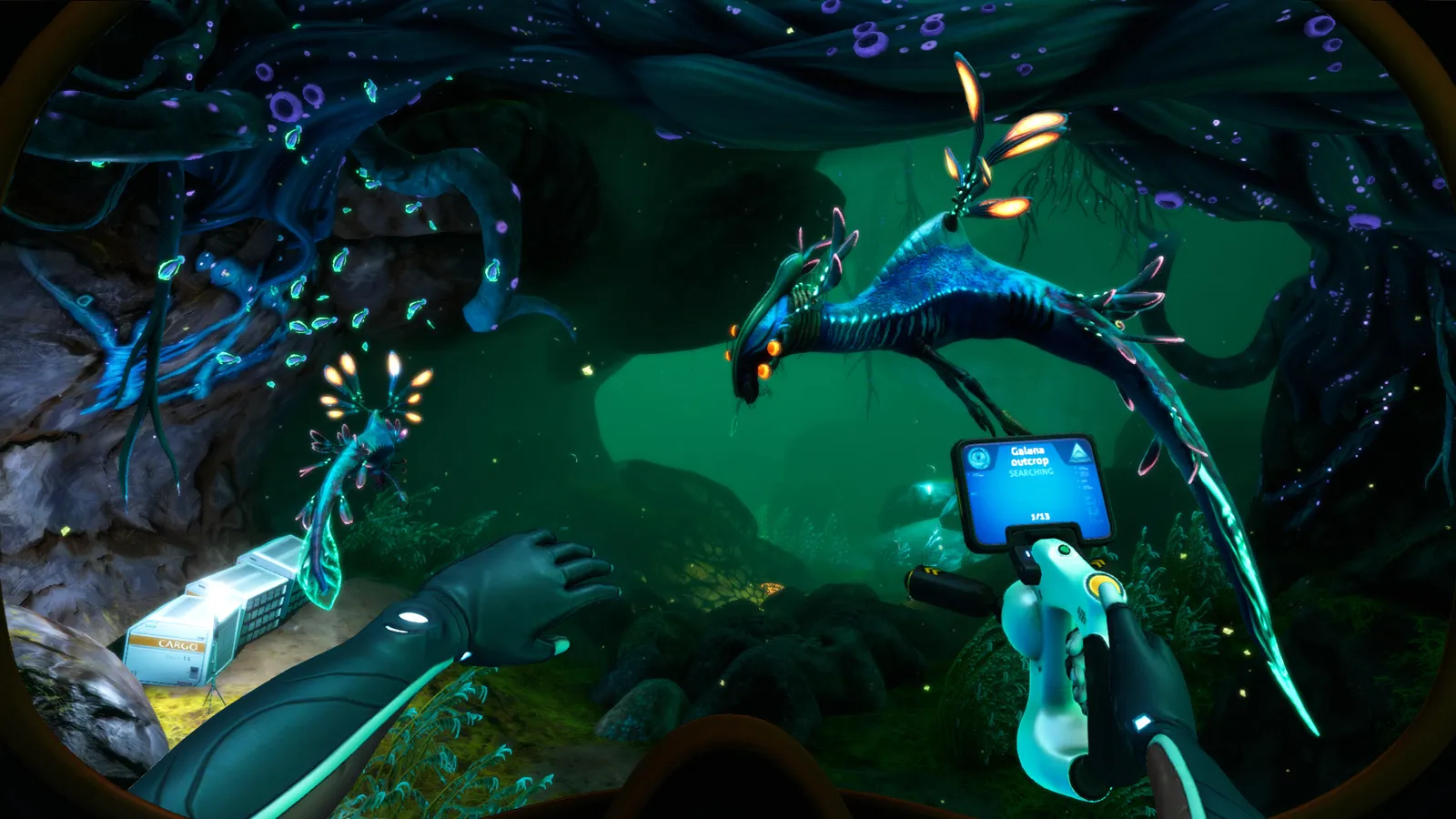
Subnautica Time Capsules explained: how to make one on the Neptune rocket, where capsules spawn, what items are allowed, and the official voting process.
Subnautica Time Capsules — How They Work & Where to Find
Time Capsules are player-made pods built into the Neptune Escape Rocket in Subnautica. Each holds a message, a screenshot and up to 6 items, gets uploaded to the official Unknown Worlds site for community voting, and — if approved — is seeded into other players' worlds for them to find on the seafloor. Roughly 40–45 capsules can spawn per playthrough, mostly in grassy shallow-to-mid biomes. This guide covers the full loop: making your own capsule, what's allowed inside, where to hunt for others, and what the community actually puts in them.
Here's what you'll learn:
- How to create and upload your own Time Capsule (and why it's optional)
- The official voting and screening process
- Every spawn biome and how to hunt capsules efficiently
- The item blacklist — and what to send instead
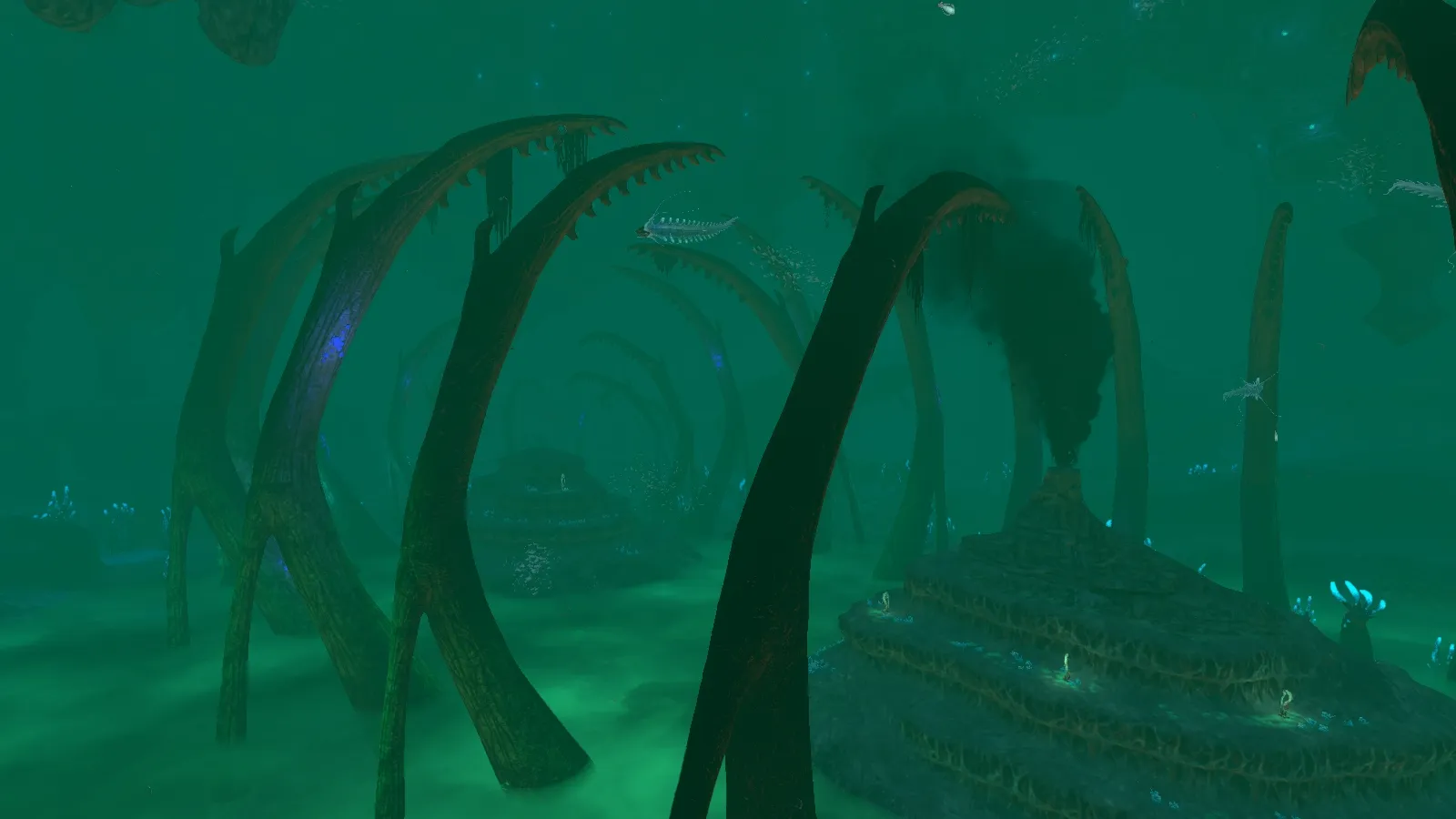
Official resources: Steam store page · Official Subnautica Wiki — Time Capsule · Unknown Worlds — Time Capsule voting site · IGN Subnautica page
What Is a Time Capsule?
The Time Capsule is a component of the Neptune Escape Rocket, located in the rocket's Cockpit section with its own control console. Its purpose is to leave behind a message, a screenshot and a few items that another player may find in their own playthrough. Critically, interacting with the capsule console is not required to launch the rocket — you can ignore it entirely and still finish the game.
Lore-wise, Alterra encourages leaving a stocked capsule:
Per the official Subnautica Wiki — Time Capsule: "Alterra requests time capsules be stocked with tools and resources which will aid those who may discover them in the future."
How to Make & Upload Your Own Time Capsule
The process runs on the official Unknown Worlds server (subnautica.unknownworlds.com/time-capsules), so you'll need to be connected while you launch:
- Build and board the Neptune Escape Rocket — the full build order is in our walkthrough.
- Interact with the Time Capsule console in the cockpit.
- Compose a message, optionally attach a screenshot taken with the PDA, and fill the 2×3 grid (6 slots) with items.
- At least one field must be filled — a message, a screenshot or an item. Otherwise the console shows "NOT VALID" and won't upload it.
- Launch the rocket. The capsule deploys and its data is sent to the voting site.
- Voting: other players upvote/downvote capsules; capsules with enough votes (community consensus is around 10+ upvotes) are screened by the developers and seeded into the world for other players.
The capsule's title field was removed in a patch — you now have just the message body, the screenshot and the item grid.
Capsules that make it through are placed in other players' worlds in pre-set spawn locations unrelated to where the rocket launched from (official wiki).
Where to Find Time Capsules
The official wiki lists these spawn biomes — mostly grassy, relatively shallow areas:
| Biome | Notes |
|---|---|
| Grassy Plateaus | The classic "grassy areas" — the most commonly found spawn |
| Mushroom Forest | Common |
| Sparse Reef / Deep Sparse Reef | Deep Sparse Reef has the highest per-spawn probability per community reports |
| Bulb Zone | — |
| Blood Kelp Zone | Deeper spawns |
| Crash Zone | Near the Aurora — Reaper territory |
| Dunes | Big biome → more capsules, but 8 Reapers |
| Grand Reef | — |
| Mountains | Big biome → more capsules |
Practical hunting tips from the community:
- Capsules sit on the seafloor and look like metal boxes — within roughly 30 m they pop in as pickup boxes, so swim close to the bottom.
- Sweep with the Seamoth at minimum altitude over Grassy Plateaus, Mushroom Forest and the Sparse Reef.
- The Scanner Room cannot detect them — there's no scan option, and only mods change that.
- ~40–45 capsules spawn per playthrough if the map fully loads (official wiki), but most players report finding 1–4 in practice.
- You need to be online when the areas load for other players' capsules to be seeded into your world (Reddit-confirmed: offline worlds get few or none).
- Big biomes hold more capsules (Dunes, Mountains), while Deep Sparse Reef has the highest per-spawn probability.
Time Capsules are easy to miss because they look like supply boxes from a distance. Do slow, low passes over Grassy Plateaus and the Mushroom Forest with the Seamoth lights off, and you'll spot them as box silhouettes against the sand. If you're hunting specifically, Deep Sparse Reef gives the best odds per capsule.
What Can You Put in a Time Capsule?
The capsule holds 6 slots in a 2×3 grid; items keep their normal inventory size, and any multi-slot object that physically fits is allowed. Anything in the capsule is automatically given to the player who finds it — if their inventory is too full to hold everything, they get temporary extra space to carry it all.
The official wiki lists a strict blacklist — these are automatically stripped before a capsule is posted for voting:
| Allowed | Stripped automatically |
|---|---|
| Ion Cubes | Almost all vehicle Upgrade Modules |
| Tools containing Ion Batteries | Ion Cube-based technologies |
| Cuddlefish eggs | Hatching Enzymes and other plot items |
| Food, tools, materials | Kyanite and other deliberately hard-to-find items |
The plot-item ban is why you can't mail a Sea Emperor baby or the hatching enzymes to a friend — for the story side, see our Sea Emperor guide. It's also possible to find legacy capsules carrying items that no longer spawn normally, like the Hardened Blade (official wiki).
What Should You Send? (Community Etiquette)
The Steam community thread "What did you put in your Time Capsule?" sums up the etiquette nicely:
- The best capsules have a message and a picture plus thoughtful items; the worst are endgame item dumps with no words at all.
- Popular practical gifts: Ion Batteries / Ion Power Cells, a Laser Cutter ("you always need this LONG before you ever find a diamond"), a Cyclops efficiency module, spare Power Cells for the Lava Zone run, and Cuddlefish eggs.
- Balance matters: Reddit players report finding a capsule with two Ion Batteries and a Stasis Rifle in the first five hours and feeling the game was "severely overpowered" afterward. Some of the most-loved capsules are the modest, story-heavy ones — GamesRadar's coverage highlights players who filled capsules with named fish and long farewell letters.
If you want the Cuddlefish egg route, note that it's allowed through the blacklist and is the community's favorite "keep them safe" gift — see our Cuddlefish guide for hatching one of your own.
FAQ
What is a Time Capsule in Subnautica?
A player-made pod built into the Neptune Escape Rocket. It carries a message, a screenshot and up to 6 items to another player's world. Interacting with it is optional and not required to launch the rocket.
How many Time Capsules can you find in Subnautica?
Around 40–45 can spawn per playthrough if the map fully loads (official wiki), though most players report finding 1–4 in practice.
Where do Time Capsules spawn in Subnautica?
On the seafloor in Grassy Plateaus, Mushroom Forest, Bulb Zone, Blood Kelp Zone, Crash Zone, Dunes, Grand Reef, Mountains, Sparse Reef and Deep Sparse Reef. Deep Sparse Reef has the highest per-spawn probability.
What items are banned from Time Capsules?
Vehicle Upgrade Modules, Ion Cube-based technologies, Hatching Enzymes and other plot items, and Kyanite. Ion Cubes themselves, Ion Battery tools and Cuddlefish eggs are allowed.
Do you need to be online to find Time Capsules?
Generally yes — you need to be connected when the game loads the areas so approved capsules can be seeded into your world.
Related Guides
- Subnautica Walkthrough — Full Story Progression
- Subnautica Sea Emperor — Story Guide
- Subnautica Primary Containment Facility — How to Get There
- Subnautica Cuddlefish — How to Find & Hatch
Last updated: August 13, 2026.
More Subnautica Guides
Every leviathan in Subnautica and Below Zero: sizes, aggression, spawn biomes, health and how to deal with each — plus the extinct giants.
How to enter the Aurora in Subnautica: every door code (1454, 1869, 6483, 2679), the radiation suit requirement, what tools you need and all the loot inside.
All Subnautica Aurora door codes: 1454, 1869, 2679 and 6483, where each code is found, and exactly what's worth looting behind every door.
Subnautica Below Zero map explained: how big Sector Zero is, every biome with depth ranges, key coordinates, navigation tips and the best map mods.
Is Subnautica Below Zero multiplayer? No official co-op — but a full story-synced mod exists for Windows. Plus Nitrox and Subnautica 2's official co-op.
Subnautica Below Zero Picture Frame guide: the 16:9 aspect ratio you need for photos, where to get the blueprint, and how to load custom images.
Official Subnautica Below Zero pictures and 16:9 wallpapers: where to download store screenshots, wiki art and community shots in full HD.
The Subnautica map explained: all 18 aquatic biomes with depth ranges, resources and dangers, plus how to navigate without an in-game map.