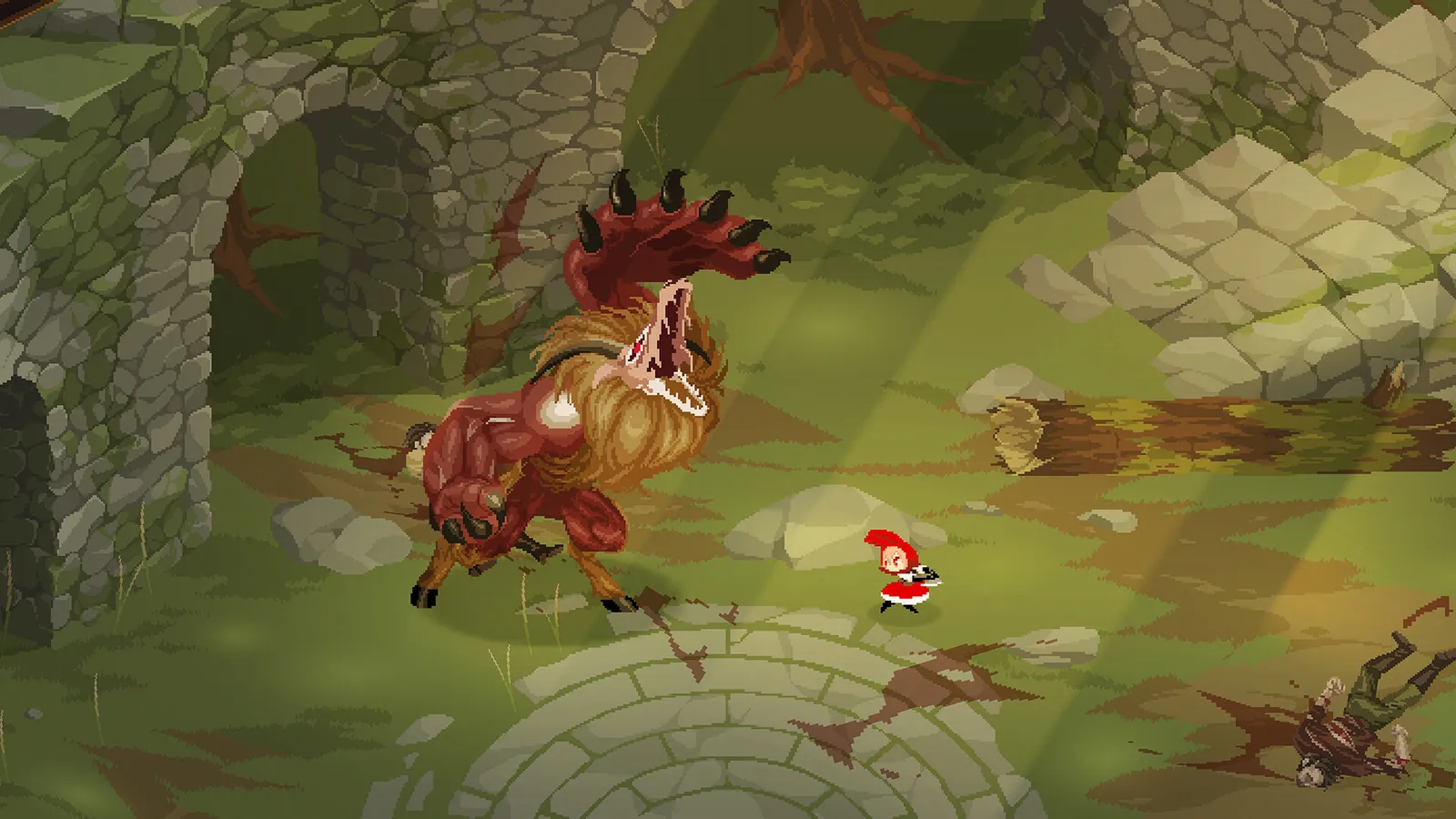
Rubinite system requirements: minimum and recommended PC specs, macOS 10.13+ support, storage size, Steam Deck status, and testing with the free demo.
Rubinite System Requirements — Minimum & Recommended Specs (2026)
Rubinite is a pixel-art boss rush with frame-tight Focus timing, so the machine that runs it matters more than the numbers suggest. The short version: it's a light game — the minimum spec is an Intel Core i5 4460 / AMD Athlon X4 with 8 GB RAM and a GTX 950-class GPU, and the Steam listing asks for 10 GB of free storage. On macOS you need 10.13 or newer with an M1 chip or better. Everything else is details worth reading before you buy.

Here's what you'll learn:
- The exact minimum and recommended PC specs from the Steam listing
- What macOS users need (including Apple Silicon notes)
- Whether Rubinite runs on Steam Deck and Linux
- How the free demo can benchmark your machine before you buy
- Storage, languages, and controller support details
Official resources: Steam store page · IGN game page · Official site · Official X / Twitter
Rubinite Minimum System Requirements (PC)
The minimum PC configuration, straight from the Steam store listing, is deliberately modest — this is a 2D pixel-art game, not a ray-traced showcase:
| Component | Minimum |
|---|---|
| OS | 64-bit Windows (the listing only says "requires a 64-bit processor and operating system") |
| Processor | AMD Athlon X4 | Intel Core i5 4460 |
| Memory | 8 GB RAM |
| Graphics | Nvidia GTX 950 | AMD R7 370 |
| DirectX | Version 11 |
| Storage | 10 GB available space |
A GTX 950 is a GPU from 2015 — any office PC built in the last decade with a discrete graphics card clears this bar. The honest caveat: dense boss VFX and particle layers during Guardian Faye's later phases can still push older integrated graphics to their limit, which matters because Rubinite's Focus charge and Perfect Dodge windows feel worse below a stable 60 FPS.
Rubinite Recommended System Requirements (PC)
The recommended spec bumps you to a modern i5 and a GTX 970-class card:
| Component | Recommended |
|---|---|
| Processor | AMD Ryzen 3 | Intel Core i5 Skylake |
| Memory | 8 GB RAM (the listing shows "8 MB RAM" — a typo on Steam's side; treat it as 8 GB) |
| Graphics | Nvidia GTX 970 | AMD RX 570 |
| DirectX | Version 11 |
| Storage | 10 GB available space |
The Steam page's recommended section literally reads "8 MB RAM" — a copy-paste typo from the developer. Every other field and the minimum row say 8 GB, and the game's actual footprint sits far above 8 MB. Read it as 8 GB.
The realistic takeaway: Rubinite is an FPS-sensitive game, not a hardware hog. If your machine holds a steady 60 FPS, the game plays the same on minimum or recommended. The upgrade that actually changes your experience is an SSD — instant boss restarts mean load times gate your attempt rate.
Rubinite macOS System Requirements
Rubinite ships for macOS as a first-class platform (the store page lists Windows and macOS, and nothing else). The Mac requirements are equally light:
| Component | Minimum | Recommended |
|---|---|---|
| OS | macOS 10.13 | macOS 10.13 |
| Processor | M1 Air | M1 Pro |
| Memory | 8 GB RAM | 8 GB RAM |
| Graphics | M1 | M1 |
| Storage | 10 GB | 10 GB |
Official source: per the Steam store page's system requirements section, macOS support targets 10.13 or newer, with M1-class hardware as the minimum bar. Apple Silicon Macs generally handle pixel-art action with ease, but the game's Focus timing is sensitive to micro-stutter, so test the demo on your exact hardware first.
Intel Macs are not mentioned in the listing's minimum — if you're on an older Intel Mac, run the free demo before paying for the full game.
Can My PC Run Rubinite? Test With the Free Demo
The most reliable compatibility check is the Rubinite Demo (Steam App ID 2320010) — it's free, it contains the same combat core as the retail game (both demo bosses, the hub loop, and the Leaderboard Challenge), and it's a genuine benchmark for the full release.
A 30-minute demo session tells you three things the spec sheet can't:
- Frame stability during heavy VFX (the demo's second boss, Guardian Faye, is the stress test)
- Input latency — Focus charge speed and Perfect Dodge windows are timing mechanics; lag will make the game feel unfair
- Your actual preference — keyboard vs. controller (the game has full controller support, with Focus mapped to a shoulder trigger)
Rubinite's Focus and Perfect Dodge windows are frame-timed. Below a stable 60 FPS, charge speed feels worse and dodge timing drifts. Cap background apps, verify your refresh rate setting (fullscreen vs. borderless can change it), and only then blame the fight. Community playthroughs and reviews consistently cite frame stability as the difference between "hard" and "unfair."
Steam Deck & Linux Support
Steam Deck: Verified. Valve granted Rubinite its Steam Deck Verified badge on July 30, 2026, one week after launch — confirmed by the developer on official X and reflected in the store listing. Deck owners get full controller support (Focus sits on a shoulder trigger), and the 2D pixel presentation runs comfortably on the handheld at 60 Hz.
Linux: not supported. The Steam API's platform flags for Rubinite list Windows and macOS only — there is no native Linux build, and no Proton-specific verification. Linux players can try the demo via Proton, but treat it as unsupported territory.
Deck Verified doesn't mean locked 60 FPS in every fight. Community impressions are positive, but if you're a timing-sensitive player, set expectations by playing the free demo on Deck before committing.
Storage, Languages & Other Specs
- Install size: 10 GB available space is required per the store listing (the actual download is smaller; leave headroom for updates and Steam Cloud metadata).
- Languages: 8 supported — English, Japanese, Simplified Chinese, Traditional Chinese, Korean, Portuguese-Brazil, Russian, Ukrainian. Subtitles are supported for all; the store page doesn't promise full audio localization.
- Controllers: full controller support on Steam (Xbox/PlayStation layouts, Steam Input remapping); keyboard and mouse remain fully viable, and some leaderboard runners prefer keyboard for simultaneous dodge + Focus inputs.
- Save system: Steam Cloud is listed on the store features, so Windows ↔ macOS saves can follow you between machines — handy for a game whose hub loop invites short sessions.
Rubinite is 60-FPS-sensitive by design. Near-minimum hardware (old i5 + GTX 950) will run it, but if you can't hold a stable framerate in Guardian Faye's second phase, the game will feel harder than it is. The free demo costs nothing and settles the question in an afternoon.
Frequently Asked Questions
Can my PC run Rubinite?
If you have a 64-bit OS, 8 GB RAM, a GTX 950-class GPU or better, and 10 GB free storage, you meet the minimum. Near-minimum machines should run the free demo first to confirm stable 60 FPS during heavy boss VFX.
What are the minimum system requirements for Rubinite?
Minimum (per Steam): 64-bit processor and OS, AMD Athlon X4 / Intel Core i5 4460, 8 GB RAM, Nvidia GTX 950 / AMD R7 370, DirectX 11, 10 GB storage.
Is Rubinite on macOS?
Yes — macOS is a supported platform (10.13 or newer, M1-class minimum), with the same combat layout as Windows. See the macOS section above for full specs.
How much storage does Rubinite need?
10 GB available space per the Steam listing, for both Windows and macOS.
Is Rubinite Steam Deck Verified?
Yes — Verified as of July 30, 2026, with full controller support and Focus mapped to a shoulder trigger.
Does Rubinite run on Linux?
No native Linux build exists — the store lists Windows and macOS only. No Proton verification is documented; Linux users should test the free demo if they want to gamble.
Related Guides
- Rubinite Wiki — Boss Rush Guide, Mechanics & Progression
- Rubinite Beginner Guide — first boss, first upgrades
- Rubinite Focus System Guide — charging, marks, perfect dodge
- Rubinite How Long to Beat — playtime estimates and run planning
- Rubinite Release Date & Platforms — launch history and platform facts
- Rubinite Price Guide — what $19.99 gets you and whether the demo is enough
Last updated: August 14, 2026.
More Rubinite Guides
Rubinite characters: Princess Ruby's crimson eyes, mentor Roy the Hunter, craftsman Wichiwi, final boss Witch Alcina, and true-route ally Mira.
Rubinite Critical Thrust explained: how spending Pure Blood Marks powers the finisher, 1- vs 3-Mark damage trade-offs, weak-point targeting, and combo timing.
Rubinite demo: free on Steam, the 40-minute two-boss slice, which mechanics it teaches, and save carryover to the full game.
Rubinite how long to beat: 4-6 hours for a first clear, ~9-10 hours for the story plus true difficulty route, and 10+ hours for 100% — with real player data.
Is Rubinite worth it? The $19.99 boss-rush verdict: polish, difficulty, demo value and how it stacks against rivals.
Rubinite perfect dodge: hit the impact frame (not the wind-up) for an instant Pure Blood Mark, faster Focus fill, and which attacks you can't dodge.
Rubinite price explained: $19.99 base price, the 10% launch discount, the $4.99 soundtrack DLC, bundles, the free demo, and whether it's worth it.
Rubinite release date: launched July 22-23, 2026 on Steam for PC and macOS, plus the dev history — 2025 demo, Steam Next Fest, and launch.