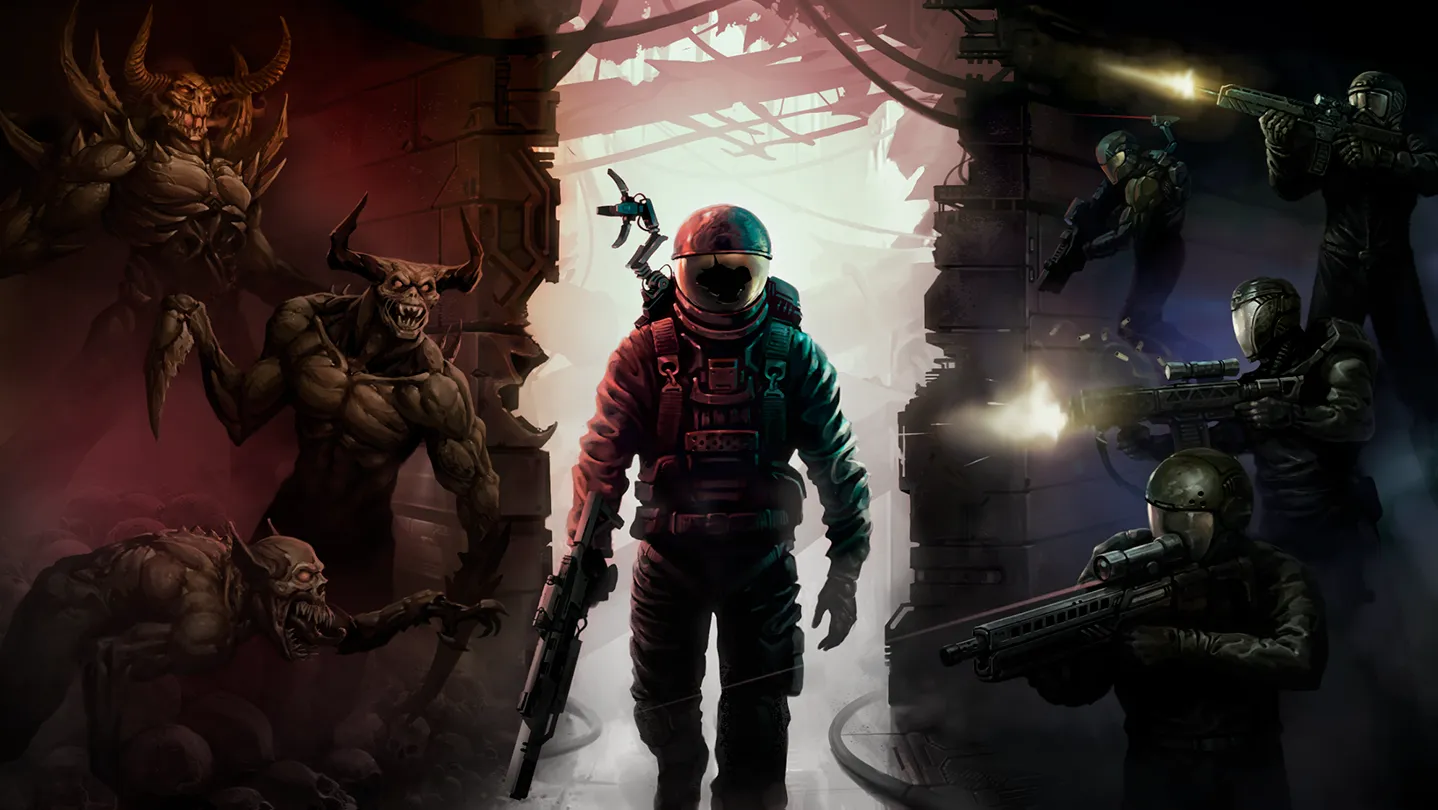
Quasimorph system requirements: official minimum specs, why the pixel-art turn-based engine runs on old PCs, FPS settings, and Steam Deck performance.
Quasimorph System Requirements: Minimum Specs & PC Performance
Quasimorph is a 2D pixel-art, turn-based extraction roguelike — and the system requirements reflect it. The official minimum is genuinely modest: any PC from the last decade can run it, and the community reports it running fine on laptops and old hardware because frame rate barely matters in a turn-based game. Here are the exact specs, what they mean in practice, and the performance settings worth touching after the 1.0 launch.
Here's what you'll learn:
- The official minimum requirements straight from the Steam store
- Why the "recommended" spec doesn't officially exist (and what players actually use)
- Real-world performance on old PCs and integrated graphics
- The FPS limit and V-Sync settings added in the 1.0 hotfixes
- Storage, languages, and what else you need to know before buying
Official resources: Steam store page — System Requirements · GOG store page — System Requirements · Steam 1.0 hotfix announcement · IGN game page
Official Minimum Requirements
The Steam store lists exactly one official spec block (verified via the Steam API and GOG's product page, which mirrors it):
| Component | Minimum |
|---|---|
| OS | Windows 7, 8, 10 |
| Processor | Intel Core i3 3.0 GHz |
| Memory | 2 GB RAM |
| Graphics | NVIDIA GeForce GTX 760 / AMD Radeon R9 280X |
| Storage | 300 MB available space |
That's a remarkably low bar: a GTX 760 is a 2013 card, and 2 GB of RAM was the norm around 2010. The 300 MB install size confirms the pixel-art scope — Quasimorph is not a texture monster.
Neither Steam nor GOG publishes a "recommended" tier for Quasimorph. That's unusual but normal for lightweight games — the developer didn't define an upper bound because the engine's ceiling is low. We've marked any third-party "recommended" figures you'll see elsewhere as estimates, not official.
Can You Run It? Real-World Performance
Because Quasimorph is turn-based, the gameplay loop doesn't demand high frame rates — animations are short and decisions are the bottleneck. Community reports on Steam discussions back this up:
- A player on a Core i7 2600k with an old Radeon HD 6870 (1 GB VRAM) was told "everything else is enough for sure" and that "the game runs well enough even on weaker or older systems" — confirmed by another player running it on a 7-year-old laptop "without any issues."
- The developer's own devs have played it on a 4 GB RAM Asus laptop with an 840m via Proton.
- Linux/Proton users report it running perfectly with forced Proton 7.0-6 during Early Access; 1.0's engine changes keep the same low footprint.
Per the official 1.0.561 hotfix notes from Magnum Scriptum: "The FPS limit is now set to 120 by default when first launching the game... If you have issues with high FPS - check Options - Graphics - V-Sync or FPS Limit."
Graphics Settings Worth Touching
The 1.0 launch added or fixed several performance-relevant settings:
- FPS limit — added in 1.0, default 120 FPS from hotfix 1.0.561. Turn it down to 60 (or 30 on weaker machines) for stable pacing and lower power draw.
- V-Sync — hotfix 1.0.562 fixed "V-Sync didn't limit FPS in windowed modes," so windowed players finally get proper frame limiting.
- Black hole shader toggle — 1.0 added an option to disable the black hole shader "for those experiencing performance issues in Pleroma." If the Pleroma/portal areas stutter on your machine, this is the switch.
- Lighting changes — 1.0 added an in-mission lighting toggle (enabled by default); disabling it smooths older GPUs.
The steam deck guide covers the same settings from a handheld angle.
- Confirm the FPS limit matches your display refresh rate; 2) enable V-Sync if you see tearing (now that windowed mode respects it); 3) disable the black hole shader if Pleroma scenes tank. The 1.0.561/1.0.562 hotfixes specifically targeted FPS-limit and V-Sync behavior, so make sure you're on the latest build.
Storage, Languages, and Platform Notes
- Install size: ~300 MB — one of the smallest games on Steam. No SSD requirement.
- Languages: 11 supported — English, Russian, French, German, Japanese, Korean, Polish, Simplified Chinese, Turkish, Spanish (Spain), and Portuguese (Brazil).
- Platforms: Windows officially; Linux and Steam Deck run it through Proton (see the Steam Deck guide). DRM-free on GOG.
- Save files: 1.0 is not save-compatible with the Early Access default branch — if you haven't played the Unstable Beta, you start fresh. Back up
%USERPROFILE%\AppData\LocalLow\Magnum Scriptum\Quasimorph\before mod or branch experiments.
Playing on Very Old Hardware (Realistic Expectations)
Because Quasimorph is turn-based, "runs at 30 FPS" and "runs at 120 FPS" play almost identically — you make decisions, not micro-adjustments. What actually matters on weak hardware is that the game doesn't stutter mid-action, and the engine's pixel-art sprites keep that risk low. Practical advice for sub-minimum rigs:
- Use the FPS limit — capping at 30 on a weak iGPU keeps the frame pacing even instead of oscillating.
- Disable the lighting changes (Options → Graphics) — the in-mission lighting toggle is the biggest visual-cost knob in the game.
- Disable the black hole shader if Pleroma scenes dip — it was specifically added in 1.0 for performance-issue players.
- Lower resolution, not settings — the pixel art scales cleanly, so 720p windowed looks fine and halves GPU load.
- Linux/Proton note: community reports from Early Access confirm it ran on a 4 GB RAM laptop with an NVIDIA 840m through Proton; 1.0 keeps the same footprint.
If your machine meets the minimums above, you'll run it. If you're below them (integrated graphics from 2012, 2 GB RAM), you can still likely run it at 720p with the lighting toggle off — but the review guide is worth reading first to confirm the game suits you before you buy.
Frequently Asked Questions
Can my PC run Quasimorph?
Almost certainly. The official minimum is an Intel Core i3 3.0 GHz, 2 GB RAM, and a GTX 760 / R9 280X — a 2013-era spec. Community reports confirm it runs on decade-old laptops, integrated graphics, and via Proton on Linux.
What are the minimum requirements for Quasimorph?
Windows 7/8/10, Intel Core i3 3.0 GHz, 2 GB RAM, NVIDIA GeForce GTX 760 / AMD Radeon R9 280X, and 300 MB of storage.
Does Quasimorph have recommended requirements?
No official recommended tier exists — Steam and GOG only list the minimum. Third-party "recommended" figures are estimates; the pixel-art turn-based engine rarely needs more than the minimum.
Is Quasimorph a heavy game?
No. It's a 2D pixel-art turn-based game with a ~300 MB install. The main performance knobs are the FPS limit (default 120), V-Sync, and the black hole shader toggle added in 1.0.
How much storage does Quasimorph need?
300 MB available space, per the official minimum requirements.
Related Guides
- Quasimorph Steam Deck Guide — Compatibility & Settings
- Quasimorph Review — Is It Worth Buying in 2026?
- Quasimorph 1.0 Update — What's New in the Full Release
- Quasimorph Beginner Guide — First Runs & Core Systems
- Quasimorph Combat Guide — Stances, AP & Room Clearing
- Quasimorph Achievements Guide — All 82 Unlocks
Last updated: August 14, 2026.
More Quasimorph Guides
Quasimorph beginner guide: the core loop, first contract checklist, starter class and loadout, stances, wounds, Quasimorphosis, mistakes to avoid.
Quasimorph builds guide: best 1.0 loadouts per class (Eclipse melee, Scout loot, Tifton heavy), weapon and ammo combos, top weapons, loadout checklist.
Quasimorph campaign walkthrough: how the 5 storylines unlock, route order to all 9 endings, story mission types, and avoiding quest-loot permadeath.
Quasimorph Civil Resistance storyline guide: how to unlock the rebel arc, its mission pacing, reputation discipline, and the route to the ending.
Quasimorph classes tier list: mercenary classes ranked (Scouts, Tunnel Rats, Eclipse Blades), Class Chip unlocks, best beginner class, operator pairings.
Quasimorph combat guide: turn-based AP economy, Sneak/Walk/Sprint stances, hit chance and scatter, damage types, room clearing and ammo pairing.
Quasimorph economy guide: the Stock Exchange, supply-and-demand bartering, faction credit and Dignitas, reputation floors, and Trade Shuttle modes.
Quasimorph extraction guide: how extraction works (death loses loot), shuttle vs pod, when to extract, loot priority, weight/dodge, Magnum base building order.