IRON NEST: Heavy Turret Simulator minimum and recommended system requirements, download size, Steam Deck support, and laptop/iGPU tips — can your PC run it?
IRON NEST System Requirements — Minimum & Recommended Specs (2026)
IRON NEST: Heavy Turret Simulator is deliberately light on hardware — the developers built it to run on accessible PCs, and the demo doubles as a stress test. Here are the official minimum and recommended specs (identical on Steam and GOG), plus what they mean for laptops, integrated graphics, and the Steam Deck.
Here's what you'll learn:
- Official minimum & recommended requirements
- What "4 GB RAM + i5-4460" means in practice
- Does it run on a laptop or integrated GPU?
- Steam Deck status and recommended settings
- Download size and platform availability (no Mac/Linux yet)
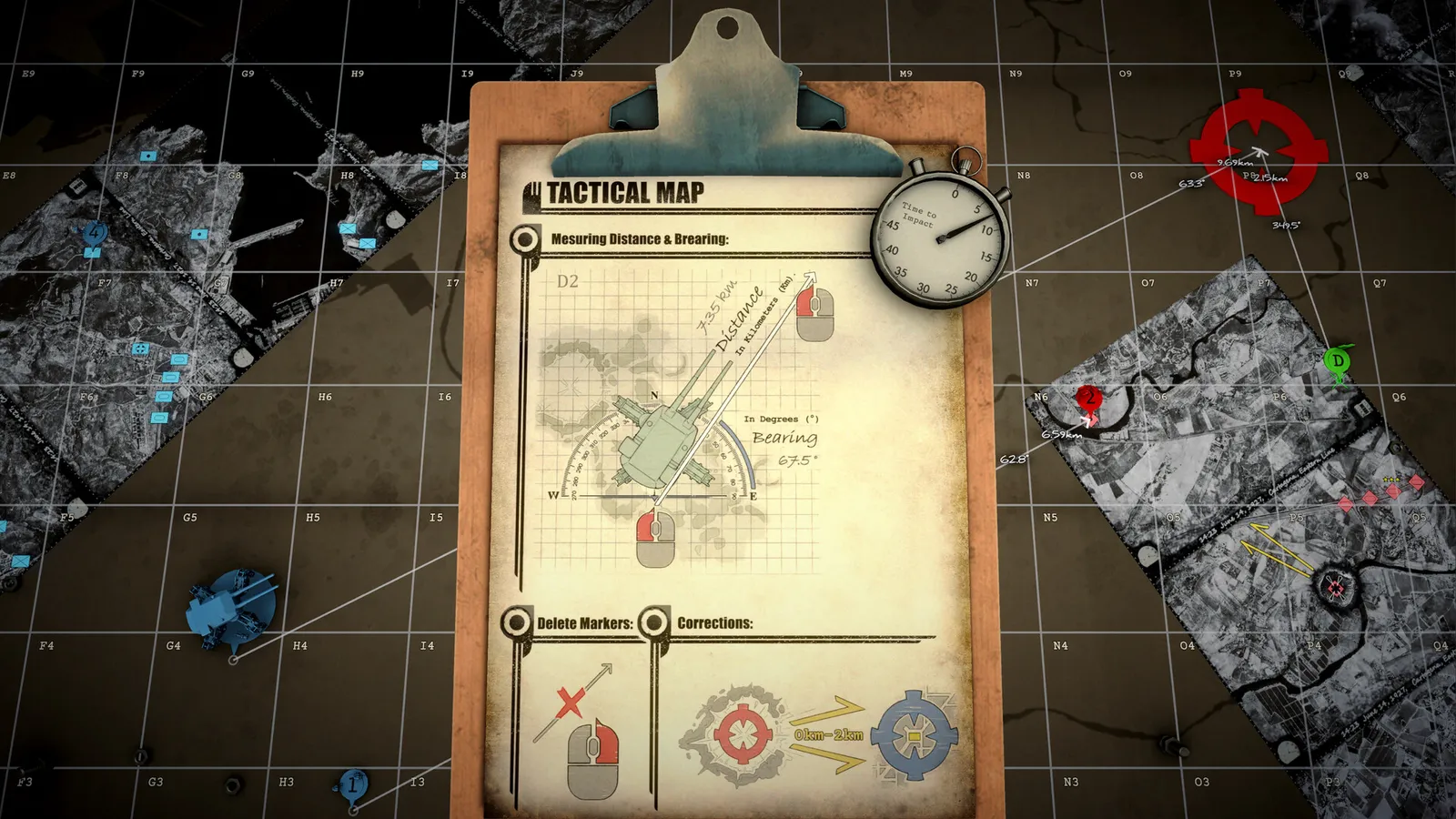
Official System Requirements
The specs below are listed on the Steam store page and the GOG store page — both storefronts publish identical minimum and recommended requirements for the full game.
| Minimum | Recommended | |
|---|---|---|
| OS | Windows (64-bit) | Windows (64-bit) |
| CPU | Intel Core i5-4460 / AMD FX-8350 | Quad-core+ modern CPU (i5/Ryzen class) |
| RAM | 4 GB | 8 GB |
| GPU | Intel UHD Graphics / AMD Radeon equivalent | Dedicated GPU (GTX 10-series / RX 500-class or better) |
| Storage | Small install (few GB) | SSD recommended |
| DirectX | 11 | 11 |
The free Steam demo uses the same engine and build family as the full game. If the demo runs smoothly on your machine, the full game will too — run it before buying if you're on the fence.
What These Specs Mean in Practice
- CPU matters more than GPU here. The game is a first-person cab sim with a static-ish interior: the heavy work is the ballistic calculator, map rendering, and radio/paperwork systems, not fancy particle effects. A modern quad-core handles it comfortably.
- 4 GB RAM is genuinely enough for minimum — the game is a small two-person indie project, not an open-world engine hog. 8 GB recommended gives headroom for background apps.
- Integrated graphics can run it — the minimum lists Intel UHD-class GPUs, so laptop iGPUs (Intel UHD/Xe, AMD Vega/RDNA iGPU) can handle it at lower resolutions. Expect to run at 720p–1080p with modest settings.
- No ray tracing or heavy settings needed — the dieselpunk interior is detailed but stylized, and the developers explicitly targeted accessible hardware.
Steam Deck Support
IRON NEST is not officially Valve Verified yet, but community reports confirm it's fully playable on Steam Deck with a few tweaks:
- Native 720p is the sweet spot for the Deck's screen.
- Enable the frame-rate cap for smoother plotting sessions.
- Lower saturation slightly if colours feel oversaturated on the small screen during long map-reading sessions.
- Controller support is listed on Steam with full gamepad features — the Deck's controls work, though precise map plotting still favours the touchpad/mouse (see our controller support notes).
Laptop & Integrated GPU Tips
If you're playing on a laptop without a dedicated GPU:
- Use the demo first to check your frame rate before buying.
- Run at 1280×720 (the game is light enough that 720p→1080p is a small visual difference, but a big FPS win on iGPUs).
- Cap the frame rate at 30–60 FPS — this is a slow, deliberate sim, not a twitch shooter; 30 FPS is entirely playable.
- Close background tabs/apps to keep RAM under 8 GB if you only have 8 GB.
Download Size & Platforms
- Download size: a few GB — small by modern standards (the full game is a compact indie title).
- Platforms: Windows only — Linux and macOS builds have not been announced on either Steam or GOG.
- Storefronts: Steam (app 2950790), GOG, and Epic Games Store.
If you're on macOS or Linux, there is no official build as of August 2026. Windows (native or via compatibility layers like Proton on Linux — which Steam Deck users rely on) is the only supported OS.
Frequently Asked Questions
What are the minimum requirements for IRON NEST?
64-bit Windows, Intel Core i5-4460 / AMD FX-8350, 4 GB RAM, Intel UHD-class graphics. It's a light game — most PCs from the last 8 years meet it.
Can my laptop run IRON NEST?
Almost certainly yes if it's a mid-range laptop from the last ~8 years — the minimum lists Intel UHD iGPU-class hardware. Run the free demo to confirm performance before buying.
Does IRON NEST work on Steam Deck?
Yes, per community reports (not officially Verified): play at native 720p, cap the frame rate, and it runs well. Controller support is fully listed on Steam.
How big is IRON NEST?
A few GB — a compact indie install. SSD recommended but not required.
Is IRON NEST on Mac or Linux?
No official macOS or Linux build as of August 2026 — Windows is the only supported OS on Steam/GOG/Epic.
Related Guides
- IRON NEST Achievements & Medals Guide — 33 Steam Achievements + Every Gold Medal
- IRON NEST Beginner's Guide — How to Play, Controls & First Missions (2026)
- IRON NEST Dead Reckoning — Mission 9 Walkthrough & Tear Shell Strategy
- IRON NEST Walkthrough — Mission 2, 3 & Dead Reckoning
- IRON NEST Missions Guide: All 15 Campaign Missions
More IRON NEST: Heavy Turret Simulator Guides
IRON NEST mods: the MelonLoader community, installing mods, the VR/Co-op/PvP multiplayer mod, the IronNestFCS fire-control mod, and mod support status.
IRON NEST platforms explained: PC-only on Steam, GOG and Epic, no Xbox/PS5 version yet, Steam Deck Verified status, cloud saves, and cross-store differences.
An honest IRON NEST review: gameplay, moral-choice storytelling, how it compares to PVKK, who it's for, community reception, and whether it's worth $19.99.
Where IRON NEST stores saves (AppData\LocalLow\IronNestTeam\IronNest), Steam Cloud backup, transferring progress, and fixing the Patch 1.0 save corruption bug.
Every IRON NEST shell type explained: HE, AP, HCHE, SMK, STAR, chemical (PGAS/TGAS), PRPG, White Phosphorus and Atomic — plus tier ratings and when to use each.
IRON NEST music explained: the record player on your desk, the military-march style, whether an official OST exists, and how to play vinyl in the turret.
How IRON NEST runs on Steam Deck: ProtonDB Platinum status, best settings (TDP, FSR, resolution), battery life, controller support, and known issues.
Every IRON NEST patch so far (Patch 1.0 fixes), update cadence, the 200,000-player launch, and the roadmap — what's confirmed coming to the heavy turret sim.