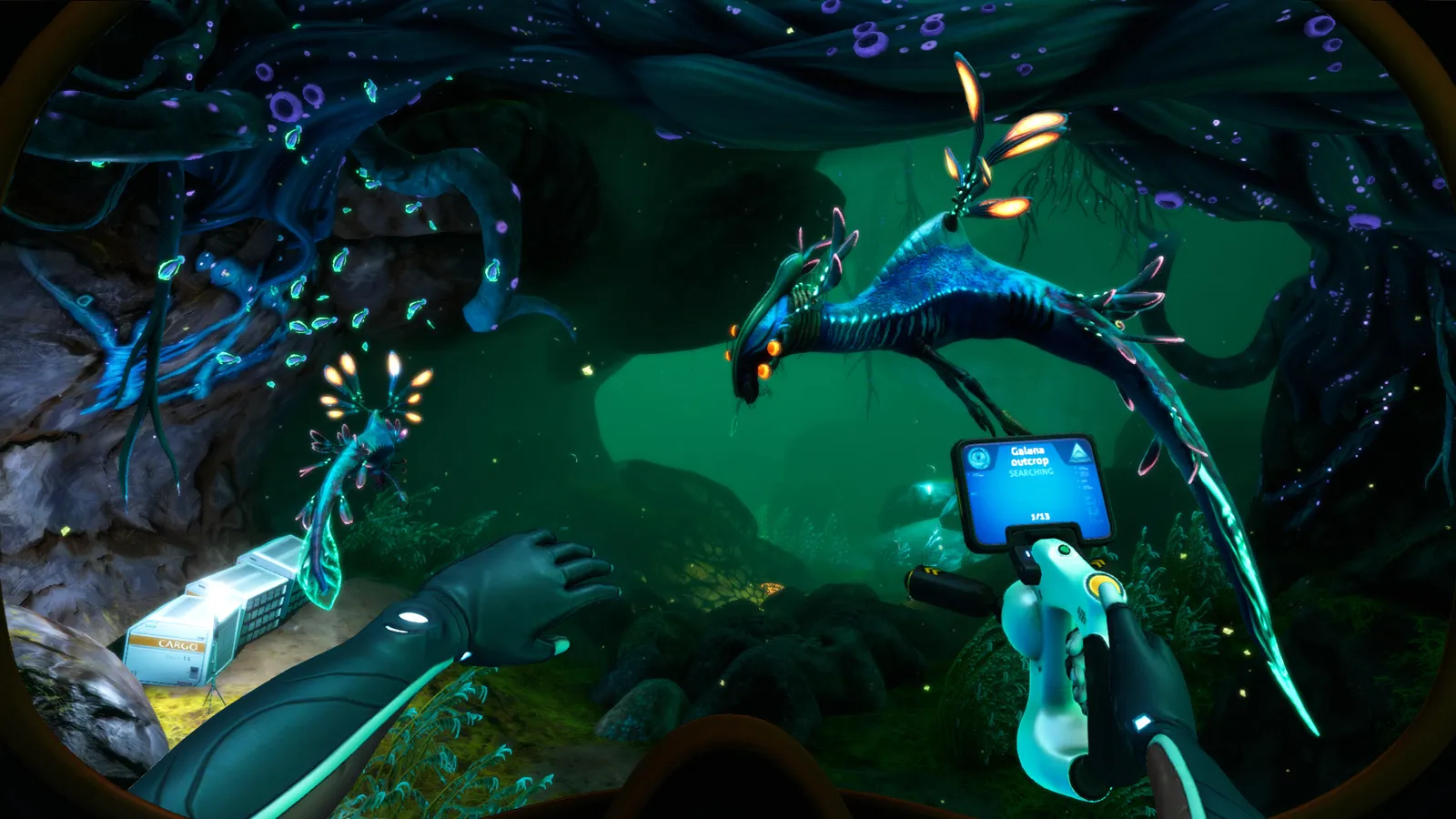
How to open the Subnautica dev console (Shift+Enter or `), plus the full command list: item, spawn, warp, goto, oxygen, nocost, nodamage and more.
Subnautica Console Commands — Full Command List and How to Enable Them
On PC, open the Subnautica dev console by pressing Shift + Enter (or the ` backtick key) and typing your command — the input box appears at the top of the screen. The most useful commands are item (give yourself anything), warp (teleport to coordinates), biome (jump to a biome), nocost (free crafting), nodamage (god mode) and day/night. Be warned: using console commands marks your save as modified and disables Steam achievements, so back up your save first. This guide covers how to enable the console on every platform and the complete list of commands worth knowing.
Here's what you'll learn:
- How to open the console on PC, console and mobile versions
- The essential commands: items, teleporting, spawning and toggles
- Coordinates, biome and time commands for exploring and testing
- Which commands are safe for a casual playthrough and which break progression
- How console use affects achievements and saves
Official resources: Steam store page · Official Subnautica Wiki — Console Commands · Official Subnautica Wiki — Spawn IDs · IGN Subnautica page
How to Open the Console
Since the free 2.0 "Living Large" update (December 2022), the console input has changed. Here is the current key combination per platform:
| Platform | Open console |
|---|---|
| PC (Mouse + Keyboard) | Hold Shift and press Enter, or press the ` (backtick) key |
| Xbox One | LB + RB + A |
| PlayStation 4/5 | L1 + R1 + Cross |
| Nintendo Switch | ZL + ZR + A (same hold pattern as other platforms) |
| Mobile | Open the pause menu, then touch and hold the top-left and top-right corners of the screen to reveal the hidden console button |
Once the input box is open, type the command and press Enter. Press the Up arrow to scroll through previously entered commands. On consoles, the same keypad trick opens the Developer option in the pause menu.
Per the official Subnautica Wiki — Console Commands: "Using these commands will disable all achievements and potentially impair the in-game experience! Make sure to save the game before using them!" The game flags the save as modified; it does not ban your account, and a clean save earns achievements normally. If you care about the trophy list, use a separate save for console shenanigans.
The Essential Commands
These five commands cover 90% of what players actually use the console for:
| Command | What it does | Example |
|---|---|---|
item [NAME] [#] |
Adds items to your inventory. Item names are one word (spaces removed) | item titanium 10 · item stasisrifle |
spawn [NAME] [#] |
Spawns creatures or objects in front of you | spawn seamoth · spawn reaperleviathan |
warp [x] [y] [z] |
Teleports you to exact coordinates (x = east/west, y = altitude, z = north/south) | warp 0 0 0 |
goto [NAME] |
Teleports to a named location | goto aurora · goto lifepod5 |
biome [NAME] |
Teleports to a biome | biome safe (Safe Shallows) · biome bloodkelp |
Type biome with no name to print the list of biome IDs, and check the Spawn IDs page on the official wiki for every usable item and creature name.
Press F1 on PC to open the debug window, which shows your current X/Y/Z coordinates and biome — this is the game's unofficial map. The warp command uses the same coordinate system, so you can look up a location's coordinates on an interactive map, then warp straight to it. Our Below Zero map guide explains the coordinate system in detail (the original game uses the same F1 window).
Gameplay Toggle Commands
The toggles below switch on and off with each use:
| Command | Effect |
|---|---|
nocost |
Free crafting at Fabricators, Habitat Builder, Mobile Vehicle Bay, Vehicle Upgrade Console and Modification Station (materials you do have are still consumed; deconstructing in nocost gives no refund) |
nodamage |
Player takes no damage from fauna, environment or vehicles |
invisible |
Creatures ignore you and environmental hazards can't hurt you; oxygen/hunger/thirst still work in Survival. Must be re-entered every session (it resets on load) |
oxygen |
Stops oxygen loss underwater (you still regain it normally). Doesn't save you if you're already at 0 |
fastbuild |
Instant construction — pair it with nocost for creative-style building |
filterfast |
Reduces the time Water Filtration Machines take to filter |
fastscan |
Reduces the scanner's scanning time |
radiation |
Toggles the Aurora radiation zone on and off |
day / night |
Instantly switch to day or night |
daynight [#] |
Sets the day/night cycle length (in minutes); daynightspeed [#] sets cycle speed |
speed [#] |
Multiplier for swim/run speed (try speed 3; be careful, it's easy to break physics) |
survival / freedom / creative / hardcore |
Switch game modes on the fly |
kill |
Kills you (instant respawn at Lifepod 5) |
randomstart |
Resets to a random lifepod spawn |
invisible and nodamage are not permanent
Both reset when you load a save, and invisible in particular must be retyped each session. Don't rely on god-mode to survive a hardcore run — the moment you quit and reload, you're mortal again.
Item and Spawn Command Cheat Sheet
The item command is the fastest way to skip grind. Useful item names (all single-word, spaces removed):
| Want | Type |
|---|---|
| Any resource | item titanium 50, item lithium 10, item magnetite 10, item nickel 10, item kyanite 10, item ruby 10, item silver 10 |
| Endgame materials | item ioncube 10, item aerogel 10, item plasteelingot 10 |
| Tools | item lasercutter, item repairtool, item stasisrifle, item propulsioncannon |
| Vehicles | item seamoth, item prawnsuit, item cyclops |
| Base parts | item baseroom (Multipurpose Room), item basemaproom (Scanner Room), item moonpool, item bioreactor |
| Story keys | item precursorkey_blue (Blue Tablet), item precursorkey_orange (Orange Tablet) |
For creatures, spawn is what you want: spawn peeper 5, spawn stalker, spawn reaperleviathan, spawn warper, spawn seadragonleviathan, spawn ghostleviathan. Creature names on the Spawn IDs list use their internal IDs, so check the list if the obvious name doesn't work.
Teleport and Story Commands
These are the commands for skipping travel or re-triggering story beats:
| Command | Effect |
|---|---|
warp [x] [y] [z] |
Teleport to coordinates |
warpforward [#] |
Teleport forward a set distance (useful for clipping through doors) |
warpme |
Teleports the targeted object to you |
goto [NAME] |
Teleport to named locations: goto aurora, goto sunbeam, goto lifepod19, goto quarantineplatform, goto lostriver |
printbiome |
Prints the current biome name to the screen |
freecam |
Detach the camera and fly through terrain (press again to return; you can't open menus while active) |
countdownship |
Starts the Aurora drive core countdown |
explodeship |
Detonates the Aurora drive core immediately |
restoreship |
Restores the Aurora to its pre-explosion form (turns radiation back on) |
startsunbeamstoryevent |
Forces the Sunbeam rescue event to begin |
entreset |
Resets all entities |
debugstartmap, debugrendermode [#], debugsound |
Rendering/audio debug tools — not useful for normal play |
countdownship, explodeship and startsunbeamstoryevent fire events out of order. If you trigger them before the story is ready, the sequence can glitch and you may need to reload. The safe way to revisit story content is a fresh save — our full story walkthrough lists the natural order of every major event.
Console on Consoles and Common Problems
- Console edition (Xbox/PS): open the pause menu and hold LB+RB (Xbox) or L1+R1 (PlayStation), then press A/Cross to bring up the console. Some console builds restrict commands —
item,spawn,warpandbiomework on the current-gen ports. - "Nothing happens when I press Shift+Enter": on a non-US keyboard layout, the backtick key differs; use Shift+Enter instead, or check you're not in a menu. The console also won't open while a dialogue/pda screen is up.
- "Command not recognized": item and creature names must be single words (no spaces) and match the Spawn IDs list exactly.
item cyclopsfails; the working forms are listed above. - "Achievements stopped working": expected behavior on a modified save. If you want the achievements back, switch to an unmodified save — console use doesn't flag your whole account.
FAQ
How do I open the console in Subnautica?
On PC, hold Shift and press Enter, or press the ` backtick key. On Xbox it's LB+RB+A, on PlayStation L1+R1+Cross, and on mobile you hold both top corners of the pause menu. Type a command and press Enter; the Up arrow recalls previous commands.
What are the best Subnautica console commands?
item (spawn items), spawn (spawn creatures), warp (teleport to coordinates), goto (teleport to named locations), biome (jump to a biome), plus nocost, nodamage, invisible and fastbuild for creative-style play.
How do I spawn items in Subnautica?
Open the console and type item [NAME] [#] — for example item titanium 10 or item stasisrifle. Names are single words without spaces; the full list is on the official wiki's Spawn IDs page.
Do console commands disable achievements?
Yes. Any command used on a save marks it as modified and stops that save from earning Steam achievements. It doesn't ban you or flag your account — a fresh, unmodified save earns achievements normally.
What are the Subnautica coordinates commands?
Press F1 to see your X/Y/Z position, then use warp [x] [y] [z] to teleport to coordinates. printbiome shows your current biome, and goto [NAME] teleports you to named locations like the Aurora.
Related Guides
- Subnautica Walkthrough — Full Story Progression
- Subnautica Aurora Codes — All 4 Door Codes
- Subnautica Magnetite — Where to Find It
- Subnautica Mods Guide — Best Mods and How to Install
Last updated: August 13, 2026.
More Subnautica Guides
How to reach the Active Lava Zone in Subnautica: the exact entrances from the Inactive Lava Zone, gear you need, and every story location inside.
Aerogel in Subnautica is 1 Ruby + 1 Gel Sack in the Fabricator. Where to find both ingredients fast, plus every late-game recipe that needs Aerogel.
Subnautica Alien Containment guide: where to get the blueprint, the 5 Glass + 2 Titanium recipe, how breeding and egg hatching work, and the best fish to breed.
Every leviathan in Subnautica and Below Zero: sizes, aggression, spawn biomes, health and how to deal with each — plus the extinct giants.
How to enter the Aurora in Subnautica: every door code (1454, 1869, 6483, 2679), the radiation suit requirement, what tools you need and all the loot inside.
All Subnautica Aurora door codes: 1454, 1869, 2679 and 6483, where each code is found, and exactly what's worth looting behind every door.
Subnautica Below Zero map explained: how big Sector Zero is, every biome with depth ranges, key coordinates, navigation tips and the best map mods.
Is Subnautica Below Zero multiplayer? No official co-op — but a full story-synced mod exists for Windows. Plus Nitrox and Subnautica 2's official co-op.