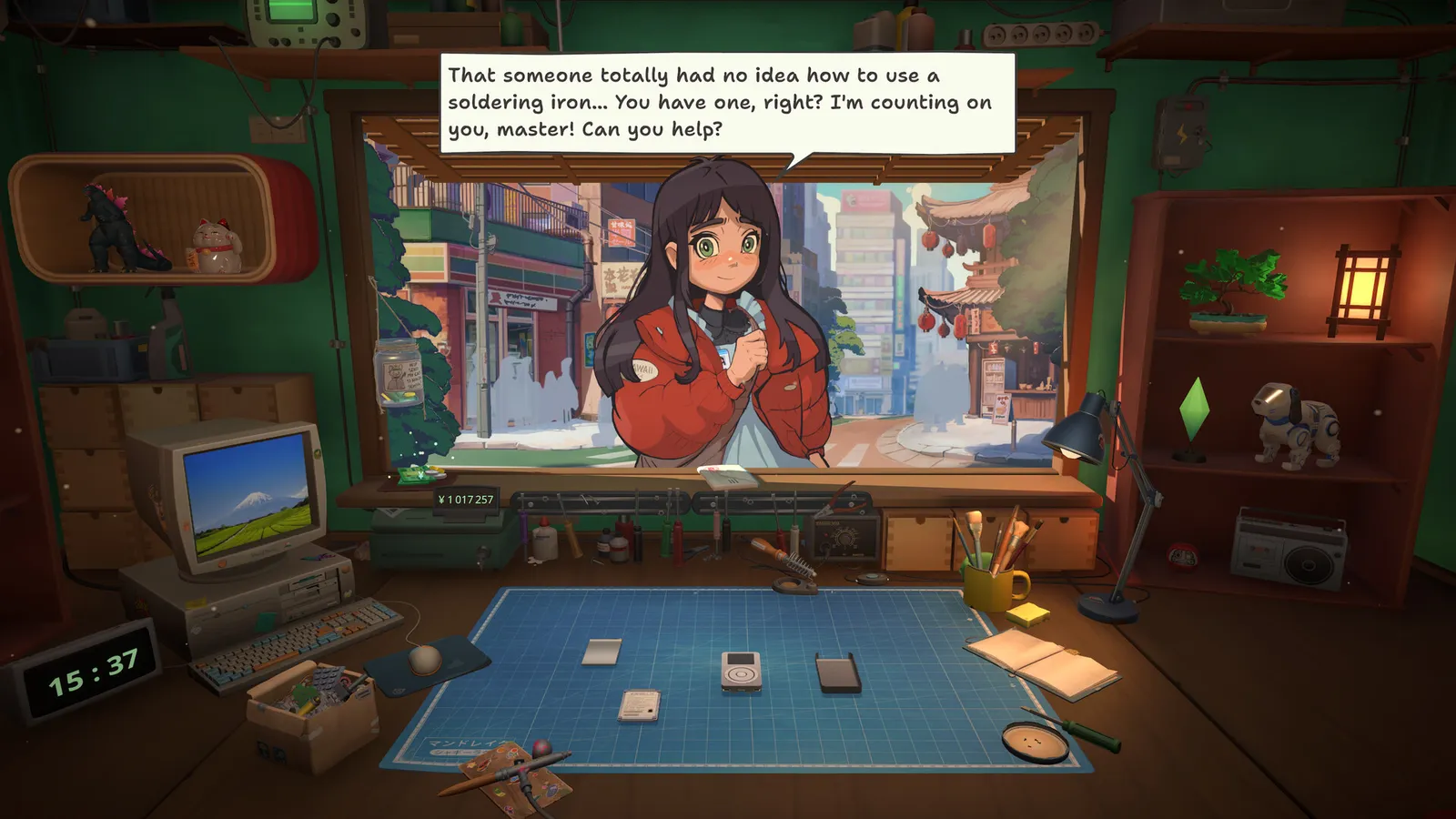
A practical ReStory: Chill Electronics Repairs walkthrough — opening script, weekly rhythm and the milestone order for tools, licenses and online orders.
ReStory Walkthrough — The Day-by-Day Flow to a Thriving Shop
ReStory: Chill Electronics Repairs has no chapters or levels — its "progression" is the steady ramp of your shop across in-game weeks. This walkthrough maps that ramp: what the opening script teaches, what each phase of the game asks of you, and the milestone order that keeps the economy healthy. For the systems behind each step, see the main guide and the repair mechanics guide.
Here's what you'll learn:
- The opening script and day-one tasks
- The weekly rhythm of the shop
- The phase-by-phase milestone order
- When the economy opens up
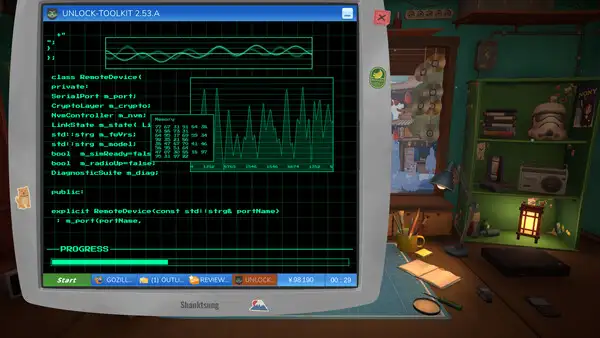
Phase 0: The Opening Script (Day 1)
The tutorial is disguised as a workday: clean the desk, sort inventory, throw away empty boxes, then open the shop via the switch to the right of the window. Your first customer, landlord Hashimoto, brings a phone that becomes your first real repair — the "First Fix!" achievement. Take the repair at his price (don't overcharge; reputation matters from day one).
Phase 1: Learning the Loop (Days 2–7)
Your first week is about the repair loop and the rent cycle:
- Rent is due weekly (2,000 yen). Pay it first — late rent compounds
- Repair everything that walks in — every device is practice and reputation
- Buy the professional screwdriver as soon as you can afford it (11,000 yen) — it accelerates every repair from here on
- Start stocking common parts — batteries, screens, buttons, charging ports
The goal of week one isn't profit; it's becoming fast and familiar with the device layouts. The more devices you repair, the fewer instructions you need, and flow state starts to kick in.
Phase 2: The Internet Opens the Economy (Week 2–3)
Getting an internet connection is the biggest early milestone — it unlocks online orders, the spare-parts marketplace and the browser economy. When it unlocks:
- Check email every morning — online orders pay well and come with deadlines
- Order parts ahead — the browser is slow by design; express shipping eats margins
- Start buying devices online to harvest parts — a dead device is cheaper than individual parts (the "Flipper"/"Garage Sale" achievements track this)
Online orders are how the mid-game economy opens up — full breakdown in the online orders guide.
Phase 3: Licenses and the Device Catalog (Week 3–5)
Licenses are the real progression system — each one unlocks a device category (handhelds, consoles, cameras...). The order that works well:
- Follow customer demand — unlock the categories your customers keep bringing in first
- Licenses pay for themselves — higher-tier devices pay more per repair
- The officially licensed Atari devices are a highlight; they repair like the real hardware
See the licenses guide for the full list and the devices guide for what you can repair.
Phase 4: The Mid-Game Slow Burn
By around day 30 the loop stabilizes: multiple device categories, steady online orders, tools upgraded. From here the game is a marathon:
- Push for higher licenses and the expensive tool tiers (ultrasonic baths, shredder)
- Keep the story moving — customer arcs progress as the days pass; choices accumulate toward the endings
- Long-tail achievements (Galactic Cleaning: 1,000 parts; Millionaire: 1,000,000 yen; Quarterly Report: 90 days) are day-count grinds — see the achievements guide
The narrative — Hashimoto's rent drama, the missing former shop owner, the regulars' arcs — progresses with in-game days. If you're chasing a specific ending, don't skip dialogue; the choices you make in conversations are what branch the story. Our endings guide covers what's known about the branches and the true ending.
The Assembly Competitions
A mid-game system worth seeking out: device assembly competitions reward skill with cash and trophies, and the "Promise/Star/Legend of Akiba" achievements track wins across competition modes. The competitions are optional but are the fastest pure-cash income once unlocked. Note the launch-known issue where inventory errors could occur in competition mode — patched after launch per the developer's known-issues list (see the updates guide).
FAQ
How long does the ReStory story take? The developer estimates 15+ hours for the main story, with significant replay value from the branching endings and randomized orders. Day-90 milestones (Quarterly Report) imply a long-tail well beyond the main story — see our playtime guide.
What should I focus on each week in ReStory? Week 1: learn the loop, pay rent, buy the pro screwdriver. Weeks 2–3: get internet, start online orders and parts harvesting. Weeks 3–5: chase licenses by customer demand. After that: long-tail achievements and the story's endings.
When do online orders unlock in ReStory? When you get an internet connection and accept your first email order — normally within the first two to three weeks of play, depending on how fast you accumulate the connection cost. The "Master of the Internet" achievement tracks the moment.
Related Guides
- ReStory Guide — Everything You Need to Know
- ReStory Online Orders & the In-Game Browser
- ReStory Licenses — The Real Progression System
- Does ReStory Use AI Art? The Facts Behind the Controversy
- ReStory Mods — Trainers, Cheats & Custom Content
Official resources: Steam store page · Steam news hub · Gematsu announcement · IGN game page · GOG store page Last Updated: August 12, 2026
More ReStory: Chill Electronics Repairs Guides
The complete ReStory: Chill Electronics Repairs repair system — disassembly, cleaning, diagnosis, soldering, painting, reprogramming, tool tiers and Zen Points.
Our ReStory: Chill Electronics Repairs review — 98% positive on Steam, a Metacritic 84, what it does brilliantly and the honest caveats before you buy.
Where ReStory: Chill Electronics Repairs stores your save, how to back up safely and how Steam Cloud sync works — with exact community-verified Windows paths.
Official ReStory system requirements: Windows and Mac minimums from the Steam page, plus what hardware actually matters for a smooth repair-shop session.
12 ReStory: Chill Electronics Repairs tips from launch-week players — cleaning order, spare-part economy, tool priorities and the story choices that matter.
Every ReStory: Chill Electronics Repairs update — launch-day known issues (firmware bug, achievement unlocks), the first patch timeline and developer promises.