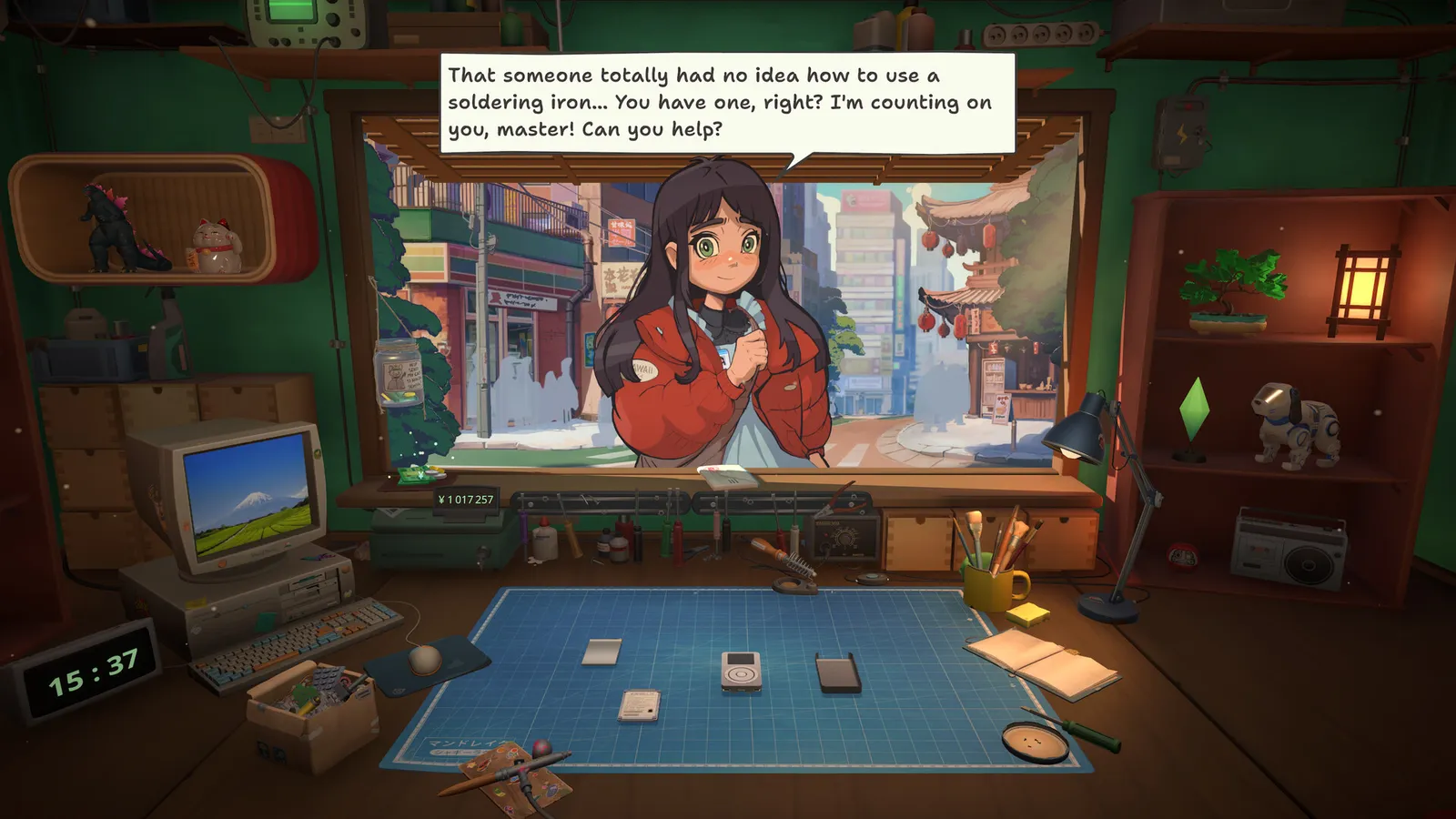
The ReStory: Chill Electronics Repairs mod scene — trainers like WeMod and PLITCH, cheats (money, time freeze), and the state of official modding support.
ReStory Mods — Trainers, Cheats & Custom Content
ReStory: Chill Electronics Repairs launched without a Workshop or official modding tools — the mod scene at launch consists of third-party trainers and cheats (WeMod, PLITCH and similar), not content mods. This guide covers what's actually available, what the cheats do, and the honest caveats about using them. For the game's systems if you'd rather play straight, see the main guide.
Here's what you'll learn:
- The real state of ReStory modding
- The trainers and cheats available at launch
- The risks and caveats
The Mod Scene at Launch
ReStory has no official mod support and no Steam Workshop at launch. The "mods" you'll find are:
- Trainers — WeMod, PLITCH and vgtimes-hosted trainers (all third-party, community-made)
- Cheat configs — memory-edit based trainers with a standard set of toggles
- Save editors — in the early days, mostly manual save editing (see the save file guide for locations)
No content mods (new devices, new customers, texture packs) existed in the first week — the game's assets are Unity-style packed, and there's no official modding path yet.
What the Trainers Offer
The launch-week trainers (WeMod, PLITCH) provide a familiar set of toggles:
| Cheat | Effect |
|---|---|
| Add money / money multiplier | Set income or expenditure multipliers |
| No money deduction | Free shopping |
| Freeze clock / time speed | Pause or slow the in-game clock |
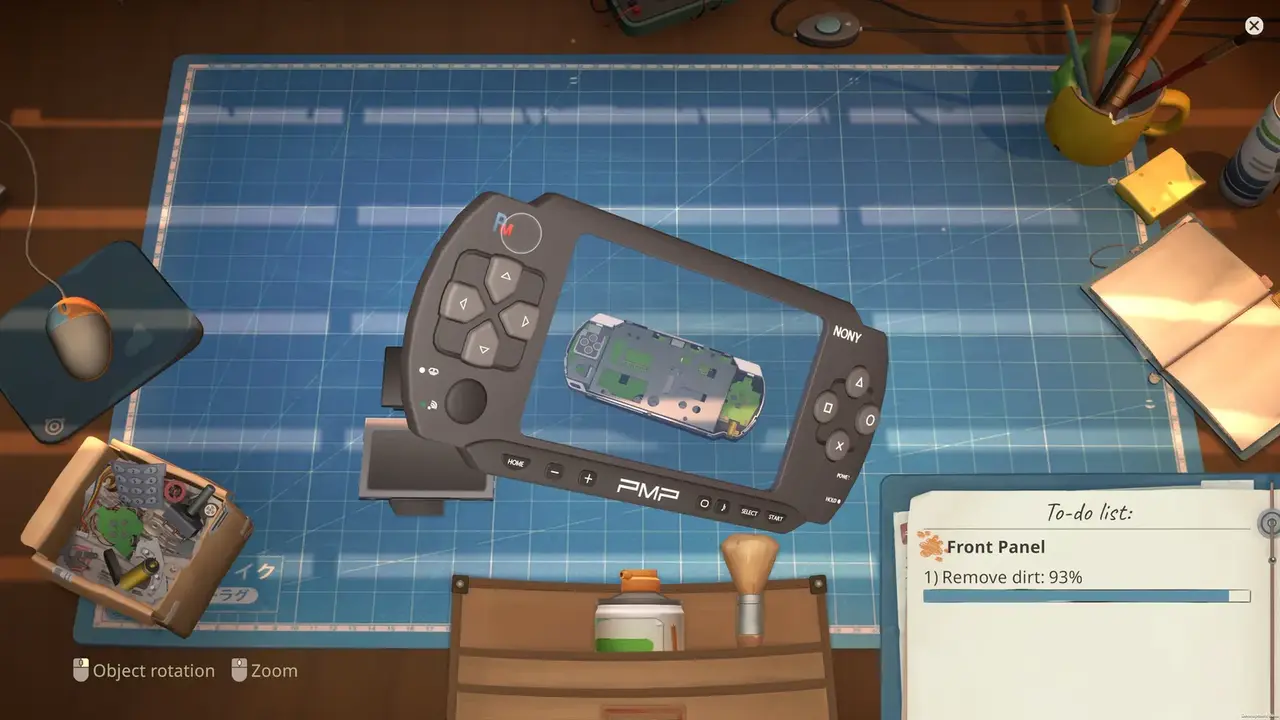
| Instant clean dirt | Skip the cleaning minigame |
| Unlock tools / licenses | Unlock everything |
| Broken tool toggle | For testing |
| Hi-res screenshot | Bonus screenshot utility |
Third-party trainers are memory-edit tools — they can trigger anti-cheat (ReStory has none, so mostly fine), corrupt saves if toggled mid-save, and are a common malware vector when downloaded from sketchy hosts. If you use them, download only from well-known trainers (WeMod's hosted versions are the safest), and back up your save file first.
The Cozy-Game Argument Against Cheating
ReStory's economy is deliberately gentle — rent, parts, and the tip jar compound into a comfortable income without grinding. The launch-week community consensus, echoed in the review, is that the game's balance rarely requires cheats: money flows, and the fun is the repair loop, not the grind. Cheats are most useful for skip-the-grind achievement hunting (the 1,000-part and 1,000,000-yen goals — see the achievements guide).
Will Official Mod Support Come?
At launch there's no Workshop, no modding tools and no official statement about adding them — but the context is worth knowing:
- tinyBuild's catalog is Workshop-friendly — several tinyBuild titles ship with Steam Workshop support, so it's a publisher that knows the value; that's not a promise, just context.
- The game's data structure invites it — devices, customers and dialogue live in data-like assets; the community's early save-editing (see the save file guide) shows the game is moddable in principle even without tools.
- Cozy-game precedent — the genre's biggest names (Stardew, PowerWash) built huge mod communities on top of games that started tool-less; where there's demand, tools tend to follow.
Until then, the safe position: assume trainers only, keep backups, and check the achievements guide before using cheats if you care about the 50-unlock list.
ReStory's economy is tuned to be gentle (rent 2,000/week, tips, online orders — see the tips guide). A money cheat removes the only pressure the game has; most players report the game is better without it.
FAQ
Are there ReStory mods? At launch, only third-party trainers and cheats (WeMod, PLITCH, community trainers). There's no official mod support, no Workshop, and no content mods yet.
Does ReStory have official mod support? No — no modding tools or Workshop integration at launch. If tinyBuild adds them, this page will be updated.
What ReStory cheats are available? Money multipliers, no money deduction, freeze clock, instant clean dirt, unlock tools/licenses — via WeMod, PLITCH or community trainers. Use at your own risk with a save backup.
Related Guides
- ReStory Guide — Everything You Need to Know
- ReStory Save File Location & Backup
- ReStory Review — Is It Worth It?
- Does ReStory Use AI Art? The Facts Behind the Controversy
- ReStory Repair Mechanics — Tools & Cleaning Guide
Official resources: Steam store page · Steam news hub · IGN game page · GOG store page Last Updated: August 12, 2026
More ReStory: Chill Electronics Repairs Guides
Our ReStory: Chill Electronics Repairs review — 98% positive on Steam, a Metacritic 84, what it does brilliantly and the honest caveats before you buy.
Where ReStory: Chill Electronics Repairs stores your save, how to back up safely and how Steam Cloud sync works — with exact community-verified Windows paths.
Official ReStory system requirements: Windows and Mac minimums from the Steam page, plus what hardware actually matters for a smooth repair-shop session.
12 ReStory: Chill Electronics Repairs tips from launch-week players — cleaning order, spare-part economy, tool priorities and the story choices that matter.
Every ReStory: Chill Electronics Repairs update — launch-day known issues (firmware bug, achievement unlocks), the first patch timeline and developer promises.
A practical ReStory: Chill Electronics Repairs walkthrough — opening script, weekly rhythm and the milestone order for tools, licenses and online orders.