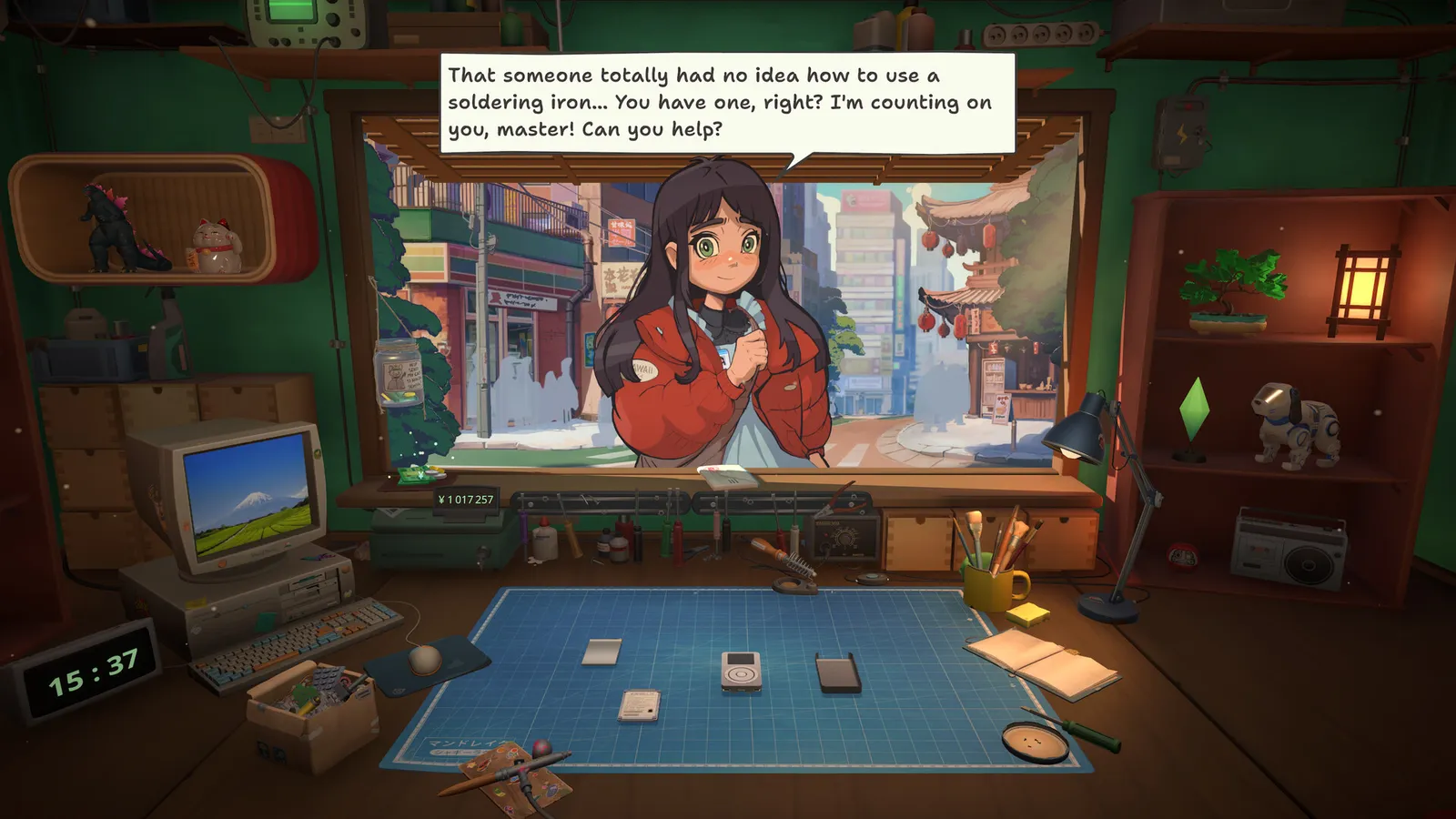
ReStory: Chill Electronics Repairs' fake internet — in-game browser, online orders, spare-parts marketplace and why real internet speed doesn't matter.
ReStory Internet Speed Online Orders — the In-Game Browser & Network Tips
One of ReStory: Chill Electronics Repairs' most charming — and most misunderstood — features is its in-game internet: a slow, period-accurate parody of the mid-2000s web where you order spare parts, take online orders and gamble on marketplace lootboxes. "Is ReStory internet speed a problem?" is a top launch-week question — and the answer is that the slowness is simulated, on purpose. This guide explains the browser economy and the online order system's place in the game.
Here's what you'll learn:
- Why the browser is slow (and why it's a feature)
- How online orders work
- The spare-parts marketplace
- The real answer about your internet speed

The Fake Internet Is a Feature
The in-game browser (a parody of mid-2000s browsers — think "Gozilla Fairfox") loads slowly, pages crawl, and ordering parts takes time. This is deliberate: it sells the Y2K-era atmosphere, and it's a core economy mechanic. The 2UpSkill community guide called it "a painfully slow Y2K-inspired internet [that] somehow becomes part of the charm rather than an inconvenience."
The design payoff: planning ahead becomes a skill. Ordering parts a day or two before you need them, and stocking common components, beats reactively paying for express shipping every time.
The browser's loading speed is simulated and identical for everyone. ReStory is single-player and offline-capable; your actual connection only matters for Steam features (downloads, Cloud saves). If you searched "restory internet speed" worried about requirements — you're fine.
Online Orders
Once you get an internet connection (an early-mid-game milestone), you can:
- Check email every morning — customers send repair requests with deadlines
- Accept and fulfill online orders — they pay well, and the deadlines add gentle structure
- Track the achievement line — "Master of the Internet" (first online order), "WWW" (25), "Internet Business" (100) — see the achievements guide
Online orders are the mid-game economy's main driver: the walkthrough recommends prioritizing them once available.
The Spare-Parts Marketplace
The browser also hosts the Marketplace, where you can:
- Buy devices online to harvest parts — a dead device is cheaper than individual components (the "Flipper"/"Garage Sale" achievements track this)
- Buy random parts boxes — cheap lootboxes ("Lootbox"/"Gambler" achievements); fun once profitable, a trap before
- Sell restored devices online ("Making Money!" achievement) — buy broken, fix, flip
Ordering Smart: The Browser Economy
The in-game internet runs on two currencies: yen and patience. The community consensus (from the launch-week guides and the tips guide) is that the browser rewards planning:
- Check email twice daily — morning orders arrive with deadlines; the walkthrough recommends accepting only what you can finish before the deadline.
- Buy broken devices, not parts — a dead unit from the Marketplace is usually cheaper than the sum of its parts; strip it for what you need and shelf the rest.
- Express shipping is the tax on poor planning — parts arrive quickly if you pay; the cheaper option forces you to stock common components (screws, batteries, screens) in advance.
- Check seller ratings — the in-game inspector's warning ("people lie") is literal: the Marketplace has its own reputation system, and a bad seller can waste your order.
The browser speed is simulated; the game is fully offline-capable. Only Steam Cloud (save file guide) touches your actual network.
FAQ
Does ReStory need internet? No — the game is single-player and plays fully offline. The in-game browser's internet is simulated; your real connection only matters for Steam Cloud saves and downloads.
Why is the ReStory browser so slow? It's a deliberate period-accurate design choice — the slow web sells the mid-2000s atmosphere and makes parts planning a skill (express shipping is the expensive tax on poor planning).
How do online orders work in ReStory? After unlocking the internet connection, check email each morning, accept repair requests with deadlines, fulfill them, and earn the achievement line from Master of the Internet through Internet Business (100 orders).
Related Guides
- ReStory Walkthrough — Day-by-Day Flow
- ReStory Tips and Tricks
- ReStory Guide — Everything You Need to Know
- Does ReStory Use AI Art? The Facts Behind the Controversy
- ReStory Mods — Trainers, Cheats & Custom Content
Official resources: Steam store page · Steam news hub · IGN game page · GOG store page Last Updated: August 12, 2026
More ReStory: Chill Electronics Repairs Guides
Our ReStory: Chill Electronics Repairs review — 98% positive on Steam, a Metacritic 84, what it does brilliantly and the honest caveats before you buy.
Where ReStory: Chill Electronics Repairs stores your save, how to back up safely and how Steam Cloud sync works — with exact community-verified Windows paths.
Official ReStory system requirements: Windows and Mac minimums from the Steam page, plus what hardware actually matters for a smooth repair-shop session.
12 ReStory: Chill Electronics Repairs tips from launch-week players — cleaning order, spare-part economy, tool priorities and the story choices that matter.
Every ReStory: Chill Electronics Repairs update — launch-day known issues (firmware bug, achievement unlocks), the first patch timeline and developer promises.
A practical ReStory: Chill Electronics Repairs walkthrough — opening script, weekly rhythm and the milestone order for tools, licenses and online orders.