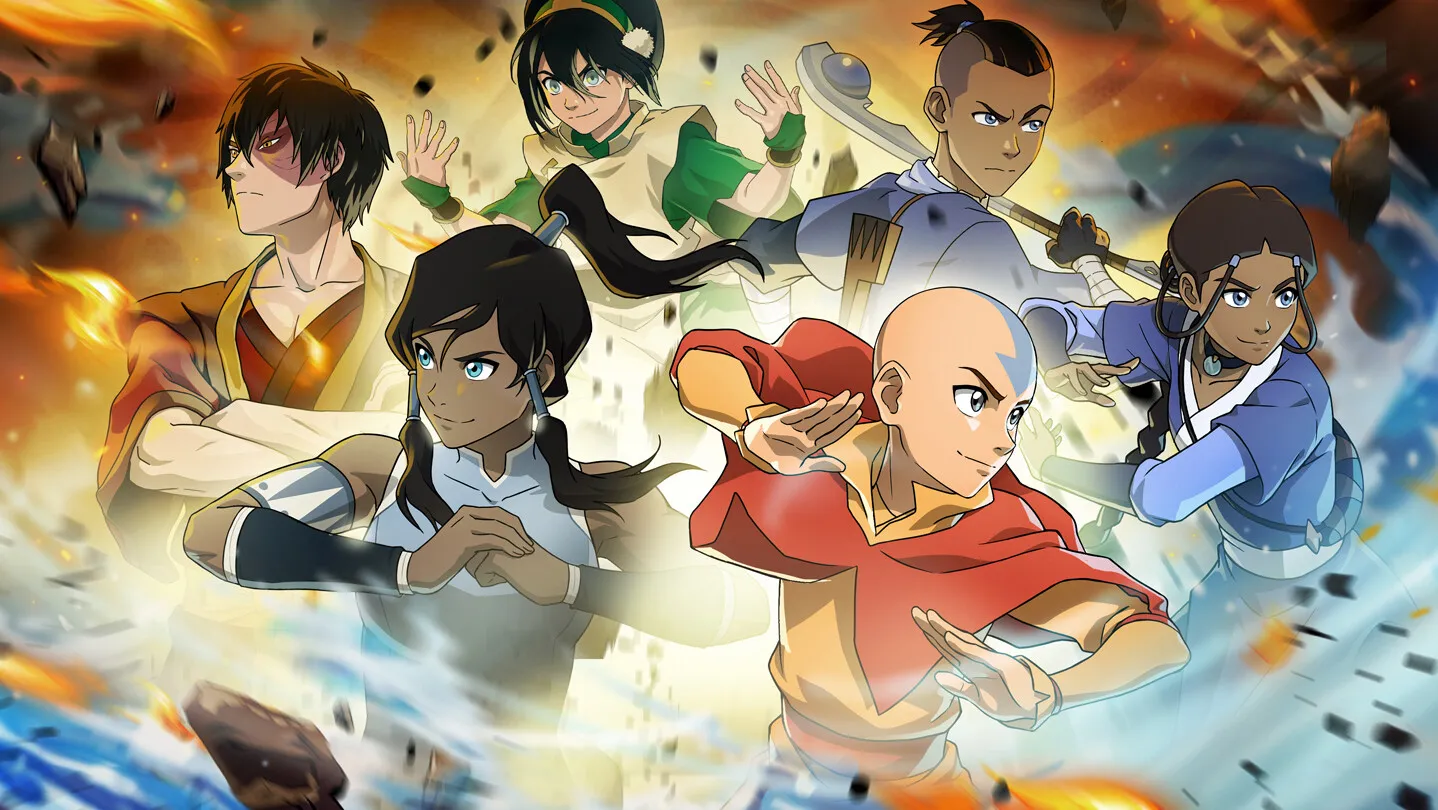
How to play Avatar Legends: The Fighting Game — 4-button controls, Flow gauge and Unbalanced state, Chakra supers, chain combos, supports, and a training path.
Avatar Legends Fighting Game How to Play: Controls, Flow & Support Systems
Avatar Legends: The Fighting Game is a four-button fighter (Light, Medium, Heavy, Flow) with no complicated motion-input barrier — even a total newcomer can mash Light and watch an Auto Combo fire off. The depth comes from the Flow gauge (a regenerating resource for movement and defense), Chakra/Chi (spent on supers and cancels), and the support pick that tunes your kit before every match. This guide walks through every system the way the in-game tutorial teaches it, then gives you a training path to competitive play.
Here's what you'll learn:
- The complete button layout, including macro-friendly combination inputs
- Movement and defense: dashes, jumps, guarding, and both recovery types
- The Flow system — Flow Moves, Flow Stance, Flow Cancels, and the Unbalanced state
- Chakra points, EX Specials, Supers and Final Techniques, with exact costs
- Chain combos, Auto Combos and how specials convert into damage
- Support characters, plus a step-by-step path from tutorial to ranked

Official resources: Steam store page · Official site · Systems wiki — Avatar Fandom · Beginner guide — GameTruth
Core Controls: Light, Medium, Heavy & Flow
The game is built on four primary buttons plus combination inputs you can bind to macros:
| Input | Action |
|---|---|
| Light (A) | Fast jab — the base of your Auto Combo and strings |
| Medium (B) | Mid-damage attack, good range |
| Heavy (C) | Slow, hard-hitting attack; command normals use forward + Heavy |
| Flow | Powers Flow Moves, Flow Stance and defensive options |
| Light + Flow | Throw |
| Medium + Heavy | Dash |
| Heavy + Flow | Guard Reversal |
| Light + Medium + Heavy | Super Technique |
Every button behaves differently standing, crouching and airborne. Light attacks are negative on block in most cases, so chain combos (below) exist to turn them into pressure instead of free punishment. Full controller support and rebindable keys are available on Steam (see system requirements).
Movement & Defense Basics
- Dashes — double-tap forward/back or press Medium + Heavy. Most dashes cancel into attacks and jumps; canceling a dash into a jump gives you extra jump speed. This is the single most important movement tool.
- Jumps & High Jumps — three jump directions, and a High Jump (down → up) for arc control. You cannot guard in the air.
- Guard — hold back or down-back. Guarding costs a small amount of Flow gauge, and specials deal chip damage through guard. Overheads must be guarded standing; lows must be guarded crouching.
- Ground Recovery — hold left/right while knocked down to roll away fully invulnerable. Chakra Arts cause a Hard Knockdown that stops recovery.
- Aerial Recovery — some launchers force air recovery; you're invulnerable until landing unless you attack first.
If you always tech the same way, good players will read it and keep comboing you. Mix rolls, and occasionally just stay down to bait the meaty attack. The community's #1 beginner habit to break is predictable recovery.
The Flow System, Explained
The Flow button is the game's identity. Direction + Flow performs a Flow Move — a character-specific evasive ability (Aang's glider dash, Toph's armor step, Korra's Ignition Step). Every Flow action costs Flow gauge, which regenerates over time. Key Flow options:
- Flow Stance (hold Flow) — automatically defends against everything and triggers a special defensive animation you can cancel into any Flow Move. Vulnerable to Critical Throws.
- Flow Cancel — cancel a Flow Move, Light attack, Command Normal or your guard directly into a Flow Move. Costs Chi.
- Flow Reversal — the same cancel, done while guarding; the escape move gains invulnerability.
- Guard Reversal (Heavy + Flow) — fast, fully invulnerable, launches the opponent away; heavy Flow cost.
- Flow Escape (left/right + Flow while knocked down or launched) — empowered recovery at heavy Chi cost.
The Unbalanced state triggers when your Flow gauge hits zero. While Unbalanced: Flow actions are disabled, every hit you take is a Counter Hit, throws become Critical Throws, and every knockdown is Hard Knockdown. In other words — when the Flow gauge runs dry, you are in the worst possible defensive spot. Managing Flow is the entire game.
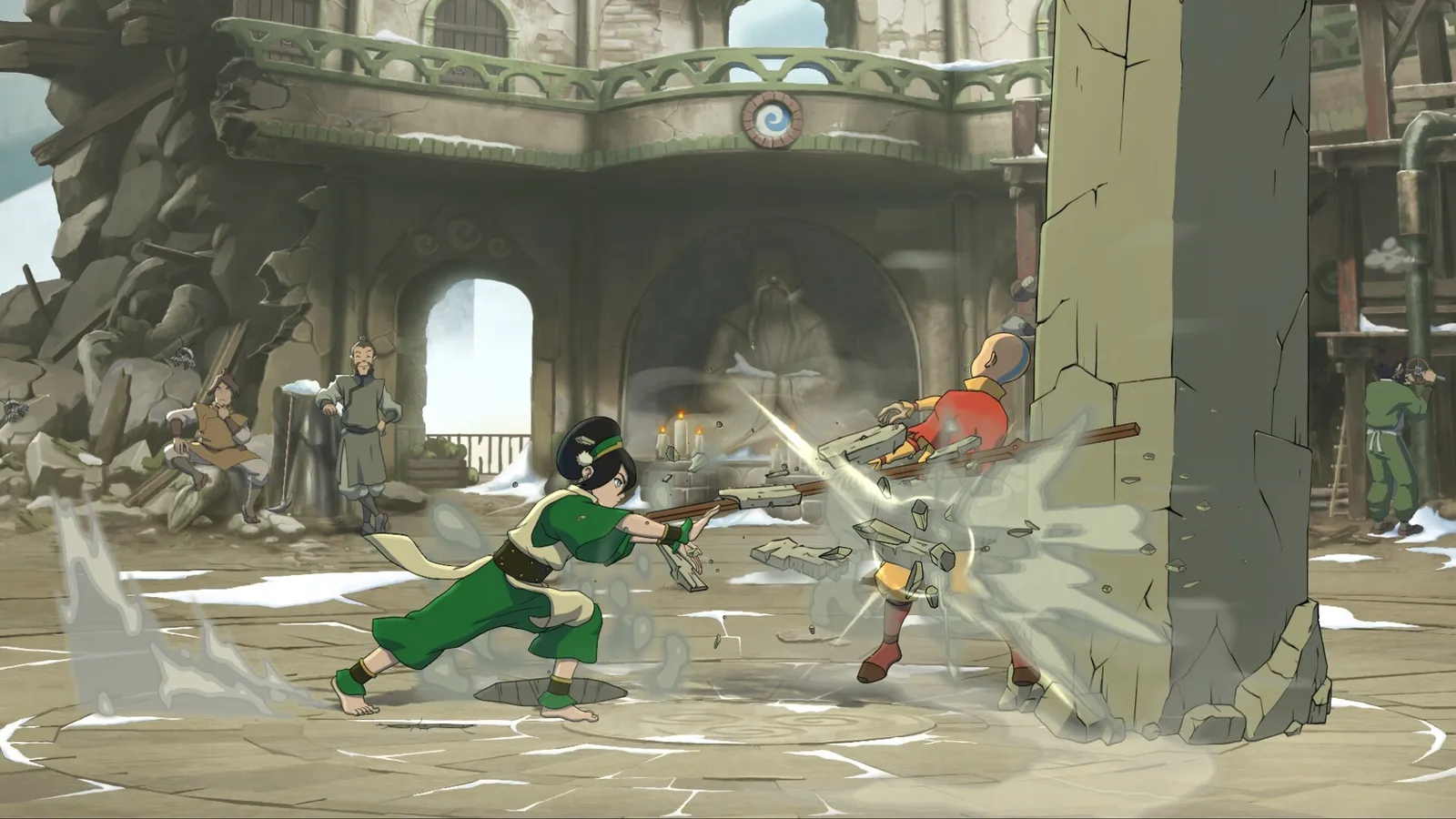
Chakra Points, Chi, Supers and Final Techniques
There are two separate resources, and mixing them up is the most common beginner mistake:
Chakra Points (Energy) — earned during a fight:
- Landing a Special Technique: +1 per combo (max 1 per combo)
- Successful Throw: +1
- Successful overhead or low attack: +1
- Avoiding an attack with a Flow Move: +1
- Holding Flow Stance for an extended period: +1
- You start with 5 Chakra max; losing a round raises your max to 7.
Spending Chakra:
- EX Special (quarter-circle + two attack buttons) — 1 Chakra; combo-enabling or invulnerable versions cost 2
- Super Technique (quarter-circle forward + Light+Medium+Heavy) — 4 Chakra, causes Hard Knockdown
- Final Technique (quarter-circle back + Light+Medium+Heavy) — 7 Chakra, the strongest attack in the game
Chi — a separate pool spent on Flow Cancels and Flow Escapes (Command Normals also Flow Cancel at Chi cost). Chi management is why supports like Suki (Sokka, cheaper Flow cancels) and Tonraq (Korra, better chi economy) matter so much. The roster guide breaks down every support effect.
Combos: Chain Combos, Auto Combos & Specials
- Chain Combos — most characters link Light → Medium → Heavy in sequence. This is your bread-and-butter pressure string.
- Auto Combos — mash Light and your character performs a short auto-combo that ends by canceling into a Special Technique. Hold down, down-forward or down-back before the end to choose which special fires.
- Command Normals — forward + Heavy on most characters; these Flow Cancel (spend Chi) to extend pressure.
- Specials & combo rules — Specials award +1 Chakra when they hit as part of a combo, deal chip damage on guard, and can only be canceled into Chakra Arts (EX/Super). Aerial Throws (Light + Flow in the air) are fast anti-air answers and convert into combos on many characters.
A practical first combo for most of the roster: forward + Heavy (command normal) → Light chain → Medium → Heavy → quarter-circle special → EX cancel → Super if you have the Chakra. Practice it in Training Mode with the frame data and hitbox overlays turned on.
Support Characters in Battle
Before the match you pick one of three supports (36 total across the roster). They never appear on screen — they modify your character:
- Damage/combos — e.g. Aang's Appa (more damage at higher chi cost), Kyoshi's Rangi (new follow-ups)
- Movement — e.g. Zuko's Ran & Shaw (speed), Kyoshi's Kelsang (double jump)
- Economy — e.g. Sokka's Suki (cheaper Flow cancels), Korra's Tonraq (chi management)
- Modes/state — e.g. Azula's Ursa (permanent Firelord Stance), Korra's Raava (longer Avatar State)
There is no wrong support, but a support that fixes your character's weakness is usually better than one that amplifies their strength. The full list with effects is in the roster guide.
Beginner Training Path
- In-game Tutorial — the game's tutorial teaches every system above in about 30 minutes. Do it twice; the second run sinks in.
- Training Mode basics — practice movement first (dash cancel → jump, backdash spacing), then your character's chain combo into special. Turn on hitboxes to see why moves whiff.
- Trials — per-character combo challenges. They get genuinely tricky; completing the first 5 of any character is a solid skill check.
- Arcade Mode — 8 matches, no continues, teaches you to close out rounds under pressure.
- Online Casual — play without ranked anxiety. Expect to lose; the game's rollback netcode makes online practice actually useful (see crossplay guide for platform notes).
- Ranked — go when you can reliably land your BnB combo and tech recoveries. If you want a character with a gentle curve, Korra and Zaheer are the standard picks — see our tier list.
Auto Combos end in predictable specials that strong players punish on reaction. They're for learning the feel of the game, not for winning matches. Replace them with intentional chain strings as soon as you can.
Official source: the official game site confirms Training Mode ships with hitboxes, frame data and save states — the same tools pros use to lab matchups are available to everyone from day one.
Frequently Asked Questions
How do you play Avatar Legends: The Fighting Game?
Pick one of 12 fighters and one of three supports, then fight 1v1 using Light/Medium/Heavy attacks plus the Flow button for movement and defense. Chain Light→Medium→Heavy, spend Chakra on supers, and never let your Flow gauge hit zero.
What are the controls in Avatar Legends: The Fighting Game?
Four primary buttons (Light, Medium, Heavy, Flow) with macros for Throw (Light+Flow), Dash (Medium+Heavy), Guard Reversal (Heavy+Flow) and Super (Light+Medium+Heavy). Specials use quarter-circle motions plus attack buttons.
How does the Flow system work in Avatar Legends?
Flow is a regenerating gauge spent on dashes, evasive Flow Moves, Flow Stance and defensive cancels. Run out of Flow and you enter the Unbalanced state, where every hit against you is a Counter Hit and throws become Critical Throws.
What are Chakra Arts in Avatar Legends: The Fighting Game?
Chakra (Energy) points fuel EX Specials (1–2), Super Techniques (4) and Final Techniques (7). You earn Chakra by landing specials, throws, overheads, lows and Flow evasions; losing a round raises your max from 5 to 7.
How do supports work in Avatar Legends: The Fighting Game?
Each fighter has three support picks that passively modify their kit — combos, mobility, chi economy or stance. You choose one at character select; they never fight directly.
Is Avatar Legends: The Fighting Game beginner friendly?
Yes. Four-button basics, Auto Combos, a 30-minute tutorial and hitbox/frame-data training tools make it one of the most approachable 1v1 fighters of 2026, while Flow/Chakra/support layers give veterans real depth. Our review covers the difficulty balance in detail.
Related Guides
- Avatar Legends Fighting Game Roster — All 12 Characters & DLC
- Avatar Legends Fighting Game Tier List — Launch Rankings
- Avatar Legends Fighting Game System Requirements
- Avatar Legends Fighting Game Frame Data Guide
- Katara Avatar Legends Guide: Moves, Combos & Matchups
Last updated: August 14, 2026.
More Avatar Legends: The Fighting Game Guides
Full Avatar Legends Fighting Game roster — all 12 launch fighters by element, 36 supports, unlockable Avatar State Aang and Nightmare Korra, and Year 1 DLC.
Story Mode explained: Riftbending plot by DiMartino and Hedrick, 27 chapters, difficulty, playtime, and the Avatar Aang and Nightmare Korra unlocks.
Avatar Legends Fighting Game system requirements — official min specs, recommended hardware, Steam Deck, FPS performance, download size and controllers.
Avatar Legends Fighting Game tier list — S/A/B launch rankings, the best characters, beginner-friendly picks, and how patches will move them.
Aang guide: full airbender moveset (Air Scooter, Gliders, Wind Summon), which support to pick — Gyatso, Appa or Momo — plus combos, critical hits and strategy.
Avatar State Aang Avatar Legends guide — unlock via Chapter 11-1 or cheat code, plus his zoning moveset, Harmonic Drift, supports and 875 health.
Azula guide for Avatar Legends: The Fighting Game — Focused vs Firelord mode, oil traps, just-frame moves, supports (Lo and Li, Joo Dee, Ursa) and combos.
Katara guide for Avatar Legends: The Fighting Game — waterbending moveset, Water Whip Stance mixups, the best support (Kanna, Pakku or Hakoda), and combos.