
Waterpark Simulator staff guide: every role (cashier, vendor, janitor, lifeguard), how to hire, staff overflow fixes, wages, and the best hiring order.
Waterpark Simulator Staff Guide — Hiring, Overflow & Wages (2026)
Staff are the difference between a waterpark you run and a waterpark that runs itself. Early on, hiring a cashier is the single biggest quality-of-life upgrade in the game (as detailed in our beginner's guide); by the mid-game, a mismanaged roster is the fastest way to burn money — hiring past your staff cap triggers overflow fines of roughly $1,000 per extra employee. This guide covers every role, how hiring works, the overflow problem, and the hiring order that keeps payroll sane.
Here's what you'll learn:
- Every staff role and what it actually does (including 1.0's Security and Mascots)
- How to unlock staff: Hiring Levels at the research table
- What staff overflow is, the fines it triggers, and how to fix it
- Real wage examples and why efficiency beats price
- The best hiring order for early, mid, and late game
- Known staff AI quirks and the community fixes
Official resources: Steam store page · IGN game page · Official Waterpark Simulator site · Steam Community — vendor discussion
Every Staff Role in Waterpark Simulator
The game has a growing roster of roles, and each one automates one slice of the daily loop:
- Ticket Agent (Cashier) — runs the entrance, selling tickets and checking bracelets. The community's unanimous first hire; it frees you from the gate queue.
- Janitor — cleans trash, mops puddles, empties bins. Cheap and handles the most common satisfaction decay.
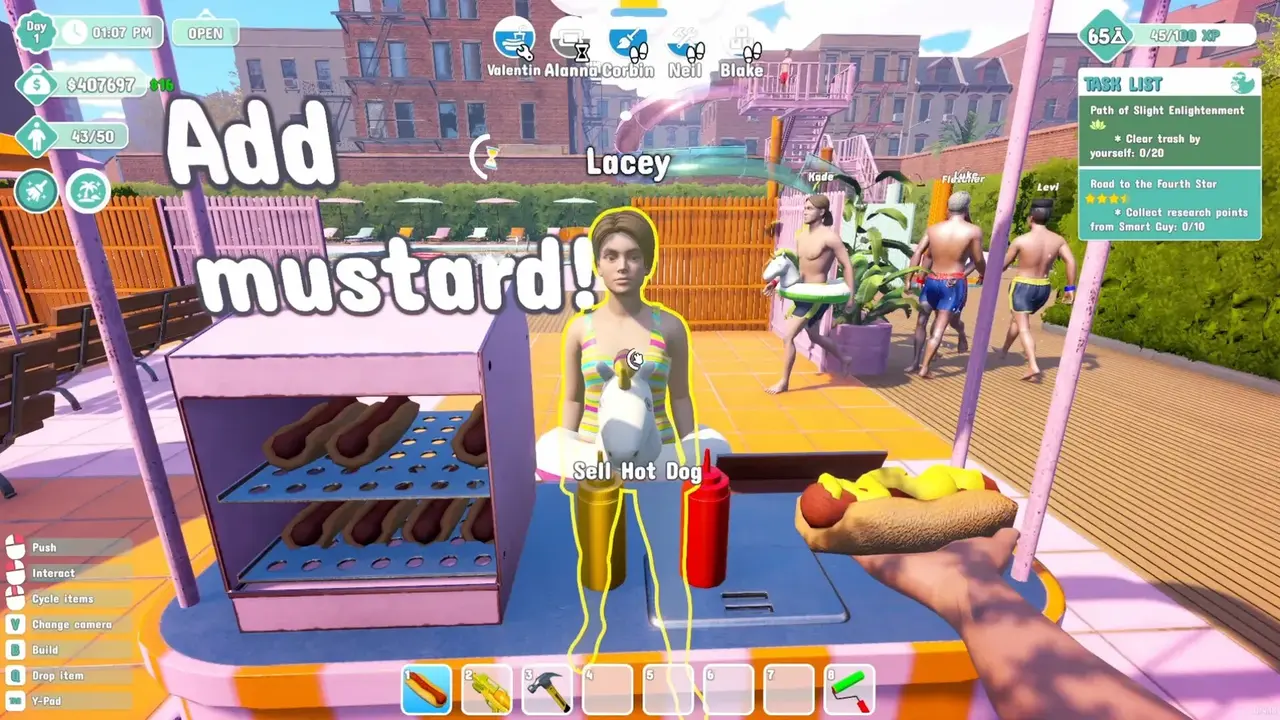
- Vendor — staffs one food or drink stall. One vendor per stall — they do not move between stalls automatically, so assign each one manually.
- Handyman (Maintenance) — repairs attractions, chairs, filters, and pools. Late-game essential as breakdowns multiply.
- Lifeguard — prevents drownings, which stops the ambulance fines and "sued" penalties.
- Restocker — keeps vending machines and stalls supplied so sales don't stall.
- Security (1.0) — boots unruly guests; feeds the "Order Restored" achievement (50 evictions).
- Mascot (1.0) — raises crowd hype and mood once the park is clean enough to handle attention.
Unlocking a role (Vendors, Janitors, Maintenance, Security) and increasing how many employees you can hire are separate research upgrades. You can unlock Vendors and still have zero free staff slots — always check the Hiring Level before buying a role unlock.
How to Hire Staff: Hiring Levels at the Research Table
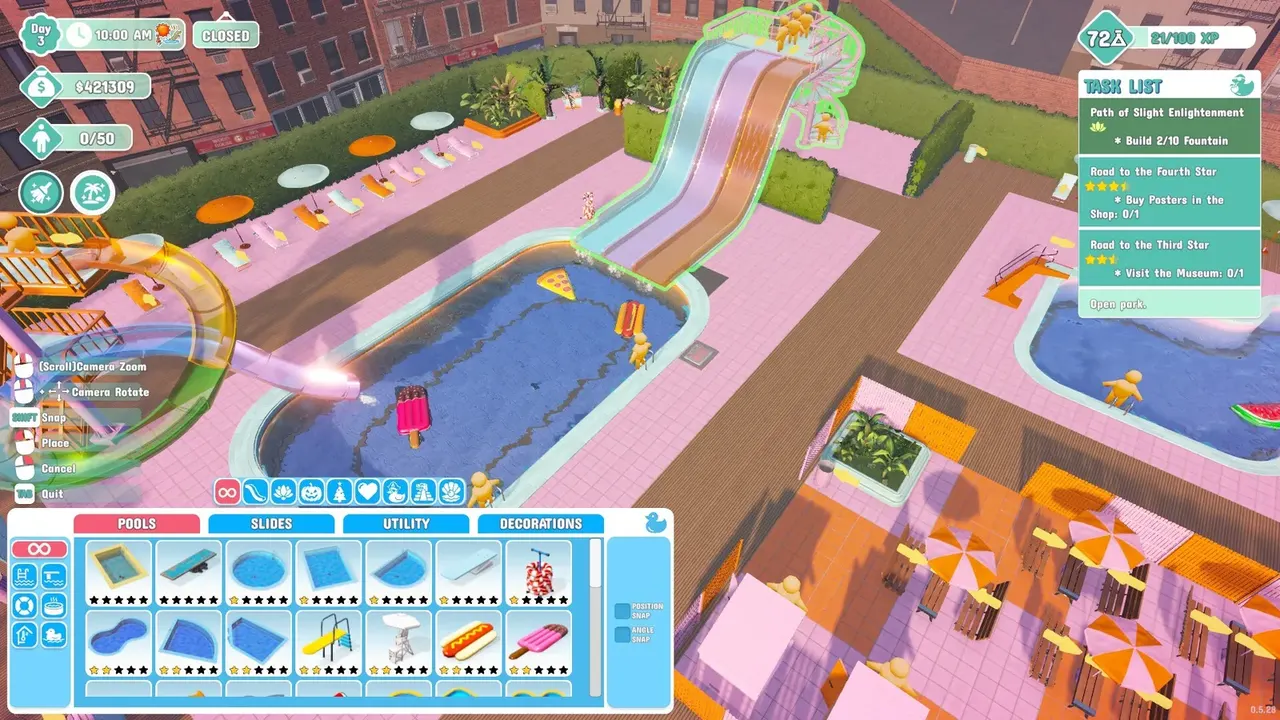
Hiring is gated behind the research table, and the unlock order is consistent across guides and the community:
| Staff Type | Unlock Requirement |
|---|---|
| Cashier / Ticket Agent | Hiring Level 1 |
| Vendor, Janitor | Hiring Level 2 |
| Handyman / Maintenance | Later research upgrades |
| Lifeguard, Restocker, Security, Mascot | Later research / 1.0 unlocks |
Each Hiring Level Up also raises the maximum number of staff you can employ. The research tree makes this explicit: buy "Hiring Level Up" to add slots, then hire from the candidate list, which refreshes with different candidates each day.
Per the official Steam store page, the 1.0 update added Security and Mascots to the management systems: "Security will help boot out those unruly guests while mascots will bring more fun and hype for your guests."
Staff Overflow: The $1,000-Per-Employee Trap
The single most asked staff question. Staff overflow happens when you hire more employees than your current Hiring Level allows. The game counts total staff against a hard capacity cap, and going over:
- Triggers daily fines — community reports put it at roughly $1,000 per over-cap staff member (a Steam discussion from a player tracking daily income: "you're getting 1k fine for each 1").
- Slows or stops staff efficiency — overflow staff wander and underperform.
- Is not fixed by hiring more people — it's fixed by raising the cap.
If your park says "staff overflow," stop hiring immediately and research the next Hiring Level Up to raise the cap. Selling off a spare vendor costs less than a week of $1,000 fines.
A practical roster from a Hard-mode player who tested through four stars: 2 Janitors, 2 Vendors, 1 Ticket Agent, 1 Maintenance — matched to a park where cleaning, two stalls, ticketing, and repairs were all active bottlenecks. The general rule from the community: "if your max is 8, only employ 8 staff — higher = fines." Don't staff for jobs you don't have yet.
Wages, Efficiency & Candidates
Every candidate has unique stats: daily wage, efficiency, and secondary stats (endurance, recovery speed, movement speed for some roles). Real examples from player saves:
- A Ticket Agent candidate around $100/day at 100% efficiency (early-game example).
- A Janitor around $150/day at 70% efficiency.
- On Hard mode, one player's first Ticket Worker cost about $270/day — almost his entire cash balance at the time, which is why he delayed the hire until the entrance queue became a real bottleneck.
- A lifeguard can run $400-500+/day depending on stats.
A 150%-efficiency worker at $247/day does more per dollar than a 100% worker at $180/day. Compare wage ÷ efficiency, not the sticker price. Community practice is to refresh the list until a high-efficiency candidate for the role you need appears; hiring a mediocre worker because the role is available is how payroll bloat happens.
Candidate variance: the hiring list changes daily. If the role you need isn't listed, sleep/advance a day and re-check rather than settling for a bad candidate. When a better candidate appears for a role you already filled, fire and replace — the community treats this as routine roster maintenance (it's how the "fire someone" meme was born in the CaseOh playthrough, see our CaseOh guide).
Best Hiring Order
Timing matters more than a fixed sequence. The tested pattern:
- Run the opening park solo until one job keeps pulling you off another (the entrance queue, or trash spreading faster than you can mop).
- Hire a Ticket Agent first — but deal with the morning rush yourself: staff admit the first 10-15 guests too slowly, and frustrated customers leave. After the rush, let them take the gate.
- Hire a Janitor once trash, puddles, and dirty facilities are the main reason satisfaction falls — usually before your park capacity passes ~15-20 guests (Maxi-Geek's EA review: past capacity ~15, "staff become absolutely essential").
- Add Maintenance when several attractions break during the same operating day or a remote expansion is out of your repair route.
- Add Vendors only after specific stalls prove demand — assign each vendor to one station, and consider removing stalls entirely once vending machines cover the park (one veteran's verdict: "vendor booths don't make enough money to even pay the person running the booth").
- Buy Hiring Level Up before using overflow as a crutch, and add a Restocker only when vending machines empty faster than you can refill.
Why Aren't My Employees Working? (AI Quirks & Fixes)
The most-reported staff bugs, all with community workarounds:
- Vendors leave stalls unattended — the #1 fix is manual assignment: hired vendors don't automatically know which stall to work. Assign each to a station by interacting with the "No Staff" sign.
- Stuck employees — use the push ability to physically unstuck them from pathing loops.
- Cleaners ignore trash — restart the game after hiring; it's a known AI-logic quirk that a fresh session clears.
- Staff quit / wander — the 1.0.43 patch added staff quitting; 1.0.48 added Easy/Sandbox rules so staff don't quit on easier difficulties. If workers vanish on Normal, check the patch notes (updates guide).
- Employees stop working after close — normal behavior. The useful flip side: if you sleep, they work before the park opens, which is the intended way to get morning cleaning done (covered in our tips & tricks).
Staff wages look scary, but the fines and satisfaction collapse from an unstaffed park cost far more. If cash is tight, cut one vendor before a lifeguard — drownings and ambulance fees multiply fast, and the money-making guide has the income side of that equation.
FAQ
How do I hire staff in Waterpark Simulator? Unlock Hiring Levels at the research table (Level 1 = Cashier, Level 2 = Vendor/Janitor, more later), then hire from the daily candidate list. Each Hiring Level Up also adds staff slots.
What does staff overflow mean in Waterpark Simulator? Hiring more staff than your current Hiring Level allows. It triggers daily fines (community reports ~$1,000 per over-cap employee) and cuts efficiency. Fix it by researching the next Hiring Level Up, not by hiring more.
What is the best staff hiring order in Waterpark Simulator? Ticket Agent first (after handling the morning rush yourself), then Janitor, Maintenance, then Vendors/Restockers as demand proves itself. A solid mid-game roster is 2 Janitors, 2 Vendors, 1 Ticket Agent, 1 Maintenance.
How much do staff cost in Waterpark Simulator? Candidates vary by save: early examples include a $100/day cashier and $150/day janitor; Hard-mode ticket workers can run $270/day, lifeguards $400-500+/day. Compare wage ÷ efficiency, not price.
Why aren't my employees working in Waterpark Simulator? Usually a fixable quirk: vendors need manual stall assignment, stuck staff can be pushed free, and a restart after hiring clears AI-logic loops. Staff quitting was a 1.0.43 addition — check the updates guide for the Easy/Sandbox rules.
Related Guides
- Waterpark Simulator Beginner Guide — Your First Shift
- Waterpark Simulator Guide — First-Person Park Management Explained
- Waterpark Simulator Money-Making Guide — Best Income & Layouts
- Waterpark Simulator Tips & Tricks — 15 Things I Wish I Knew
- Waterpark Simulator End Game — Mafia, Diamond Ops & 5-Star
- Waterpark Simulator Updates — 1.0, Patches & 1.1 Roadmap
- Waterpark Simulator Troubleshooting — Crashes, Empty Park & Stutter Fixes
Last updated: August 20, 2026.
More Waterpark Simulator Guides
Games like Waterpark Simulator: Supermarket Simulator, Planet Coaster, Parkitect, RCT3 Soaked, Two Point and more — ranked by how close they match.
Waterpark Simulator item locations: water gun, chlorine, mop, spray can, zen towel, sauna wooden ladle, granola bars — unlocks, uses, and research-point tips.
Waterpark Simulator mods: no official Workshop, but Nexus mods via BepInEx/MelonLoader — install steps, the 8-player mod, graffiti mod, and updates.
Waterpark Simulator multiplayer: online co-op up to 4 players, hosting and invites, lobby privacy, voice chat, permissions, and 8-player mods.
Waterpark Simulator PS5 guide: release date, price, PS Plus co-op, trophies, performance, mods and cross-save — how the console build differs from PC.
Waterpark Simulator review: Steam rating, critic consensus, pros and cons, performance and co-op verdict — is the $12.99 first-person park sim worth it?
How Waterpark Simulator runs on Steam Deck: Proton Experimental setup, controller layouts, performance settings, FPS expectations, and known Deck issues.
Waterpark Simulator system requirements: official minimum and recommended PC specs (CPU, GPU, RAM, 20GB), what hardware actually runs it, and Steam Deck notes.