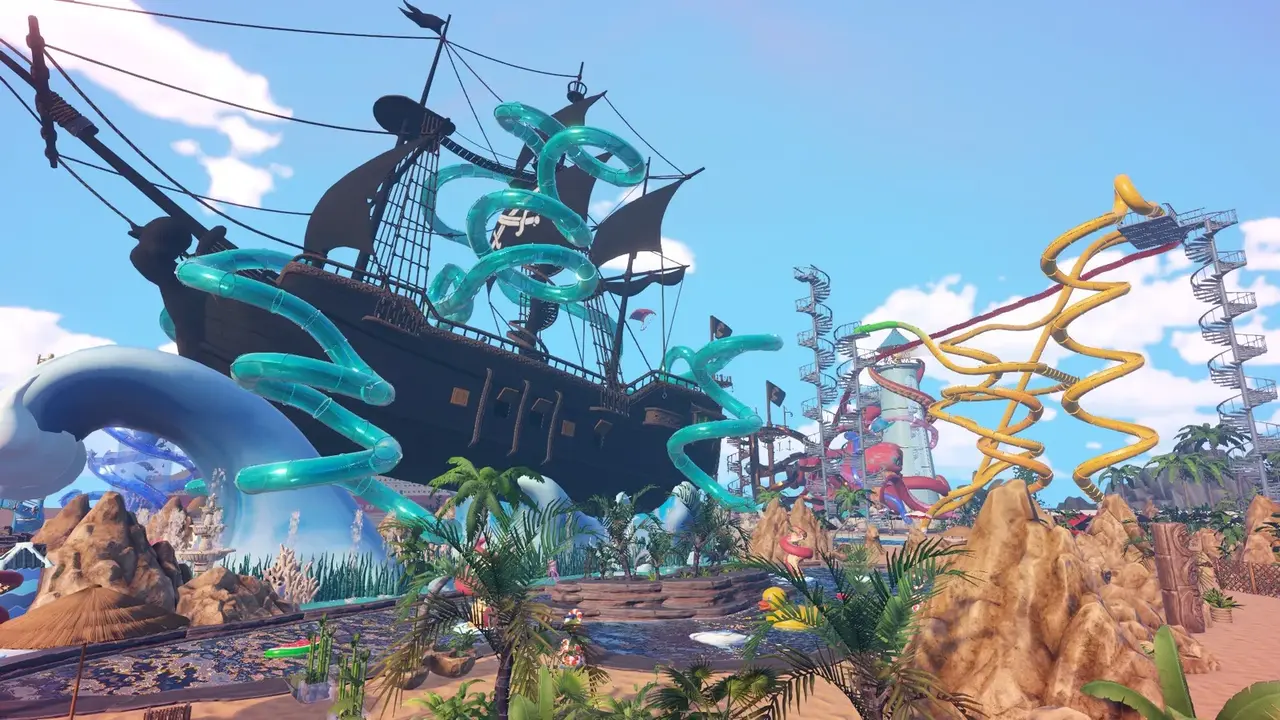
Waterpark Simulator multiplayer: online co-op up to 4 players, hosting and invites, lobby privacy, voice chat, permissions, and 8-player mods.
Waterpark Simulator Multiplayer — Co-op, Hosting & Player Count (2026)
Yes, Waterpark Simulator is a multiplayer game — online co-op for up to 4 players (you plus three friends or strangers), added with the 1.0 launch on July 31, 2026. It's host-based: one player creates a park and everyone else joins it, and the whole group shares the same park, the same guests, and the same chaos. Multiplayer is also why the game's Steam peak jumped to 13,000+ concurrent players after 1.0 — roughly 44% higher than its previous record. This guide covers hosting, invites, lobby privacy, player limits, voice, permissions, and the common co-op snags.
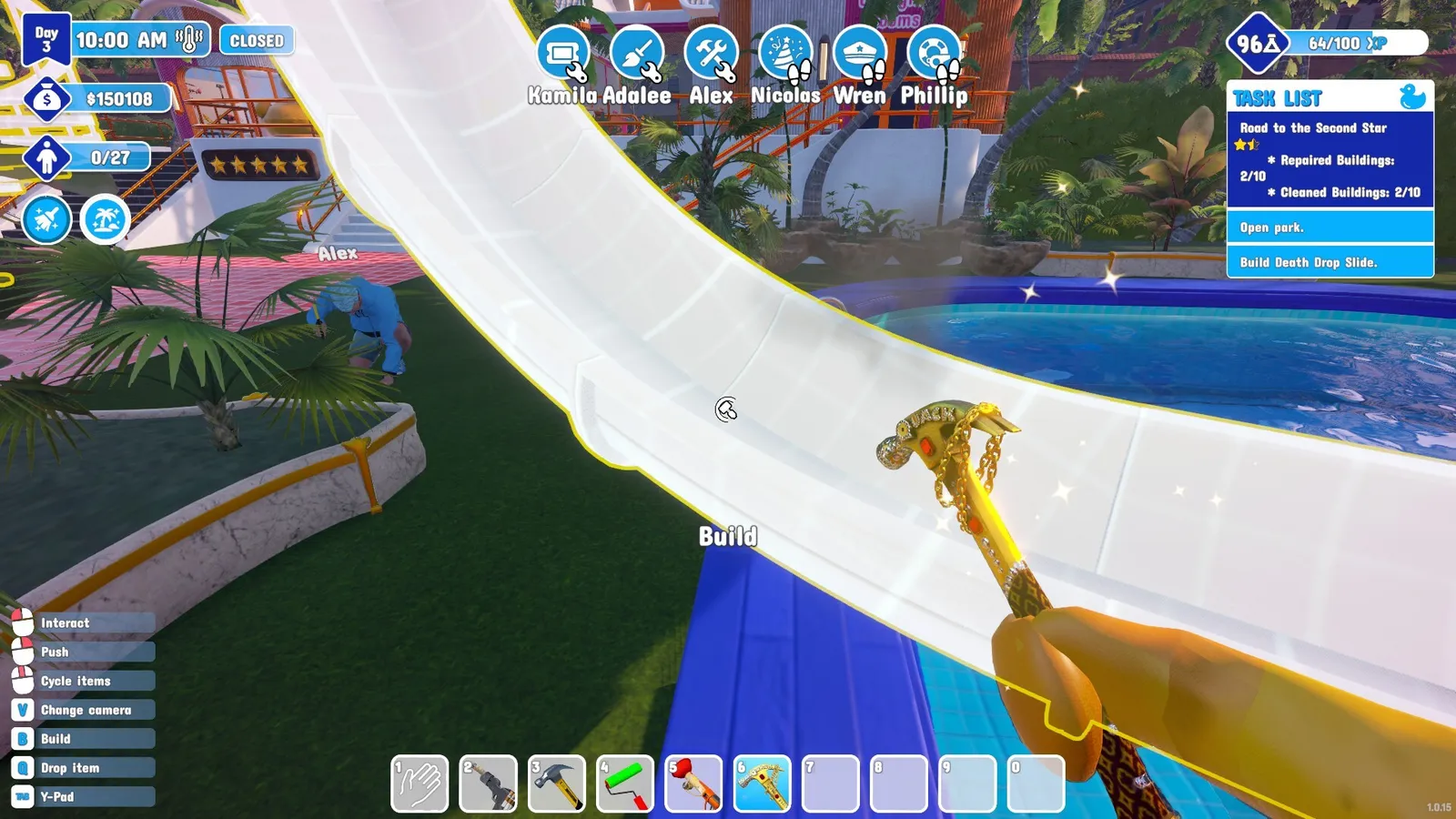
Here's what you'll learn:
- How multiplayer actually works (host-based, shared park)
- Step-by-step hosting and invite flow from the main menu
- Friends-only vs invite-only lobbies (and what each means)
- The vanilla 4-player cap and how mods push past it
- Voice chat options: proximity chat, push-to-talk, megaphone, walkie-talkies
- Co-op role splits that actually save you hours
- Host authority, permissions, saves, and desync fixes
Official resources: Steam store page · Steam News — 1.0 multiplayer details · Steam Community discussions · dlcompare 1.0 co-op coverage
Is Waterpark Simulator Multiplayer?
Yes — online co-op for 2–4 players, built into the base game since 1.0. The official announcement describes it as: "Join with up to 3 friends (or 3 strangers, up to you) and run a park from the start, or load up your existing parks and have fun together. Proximity voice chat optional."
A quick history for anyone confused by older videos: multiplayer was originally on the Early Access roadmap, then delayed to 1.0 (the developer confirmed the move on the Steam forums, promising no updates between 0.4 and 1.0). It shipped with the full release on July 31, 2026. There is no couch/local split-screen — this is online co-op only, on PC (Steam), PS5, and Xbox Series X|S, and there is no crossplay between those platforms (details in the crossplay guide).
Per the official 1.0 announcement: "Multiplayer mode - Join with up to 3 friends (or 3 strangers up to you) and run a park from the start, or load up your existing parks and have fun together. Proximity voice chat optional."
How to Host a Park (Step by Step)
Hosting happens from the main menu — you do not need a dedicated server, and the host's machine runs the session:
- From the main menu, choose Multiplayer instead of Single Player.
- Select Host, then New Game.
- Name your park (the name is what friends see when invited).
- Pick the map: City or Beach. Both play the same, but layouts and prestige tracks are separate — you can't move a Beach park to the City map.
- Pick the difficulty: Sandbox, Easy, Normal, or Hard. Hard-mode co-op is the same "slow mode" as solo, just with more hands.
- Optionally skip the tutorial — recommended if everyone has played before.
- Set the privacy option: Friends Only or Invite Only.
- Set max players — up to 4 in vanilla.
- Create, wait for the park to load, then open the in-game menu and choose Invite Friends to send invitations.
Guests joining from the invite get pulled into the same park day. The host controls the session start and end; when the host saves and exits, the session ends for everyone.
The 1.0.50 patch let you set multiplayer settings while creating the lobby. Friends Only restricts invites to people on your friends list (Steam/PSN/Xbox friends); Invite Only lets you invite people who are not your friends, as long as you can reach them with the invite.
How Many Players Can Play Waterpark Simulator?
The vanilla cap is 4 players — the official wording is "up to 3 friends," which means 4 total including the host. The multiplayer guide pages and community tests all confirm four as the built-in limit.
Going above 4: a community 8-Player Mod on Nexus Mods raises the hosted cap from 4 up to 8 players. It's a BepInEx plugin and it only changes the cap — everyone still shares the same park. One early-access-era stream noted instability when pushing beyond four players, so treat 8 as "works but stresses the host machine and the physics," not a polished mode. Installation details are in the mods guide.
Voice Chat and Communication
- Proximity voice chat is built in and optional — toggle it in audio settings.
- Push-to-talk defaults to R (reassignable), and the key is near the bottom of the audio settings.
- The megaphone at the front desk broadcasts announcements park-wide.
- Walkie-talkies, added in 1.0, let players communicate across longer distances without the whole park hearing.
- Many groups just use Discord — the in-game proximity chat is a fun default, but Discord sidesteps the push-to-talk and voice routing quirks entirely.
Streams regularly hit the same two voice snags: push-to-talk unbound, and voice restricted to friends when the lobby is invite-only. Check "Enable Voice" and the push-to-talk bind in Audio before the group is mid-crisis.
Co-op Roles That Actually Work
Parallel workers are the entire point of multiplayer — 2–4 players compress the solo grind by a third to a half:
- One player on tickets/gate (and catching bracelet-less cheaters) while another covers cleaning.
- One player on food — hot dogs, lemonade, restocking runs across the street.
- One player on repairs and rescues — the hammer, life ring, and Injector jobs.
- One player on builds and Museum quests — expansion, Prestige slides, and the quest NPCs.
The how long to beat guide estimates a pair can cut a solo main run by a third to a half, because daily passive income climbs faster with more hands on income-generating work.
Host Authority, Permissions, and Saves
The host holds the authority copy of the park:
- Host restrictions — the 1.0.50+ patch added multiplayer settings at lobby creation, including using research points as a host restriction option, so a host can limit what guests spend.
- Build conflicts — two players can't move the same object ("This building is already being moved by another player"). When that happens, both players close the build menu and one tries again.
- Saves — the game does not autosave, and the host's manual save is the group's progress. When the host saves and quits, clients return to the menu. A community tool called SaveSync exists for syncing co-op save files between players so anyone can host next time.
- Desync — items out of place or clients seeing different park states after a network drop are the classic host-based hiccups. Re-host from the newest good save; the troubleshooting guide covers the full fix order.
There is no host migration. If the host crashes or quits, everyone drops back to the menu. Keep a recent manual save and decide before a long session who hosts — see the save file guide for the sharing workflow.
Frequently Asked Questions
Is Waterpark Simulator multiplayer?
Yes — online co-op for up to 4 players, included with the 1.0 release on July 31, 2026. It is host-based online co-op; there is no split-screen and no crossplay.
How many players can play Waterpark Simulator?
Four players in vanilla (the host plus up to 3 friends or strangers). A community 8-Player Mod on Nexus Mods raises the cap to 8, with some stability caveats on busy parks.
How do I play Waterpark Simulator with friends?
From the main menu choose Multiplayer → Host → New Game, set the map, difficulty, privacy option, and max players, then invite friends from the in-game menu. The host's session is the park everyone shares.
Does Waterpark Simulator have voice chat?
Yes — optional proximity voice chat, push-to-talk (default R), a megaphone for park-wide announcements, and 1.0 walkie-talkies for long-distance comms. Most groups also use Discord.
Can I play Waterpark Simulator multiplayer with more than 4 players?
Not in vanilla — 4 is the cap. The Nexus 8-Player Mod raises it to 8; expect higher host load and occasional instability on busy parks.
Related Guides
- Waterpark Simulator Mods — Install & 8-Player Mod
- Waterpark Simulator Guide — Park Management Explained
- Waterpark Simulator Troubleshooting — Crashes, Stutter & Desync
- Waterpark Simulator Staff Guide — Hiring, Overflow & Wages
- Waterpark Simulator Money Guide — Best Income & Layouts
Last updated: August 14, 2026.
More Waterpark Simulator Guides
Waterpark Simulator mods: no official Workshop, but Nexus mods via BepInEx/MelonLoader — install steps, the 8-player mod, graffiti mod, and updates.
Waterpark Simulator money making: every income source, the tips multiplier, best layout principles, what to sell, and how to hit the $500K 5-star goal.
Waterpark Simulator PS5 guide: release date, price, PS Plus co-op, trophies, performance, mods and cross-save — how the console build differs from PC.
Waterpark Simulator research points: how to get them (smart people icons, water gun, tickets, maintenance), the research tree, and the best unlock order.
Waterpark Simulator review: Steam rating, critic consensus, pros and cons, performance and co-op verdict — is the $12.99 first-person park sim worth it?
Waterpark Simulator staff guide: every role (cashier, vendor, janitor, lifeguard), how to hire, staff overflow fixes, wages, and the best hiring order.
How Waterpark Simulator runs on Steam Deck: Proton Experimental setup, controller layouts, performance settings, FPS expectations, and known Deck issues.
Waterpark Simulator system requirements: official minimum and recommended PC specs (CPU, GPU, RAM, 20GB), what hardware actually runs it, and Steam Deck notes.