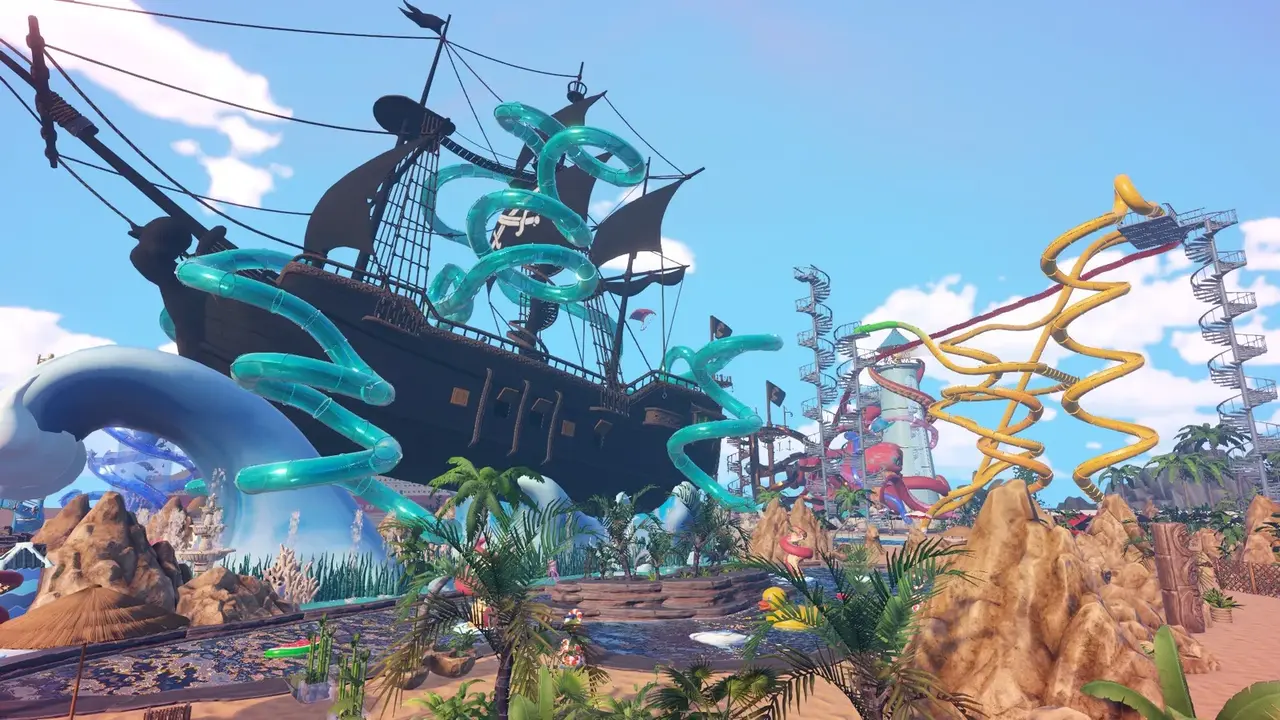
Waterpark Simulator mods: no official Workshop, but Nexus mods via BepInEx/MelonLoader — install steps, the 8-player mod, graffiti mod, and updates.
Waterpark Simulator Mods — How to Install & the Best Mods (2026)
Waterpark Simulator has no official mod support and no Steam Workshop, but that hasn't stopped the community: the game's Nexus Mods page hosts 58 mods (and counting), all loaded through BepInEx or MelonLoader — the same IL2CPP loaders used across Unity games. The most popular mods raise the multiplayer cap to 8 players, add custom graffiti phrases, stop your character from slipping in puddles, and expand staff limits. This guide covers whether modding is safe, exactly how to install a mod, the mods worth starting with, and the one trap that breaks them all: game updates.
Here's what you'll learn:
- Whether Waterpark Simulator is moddable at all (short answer: yes, community-side)
- The two-step install: loader first, mods second
- BepInEx vs MelonLoader — which folder gets which mod
- The best starter mods: 8-player, more staff, graffiti, no-slip, swim
- How the graffiti mod works under the hood
- The update-compatibility trap and how to survive it
- Backup and safety rules before you mod
Official resources: Steam store page · Nexus Mods — Waterpark Simulator · BepInEx x MelonLoader Pack · 8-Player Mod
Does Waterpark Simulator Support Mods?
Officially, no — CayPlay has not shipped mod tools, a Workshop page, or a documented modding API. The Steam Workshop for the game is empty. Community mods exist anyway because the game is built on Unity (IL2CPP), and the modding scene applied the standard BepInEx/MelonLoader pipeline to it. Every current mod on Nexus requires one of those two loaders first.
So the accurate answer is: the game is not officially moddable, but it is community-modded, and the community side is active enough to keep up with patches (a modded trainer already targets 1.0.53).
BepInEx and MelonLoader run on the Windows/Steam version. PS5 and Xbox builds cannot load them — and since the game has no crossplay, a modded PC park stays on PC anyway. See the crossplay guide for the platform split.
How to Install Mods: Loader First, Mods Second
The community install flow is two steps, and the foundation is the "BepInEx x MelonLoader Pack for Waterpark Simulator" (Nexus mods/11) — over 3,000 downloads and the most common loader bundle:
- Install the loader pack. Download the BepInEx x MelonLoader Pack from Nexus, extract it, and drop the BepInEx folder into the Waterpark Simulator game folder (Steam → right-click the game → Manage → Browse local files).
- Run the game once so the loader generates its config folders and confirms the install.
- Install mods into the right folder:
- BepInEx mods →
...\WaterPark Simulator\BepInEx\plugins - MelonLoader mods →
...\WaterPark Simulator\MLLoader\Mods
- BepInEx mods →
- Launch and verify — most mods print their status to a console/log or an in-game menu.
Steam Deck / Linux users: set the launch options first, or the loader never activates:
WINEDLLOVERRIDES="winhttp=n,b" %command%
The most common "my mods don't work" report is skipping the loader step. If a mod page lists a requirement (usually the BepInEx x MelonLoader Pack), install that requirement first — mods are DLLs that only load inside BepInEx or MelonLoader.
The Best Waterpark Simulator Mods to Start With
| Mod | What it does | Why it's popular |
|---|---|---|
| 8-Player Mod (mods/82) | Raises hosted multiplayer from 4 up to 8 players | The marquee mod — see multiplayer guide |
| More Staff Members (mods/15) | Each staff research grants +2 slots instead of +1; cap up to 16 | Direct fix for the staff overflow bottleneck |
| Custom Graffitis (mods/36) | Add your own graffiti phrases via a text file, F8 hot-reload | The "graffiti mod" players ask about by name |
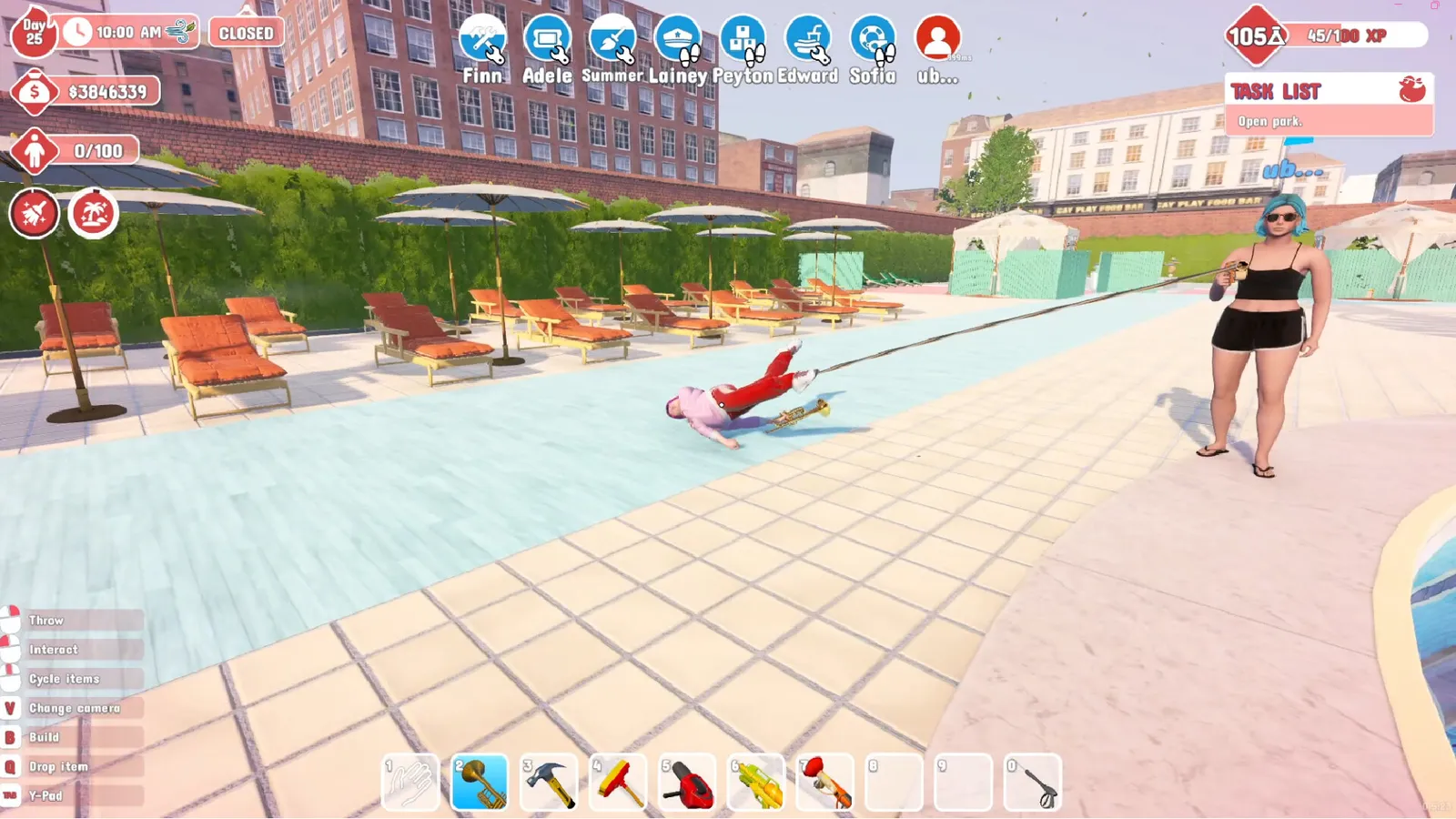
| No Player Slip (mods/12) | Stops your character slipping in puddles; guests still slip | Huge QoL for the mop grind |
| No Player Ragdoll on Double Jump (mods/13) | Double-tapping jump no longer ragdolls you | Accidentally ragdolling mid-shift is a classic death |
| AutoTicket | Automates ticket selling (IL2CPP) | The most-downloaded gameplay mod |
| Swim mod | Lets the player move freely through the water | Community-requested; exact Nexus listing pending verification |
| Trainer / ESP pack | QoL overlays, custom graffiti tools, diagnostics (1.0.53) | For advanced users; updates frequently |
The "swim mod" deserves a caveat: players search for it constantly, and community guides reference it, but the exact Nexus listing name and current version shift with patches — check the Nexus page's top files rather than trusting a specific mod ID. The same goes for anything a third-party listicle sells you; the two safe sources are Nexus itself and the Steam Discussions "Installing Mods" thread.
The Graffiti Mod Explained
Custom Graffitis is the mod that matches the "waterpark simulator graffiti mod" search, and it's a great example of how these mods work:
- Install the BepInEx x MelonLoader Pack, then drop the Custom Graffitis files into the game directory.
- Start the game once — it generates
BepInEx/config/CustomGraffitis/graffitis.txt. - Edit that text file: one phrase per line, lines starting with
#are ignored, UTF-8 encoding recommended. - Set
OnlyCustomGraffitis = trueinCustomGraffitis.cfgto replace the default phrases entirely. - Reload in-game with F8 — no restart required.
Vanilla graffiti already earns research points when you clean it (a real early-game farm — see the research points guide); the mod just changes what the walls say while the rewards stay the same.
The Update-Compatibility Trap
The single biggest modding problem: every CayPlay patch can break mods. Community threads are explicit that when Waterpark Simulator updates, mods compiled for the previous version may stop loading — the loader log will show errors, or the mod silently does nothing. The rules that keep your mod list alive:
- Check the mod page's changelog after any game update — authors usually hotfix within days.
- Don't update the game mid-session with a heavily modded park; check the Steam news page first (the updates guide tracks what each patch changes).
- Keep your loader current too — a stale BepInEx can fail against a new game build.
- When in doubt, test with one mod at a time so you can tell which one broke.
Per the official patch notes on Steam, CayPlay ships weekly releases ("Time for our weekly release") — which is exactly why the community rebuilds mods on that cadence.
Mod Safety and Backups
Mods are third-party DLLs running inside your game, so a little hygiene goes a long way:
- Back up your saves first. The game does not autosave, and the recovery path matters more than any mod: copy the save folder before installing anything. The exact
.es3/.baclocations are in the save file guide. - Only download from Nexus (or a mod author's direct page). If a "mod" asks you to disable your antivirus or paste code into a prompt, it isn't a mod.
- Verify after crashes. If the game crashes on launch after an update, remove mods temporarily, verify Steam files, and relaunch — this isolates a broken mod from a broken install. The troubleshooting guide has the full crash order.
- Uninstalling is usually just deleting the mod's DLL from
BepInEx\plugins(orMLLoader\Mods). The loader itself can stay.
Frequently Asked Questions
Does Waterpark Simulator support mods?
Not officially — there is no mod API and no Steam Workshop. But the community mods the game through BepInEx/MelonLoader, and the Nexus Mods page hosts 58 mods as of August 2026.
How do I install Waterpark Simulator mods?
Install the "BepInEx x MelonLoader Pack" first, run the game once, then drop BepInEx mods into BepInEx\plugins and MelonLoader mods into MLLoader\Mods. Steam Deck users need the WINEDLLOVERRIDES launch option.
Is there a Waterpark Simulator Steam Workshop?
No. The Steam Workshop page for the game is empty; the modding community lives on Nexus Mods instead.
What are the best Waterpark Simulator mods?
The 8-Player Mod (raises co-op from 4 to 8), More Staff Members (cap up to 16), Custom Graffitis (own graffiti phrases), No Player Slip, No Player Ragdoll on Double Jump, and AutoTicket are the community standouts.
How do I get more than 4 players in Waterpark Simulator?
Install the 8-Player Mod from Nexus (BepInEx plugin) — it raises the hosted multiplayer cap from 4 up to 8. Expect higher host load and occasional instability on busy parks.
Related Guides
- Waterpark Simulator Multiplayer & Co-op
- Waterpark Simulator Guide — Park Management Explained
- Waterpark Simulator Research Points & Smart People
- Waterpark Simulator Troubleshooting — Crashes & Mod Issues
- Waterpark Simulator Updates & Patch Notes
Last updated: August 14, 2026.
More Waterpark Simulator Guides
Waterpark Simulator money making: every income source, the tips multiplier, best layout principles, what to sell, and how to hit the $500K 5-star goal.
Waterpark Simulator multiplayer: online co-op up to 4 players, hosting and invites, lobby privacy, voice chat, permissions, and 8-player mods.
Waterpark Simulator PS5 guide: release date, price, PS Plus co-op, trophies, performance, mods and cross-save — how the console build differs from PC.
Waterpark Simulator research points: how to get them (smart people icons, water gun, tickets, maintenance), the research tree, and the best unlock order.
Waterpark Simulator review: Steam rating, critic consensus, pros and cons, performance and co-op verdict — is the $12.99 first-person park sim worth it?
Waterpark Simulator staff guide: every role (cashier, vendor, janitor, lifeguard), how to hire, staff overflow fixes, wages, and the best hiring order.
How Waterpark Simulator runs on Steam Deck: Proton Experimental setup, controller layouts, performance settings, FPS expectations, and known Deck issues.
Waterpark Simulator system requirements: official minimum and recommended PC specs (CPU, GPU, RAM, 20GB), what hardware actually runs it, and Steam Deck notes.