
Where is the Endacopia save file? Saved Games path, Steam userdata, Cloud sync (patch 1.04), plus backup, restore and the one-save-slot rule.
Endacopia Save File Location & Backup Guide (Windows)
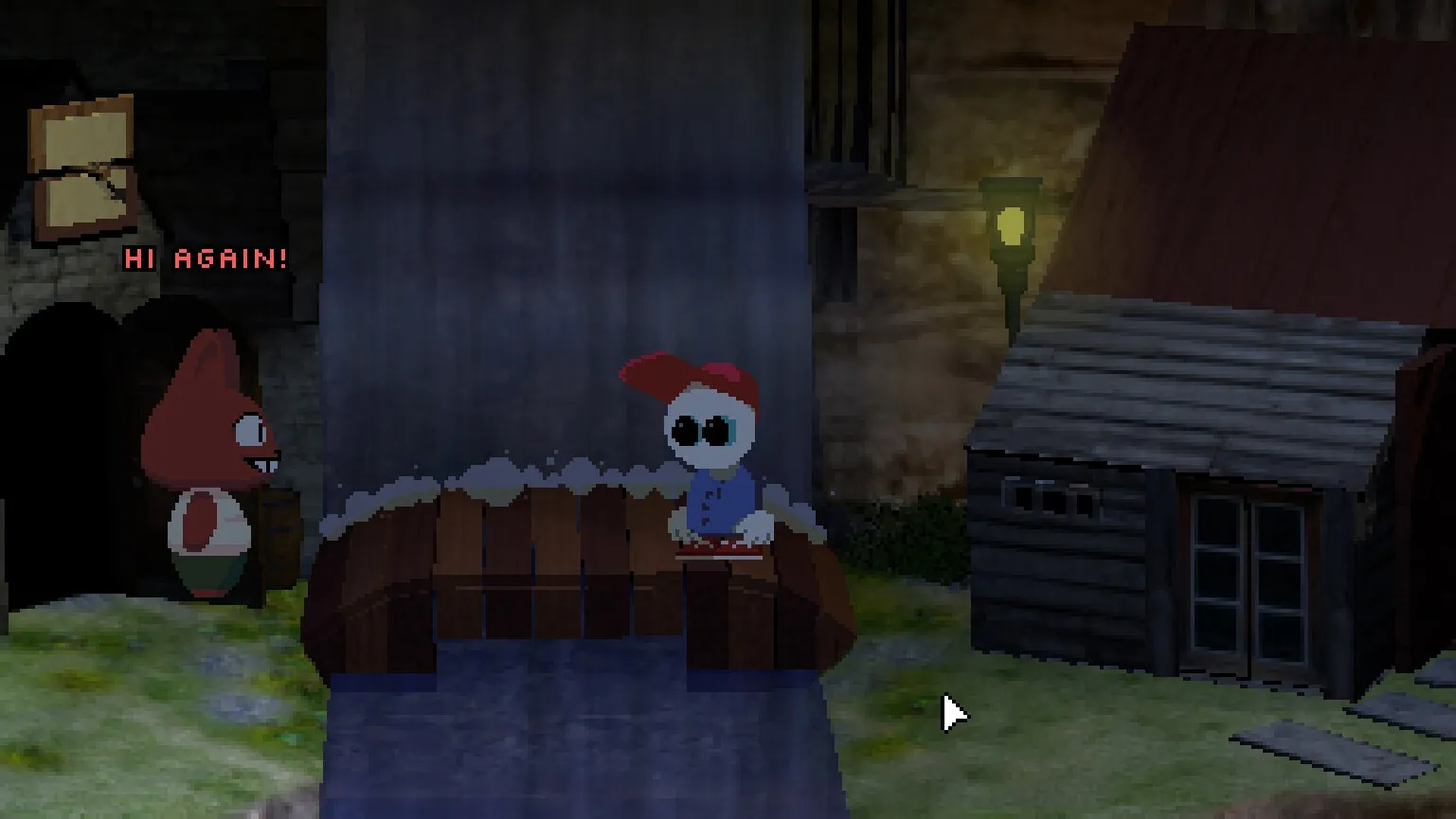
Endacopia keeps a single save file per playthrough, written by wandering save points in the world and mirrored to Steam Cloud since patch 1.04. On Windows the local copy lives in C:\Users\<your username>\Saved Games\Endacopia\, with the cloud-synced copy under Steam's userdata folder. Below is the full path, how the save system actually works, and the backup steps that protect your run before the ending branches.
Here's what you'll learn:
- The exact Windows folder where Endacopia saves are stored
- Why there is only one save slot and how wandering save points work
- How Steam Cloud syncs the file (and its patch-1.04 history)
- Step-by-step backup and restore that won't fight the cloud
- When to make a manual backup so you can see every ending
- Why the free demo keeps no save at all
Official resources: Steam store page · Official 1.04 patch announcement (Steam Cloud) · Endacopia walkthrough — endacopia.org · IGN game page
Where Is the Endacopia Save File on Windows?
The game stores its local save in your user profile's Saved Games folder:
C:\Users\<your username>\Saved Games\Endacopia\
Because Endacopia also uses Steam Cloud (see below), a second, synced copy exists inside Steam's userdata directory:
C:\Program Files (x86)\Steam\userdata\<your Steam ID>\2684630\remote\
Replace <your Steam ID> with your numeric account ID (a short number, not your login name — the folder path on Steam's end is a set of digits).
Open the folder directly from Steam: right-click Endacopia in your library → Manage → Browse local files. If you only see the game's install folder there, open it and look for a Saves or save subfolder — some installs keep the save close to the game directory. When in doubt, check both the Saved Games folder and the 2684630 folder under Steam\userdata.
How Endacopia Saves: One Slot, Wandering Save Points
Endacopia does not autosave constantly, and it does not give you a menu of slots. Instead:
- You save by walking into a save point. These appear in the world as a sentient red floppy disk that hops around at set locations. Click it to write your progress.
- There is exactly one save file at a time. Starting a new run overwrites the previous file. Multiple independent slots are not supported.
- The save icon stays available even when Mellow is powerless. Early in Chapter 1 Mellow loses his eyes, hands and mouth, which blocks most interactions — but the save point is exempt, so you can always record progress.
If you start a new game to try a different path, your old run is gone. This is why every ending guide for Endacopia tells you to back the folder up first — with a single slot, a manual copy is your second slot. Our endings guide explains exactly where the branch points are.
The trade-off is deliberate: the game is built around free exploration, and deaths only restart the current fight rather than punishing exploration. Save points exist mainly to protect progress and to let you reload before a choice you regret.
Steam Cloud Saves (Patch 1.04 and Later)
At launch Endacopia had no cloud saves. That changed with patch 1.04:
Per the official Endacopia 1.04 announcement: "I've enabled Steam Cloud, so your saves should synch across devices now."
What that means in practice:
- The single save file syncs to Steam's servers whenever the game closes (or during play, depending on Steam's sync policy for the title).
- Steam Cloud does not give you extra slots. It syncs the same one file.
- The synced copy lives in
Steam\userdata\<Steam ID>\2684630\remote\; the game's own copy stays in Saved Games. - Patches 1.05–1.08 kept the Cloud system and added in-game volume controls, fix lists, and small QoL changes — the save behavior is unchanged since 1.04.
Steam has a known behavior of pushing the newer timestamp over whatever is in the folder. If you restore a backup while the game is running, the game can immediately write its current state back over your restored files — exactly the "my save got overwritten" reports you see on the Steam forums and r/Endacopia. Always close Endacopia (fully, not just to the menu) before touching the folder, and if you restored while Steam was online, launch once, check, and quit.
How to Back Up and Restore Endacopia Saves
Backup (do this before the Chapter II saw choice, and before any new game):
- Close Endacopia completely.
- Open
C:\Users\<your username>\Saved Games\Endacopia\. - Copy the entire folder contents to a safe location — name it clearly, e.g.
Endacopia-backup-before-saw-choice. - (Optional but safest) also copy
Steam\userdata\<Steam ID>\2684630\remote\so you have the cloud version too. - Optionally disable Steam Cloud for Endacopia while you experiment: Steam → Settings → Cloud → uncheck, or right-click the game → Properties → Updates → disable Steam Cloud. Re-enable after you are happy.
Restore:
- Close the game.
- Copy your backup files back into
C:\Users\<your username>\Saved Games\Endacopia\. - If Steam Cloud is on, let Steam upload the restored state — or run the game once offline so it reads the local file, then quit and let it sync. If Steam insists on overwriting with an older cloud copy, disable Cloud, restore, verify, then re-enable.
This restore loop is the standard trick for reaching the mutually exclusive endings (Escape vs Return) from one near-complete save instead of replaying hours — the community's achievements and endings guides assume you do exactly this.
Backing Up Before the Ending Branch
Endacopia's main endings split on a single choice in Chapter II: which saw you give Roger after opening Henry's Saw Box (code 471, found in PASSWORDS.TXT on Henry's computer). There is also the hidden Stay route and the Yeti cameo ending. Because there is one slot, this is the one moment in the game where a manual backup saves hours:
- Save point → back up the folder
- Open the Saw Box, take Toy Saw (Escape route) or Real Saw (Return route), give it to Roger
- Finish, then restore the backup and take the other saw for the second ending
- Use a second backup before the secret Stay prerequisites if you want all achievements without a fourth full run
See the walkthrough for where the saw box sits in the overall flow, and the achievements guide for the cleanest order across all 16 achievements.
The Demo Has No Save System
The free Endacopia Demo (AppID 4582420) does not save at all:
- One continuous session of roughly 20–40 minutes depending on exploration
- Closing the demo restarts from the beginning
- Demo progress never transfers to the full game
The demo is a self-contained slice of the Prologue (ending at the bathroom toilet sequence). Treat it as a blind-run taste of the game — the full release is where saves, Steam Cloud and the endings actually live. If you are still deciding whether to buy, our review covers whether the $16.50 full game is worth it after the demo.
Frequently Asked Questions
Where is the Endacopia save file on Windows?
In C:\Users\<your username>\Saved Games\Endacopia\. With Steam Cloud enabled, a synced copy also exists at C:\Program Files (x86)\Steam\userdata\<Steam ID>\2684630\remote\.
Does Endacopia have Steam Cloud saves?
Yes — since patch 1.04 (July 2026), confirmed in the official patch announcement. It syncs the single save file; it does not add extra slots.
How do I back up my Endacopia save file?
Close the game, copy the contents of the Saved Games\Endacopia folder (and optionally the userdata remote folder) somewhere safe. Restore by copying the files back while the game is closed.
How many save slots does Endacopia have?
One. The game uses a single save file per playthrough, saved at wandering red-floppy save points. Manual backups act as your extra slots.
Does the Endacopia demo save my progress?
No. The demo is a single session with no save system, and demo progress does not carry to the full game.
Can I move my Endacopia save to another PC?
Yes — with Steam Cloud enabled it syncs automatically between PCs on the same account. Manually, copy the Saved Games folder to the same path on the other machine, or let Steam redownload the userdata copy.
Related Guides
- Endacopia Walkthrough — Complete Chapter-by-Chapter Guide (2026)
- Endacopia Endings — All 4 Endings: Escape, Return, Stay & The Yeti
- Endacopia Achievements — All 16 Steam Achievements & 100% Route
- Endacopia Tips and Tricks — Puzzle, Combat & Exploration Advice
- Endacopia on Steam Deck — Compatibility & Save Syncing
- Endacopia Wiki & Guide Hub
Last updated: August 14, 2026.
More Endacopia Guides
How to play Endacopia: overworld and combat controls, right-click action cycling, stamina fist fights, mini-games, the hint system, saves and beginner mistakes.
Is Endacopia scary? Full trigger warnings, jumpscare timestamps, horror level ratings, and age suitability breakdown for the edutainment horror.
Who is Mellow in Endacopia? The red-capped protagonist: design, lost-senses backstory, guardian angel, the Roger spoiler, abilities and relationships.
Endacopia price: $16.50 on Steam, the 10% launch discount to $14.85, optional soundtrack DLC, and whether the 6-hour horror puzzle adventure is worth it.
Complete Endacopia puzzle solutions: fridge order, phone calls, Saw Box code 471, Wall Bank password Cheshire, jumpscare warnings, and secret ending steps.
Our Endacopia review: verdict on the $16.50 point-and-click horror — the edutainment art style, puzzles, jump scares, criticisms, and who should buy it.
Does Endacopia run on Steam Deck? Compatibility shows Unknown, but the game runs via Proton — playable with controller remapping and the right settings.
Endacopia system requirements: Windows minimum specs (Pentium 4, 2GB RAM, 128MB GPU) and 2 GB storage; no recommended tier — any modern PC runs it smoothly.