
Scrap Mechanic Survival Beginner's Guide — Your First Hours (1.0)
A survival beginner's guide for Scrap Mechanic 1.0: the first-day path from crashed ship to working base, food, water, farming and raid-safe habits.
Scrap Mechanic Survival Beginner's Guide — Your First Hours (1.0)
Scrap Mechanic's survival mode drops you at a crashed ship with nothing but a toolbelt — and by the end of your first session you should have a working car, a bed, a Craftbot and a food plan. This guide walks through exactly what to do in your first hours of Scrap Mechanic 1.0, and the habits that stop you from getting stuck like most new players do.
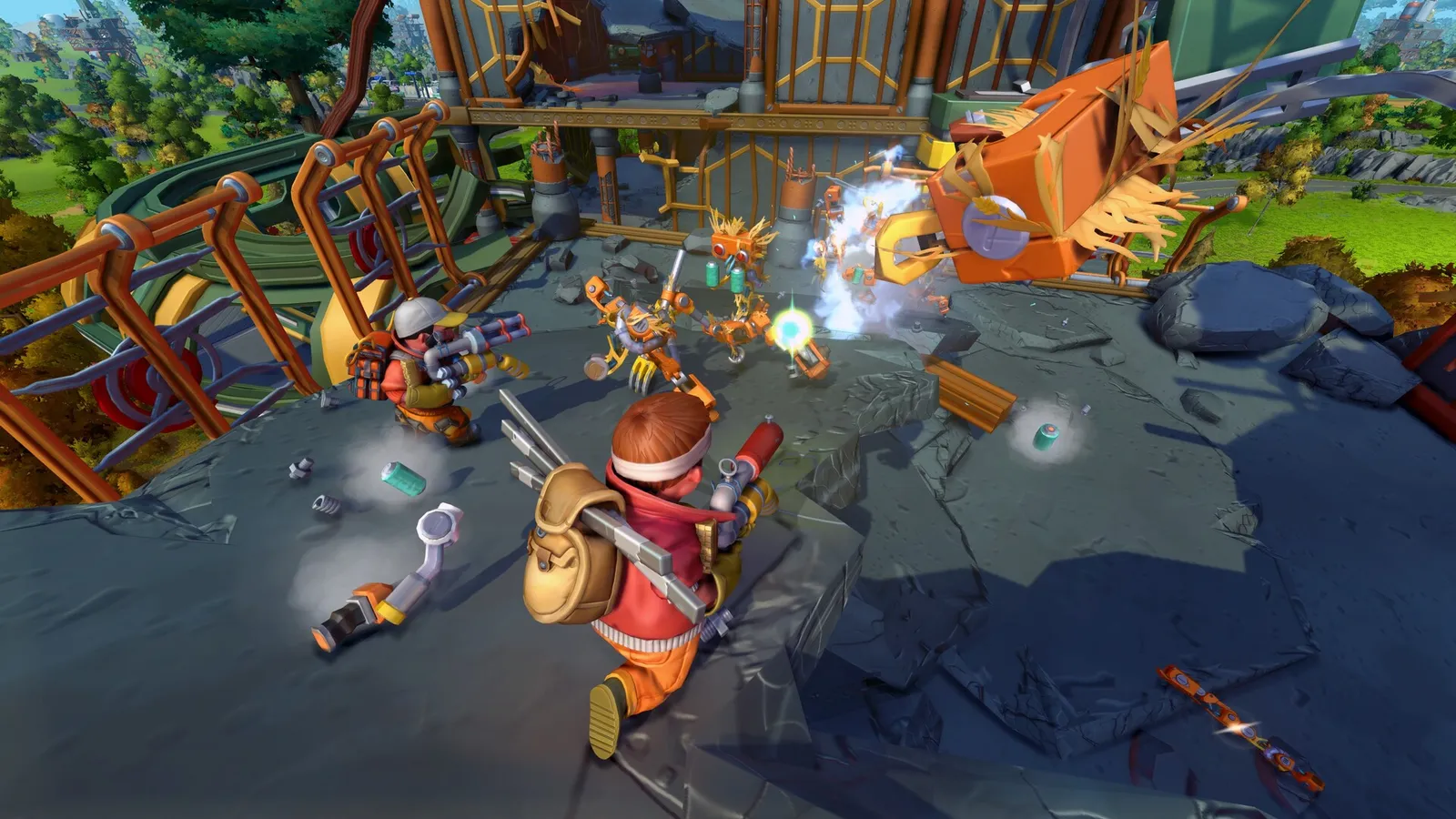
Step 1: The Crash Site & The Master Battery
You wake up at the Crashed Maintenance Ship. Your immediate objective: find the Master Battery in a ruin nearby and place it in the ship's Master Battery Socket. This activates:
- The Mini Craftbot — a limited crafting station that lets you build your first vehicle
- The Ship Terminal — your logbook: time of day, day counter, quests, and your creation list
Don't wander far before doing this. The battery quest is the game's on-ramp, and everything else opens from it.
You can play sloppy for the first in-game day or two. Prioritize the battery and vehicle quests before dedicated food gathering — you'll scavenge enough to survive the tutorial stretch.
Step 2: Your First Car
Pick up the Builder Guide near the crashed ship to start the "Your First Car" quest. The quest steps you through the building basics:
- Craft blocks from the Mini Craftbot
- Build a frame — a row of blocks works
- Mount a seat and connect it
- Add wheels through suspension parts (never bolted directly to blocks)
- Place an engine and fuel it
- Get in and drive
The quest registers completion and credits the "My first car" achievement — don't strip the build down before the notification pops.
Step 3: Find the Mechanic Station & Build Your Crafting Hub
The Mechanic Station is the crafting heart of the game. Build these stations there:
| Station | Purpose |
|---|---|
| Craftbot | Parts, blocks and tools — the workhorse |
| Refinebot | Turns raw scrap/ores into refined materials |
| Cookbot | Combines raw food into recipes with buffs |
| Dressbot | Clothing — and the outfits behind an achievement |
Also craft a Resource Collector early — it gathers and stores resources automatically and feeds the Refinebot, saving you enormous time versus manual gathering.
Step 4: Food, Water & The Farmers Hideout
Food comes from scavenging early and farming soon after. The key trading hub is the Farmers Hideout: you trade rescued farmers and crates of food for recipes — pistons, logic gates, spud guns and more. Every advanced build eventually routes through this trader.
- Scavenge crates and structures for food and parts
- Farm small — plant a handful of tier-1 crops (carrots) first
- Cook — cooked food beats raw on hunger restore and buffs
Plant 8 or fewer tier-1 crops per chunk and raids won't trigger. Keep the early farm small and off-site, or you'll meet the Farmbot raid before you can defend it — full mechanics in the raid defense guide.
Step 5: Build a Base (Small Is Fine)
First-base rules from the main guide:
- Build near water and flat ground
- Start with a bed, a chest, the Craftbot and a roof — walls come later
- Keep the farm separate from the living base
- Use a Vault for valuables
Day-by-Day Priority (First Week)
- Day 1 — battery, first car, first bed
- Day 2 — Mechanic Station set up, Cookbot running, small carrot patch
- Day 3 — farmers rescued, first recipes bought (spud gun!)
- Day 4-7 — automated watering, first turret, scout the warehouse biome
Common First-Hour Deaths (And Fixes)
- "My car spins in circles" — bearing rotation directions are mismatched; flip one side with the connector tool
- "I keep starving" — cook everything, don't eat raw; plant crops immediately after the vehicle quest
- "Bots wrecked my base" — the farm was at the base and over 8 crops; separate them
- "I died far from home" — no bed on the vehicle; place one so you respawn where you were
FAQ
Is Scrap Mechanic survival hard? It starts gentle and ramps with farm size and chapter progression. The 1.0 story campaign adds structured quests that guide you, which new players will appreciate.
How long is survival mode? A full 1.0 story run is roughly 15–25 hours at a normal pace (community estimate — no official figure), plus endless sandbox play after.
Can I play survival with friends? Yes — host-based co-op for up to 4 players via the Steam friends list. There's no official dedicated server.
Do my old Early Access survival saves work in 1.0? No — survival saves need the previous version via Steam's beta branch. Creative worlds survive. See the save file guide.
What's the best first vehicle? A simple 4-wheel car with sport suspension and a bed on the back — fast to build, easy to drive, and it covers the first week.
Related Guides
- Scrap Mechanic Guide — The Complete Overview
- Vehicle Building — Cars, Tanks, Trucks & More
- Auto Farm Guide — Fully Automated Farming
- Raid Defense — How Raids Work & How to Survive
- Map & Locations — Warehouses, Workshops & Quests
Official resources: Steam store page · Official Scrap Mechanic Wiki — Survival Mode · Wikipedia · IGN game page
Last Updated: August 12, 2026