
Best audio settings for Hell Let Loose: Vietnam — footsteps, gunfire and callouts in dense jungle, plus headphone and voice-chat tuning.
Hell Let Loose Vietnam Best Audio Settings — Hear Everything in the Jungle
Audio is a cheat code in Hell Let Loose: Vietnam. In dense jungle you often can't see an enemy until they're shooting — but you can hear them: footsteps in undergrowth, reloads, the brush of a body against bamboo, an M60 opening up two sectors away. The right audio mix is the difference between getting ambushed and walking into position knowing exactly where the fight is. Here are the best settings for launch.
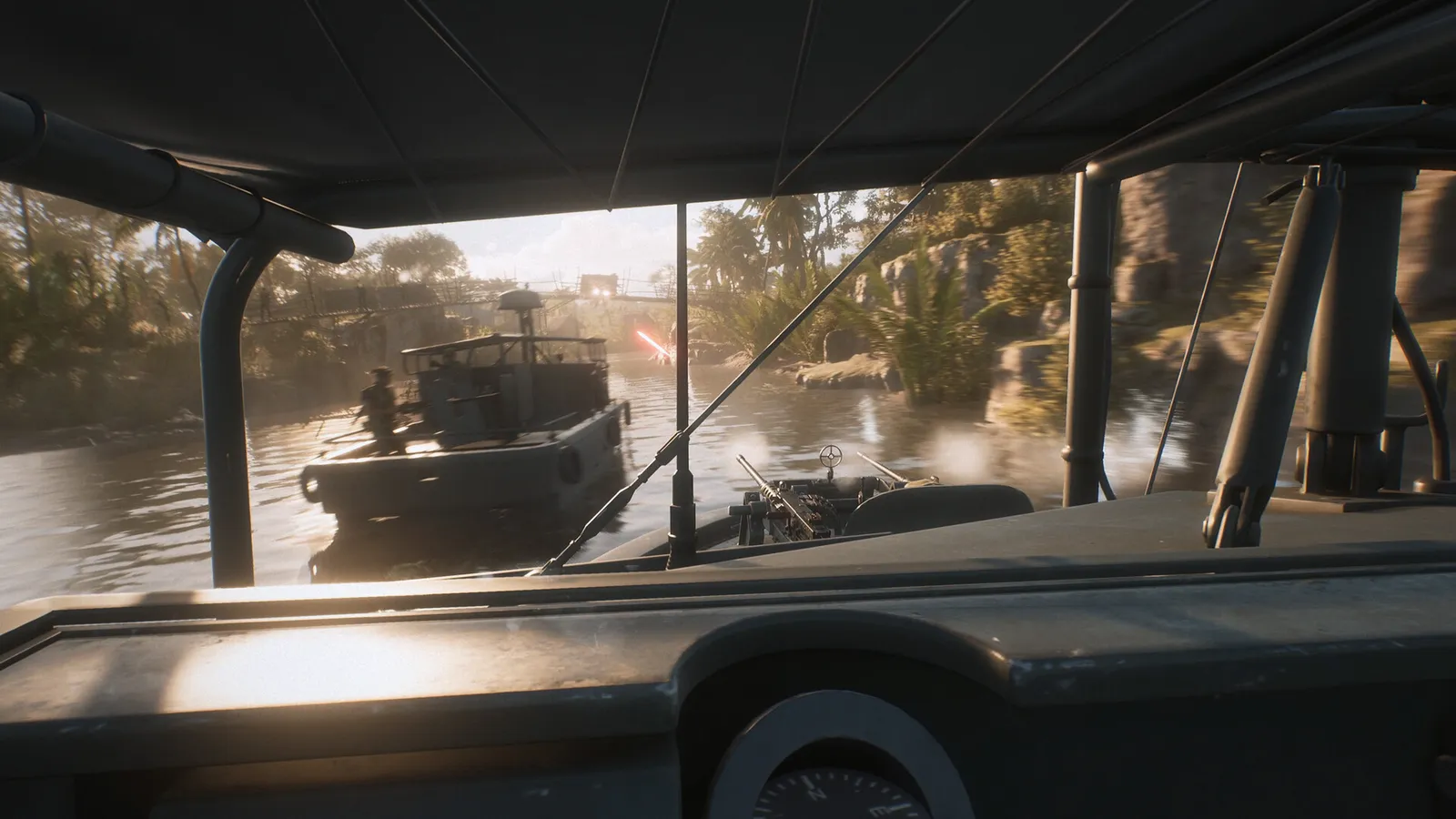
Here's what you'll learn:
- The recommended volume table for every audio slider
- How to balance footsteps, gunfire and voice channels
- Why headphones and headphone mode matter
- Voice-chat levels for proximity, unit and leadership radios
- Known audio issues at launch and their fixes
Official resources: Steam store page · Official site · IGN game page
Why Audio Matters More in Vietnam Than in WWII Hell Let Loose
The European theaters of the original game gave you long sightlines — you could see an attack coming. Vietnam's maps are built around short sightlines, tall grass, canopy cover and tunnels, so the game's audio design carries more of the information load. Footsteps are audible and directional; weapon signatures (the crack of an M16 vs the thump of a Type 56) identify what you're facing before you see a silhouette.
The developers treated audio as a launch priority. From the official Road To Launch Update: pings were raised in the mix, foliage volume was increased for spatial audio, all weapons got improved pin-pointing, and hit/headshot confirmation sounds were improved — plus helicopter SFX now attenuates correctly over distance.
Best Audio Settings Table
These values give you loud, clear combat cues with voices sitting on top of — not drowning — the battlefield. Based on the settings available at launch:
| Setting | Best Value | Why |
|---|---|---|
| Sound System | System Default | Matches your OS device settings |
| Dynamic Range | Default | Keeps distant fire audible without clipping close explosions |
| Mute on Focus Loss | Off | You can alt-tab without killing the audio |
| Master | 50 | Headroom for SFX spikes |
| Music | 20 | Jungle ambience is nice; gunfire is more useful |
| SFX | 80 | Footsteps, reloads and gunfire — your primary intel |
| Marker | 60 | Ping sounds stay distinct from combat noise |
| UI | 60 | Clear menu feedback without distraction |
| Hit Sounds | 60 | Confirms hits without masking incoming fire |
| Tinnitus | 20 | The ring-out after explosions — don't let it cover footsteps |
| Proximity Voice | 25 | Nearby chatter without drowning the jungle |
| Unit Voice | 50 | Your squad is the most important channel |
| Leadership Voice | 50 | Commander and officer callouts stay audible |
| Voice Chat Input | Your microphone | Your default input device |
| Microphone Volume | 55 | Loud enough to hear, low enough to avoid clipping |
| Stereo Balance | 0 | Centered |
The two sliders that matter most are SFX (keep high, 80) and Proximity Voice (keep low, 20–30). Jungle fights are won by hearing an enemy before they hear you — nearby prox chatter should never cover a footstep in the undergrowth.
Footsteps, Gunfire and Hit Sounds: Tuning the Mix
If you want to lean even harder into audio intel, two community-tested alternatives exist. Long-time Hell Let Loose players on r/HellLetLoose swear by a lower SFX, higher master approach: Master 100, SFX 35, Music 15, Voice 60–80, UI 55 — the theory being that lower SFX keeps loud explosions from masking the subtle sounds (scuffing boots, grass and twigs) that reveal enemies. Other Vietnam-era guides (All Things How) recommend pushing SFX and Marker to 100 with all three voice channels at 50 so callouts stay clear without burying the mix.
Try the table above first, then adjust in one direction: if you keep dying to enemies you never heard, lower Music and Proximity; if you can't understand your squad leader, raise Unit Voice.
Headphones and Spatial Audio: The Headphone Mode
HLL: Vietnam ships with a headphone-friendly mix — the launch build improved spatial audio so pings, foliage and weapons can be located in 3D space. To get the most out of it:
- Use headphones. Stereo headphones are dramatically better than speakers for locating footsteps, and the positional audio improvements target headphone users.
- Enable headphone mode / HRTF in the audio settings if your platform exposes it — community guides recommend it explicitly for directional cues (footsteps above, flanks, incoming artillery).
- A quiet room. The positional mix is subtle; background noise from speakers or open-back headphones at high volume will mask it.
Voice Chat Levels: Proximity, Unit and Leadership
Vietnam has three voice channels (see the keybindings guide for the keys):
- Proximity (25) — nearby players of any unit. Useful but noisy; keep it low so jungle sounds stay above chatter.
- Unit (50) — your squad. This is the channel that wins firefights; keep it clearly audible.
- Leadership (50) — officers and the commander. You need these callouts even mid-gunfight.
The game switched voice to Epic Online Services (EOS) voice chat, which the developers said provides "improved voice quality, greater reliability and more accurate directional audio" in the long term — the tradeoff was some distortion issues during the playtest, largely fixed at launch.
Per the official Crossplay Playtest announcement, the game moved voice chat to Epic Online Services (EOS) "for improved voice quality, greater reliability and more accurate directional audio" — and the launch update confirmed players "should no longer experience the robotic voice effect in Command Chat or Squad Chat."
Known Audio Issues at Launch and Fixes
- Robotic voice in Proximity Chat: mostly fixed at launch, but the developers noted a residual issue that depends on an EOS voice-chat update. If you hear it, restart the voice channel (re-open the radio) to re-sync.
- Helicopter volume: the launch build changed helicopter SFX over distance. If a Huey sounds wrong on your system, check the SFX slider rather than Master — the mix was rebalanced.
- Underwater swimming audio was bugged in the playtest and fixed for launch.
For the full performance side of audio (drivers, sample rate, Windows sound settings), see our system requirements guide.
At Master 100 with SFX 80, artillery and napalm will physically hurt and — more importantly — the loud transient sounds will trigger the Tinnitus effect and mask footsteps right after every explosion. That's exactly when enemies rush you. Give yourself headroom.
Frequently Asked Questions
What are the best audio settings in Hell Let Loose: Vietnam?
Master 50, Music 20, SFX 80, Marker 60, UI 60, Hit Sounds 60, Tinnitus 20, Proximity 25, Unit 50, Leadership 50, Microphone 55, Mute on Focus Loss Off. Keep SFX high and proximity chatter low for jungle awareness.
How do I hear footsteps better in Hell Let Loose: Vietnam?
Use headphones with headphone/HRTF mode enabled, keep SFX at 70–80, drop Music to 15–20, and lower Proximity Voice so nearby chatter never covers movement sounds. Move in short bursts and stop to listen.
Should I use headphones for Hell Let Loose: Vietnam?
Yes — strongly. The game's spatial audio improvements (pings, foliage, weapon pin-pointing) are designed for stereo headphone use. Speakers will cost you directional intel in the jungle.
What should my voice chat volume be in Hell Let Loose: Vietnam?
Unit and Leadership at 50, Proximity at 20–30. Squad and command callouts should sit clearly above the combat mix, while nearby chatter stays in the background.
Related Guides
- Hell Let Loose: Vietnam Keybindings — Complete Key List & Recommendations
- Hell Let Loose: Vietnam Best Settings — Graphics & FPS
- Hell Let Loose: Vietnam Tips — 15 Tips That Win Matches
- Hell Let Loose: Vietnam Squad Leader Guide — Spawns, Markers & Command
- Hell Let Loose: Vietnam System Requirements — PC Specs & Performance
- Hell Let Loose: Vietnam Crossplay — PC, PS5 & Xbox Explained
Last updated: August 14, 2026
More Hell Let Loose: Vietnam Guides
Hell Let Loose: Vietnam helicopter pilot guide: Huey crew roles, flight controls, takeoff, flares, LZ discipline, supply drops and NVA counterplay.
Hell Let Loose: Vietnam how to play: win conditions, capture mechanics (soft cap vs hard cap), all four modes, spawn types and movement basics.
Complete Hell Let Loose: Vietnam keybindings: default keys for infantry, vehicles, pilot and voice chat, plus recommended rebinds.
Hell Let Loose: Vietnam medic guide: revive and bandage mechanics, loadouts, safe revive sequence, manpower value and XP from healing.
Hell Let Loose Vietnam mortar guide: Mortar Gunner, Observer and Support roles, how to build and aim tubes, observer call-ins and the best mortar targets.
Hell Let Loose Vietnam push to talk guide: proximity, unit and leadership channels, default keys on PC and console, toggle vs hold, and mic fixes.
Hell Let Loose: Vietnam release date: August 13, 2026, 9 AM PDT / 4 PM UTC. Unlock times, June delay, pre-orders, editions and platforms explained.
Hell Let Loose Vietnam sniper guide: the Sniper and Spotter recon duo, M40 vs Type 53 PU rifles, overwatch positions and hunting spawn structures.