
DragonSword: Awakening system requirements — the minimum (i5-9400F / GTX 1660) and recommended (i7-9700F / RTX 3060) specs, plus performance tips.
DragonSword Awakening System Requirements — Minimum & Recommended Specs
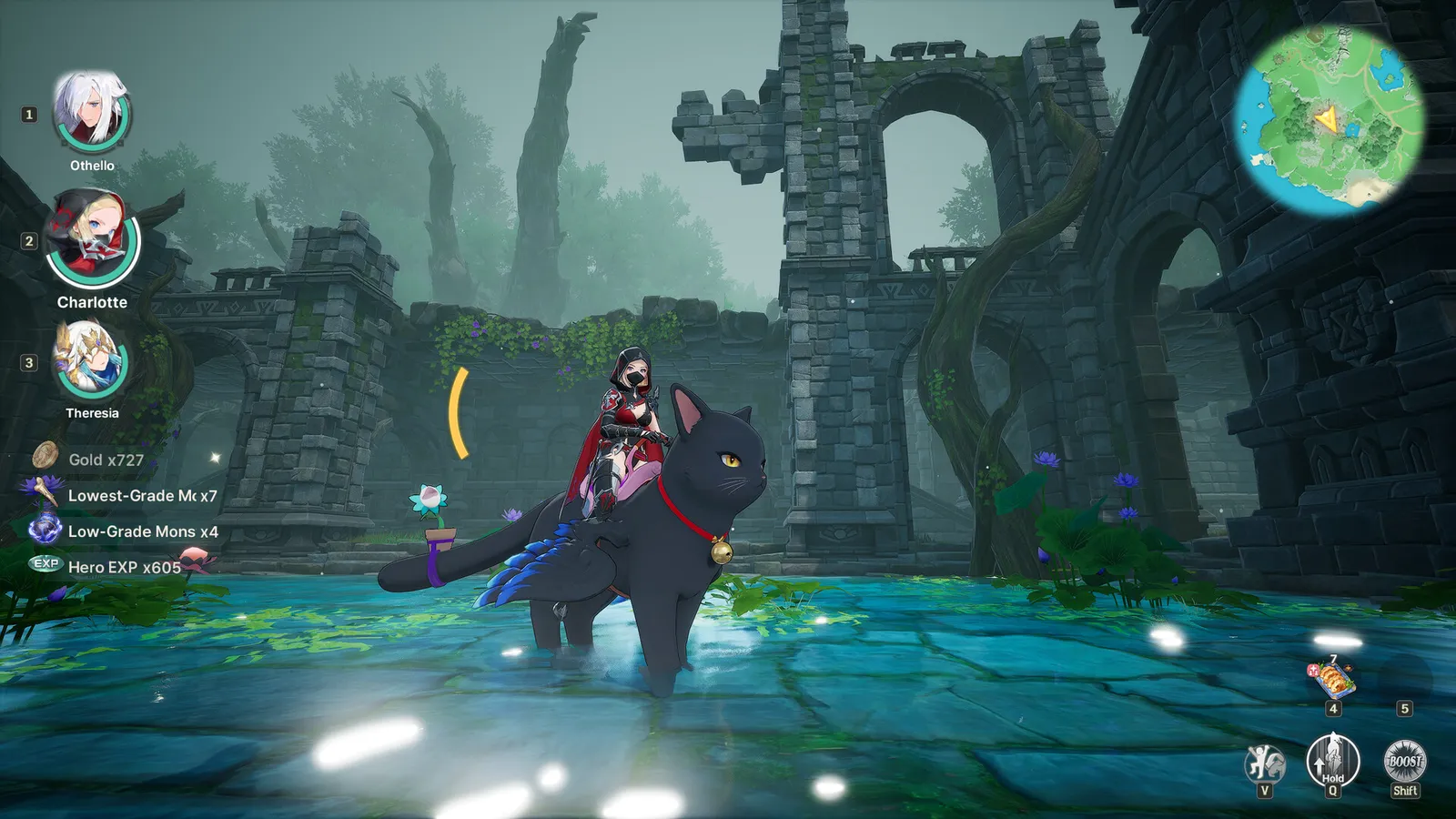
DragonSword: Awakening is a UE5 open-world game with approachable requirements — a six-year-old mid-range GPU is the minimum, and the recommended spec is a GTX-era machine from 2019 (for the full picture of what the game asks of you, start with the master guide). The one hard requirement is an SSD. Here are the official specs, what they mean for common setups, and how to squeeze out performance.
Here's what you'll learn:
- The official minimum and recommended requirements
- What the specs mean for realistic hardware
- The SSD requirement (and the HDD horror stories)
- The upscaler settings that boost performance
The Official Requirements
Straight from the Steam store page:
| Minimum | Recommended | |
|---|---|---|
| OS | Windows 10 (64-bit) | Windows 10 (64-bit) |
| Processor | Intel i5-9400F | Intel i7-9700F |
| Memory | 8 GB RAM | 16 GB RAM |
| Graphics | NVIDIA GTX 1660 | NVIDIA RTX 3060 |
| DirectX | Version 12 | Version 12 |
| Storage | 25 GB available (SSD required) | 25 GB available (SSD required) |
No AMD parts are listed — the spec sheet is NVIDIA/Intel-only, though AMD equivalents (e.g., Ryzen 5 3600 / RX 580-class for minimum) should comfortably match the thresholds. Hound13's Steam FAQ also answers the common follow-ups: the game is buy-to-play at $29.99 with regional pricing, and there are no hidden service requirements.
The SSD Requirement Is Not Optional
The store page is explicit and unusually stern:
※ IMPORTANT: An SSD is strictly required for an optimal gameplay experience. Installing the game on an HDD may result in extended loading times, texture pop-in, framerate drops, or unexpected crashes.
This is a UE5 open-world game streaming terrain constantly — an HDD literally cannot keep up. If you're on an HDD, moving the game to any SSD (even a SATA one) is the single biggest performance fix available.
Community reports match the warning: HDD installs produce texture pop-in and frame drops in the open world, and the game can crash on zone transitions. Budget 25GB of SSD space before you buy.
Can Your PC Run It? A Practical Check
- i5-9400F / GTX 1660 / 8GB (minimum) — 1080p at low-medium settings with upscaling, stable 30-60fps in most zones.
- i7-9700F / RTX 3060 / 16GB (recommended) — 1080p high / 1440p medium, 60fps target.
- Below minimum — the game runs on UE5 with FSR/TSR upscalers, so weaker GPUs can still get playable framerates at low settings + quality upscaling, but expect compromises (and an SSD is still mandatory). The same tuning logic applies on the Steam Deck.
Performance Tips
- Use an upscaler. The game ships with FSR and TSR support — TSR at High Quality looks excellent and costs little. For the Steam Deck's tuned settings, see our Steam Deck guide.
- Install on SSD, period. See above — this matters more than any graphics setting.
- Lower Effects quality for big fights. Community testing on Deck showed Effects quality has an outsized impact on the frame-rate dips during large battles — the same applies on PC.
- Watch the DirectX 12 requirement. Older GPUs without DX12 support (pre-2015 cards) are out.
Where to Check Your Own Specs
If you're unsure whether your machine qualifies: compare your CPU/GPU against the tables above, or check Steam's own "Can I run it?" tooling on the store page. Performance patches are landing weekly — see our updates guide for what changed. For frame-rate expectations on a specific setup, the Steam community has hardware threads for almost every configuration.
Official source: Steam store page — System Requirements — minimum and recommended specs as listed by Hound13, including the "SSD strictly required" note.
Frequently Asked Questions
Can my PC run DragonSword: Awakening? If you have a DX12 GPU at or above GTX 1660-class performance and an SSD, yes.
How much storage? 25 GB available, on SSD.
Is an SSD required? Yes — officially "strictly required" for optimal play; HDD installs cause pop-in, drops, and crashes.
Does it need a strong GPU? Recommended is an RTX 3060, but the minimum is a GTX 1660 with upscaling doing the heavy lifting.
Related Guides
- Steam Deck Guide — Performance and Settings
- DragonSword Awakening Farming Guide — Gold & Materials
- DragonSword Awakening Character Unlocks — Fate's Invitation
- DragonSword Awakening Side Quests — Hero & Bond Quests
- DragonSword Awakening Combat Guide — Signals & Statuses
Official resources: Steam store page — requirements · Steam FAQ news post · Steam community hub Last updated August 12, 2026. Requirements quoted verbatim from the Steam store page; practical frame-rate guidance reflects community hardware threads and Steam Deck HQ testing as of patch 1.0.5.
More DragonSword: Awakening Guides
Every side quest type in DragonSword: Awakening — Adventure, Hero, bond quests and regional missions — with rewards, including extra Fate's Invitation tickets.
How DragonSword: Awakening runs on Steam Deck — tested settings (Effects Low + TSR/FSR High Quality + 30fps lock), battery tips, and big-fight performance.