
How DragonSword: Awakening runs on Steam Deck — tested settings (Effects Low + TSR/FSR High Quality + 30fps lock), battery tips, and big-fight performance.
DragonSword Awakening Steam Deck Guide — Tested Performance & Settings
DragonSword: Awakening runs surprisingly well on Steam Deck — a genuine surprise for a UE5 open-world game, which usually struggles on the hardware. Steam Deck HQ's testing found it very playable with the right settings, and the game's built-in upscalers do most of the work. Here's the tested setup.
Here's what you'll learn:
- How the game performs out of the box on Deck
- The tested settings that maximize stability
- What happens in big fights (and how to fix it)
- Battery and verification status
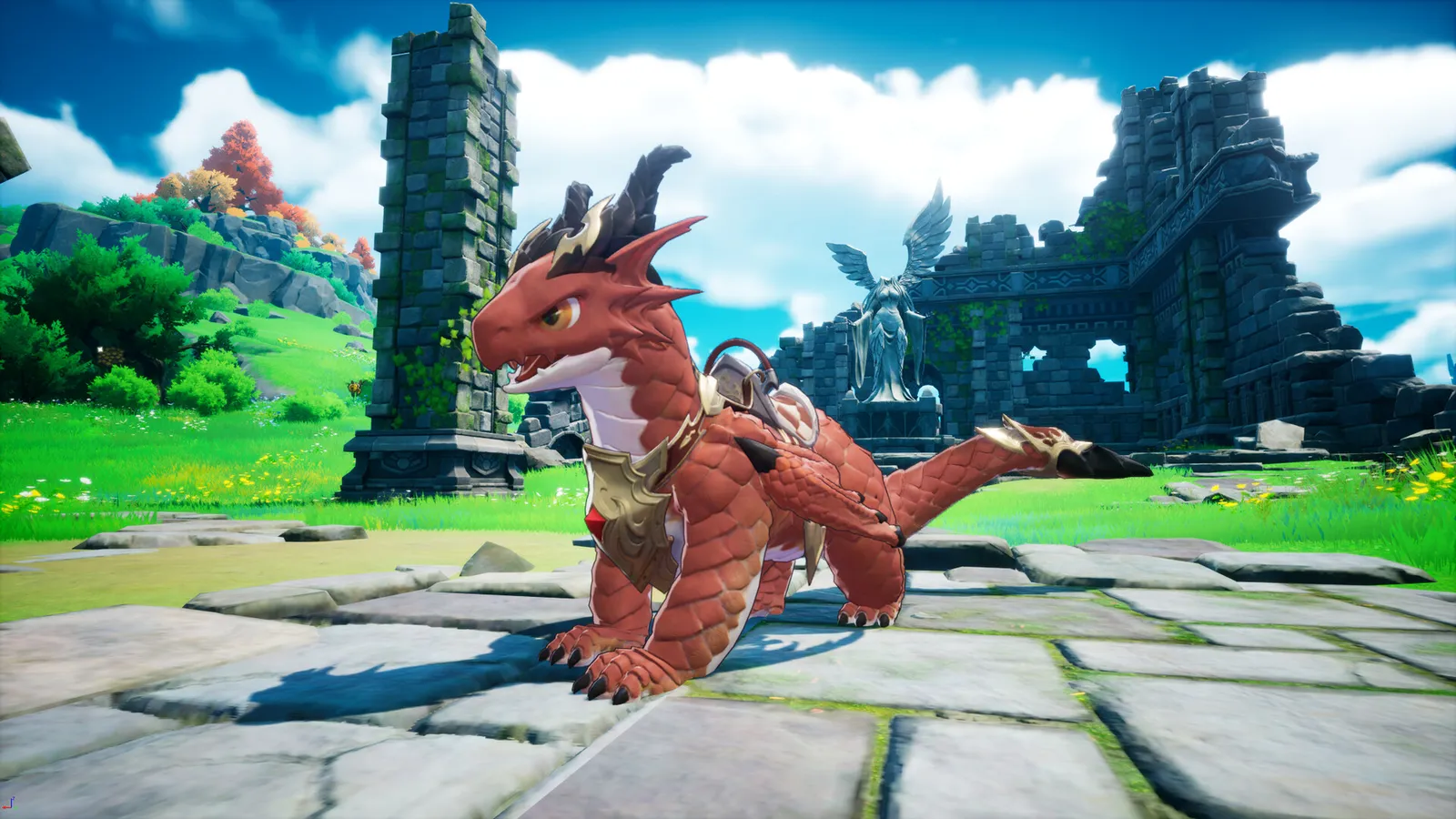
The Short Answer: Yes, It's Very Playable
Steam Deck HQ put the game through its paces on July 22 (launch day) — testing the largest areas, the biggest battles, and the map at speed — and concluded it's very playable. That's notable: most UE5 titles struggle on Deck, but DragonSword: Awakening's defaults land in a workable range.
The game hasn't been through Valve's official Verified program as of mid-August — "very playable in testing" is a community verdict, not a Steam badge. Deck owners on the Steam community are actively discussing Linux support.
The Default Settings (and Why to Change Them)
Out of the box, the game defaults to:
- Normal (medium) quality preset
- FSR upscaling on Balanced
That combination hits 30-40 FPS across most of the game, and it looks decent — but the Balanced upscaling produces obvious pixelation in certain lighting, especially indoors and during daytime world travel.
The Recommended Settings
Steam Deck HQ's tested improvement:
- Upscaler: TSR or FSR at High Quality (visually equivalent)
- Effects quality: Low
- Everything else: Normal
- Frame rate: locked to 30 FPS
Their testing showed the Effects-Low change is the key: in a large fight (20+ enemies, 10+ allies on screen), the Normal-Effects profile stuttered below 30 while the Effects-Low profile held a stable 30 — the framerate distribution was dramatically steadier, with better 1% lows.
The game can push past 40 FPS in calm areas, but big fights — the spectacle moments covered in our combat guide — drop it below 30. A locked 30 keeps the experience stable where it matters — and cuts battery drain for longer sessions.
What the Game Looks Like at These Settings
TSR at High Quality with Effects on Low looks notably sharper than the default Balanced setup, and it holds 30 FPS through content the default settings struggle with. Some fights still dip below 30 even with the tuning — the game's spectacle moments (raid bosses, co-op with nine heroes on screen) are heavy — but those dips are occasional rather than constant.
Battery Life
The 30 FPS lock does double duty on battery: stable performance plus meaningfully longer play sessions. Steam Deck HQ's testing context treats it as the difference between "great handheld RPG" and "game you need to keep charged" — lock the framerate and the Deck plays like a proper handheld for this one.
Other Deck Notes
- Downloads/installs: the game needs 25GB on SSD — install it to internal or a fast SD card; the HDD warning from the system requirements applies to Deck SD cards too, so use a good one.
- Offline play: the full single-player campaign runs offline — perfect for Deck usage, and worth reading alongside the co-op guide to know what stays online-only.
- Updates: Hound13 has been patching performance and feel weekly — see the updates guide for what's changed.
Official source: Steam Deck HQ — DragonSword: Awakening Steam Deck testing — "After some testing, I did find a group of settings that I preferred over everything else... keeping it at 30 FPS not only keeps the game as stable as possible, but will also keep battery drain down."
Frequently Asked Questions
Does DragonSword: Awakening work on Steam Deck? Yes — tested as very playable with the right settings.
What are the best settings? TSR/FSR at High Quality, Effects on Low, everything else Normal, frame rate locked to 30 FPS.
Is it Steam Deck verified? Not officially as of mid-August; the "very playable" verdict is from hands-on testing.
How does it run? 30-40 FPS at defaults; a stable locked 30 with the recommended settings.
Related Guides
- System Requirements Guide
- Co-op, Subjugation & Raids Guide
- DragonSword Awakening Farming Guide — Gold & Materials
- DragonSword Awakening Character Unlocks — Fate's Invitation
- DragonSword Awakening Side Quests — Hero & Bond Quests
Official resources: Steam Deck HQ testing article · Steam store page · Steam community hub Last updated August 12, 2026. Performance data from Steam Deck HQ's launch-day testing; settings verified against their frame-time charts and may shift as Hound13 patches performance.
More DragonSword: Awakening Guides
Every side quest type in DragonSword: Awakening — Adventure, Hero, bond quests and regional missions — with rewards, including extra Fate's Invitation tickets.
DragonSword: Awakening system requirements — the minimum (i5-9400F / GTX 1660) and recommended (i7-9700F / RTX 3060) specs, plus performance tips.