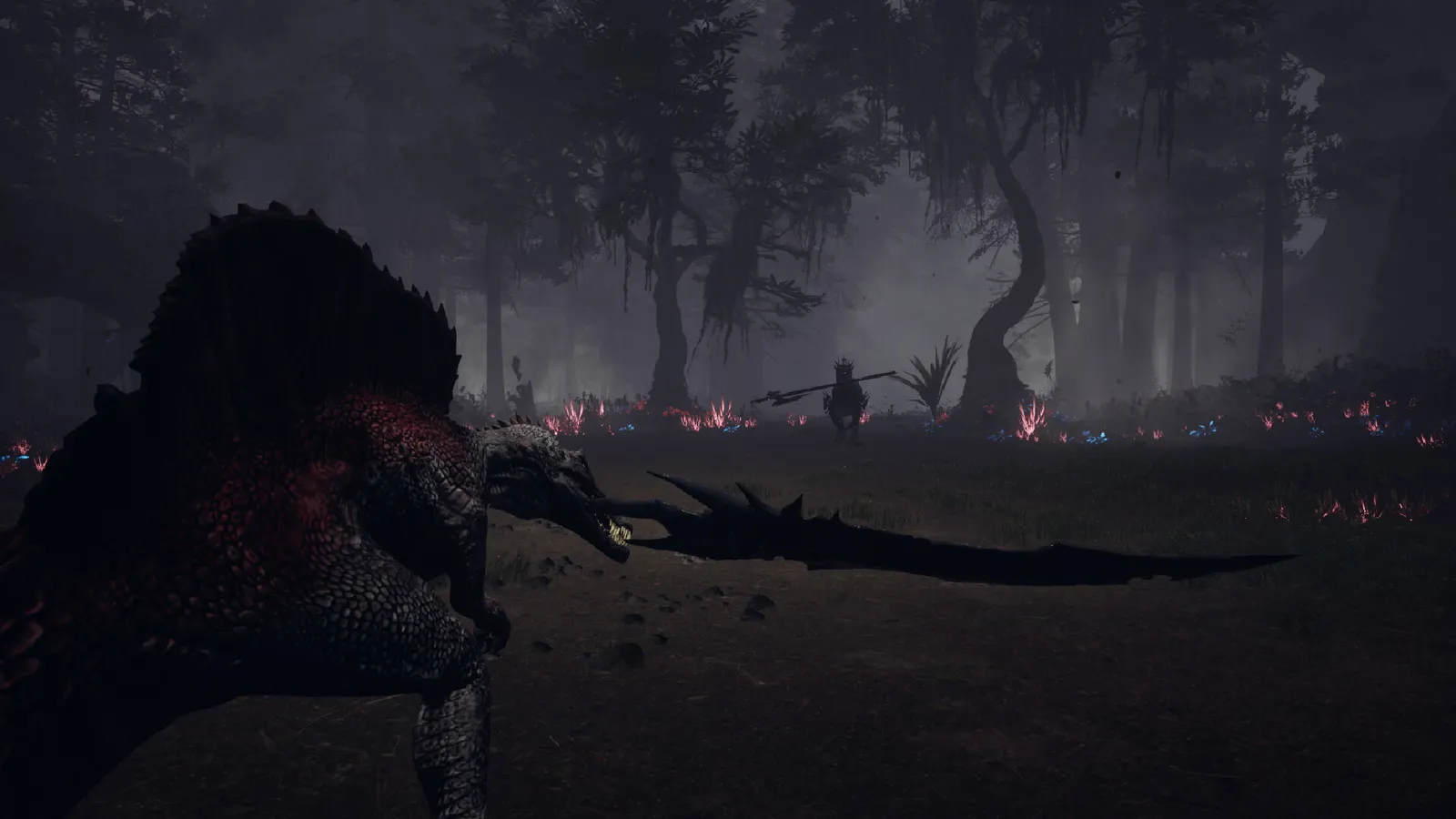
Dinoblade PC requirements: official minimum specs (GTX 1050, 4 GB RAM, 13 GB), Steam Deck settings, best graphics options and crash fixes.
Dinoblade System Requirements — Specs & Steam Deck (2026)
Dinoblade is one of the lightest Unreal Engine 5 games you'll see this year — the official minimum is a GTX 1050, 4 GB of RAM and 13 GB of storage. It's Windows-only, it runs on Steam Deck as "Playable," and it has no published "recommended" spec because it barely needs one. Here's the full picture: official numbers, real-world performance reports, the best settings for desktop and Deck, and the crash fixes that actually work.
Here's what you'll learn:
- The official minimum requirements (straight from Steam)
- Why there's no "recommended" spec and what to actually aim for
- Real performance reports from the demo and launch builds
- Steam Deck compatibility, frame targets and the best Deck settings
- The best graphics settings for desktop (FPS first)
- Known crash causes and fixes (UE5 startup crash, resolution scale)
- Other platform facts: OS support, languages, controller, cloud saves
Official resources: Steam store page — System Requirements · TechTimes — UE5 build details · Official patch notes (DLSS & fixes) · SteamDB
Official Minimum Requirements
These are the exact specs from the official Steam listing (verified via the Steam API):
| Component | Minimum |
|---|---|
| OS | Windows 10 64-bit |
| Processor | Intel Core i5-7500 / AMD Ryzen 5 1600 |
| Memory | 4 GB RAM |
| Graphics | NVIDIA GeForce GTX 1050 4GB / AMD Radeon RX 560 |
| DirectX | Version 12 |
| Storage | 13 GB available space |
| Sound | Windows Compatible Audio Device |
Per the official Dinoblade Steam page, the minimum is "Windows 10 64-bit, Intel Core i5-7500 / AMD Ryzen 5 1600, 4 GB RAM, NVIDIA GeForce GTX 1050 4GB / AMD Radeon RX 560, DirectX 12, 13 GB available space."
A few notes on reading this table:
- 13 GB storage is the official number (some aggregators show 12 GB — trust the store page).
- Windows only — there is no macOS or Linux build (Steam API platforms). Steam Deck players run it through Proton.
- DirectX 12 is required. Old DX11-era machines won't launch it.
- The game is built on Unreal Engine 5, but deliberately without the heavy Nanite geometry and Lumen lighting systems — which is exactly why a GTX 1050 can run it (TechTimes).
Why There's No "Recommended" Spec
Team Spino never published a recommended spec, and in practice you don't need one: a demo-era performance report measured 100+ FPS at 1440p on maximum settings with a Ryzen 7 7800X3D + Radeon RX 7800 XT (community-reported; treat exact numbers as estimates, not benchmarks). Realistic targets from the demo and launch build:
- GTX 1050 / RX 560-class (the minimum): expect 1080p at medium-low, 30–60 FPS depending on area
- GTX 1660 / RTX 2060-class or newer: 1080p60 with headroom
- Mid-range modern GPUs: 1440p60 comfortably; the game is not demanding
Performance is most variable in dense vegetation areas (jungles, meadows) and boss fights with heavy particle effects — those are where frame drops show up even on stronger hardware.
Combat is reaction-based (parry timing, red-glint dodges), so prioritize a stable 60 FPS over visual quality. The difference between 40 and 60 FPS is a real gameplay difference in Dinoblade, not a cosmetic one.
Steam Deck: Playable, and It's Great at 40 FPS
Dinoblade is marked Steam Deck "Playable" on the store, and community testing (including dedicated Deck guides) confirms it runs — with caveats. The game is Windows-only, so Deck players run it through Proton; Proton Experimental gives notably fewer shader-related stutters than older compatibility layers.
The realistic Deck experience: chasing 60 FPS doesn't work — the game bounces between the mid-40s and upper-50s depending on the area, which feels worse than a locked rate. The recommended setup is a 40 FPS cap at 40Hz, which plays smooth and stable.
Best Steam Deck settings (community-tested):
| Setting | Value |
|---|---|
| Display Mode | Borderless Windowed |
| Resolution | 1280×800 |
| Upscaling | TSR or FSR 2 (Balanced) |
| Texture Quality | Medium |
| Shadows | Low |
| Reflections | Low or Off |
| Grass Density | Low |
| Effects | Medium |
| Post Processing | Low |
| Motion Blur | Off |
| V-Sync | Off |
| Frame Limit | 40 FPS (40Hz) |
Two settings matter most: Reflections (the biggest single performance win — barely visible in motion) and Grass Density (jungle traversal gets much smoother at Low). If you see long-session slowdowns or asset pop-in, try raising the Steam Deck's UMA buffer from 1 GB to 4 GB — it gives the integrated GPU more memory for the larger environments.
Best Graphics Settings for Desktop
For 1080p60 on a minimum-spec card, or 1440p60 on mid-range hardware:
- Upscaling: TSR or FSR 2 (DLSS is present on NVIDIA cards — the DLSS display option arrived in the July 29 patch)
- Shadows: Low/Medium (heavy cost, little combat value)
- Reflections: Low (the biggest perf win per the Deck testing)
- Grass Density: Low/Medium (jungles are the heaviest areas)
- Effects: Medium (boss fights get particle-heavy; don't run them at Low or the telegraphs get muddy)
- Post Processing: Low
- Motion Blur: Off (combat clarity)
- V-Sync: Off (reduce input latency)
Effects quality below Medium can make the red-glint telegraphs on boss attacks harder to read. If you're struggling with a specific fight, bump Effects back up rather than chasing max FPS.
Crashes and Troubleshooting
Launch-window players reported a small set of reproducible issues, most patched or with known workarounds:
- Startup crash — community reports of Unreal Engine startup crashes; first check recent graphics driver and resolution changes, then restore config if the game stops launching after a settings change.
- Custom resolution scale crash — the game could crash after changing the resolution scale slider; revert the setting before reinstalling.
- Settings-related hardlocks — the July 27 patch fixed a camera sensitivity slider issue that "prevented few players from playing," and the July 30 patch added a Travel Option during boss fights so players can't get hardlocked in an arena. If a boss fight ever soft-locks you, update to the latest build.
- Boss bug class — several launch bugs (Kasei sending players back to the start, Akai loop, rocket-launch bug) were fixed in the July 24–30 patches; keep the game updated.
Other Platform Facts
- Platforms: Windows only (Steam). No macOS/Linux/console versions confirmed (not yet confirmed for any future ports).
- Languages: 19 supported (interface + subtitles; English full audio), including English, French, German, Spanish, Japanese, Korean, Russian, Simplified/Traditional Chinese, Vietnamese and more.
- Controller: Full controller support (a launch patch fixed a key-bind reset bug; PS button prompts and X/Y invert settings were added July 27). Keyboard bindings are rebindable, with the quirk that dodge and sprint share one key on the default keyboard layout (gamepads get separate buttons).
- Features: Single-player, 29 Steam Achievements, Steam Cloud, Leaderboards, Family Sharing, Steam Deck Playable.
- Storage note: the 13 GB requirement includes the full game; no DLC-sized downloads at launch.
If you're upgrading or buying for the specs, the beginners guide covers whether the ~6-hour campaign justifies the $19.99 price — and the walkthrough covers what the whole run looks like.
Frequently Asked Questions
Can my PC run Dinoblade?
If you have a GTX 1050 (4 GB) or RX 560, a 7th-gen i5 / Ryzen 5 1600, 4 GB RAM and DirectX 12, you meet the official minimum. The game is unusually light for an Unreal Engine 5 title.
Is Dinoblade on Steam Deck?
Yes — it's marked "Playable" and runs through Proton (Proton Experimental recommended). Target 40 FPS at 40Hz with Reflections Low and Grass Density Low for a stable experience.
How much storage does Dinoblade need?
13 GB of free space per the official Steam listing, plus room for save data (Steam Cloud is supported).
What are the best graphics settings for Dinoblade?
For combat-first play: Reflections Low, Grass Density Low/Medium, Shadows Low/Medium, Effects Medium, Post Processing Low, Motion Blur Off, V-Sync Off, and TSR/FSR 2 (or DLSS on NVIDIA) upscaling. Prioritize 60 FPS.
Why does Dinoblade crash on launch?
The most common reported causes are an outdated graphics driver, recent resolution-scale changes, and config corruption. Revert any recent settings changes, verify game files, and make sure you're on the latest patch (July 24–30 fixes addressed the main crash and hardlock bugs).
Related Guides
- Dinoblade Beginner's Guide — How to Play, First Steps & Early Build
- Dinoblade Combat Guide — Stamina, Punish Windows, Parry & Soul Arts
- Dinoblade Walkthrough — Full Campaign, Biomes & Boss Order
- Dinoblade All Bosses Guide — Full Boss List & How to Beat Them
- Dinoblade All Dinosaurs — Complete Bestiary Guide
Last updated: August 14, 2026.
More Dinoblade Guides
Dinoblade demo explained: what the free Steam demo covers (Kira, Axe, Kasei), how long it takes, its 97% rating, and whether demo progress carries over.
Dinoblade final boss guide: Maakyuurii the Ice King and the Flame Reborn phase, how to reach the meteor fight, prep loadout, and the Boss Rush unlock.
Games like Dinoblade: Monster Hunter, Sekiro, Elden Ring, Primal, ARK and more — the best dinosaur, soulslike and weapon-combat alternatives ranked.
Dinoblade playtime explained: 2-3h focused, ~6h typical, 8h+ for 100%, plus the 16-boss gauntlet, Boss Rush replay, and the demo as a measuring stick.
Was Dinoblade on Kickstarter? No campaign exists — the real story is a 2022 viral animation, 500K wishlists, a 97% demo, and a July 23, 2026 launch.
Dinoblade mods, save files and OST explained: no Steam Workshop, a small Nexus mod scene, Steam Cloud saves, and the 8-track Boss Theme Collection.
Dinoblade price explained: $19.99 on Steam, the 10% launch discount ($17.99), regional pricing, no DLC or bundles, and whether it's worth the money.
Dinoblade release date confirmed: July 23, 2026 at 10 AM on Steam (PC, Windows-only). Full timeline from the 2022 viral clip to launch, plus console status.