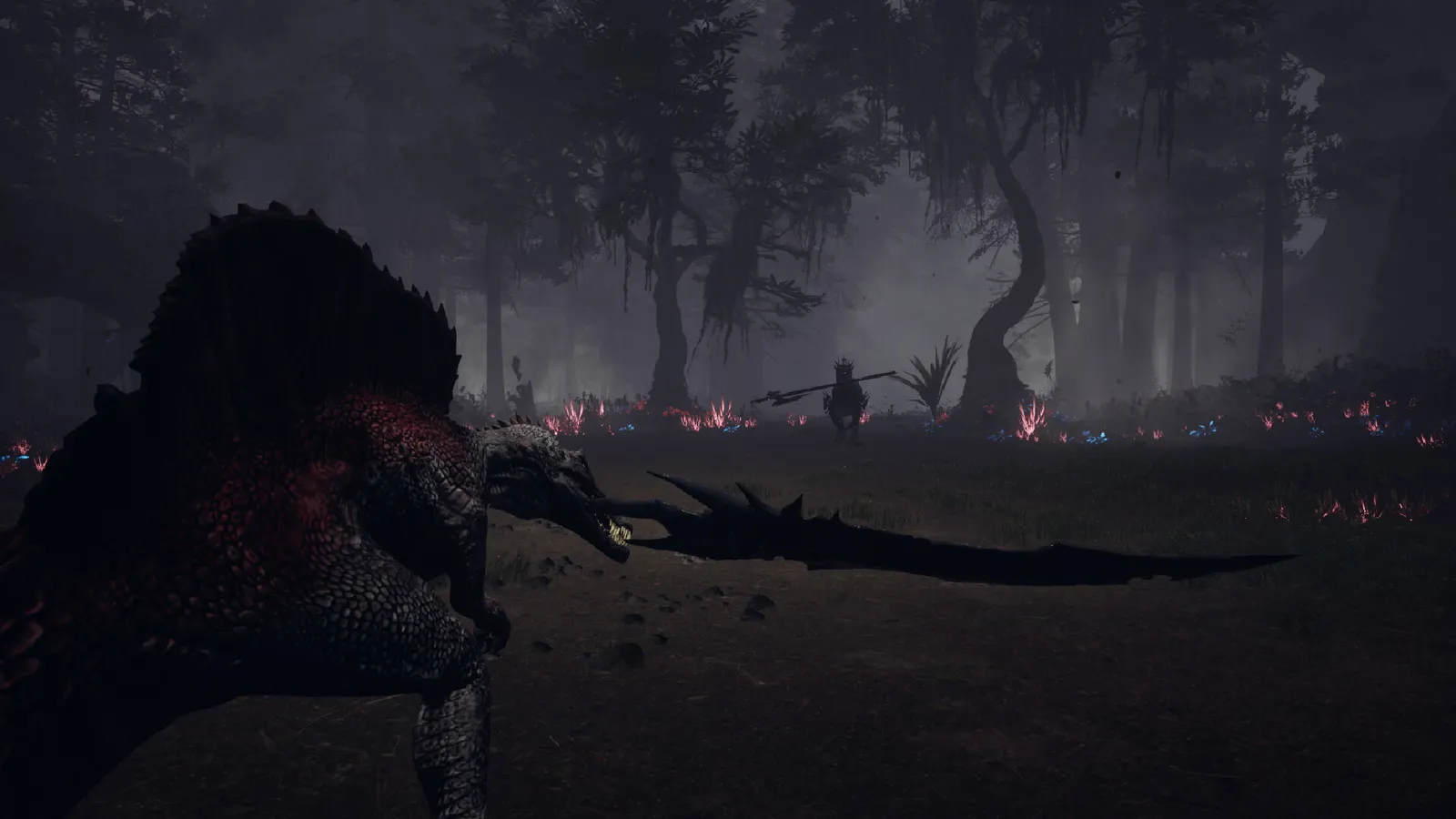
Dinoblade on Steam Deck: Valve's official Playable rating, what works and what doesn't, best graphics settings, and community performance reports.
Dinoblade Steam Deck — Playable Rating, Settings & Performance
Valve rates Dinoblade "Playable" on Steam Deck — not "Verified," but very much playable. The Deck's default controller configuration works fully, the in-game button glyphs match the Deck, and the low minimum specs (a GTX 1050-class bar) mean the hardware is well within range. The caveats: some interface text runs small, the default graphics profile isn't performant (lower your settings), and external controllers can't be the primary player. Here's everything confirmed plus community-tested settings.
Here's what you'll learn:
- Valve's official Steam Deck compatibility verdict and its caveats
- Why the game's low spec floor makes Deck play viable
- The settings that matter for a stable framerate on Deck
- Controller support details (full support, Xbox-style glyphs)
- What the community is reporting from real Deck sessions
Official resources: Steam store page · IGN game page · Metacritic · Steam Community hub
Is Dinoblade Steam Deck Verified?
No — but it's officially "Playable." Valve's Steam Deck compatibility review gives Dinoblade the yellow Playable rating rather than green Verified. What Valve's report says, point by point:
- ✅ The default controller configuration is fully functional, and in-game button glyphs match the Deck's buttons
- ⚠️ Some interface text is small and hard to read on the Deck screen
- ⚠️ The default graphics configuration is not performant — plan on lowering settings for a stable framerate
- ℹ️ External controllers aren't supported as the primary player on Deck
That Playable verdict matches the game's store listing, which marks full controller support and lists Windows-only as the platform (Deck plays it through SteamOS/Proton).
The Playable rating's two warnings are the story: the game runs, controls, and saves fine on Deck, but you'll want to spend two minutes on graphics settings, and some menus are small. It's the "works great once configured" tier, not the "perfect out of the box" tier.
Does Dinoblade Run Well on Steam Deck?
Structurally, yes — the spec bar is low. The official minimum requirements (from the Steam store) are modest:
| Spec | Minimum |
|---|---|
| OS | Windows 10 64-bit |
| Processor | Intel Core i5-7500 / AMD Ryzen 5 1600 |
| Memory | 4 GB RAM |
| Graphics | NVIDIA GeForce GTX 1050 4GB / AMD Radeon RX 560 |
| Storage | 13 GB available space |
| DirectX | Version 12 |
The Steam Deck's APU sits comfortably above a GTX 1050-class floor for a game this size, and the developer added DLSS support post-launch (patched in July 27, toggle added July 29) — a major hand for handheld performance. Community Deck sessions on SteamOS 3.7 report the game being playable handheld and docked, with the caveat that the default settings need manual lowering for a stable framerate (one forum thread exists specifically because the game itself tells Deck users to adjust graphics manually).
Per the official Steam patch notes, the July 27 update "Added DLSS Plugin" and the July 29 update turned "DLSS Display ON in the Option Menu" — both directly relevant to Deck performance.
Best Steam Deck Settings for Dinoblade
There's no official Steam Deck preset, but the verified problem points tell you exactly what to change:
- Lower the graphics preset. The default profile is flagged as not performant — step down to medium/low (the game's own compatibility report says to plan on lowering settings)
- Use DLSS if available. With the DLSS toggle in the options menu (post-July 29 build), enabling upscaling is the single biggest framerate lever on the Deck's 800p screen
- Cap the framerate. For a timing-heavy parry game, a stable 40 FPS (Deck's 40Hz sweet spot) is better than an unstable 60 — parry timing needs consistent frame pacing
- Watch small text. Some interface text is hard to read at 800p; the Deck's per-game scaling or UI scale options (if the game exposes them) help, but expect some squinting in menus
If you're chasing a specific framerate target, the community is actively reporting Deck results in the Steam Community discussions — check the latest threads before tuning, since the near-daily patches (DLSS, optimization passes) keep moving the numbers.
Dinoblade's combat is built on commitment and punish windows — a frame hitch mid-parry is a death. On Deck, prefer a locked 40 FPS over an uncapped 50–60 that dips; consistency beats peak framerate for this game specifically. The combat guide explains why the timing system makes this matter.
Controller Support on Deck
Dinoblade has full controller support (per the Steam store listing), and the Deck's default controller configuration is fully functional per Valve's report, with glyphs matching Deck buttons. Two details worth knowing:
- Glyphs are Xbox-style. The July 27 patch added PS button prompts as an option, so you can switch to PlayStation-style prompts if you prefer — but Deck users are fine with the defaults
- External controllers can't be the primary player on Deck per the compatibility report — if you dock with a DualSense or Xbox pad, plan around the Deck's built-in controls being the primary input
For the full control scheme and rebinding details, see the system requirements and settings guide.
Steam Deck OLED and Other Notes
The Deck OLED (same APU, better screen and battery) runs the same profile as the LCD Deck — expect the same "Playable with manual settings" experience at a slightly higher battery efficiency. There's no official OLED-specific rating. Also note: Dinoblade is Windows-only on Steam with Steam Cloud saves enabled — cloud saves mean your Deck progress syncs back to desktop seamlessly, which pairs well with the save file guide. If you're buying specifically for Deck play, the price guide covers whether $19.99 is right for you.
Frequently Asked Questions
Is Dinoblade Steam Deck verified?
Not Verified — but officially rated Playable by Valve. The default controller config works, but interface text is small and the default graphics settings need lowering.
Does Dinoblade run well on Steam Deck?
Yes with manual settings. The minimum spec floor (GTX 1050-class) is well under the Deck's hardware, DLSS was added in the July 27 patch, and community tests show playable handheld and docked performance once graphics are lowered.
What are the best Steam Deck settings for Dinoblade?
Lower the graphics preset from default, enable DLSS if available, and cap the framerate at a stable 40 FPS for consistent parry timing.
Does Dinoblade work with Steam Deck controllers?
Yes — full controller support, Deck glyphs match out of the box, and the July 27 patch added optional PS button prompts. External controllers can't be the primary player on Deck per Valve's report.
Can I play Dinoblade on Steam Deck OLED?
Yes — same APU and compatibility profile as the LCD Deck (Playable with manual settings), with better battery efficiency.
Related Guides
- Dinoblade System Requirements — PC Specs & Settings
- Dinoblade Release Date — July 23, 2026, Platforms & Timeline
- Dinoblade Mods, Save Files & OST — Save Locations
- Dinoblade Combat Guide — Parry, Posture & Punish Windows
- Dinoblade Price — $19.99, Launch Discount & Value
- Dinoblade How Long to Beat — Full Playtime Breakdown
Last updated: August 14, 2026.
More Dinoblade Guides
Is Dinoblade multiplayer? No — single-player only. No co-op, no PvP, no crossplay, and no console versions. Here's the full multiplayer status.
Dinoblade demo explained: what the free Steam demo covers (Kira, Axe, Kasei), how long it takes, its 97% rating, and whether demo progress carries over.
Dinoblade final boss guide: Maakyuurii the Ice King and the Flame Reborn phase, how to reach the meteor fight, prep loadout, and the Boss Rush unlock.
Games like Dinoblade: Monster Hunter, Sekiro, Elden Ring, Primal, ARK and more — the best dinosaur, soulslike and weapon-combat alternatives ranked.
Dinoblade playtime explained: 2-3h focused, ~6h typical, 8h+ for 100%, plus the 16-boss gauntlet, Boss Rush replay, and the demo as a measuring stick.
Was Dinoblade on Kickstarter? No campaign exists — the real story is a 2022 viral animation, 500K wishlists, a 97% demo, and a July 23, 2026 launch.
Dinoblade mods, save files and OST explained: no Steam Workshop, a small Nexus mod scene, Steam Cloud saves, and the 8-track Boss Theme Collection.
Dinoblade price explained: $19.99 on Steam, the 10% launch discount ($17.99), regional pricing, no DLC or bundles, and whether it's worth the money.