Scrap Mechanic Mods & Steam Workshop — The Best Mods & 1.0 Compatibility
Scrap Mechanic mods explained: Steam Workshop, the best part/custom mods, blueprint sharing and what 1.0 did to mod compatibility.
Scrap Mechanic Mods & Steam Workshop — The Best Mods & 1.0 Compatibility
Scrap Mechanic's mod scene is one of its biggest longevity engines: over 1,000 player-made parts and countless blueprints live on the Steam Workshop, from new wheels to working calculators. This guide covers how the Workshop works, the best-known mod categories, and the compatibility situation after the 1.0 update.
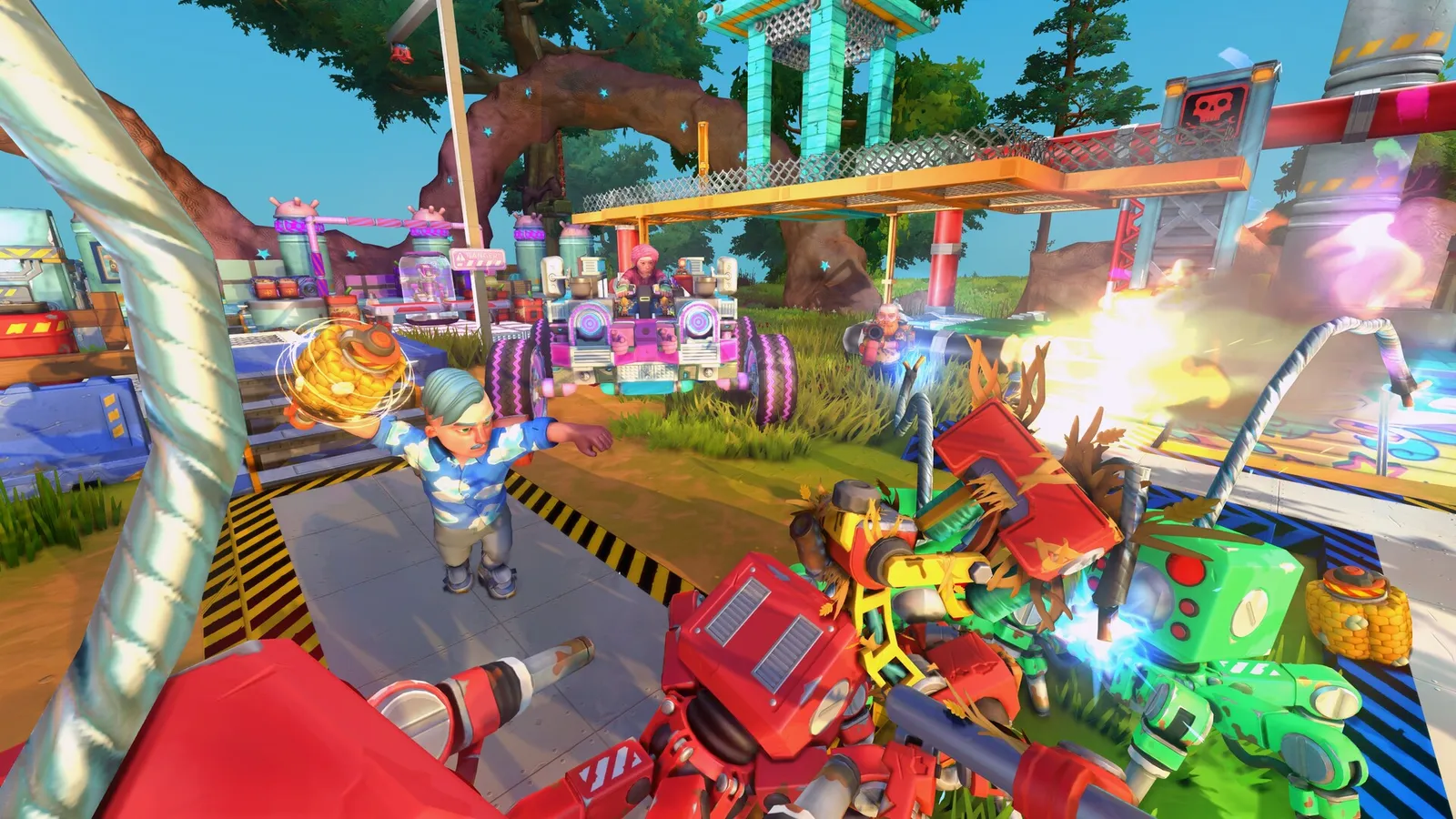
How the Workshop Works
- Subscribe → auto-install — Workshop mods install on launch; enable them in the game's mod menu per world
- Blueprints — saved creations (vehicles, machines) shared as files; subscribe and spawn in your Garage
- Parts mods — add new blocks, weapons and logic parts to the game
- Custom games — full conversion mods (new modes, rulesets)
The Steam Workshop page is the hub: browse by popularity, subscribe, and manage installed mods in the game's mods screen.
The Best Mod Categories
- New parts packs — extra blocks, wheels, weapons; the most-subscribed category
- Logic/automation mods — extend the gate set for advanced factories
- Vehicle packs — pre-built cars, tanks and rigs as blueprints (great learning material)
- Overhaul mods — difficulty, worldgen and QoL rebalances
- Cosmetic mods — paints, decals, lights
Specific mod names rotate with version compatibility — check the Workshop's "most subscribed" list for the current top picks, and cross-check reviews before installing after a big update.
Axolot warned that Parts and Custom Games mods don't carry over cleanly to 1.0. Mods updated for 1.0 may stop working on older builds (and vice versa). Expect a transition period — check each mod's page for a 1.0-updated version before subscribing.
Blueprint Sharing (The Community Gold Mine)
- Every creation you build can be published to the Workshop (achievement: "Blessing the Workshop")
- Browse blueprint collections for mining rigs, auto farms and raid bases — see the vehicle building and auto farm guides for what to look for
Managing Modded Saves
Modded worlds are fragile across updates:
- Back up saves before enabling/disabling parts mods (see save file guide)
- A world with modded parts may fail to load if the mod is removed — keep mods enabled for those worlds
- After 1.0, modded survival saves have the same rollback question as vanilla ones
FAQ
Are Scrap Mechanic mods free? Yes — Workshop mods are free; some creators accept donations.
Do mods disable achievements? Parts/cosmetic mods generally don't; gameplay-overhaul mods can affect progression achievements.
How do I install a mod? Subscribe on the Workshop → the game downloads it → enable in the mod menu per world.
Will my mods work in 1.0? Parts and custom games mods need creator updates; expect a transition period (see warning above).
Related Guides
- 1.0 & Drilling Thunder — Mod Compatibility
- Save File & Location — Modded Save Safety
- Vehicle Building — Blueprint Sources
- Scrap Mechanic Guide — Complete Overview
Official resources: Steam store page · Scrap Mechanic Steam Workshop · Official Scrap Mechanic Wiki · Wikipedia · IGN game page
Last Updated: August 12, 2026