
ReStory on Steam Deck — Playable Rating & Settings
How does ReStory: Chill Electronics Repairs run on Steam Deck? Officially Playable at launch, Verified being worked toward — plus community-reported settings, the tea-and-couch verdict, and what 'Playable' means.
ReStory on Steam Deck — Playable Rating & Settings
ReStory: Chill Electronics Repairs is officially rated Playable on Steam Deck at launch — it runs, with the caveat that some interface elements may be small on the handheld screen. The developer has said full Verified status is being worked toward. This guide covers what Playable actually means here, community-reported impressions, and how to get the best Deck experience. For the full spec picture, see the system requirements guide.
Here's what you'll learn:
- What "Playable" means (and why not Verified yet)
- Community-reported Deck impressions
- Settings and tips for handheld play
What "Playable" Means
Valve's Playable rating means the game runs correctly on Deck but needs minor workarounds or has readability issues — typically small text or imprecise touch/controller interaction. For ReStory specifically:
- The game runs on Deck via Proton (no native Linux build)
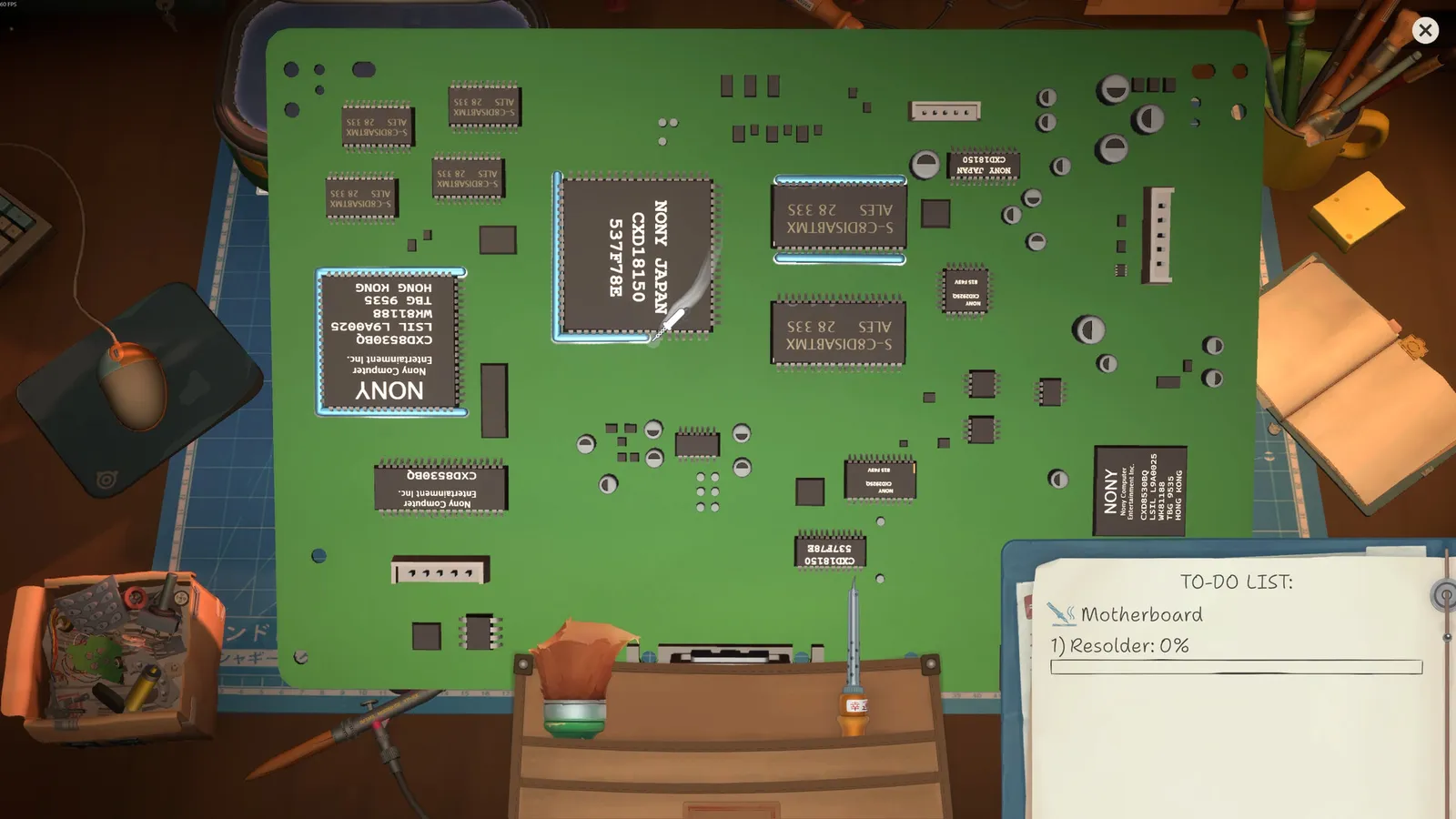
- Small UI text is the main complaint — the shop menus, repair tooltips and browser interface are dense
- The developer is working toward Verified, per their pre-launch FAQ
The Community Verdict
The r/Games launch thread and Steam community consistently describe ReStory as "perfect with a cup of tea, curled up on the couch" — the slow, tactile repair loop is an ideal handheld fit. The precision disassembly that feels fiddly with a mouse is somehow more charming on a handheld, and the game's gentleness means no twitch-input penalty.
Players report solid performance out of the box (the minimum specs are low — 4 GB RAM, GTX 750 Ti — so Deck hardware is comfortably above the bar). Frame drops are rare and configuration-related rather than hardware-related; see the updates guide for the known stutter reports.
If text feels too small: use the Deck's per-game scaling or enable the Deck's zoom (Steam button + L1). If you see stutter, drop the resolution one notch — the game isn't demanding, and a locked 30/40 fps is a smooth experience for a cozy sim like this.
Playable vs Verified: The Timeline
The developer confirmed at launch that Verified is on the roadmap. Verified typically lands after the publisher submits the Deck checklist with fixes for any Playable-blocking issues — for ReStory, that's most likely the small-text and controller-readability items. We'll update this page when the rating changes.
FAQ
Is ReStory Steam Deck verified? Not yet — it's officially Playable at launch, with Verified being worked toward per the developer's pre-launch FAQ.
How well does ReStory run on Steam Deck? Very well — the minimum specs are low, and community reports describe smooth handheld play. The main issue is small UI text, not performance.
Is ReStory good on Steam Deck? Yes — the community consensus is that ReStory is a perfect couch-and-tea game, with the slow tactile loop suiting handheld play.
Related Guides
- ReStory Platforms — PC, Mac, Switch & PS5
- ReStory System Requirements
- ReStory Guide — Everything You Need to Know
- ReStory Tips and Tricks
Official resources: Steam store page · Steam news hub · IGN game page · GOG store page
Last Updated: August 12, 2026