
hololive Dreams Create Chart guide: make, edit and publish custom charts, all note types including damage notes, editor limits, and where to play fan charts.
hololive Dreams Create Chart — Custom Chart Editor Guide
Create Chart is hololive Dreams' (holodori) standout feature and the reason rhythm purists took the game seriously: a full in-game chart editor that lets you build, publish, and share your own note charts for any song in the library. The Steam store page pitches it as the game's infinite-content engine — "Play with charts created by players from all around the world, and experience endless fun!" — and the official rhythm-game tips account calls it the feature for making "extremely challenging, hardcore charts for dedicated players" alongside "fun and quirky charts that everyone can enjoy." This guide covers what you can build, the editor workflow, the hard limits, and how to find good community charts.
What You Can Create
Per the official Create Chart tips thread and hololivedream.wiki's custom charts guide, there are three starting points:
- From a template — the editor ships pre-made templates you can drop notes onto
- From an official chart — take an existing official chart as a base and remix it (the most popular route for beginners)
- From a blank chart — full freedom, zero scaffolding
Published charts are shareable globally; players search and play community charts from the same menu where official songs live.
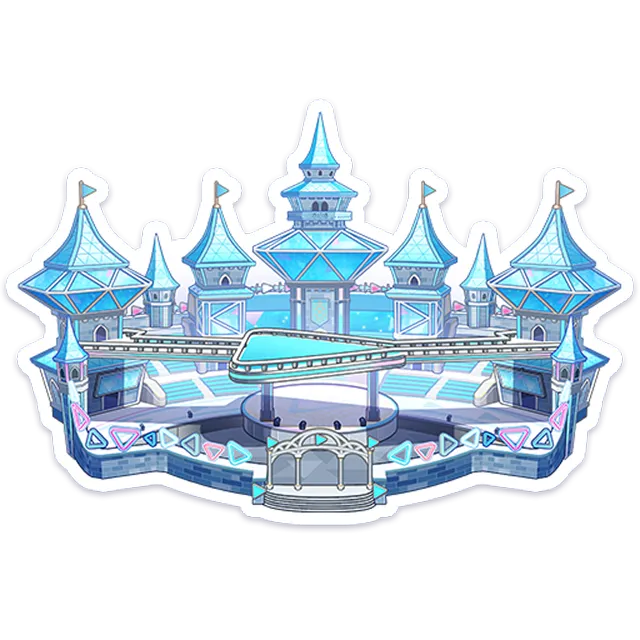
The Editor: Notes, Tools, and Workflow
The editor covers the full note palette from the rhythm game plus one exclusive type:
- Blue notes (tap), green long notes (hold), pink flick notes (direction ignored in the base game), yellow accent notes (louder, PERFECT-friendly)
- Damage notes — created-chart exclusive: pressing one deals damage to your life bar. This is how chart makers build "dodge the spike" gimmick sections
- Middle/extension notes and decorative notes — used for layering and visual flair
- Note-speed changes — custom charts support speed shifting mid-song (speed changes have no effect on BPM in official charts, but custom patterns can shift display speed per NamuWiki's system notes)
The workflow loop: place notes on the timeline → playtest with the playback tool → tweak → publish. The official tips thread emphasizes playtesting against the song's rhythm before releasing; the Gamerch create-chart wiki (Japanese, the most complete editor reference) documents the per-measure density rules and the publish flow in detail.
Hard Limits (Design Constraints)
The editor enforces real limits so charts stay playable:
- Maximum 9,999 combo per chart
- One measure: 128–256 notes (per the Gamerch editor reference: sections with fewer than 128 or more than 256 notes in a single measure get flagged — the density window keeps charts readable)
- Maximum 5 simultaneous presses (no 6-lane chords)
- Speed-shift support, mirror support for players
These limits exist on the release version and are documented in the plan-level research (the exact per-version numbers are tracked on Gamerch; verify against the current in-game editor if you're designing a chart at the boundary).
Community charts don't get auto-rated. A "beginner" tag on a chart with damage notes and 12.0 speed-shifts will farm dislikes — check the estimated difficulty and tag honestly. Gamerch's editor reference notes the difficulty is estimated by the creator, not computed.
Playing Other Players' Charts
- Search — the community chart menu lets you browse by song, difficulty, and popularity
- Published charts are playable in the normal Live flow — same six lanes, same scoring, but score rates do NOT register from custom charts (per NamuWiki: score rate "cannot be obtained from the CREATE pattern")
- Auto-play works on custom charts too, which makes "watch a hard chart you could never clear" a legit spectator activity
- The launch-week community already produced famous extreme charts — the FIRE BIRD EXPERT Lv.29 clears that circulated were partly custom-chart territory
The Roadmap for Create Chart
The developers' stated roadmap (tracked by Game8's maintenance coverage and the fan wiki's first-week notes) includes multiplayer for custom charts and new note types coming in future updates — so the editor is expected to grow rather than freeze. The new multiplayer mini-game (late August 2026) may also hook into custom content. Follow the updates guide for patch-by-patch changes.
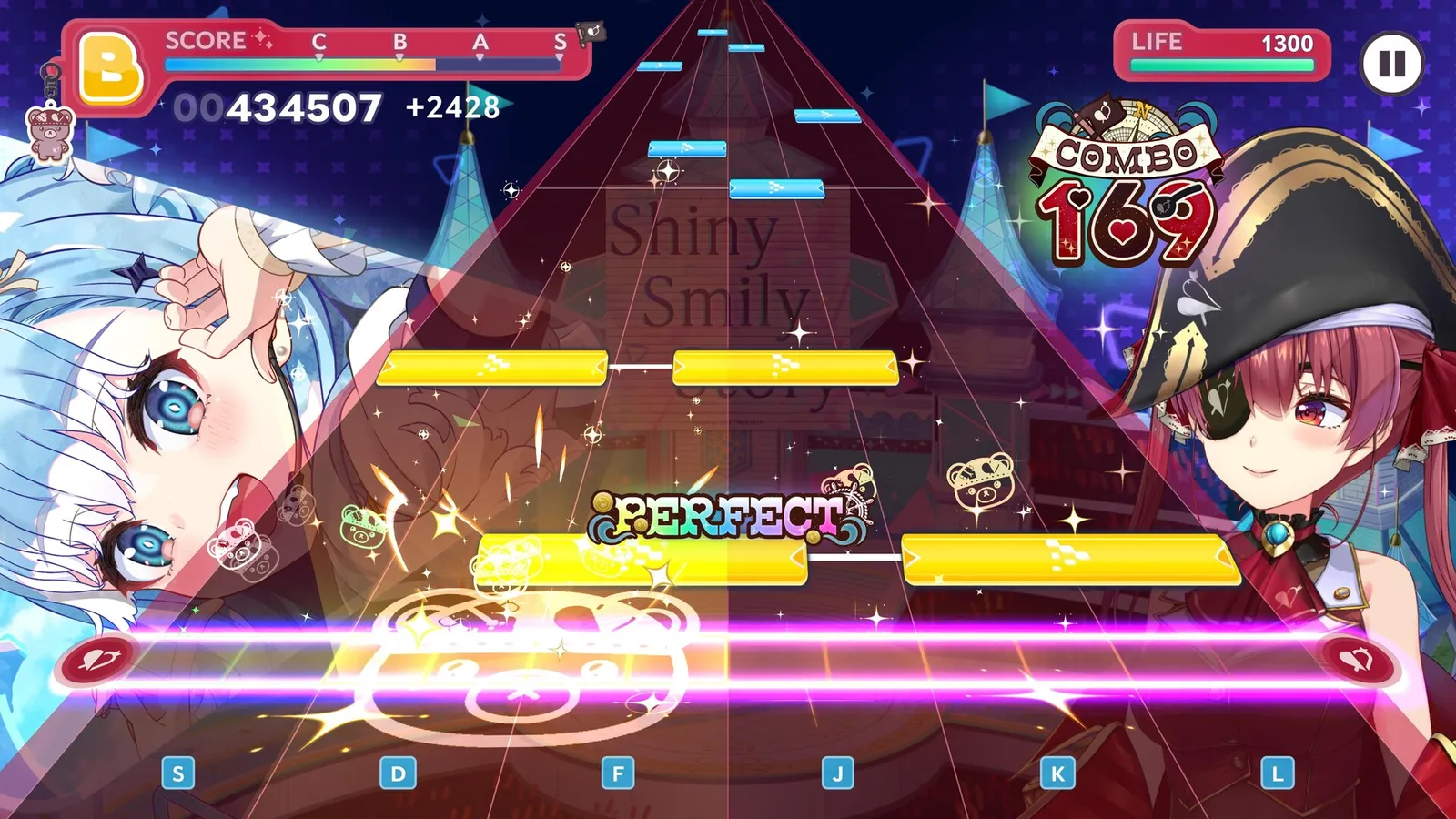
Official source: the Steam store page — "The game features a 'Create Chart' function, allowing you to make and share your own original charts!" with "Extremely challenging, hardcore charts for dedicated players" listed first among what the community builds.
FAQ
What is Create Chart? An in-game chart editor for making, publishing, and playing custom rhythm charts on any song. It's the game's player-content engine and a major reason rhythm veterans gave the game a chance.
How do I make a chart? Start from a template, an official chart, or blank; place notes on the timeline (tap/hold/flick/accent + damage notes), playtest with the playback tool, then publish. The Gamerch editor reference is the best step-by-step resource.
What are the chart limits? 9,999 max combo, 128–256 notes per measure window, max 5 simultaneous presses, and speed-shift support. Charts are difficulty-labeled by the creator.
Can I play other players' charts? Yes — published charts are searchable in-game and playable in the normal Live flow (including auto-play). Score rates don't register from custom charts.
Related Guides
- hololive Dreams Songs — Full Song List and Unlocks
- hololive Dreams Difficulty Levels — EASY to EXPERT Explained
- hololive Dreams Updates — Patch Notes and Roadmap
- How to Play hololive Dreams — Controls, Notes, Scoring
- hololive Dreams Members — Full Roster by Generation
Official resources: Steam store page · Official rhythm tips on X · Gamerch create-chart wiki · hololivedream.wiki custom charts Last Updated: August 13, 2026
More hololive Dreams Guides
hololive Dreams songs: how many songs are in the game, the launch list by artist, unlock via holomem quests and Music Disks, and the best tracks to play first.
hololive Dreams system requirements: minimum and recommended PC specs, the 50 GB install and Windows 11 requirement, and how to fix performance issues.
hololive Dreams update history: Ver.1.0.100 and 1.0.101 patch notes, Streamer Mode, mini-game fixes, the announced roadmap, and what to expect next.