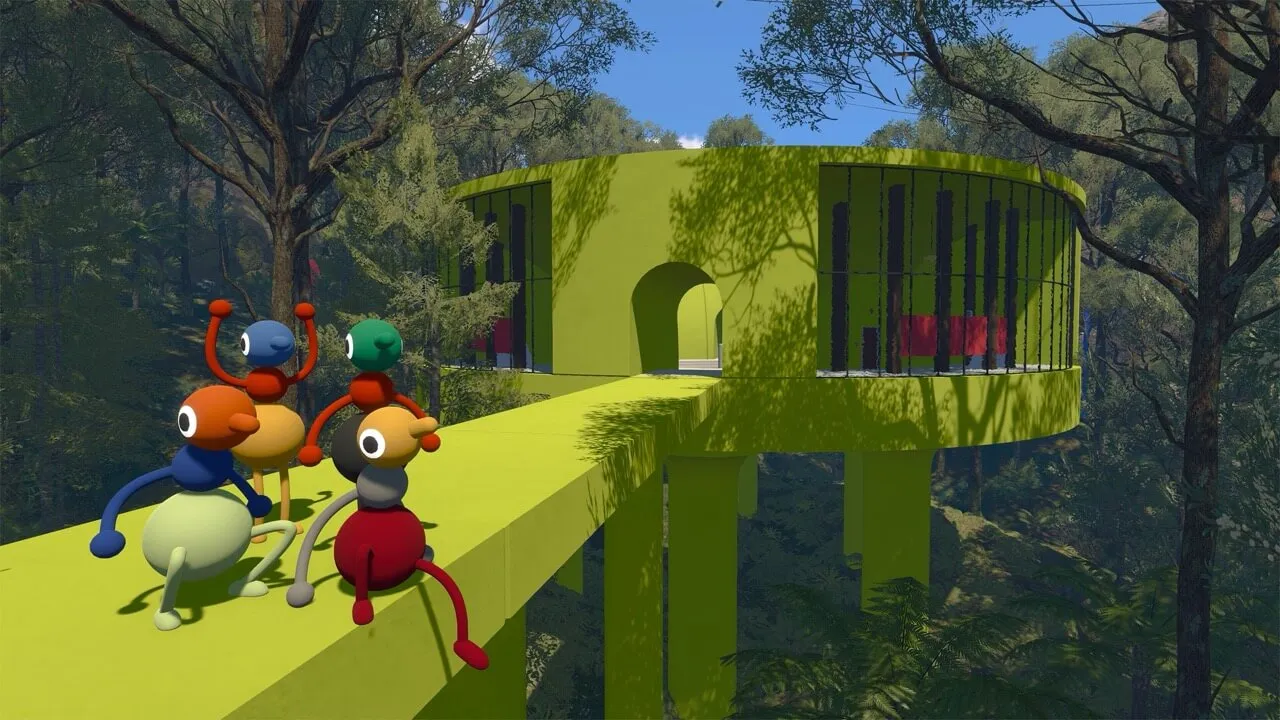
Big Walk Save File & Auto Save — How Saving Works
How Big Walk saving works: continuous auto save, what gets stored, who keeps the save file (the host), what happens when the host changes, and Steam Cloud support.
Big Walk Save File & Auto Save — How Saving Works
Big Walk saves your progress automatically — there's no manual save button, no save menu, and no checkpoint to activate. But the system has one unusual rule that shapes everything: the host keeps the save. Progress lives in the host's session, not on each player's machine. This guide explains exactly how saving works, what happens when hosts change, and where the save file lives on PC.
Here's what you'll learn:
- What gets saved automatically (puzzles, towers, transport, world state)
- Why the host owns the save and what happens if the host changes
- Steam Cloud support and where the local save file lives
- How to organize your group around the save system
Official resources: Steam store page · IGN game page · IGN review · Wikipedia
How Auto Save Works
Big Walk continuously saves your progress with no manual save button. What gets stored:
- Completed puzzles (each solved puzzle is locked in)
- Opened towers and their key machines
- Unlocked transport (train, chairlift, tunnels)
- World progress — anything the group has activated
You can quit at any moment and the world is exactly where you left it when the host returns.
Because saving is continuous and automatic, you never need to "reach a checkpoint" before quitting. The intended rhythm is short sessions that chip away at the island over days or weeks.
Who Keeps the Save File?
The host. Progress is stored in the host's save, not on each player's machine. Friends join and leave the host's world, and everything they help unlock lives in that host's save.
This has one big consequence:
Because the host owns the save, rotating hosts mid-run can lose unlocked transport or re-lock towers. If player A unlocks the train while hosting, then player B hosts next session, the world loads player B's save — the train is back to locked.
The practical rule: designate one person as your group's "canonical" host and have everyone else join them. That single decision preserves all progress across sessions.
What Happens If the Host Leaves Mid-Session?
If the host's game closes, the session ends — everyone is returned to the lobby. Big Walk doesn't migrate the host role mid-session. The world state is safe (auto-saved in the host's file), and the host can re-host and everyone re-joins to continue where they left off.
Mitigation for long sessions: if the host needs to step away, end the session cleanly rather than letting it drop — then resume with the same host later. The game is designed for exactly this start/stop rhythm.
Steam Cloud and Where the Save Lives
On Steam, Big Walk supports Steam Cloud — the host's save syncs to Valve's cloud automatically, so the host can switch machines (within the same platform) and pick up where they left off.
The local save file on Windows lives under the Steam user data folder:
Steam\userdata\{SteamID}\1478500\remote\
(The 1478500 is Big Walk's Steam app ID.) Cloud sync backs up this folder; on macOS the same Steam Cloud mechanism applies through the Steam app's user data path.
Steam Cloud covers PC/macOS. Big Walk has no cross-platform save transfer — a PS5 session and a Steam session are separate worlds, even though crossplay lets you play together in the host's world.
Organizing Your Group Around the Save
The save system shapes how you should play:
- Pick a permanent host — the person whose save carries the world's progress
- Set a schedule — progress persists, so weekly sessions are the intended pattern
- Solo prep before group time — load in alone to scout, tune audio, practice gestures; everything you do carries into the host's world when they re-host
- Don't re-roll the host casually — every host swap is effectively a world reset
FAQ
How does auto save work in Big Walk? Continuous auto save — completed puzzles, opened towers, unlocked transport, and world progress are stored automatically. There's no manual save button and no checkpoints.
Who keeps the save file in Big Walk? The host. Progress lives in the host's save, so changing hosts starts the group from the new host's save state.
What happens if the host leaves in Big Walk? The session ends and everyone returns to the lobby. The world state is auto-saved in the host's file; the host re-hosts and the group re-joins to continue.
Does Big Walk support Steam Cloud? Yes — the host's save syncs to Steam Cloud automatically, allowing the same host to resume on another machine on the same platform.
Where is the Big Walk save file located? Under Steam\userdata\{SteamID}\1478500\remote\ on Windows (app ID 1478500). macOS uses the same Steam Cloud mechanism.
Related Guides
- Big Walk Multiplayer & Co-op Guide
- Big Walk How Long to Beat — Time Explained
- Big Walk Guide — Everything Before Your First Walk
- Big Walk Troubleshooting — Connection & Crash Fixes
- Big Walk Crossplay Guide
Last updated: August 12, 2026.