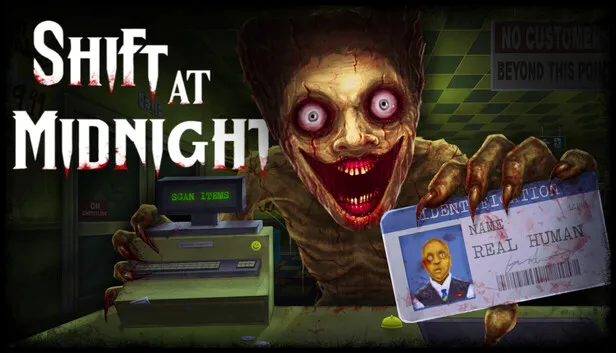
The best Shift At Midnight mods: BepInEx install steps, ShiftMorePlayers for bigger lobbies, Puppeteer to possess monsters, and modding the Game Pass version.
Shift At Midnight Mods — Best Mods & How to Install Them
Yes, Shift At Midnight has a small but active mod scene, built on BepInEx 6 (IL2CPP) and distributed through Thunderstore. The two mods worth knowing about: ShiftMorePlayers, which uncaps the 3-player (and post-patch 6-player) lobby limit — tested at 8 players and configurable far higher — and Puppeteer, which lets you possess the game's monsters. Mods work on both Steam and the Game Pass / Microsoft Store PC build, though the install paths differ slightly.
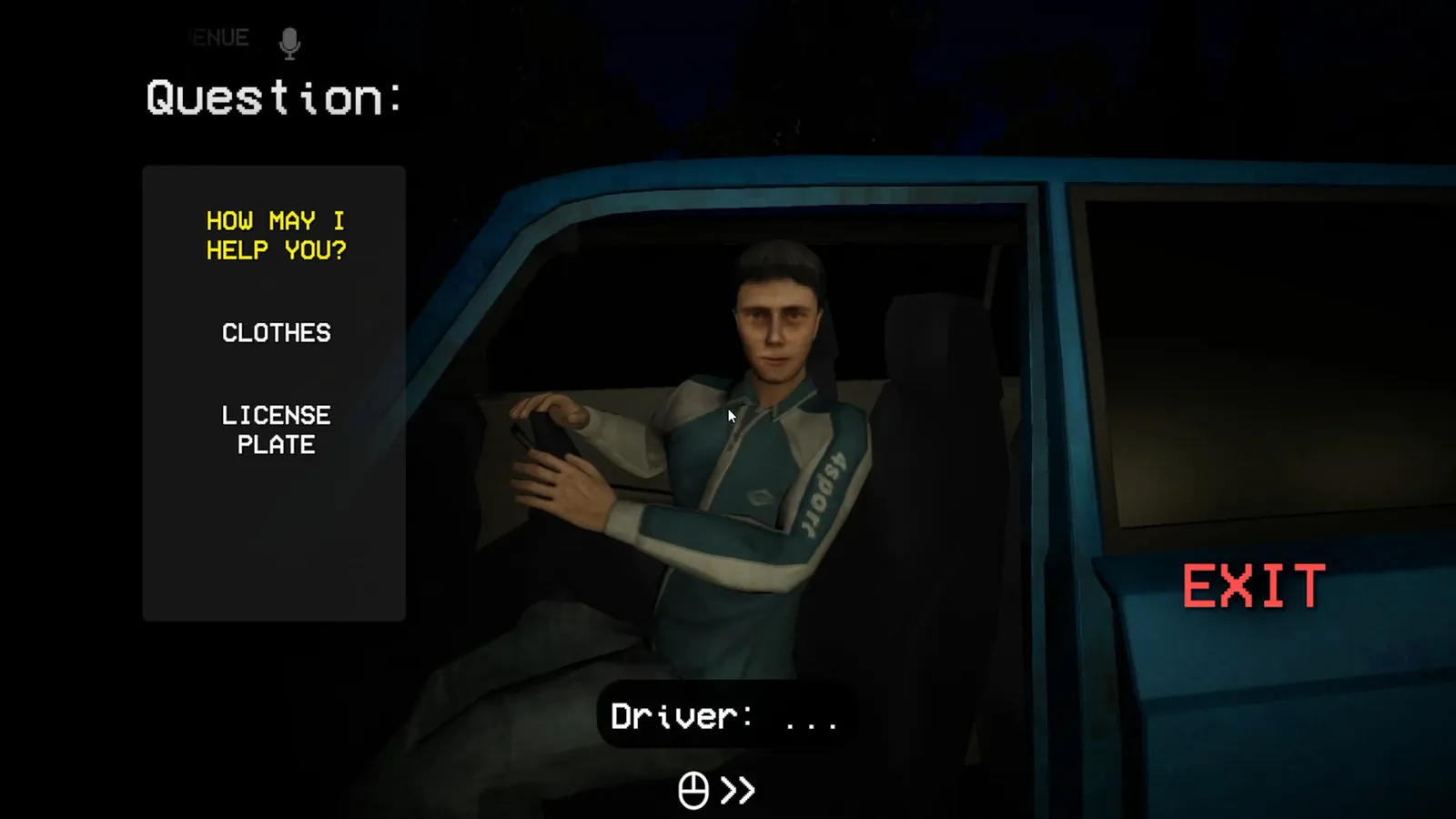
Per the official Shift At Midnight announcements, the game was "designed and has always been marketed around a maximum of 3 players."
Official resources: Steam store page · ShiftMorePlayers GitHub (TNTcraftHIM) · Thunderstore Shift At Midnight database · Steam announcements
Are There Mods for Shift At Midnight?
There's no official Steam Workshop support, so the community uses the standard Unity modding stack instead:
- BepInEx 6 IL2CPP — the framework every mod runs on. The official pack is on Thunderstore.
- ShiftMorePlayers (by TNTcraftHIM) — raises the co-op player limit. The game's vanilla cap is 3 players by design; the day-1 patch raised lobbies to 6. This mod removes the cap entirely: configurable from 2 up to Steam's theoretical lobby max of 250, with a tested default of 8. Only the host needs it installed.
- Puppeteer (by Clementinise) — lets you leave your body and possess the store's monsters (the spider's bite and web, the Shrieking Doll's leap), with three possession modes. Host-only.
- Mod managers — the Thunderstore Mod Manager / r2modman handle BepInEx and plugin installs automatically.
The mod list is short (a handful of plugins as of August 2026) and the game gets patched frequently, which can break mods between updates. Check the Thunderstore page for the mod's supported version before installing.
Install BepInEx (Step by Step, Steam)
The framework install is the same for every mod:
- Download BepInEx 6 IL2CPP (bleeding-edge build) —
BepInEx-Unity.IL2CPP-win-x64-6.0.0-be.xxx.zipfrom the BepInEx builds page or the Thunderstore pack. - Extract the zip into the game root folder, next to
ShiftAtMidnight.exe(Steam → right-click the game → Manage → Browse local files). - Launch the game once through Steam, wait for the main menu, then quit — this lets BepInEx generate its
interopassemblies and config files. - Copy each mod's DLL into
BepInEx\plugins\. - Launch again. If a mod has a config file, edit it under
BepInEx\config\before starting a session.
For ShiftMorePlayers, the proof of a successful install is the CREATE LOBBY max-players dropdown — it extends to 8 (or your configured value) instead of capping at 3/6.
ShiftMorePlayers: Bigger Lobbies Explained
The most popular mod, and the one most people want:
- What it does: patches the seven code paths that enforce the player cap — the Fusion/Photon session capacity, the Steam lobby member limit, the server-browser "lobby full" checks, and the create-lobby dropdown. No game files are touched.
- Default: 8 players. Config in
BepInEx\config\com.tntcrafthim.shiftmoreplayers.cfg(MaxPlayers = 8, range 2–250). - Playtest status: the author reports an 8-player Steam lobby and a 5-player in-game session working. Beyond 8 is "possible but not tested" — treat double-digit lobbies as experimental.
- Who needs it: only the host. Vanilla clients can join a modded host's lobby (installing it everywhere is still recommended to avoid edge cases).
The developer's own patch notes warn that the game was designed around 3 players: spawns, story scripts, and monster behavior all assume a trio. Six is chaotic; eight is a party mode. Learn the game at 2–3 first — see the multiplayer guide for roles that make bigger crews workable.
Puppeteer: Possess the Monsters
The other notable mod is pure chaos fuel:
- What it does: leave your body behind and take control of a creature — the spider's bite and web, the Shrieking Doll's leap, and more (Herbert, Tofu, the gnome, the Demented, the Dentist, Marionette are listed with support "coming" in the mod's table).
- Controls: F4 to swap into the creature and back; F3 to mark a spawn point; left/right click for the creature's primary/secondary abilities.
- Modes: Phantom (your body vanishes), Doppelganger (you trade places with the creature), and Puppet (your body stays as bait).
- Requirement: host only; everyone else sees the creature without installing anything.
Modding the Xbox / Game Pass PC Version
The Microsoft Store build can be modded too, with one extra step:
- Open the game files from the Xbox app (or Microsoft Store) and find the
Contentfolder that holdsShiftAtMidnight.exe. - Extract the complete BepInEx 6 IL2CPP x64 archive into
Content. The rootdotnetfolder must be present, or the game will crash. - Launch once through the Xbox app, then quit after
BepInEx\interopis generated. - Copy mod DLLs into
Content\BepInEx\plugins\.
Note the Xbox/Game Pass build has no lobby-size selector UI, so ShiftMorePlayers reads its MaxPlayers value straight from the config file. Crossplay rules still apply — see the crossplay guide if your group mixes Steam and Xbox.
Risks, Save Backups & Uninstall
- Back up your save first. The save lives in
C:\Users\[you]\AppData\LocalLow\Kwalee\ShiftAtMidnight— copy theSaveGamesfolder before modding. Full details in the save file guide. - Patches break mods. The game shipped three patches in its first week alone; a mod built for v1.3.1 may stop working on the next build. Wait a few days after a patch before updating mods.
- Multiplayer mismatches. If your friends run vanilla and your modded host pushes past 6, expect chaos — the game isn't balanced for it.
- Uninstall is clean. Mods like ShiftMorePlayers don't modify game files; deleting the plugin DLL from
BepInEx\plugins\fully removes them. To remove everything, delete the wholeBepInExfolder.
FAQ
Are there mods for Shift At Midnight?
Yes — a small but active scene on Thunderstore, built on BepInEx 6 IL2CPP. The standouts are ShiftMorePlayers (bigger lobbies) and Puppeteer (possess monsters).
How do I install Shift At Midnight mods?
Install BepInEx 6 IL2CPP into the game root (next to ShiftAtMidnight.exe), launch once, quit, then copy mod DLLs into BepInEx\plugins. A mod manager like r2modman automates all of it.
Can I play Shift At Midnight with more than 6 players?
With ShiftMorePlayers, yes — the default is 8 (tested), configurable up to 250. Vanilla caps at 6 (3 was the original design). Bigger crews are chaotic and not recommended for a first playthrough.
Do mods work on the Xbox Game Pass version?
Yes — install BepInEx into the Microsoft Store build's Content folder (the dotnet folder must be present). Steam and Xbox versions are modded separately; saves don't transfer between them.
Are Shift At Midnight mods safe?
They don't modify game files and uninstall cleanly (delete the plugin DLL), but game patches can break them and un-tested lobby sizes can be unstable. Back up your save before installing.
Related guides: Multiplayer Guide · Crossplay Guide · Save File Guide · Main Guide · Platforms & PS5
Last updated: August 13, 2026.
Related Guides
- Shift At Midnight Multiplayer — Co-op for 3 (or 6) Players Explained
- Shift At Midnight Crossplay — Is It Cross-Platform in 2026?
- Shift At Midnight Save File — Does It Save & Where Saves Are Stored
- Shift At Midnight Guide — Co-op Detective Horror Explained
- Shift At Midnight Platforms — PS5, Xbox, PC & Game Pass Availability
- Shift At Midnight Review — Is It Worth It in 2026?
More Shift At Midnight Guides
How Shift At Midnight multiplayer works: 3-player co-op design, day-1 patch 6-player lobbies, proximity voice chat, team roles, and how to play with friends.
Is Shift At Midnight on PS5? No — it's PC, Xbox Series X|S, and Game Pass only. Full platform list, Game Pass tiers, Play Anywhere, and PC requirements.
Shift At Midnight review: 94% Very Positive on Steam, $9.99, 3-11 hours of co-op detective horror. The pros, cons, value, and who should buy it in 2026.
Does Shift At Midnight save? Yes — autosave only, once per shift. Save file location, failure rules, backup tips, and cross-platform save sync explained.
Shift At Midnight walkthrough for all 13 shifts: the nightly routine that works, key events by night, money milestones, special customers, and the ending path.