How to Play Machine Party — First Session, Controls & What to Expect
New to Machine Party? Learn the controls, how to set up your first lobby, how the minigame gauntlet works, and what actually matters in your first session.
How to Play Machine Party — First Session, Controls & What to Expect
Machine Party looks simple — you and your friends walk into a facility and survive 15 lethal minigames. But there's a proper way to set up your first session, and a few fundamentals that decide whether you die in round one or make it to the final showdown. Here's everything you need before your first lobby.
Here's what you'll learn:
- The basics of the game loop in plain terms
- What the controls are (keyboard/mouse)
- How to set up and join your first session
- How to actually survive your first few minigames
Official resources: Steam store page · Steam news hub · Mike Klubnika official site · Official site (ORO Interactive)
The Game in One Paragraph
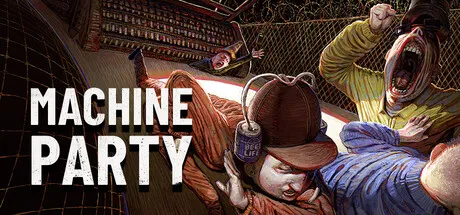
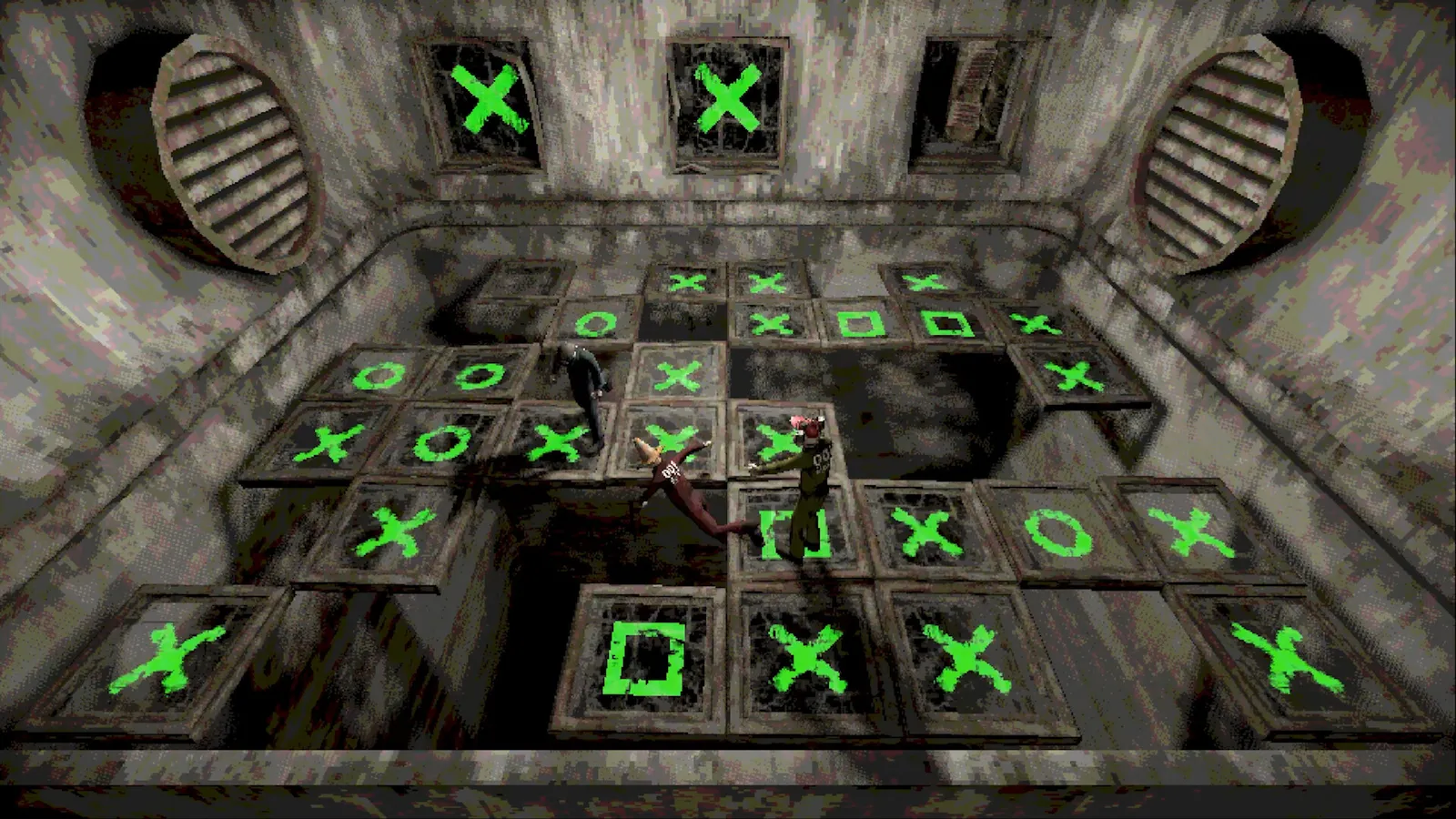
Machine Party is a 2–4 player party game where you survive a gauntlet of 15 lethal minigames. Each minigame is a quick, self-contained challenge — assemble a gun, eat peas without getting shot, outrun a train, dodge ricocheting blades. Lose a round and you're usually eliminated; the last player still alive after the rotation wins the session. It's from Mike Klubnika (Buckshot Roulette) and GDeavid, published by Oro Interactive, on Steam for Windows and Linux.
The skill ceiling is real, but the game is designed to be taught in one round. Don't overthink your first session — get in a lobby, die hilariously, learn the patterns, come back for more.
Controls: Keyboard & Mouse
Machine Party is built for keyboard and mouse first, with full controller support via Steam Input. The core binds are simple:
- WASD — move
- Mouse — look/camera
- Left click — interact / use (fork peas, grab parts, carve, ping)
- Right click — secondary action (eat forked peas, alternate use)
- E / interact key — pick up / activate
Each minigame remaps these fundamentals: Minefield's sonar pings on interact, Table Manners uses left click to fork and right click to eat, Firearm Factory uses interact to grab and place parts. The good news: because the core scheme stays consistent, you only learn one control language for all 15 games.
Machine Party's defaults are standard, but if you've rebound WASD or use a non-QWERTY layout, verify binds in the menu before hosting — nothing kills a round like fumbling the fork button.
Setting Up Your First Session
Machine Party has no matchmaking, so every game starts with a host:
- Launch the game from Steam (Windows or Linux — there's no macOS build).
- Host a lobby from the main menu — the game issues an 18-digit room code.
- Send the code to your friends (or use the Steam friend invite).
- Friends join from the main menu by entering the code.
- Start the gauntlet — minigames rotate until one player is left standing.
You can't solo-queue into strangers; you need your own group. If you're short a player, community Discords and the Steam community hub are the places to find a lobby — the game's half-million-player first week means there are people looking.
What to Expect in Your First Session
Your first gauntlet will teach you more than this guide can, but here's the honest preview:
- Round one is a tutorial in disguise. The first minigame introduces the loop; read the arena before moving.
- You will die. A lot. That's the design — failure is lethal and hilarious. Nobody carries a grudge about losing round two.
- Sessions run about an hour for a full 15-minigame rotation, but you can play a shorter set with friends.
- Every round restarts the stakes. Winning minigame one means nothing in minigame five; consistency wins sessions.
The early rounds reveal how your group plays — who panics, who sabotages, who waits. Adjust: if everyone is aggressive, playing safe wins you the session; if everyone plays safe, a well-timed sabotage flips it.
How to Win Your First Game
The universal rules that apply across all 15 minigames:
- Read the room before acting — most minigames show you the danger in the first seconds.
- Stay steady under time pressure — mashing loses to rhythm in timed minigames.
- Don't be the first to move in survival rounds — early movers trigger traps.
- Commit in decision rounds — hesitation is the #1 killer.
- Sabotage works — pushing, throwing debris and blocking alcoves are legitimate strategy, not griefing.
You don't need to win every minigame — you need to survive it. When elimination is on the line, take the safe play over the flashy one. The session winner is the player who's still alive, not the one who won the most rounds.
Can You Play Machine Party Solo?
No single-player mode exists. Every mechanic — the minigames, the gauntlet, the sabotage — is built around 2–4 players in a lobby. If you want to practice, grab one friend for a head-to-head duel (2 is the minimum), or find a lobby in the community. There's also no local co-op in the launch build — that's coming in a late August update — so online is the only path for now.
FAQ
How do you play Machine Party? Survive a rotating gauntlet of 15 lethal minigames with 2–4 players. Host a lobby, share the 18-digit room code, and be the last one standing when the session ends.
What are the controls in Machine Party? WASD to move, mouse for camera, left click to interact/use, right click for secondary actions — plus full controller support through Steam Input. Each minigame reuses this core scheme.
How do you win Machine Party? Outlive everyone across the minigame gauntlet. Read arenas first, stay steady under timers, and use sabotage strategically — surviving rounds matters more than winning them.
Can I play Machine Party solo? No single-player mode. It's a 2–4 player lobby game; grab a friend for a duel or find a group in the community Discord.
Related Guides
- Machine Party Guide — How to Play & Pro Tips
- Machine Party Minigames — All 15 Explained
- Machine Party Multiplayer — Room Codes & Online Co-op
- Machine Party How Many Players — 2–4 Player Cap
- Machine Party Controller Support — Keyboard & Gamepad
Last updated: August 12, 2026