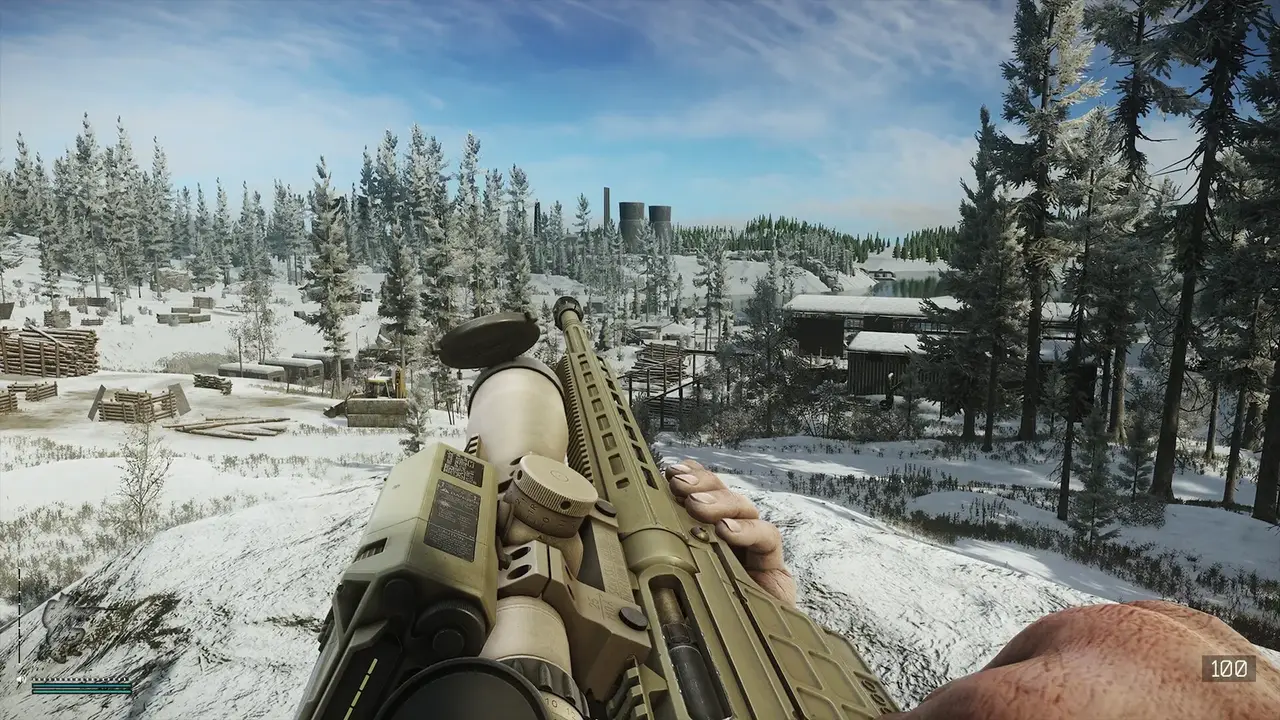
Escape from Tarkov Error 213 explained: causes of the authentication error, ordered fixes (firewall, admin, VPN, file checks), and memory-leak fixes.
Escape From Tarkov Error 213: Causes, Fixes and How to Get Back in a Raid
Error 213 in Escape from Tarkov is the "Error connecting to authentication server" message, and it means your game client cannot reach Battlestate's login servers. It is overwhelmingly server-side congestion — it spikes on patch days, season launches and peak hours, exactly like the 1.0 Steam launch and the Kord Breach season start — but a significant minority of cases are local: blocked firewall rules, permission problems, or corrupted files. The fixes below are ordered from the cheapest to try to the most involved, and the same page covers the memory leak that players commonly hit at the same time as error 213 after updates.

Official resources: Escape from Tarkov official site · Steam support page for EFT (system requirements) · Official forum — memory leak fixes · Steam store page
What Causes Error 213
Error 213 is an authentication failure: the launcher successfully starts, but the connection to the authentication server fails or times out. The known causes, in rough order of frequency:
- Server congestion — peak traffic, patch day, wipe/season day, or a DDoS/outage. The game is famous for this on every major launch (Prima Games on error 213).
- Firewall or antivirus blocking the launcher and game executables' network access.
- Launcher permission problems — the launcher needs elevated network-stack access on some Windows installs.
- Corrupted or missing game files — partial updates and failed downloads trigger auth/startup failures.
- Regional routing issues — your ISP's route to the authentication servers is flaky, which is why a VPN often fixes it.
The tell for "server-side": if the game's official status shows problems, if other players are reporting the same error at the same time, or if the error appears right after a patch — it is congestion, not your PC.
Per the official Escape from Tarkov forum, the studio's official forum hosts the community's tested fixes for both connection errors and the RAM-leak stuttering — the same fixes every patch season.
Fixes to Try First (60 Seconds Each)
Start here — these resolve the majority of cases:
- Restart the launcher. Fully close it (check the system tray), wait 30 seconds, relaunch. Auth sessions go stale; this is the cheapest possible fix.
- Restart your PC and router. Long-running network stacks and NAT tables cause exactly this kind of intermittent auth failure.
- Check the server status. The official site and the official Discord server post outage and maintenance announcements. If servers are down, nothing else will work.
- Try again in 10–15 minutes. During peak launches, repeatedly mashing login makes it worse — the servers are saturated, not broken. Error 213 is often simply "wait it out."
- Verify game files. On Steam: Library → right-click Escape from Tarkov → Properties → Installed Files → Verify integrity. In the standalone launcher: the check is under the game's settings. Corrupted files are a documented 213 trigger (Sportskeeda's error 213 guide).
Network and Firewall Fixes
If the quick fixes fail, move to the network layer:
- Run the launcher as administrator. Right-click the launcher executable → Properties → Compatibility → check "Run this program as an administrator." Community reports credit this with resolving a meaningful share of persistent 213s.
- Allow both executables through Windows Defender Firewall. Open Windows Security → Firewall & network protection → Allow an app through firewall. Add
EscapeFromTarkov.exeand the Battlestate Games launcher, and check both Private and Public boxes. If either is missing from the list, add it by browsing to the install folder. - Add an antivirus exclusion. If you use third-party AV, temporarily disable the network shield component and test. If 213 disappears, add the whole game folder to the AV exclusion list (AVs are aggressive about the game's anti-cheat traffic).
- Try a VPN. A VPN changes your route to the auth servers and is the single most-reported fix for ISP-level routing issues — community guides consistently recommend it after the local fixes fail (Reddit — "to fix error 213 use a VPN"). Connect to a nearby server (same region as your game region) and relaunch.
Error 213 is almost never fixed by reinstalling — it is a network/auth problem, not a game-data problem. Only reinstall after you have tried file verification, firewall and VPN, or you are wasting a 40+ GB download.
Fix the Memory Leak and Stutters While You're At It
Players hitting 213 after a big update often notice the RAM leak in the same session: FPS starts fine, then degrades over the raid as memory usage climbs toward 100%, ending in stutters and crashes — worst on Streets of Tarkov, and notorious since the 1.0 launch (Steam discussion on the 1.0-era leak). The tested fixes:
- Use the in-game "Auto RAM cleaner" — Settings → Game → Auto RAM Cleaner. Toggle it on for ~15 seconds in the menus between raids, then off before loading in; the community's most-repeated workaround.
- 32 GB of RAM is the real fix. Independent testing confirms Tarkov on 16 GB stutters badly; the official recommended spec is 64 GB (Steam support requirements). If you are on 16 GB, avoid Streets and restart the game every few raids.
- Use ISLC (Intelligent Standby List Cleaner) between raids to purge standby memory; a common configuration sets the purge threshold at ~50% of total RAM (iqondigital optimization guide).
- Lower Visibility to 1000 and restart the game before loading Streets — the game's biggest single FPS lever.
- Install on an SSD and keep the launcher updated; asset streaming stutters are worse from HDDs.
The same habits that make wipe-day starts tolerable apply to error-213 days: run cheap kits, let the first 24 hours of server chaos pass, and do your hideout admin in the menus while the queues settle.
When It's Not Your Fault
If every fix fails and the error persists for hours while other players are fine, the problem is account- or region-specific. In that case:
- Contact official support via the Escape from Tarkov website with your launcher logs and the exact error text — support can see whether your account's auth path is failing.
- Check your account email — a suspended or security-flagged account produces auth errors (players who bought accounts from third parties hit this constantly; see our cheats and bans guide on why shared accounts are a trap).
Frequently Asked Questions
What is Escape from Tarkov error 213?
Error 213 is the "Error connecting to authentication server" failure — the launcher cannot reach Battlestate's auth servers. It is usually server congestion on patch/season days, but firewall rules, corrupted files and routing issues also cause it.
Why does error 213 keep happening after updates?
Every major patch or season launch floods the auth servers. Battlestate's login infrastructure is regularly saturated for hours after releases — the same pattern hit the 1.0 Steam launch and Kord Breach. It is congestion, not your PC.
How do I fix error 213 in Escape from Tarkov?
Restart launcher and PC, check server status, verify game files, then move to network fixes: run the launcher as admin, allow both executables through the firewall (Private + Public), add antivirus exclusions, and try a VPN. Reinstall only as a last resort.
Can a VPN fix error 213?
Often yes — a VPN changes your route to the authentication servers and is the most-reported fix for ISP-level routing problems. Use a server in the same region as your game region.
How do I fix the Escape from Tarkov memory leak?
Toggle the in-game Auto RAM cleaner in the menus between raids, use ISLC to purge standby memory, lower Visibility to 1000, restart the game every few raids, and upgrade to 32 GB RAM if you are on 16 GB — Streets of Tarkov is the worst offender.
Related Guides
- Escape From Tarkov Patch Notes — how to follow every update
- Escape From Tarkov Discord — official servers, LFG and community
- Escape From Tarkov Cheats — ban risks and how anti-cheat works
- Escape From Tarkov Wipe — what wipes, what carries over, and Season 1
Last updated: August 13, 2026.
More Escape from Tarkov Guides
Active Escape from Tarkov codes in August 2026, how to redeem them, expired codes, discounts, Steam keys, editions, Twitch drops and official merch.
What protects you from cold in Escape from Tarkov: the Frostbite debuff, warm headwear, indoor positions, alcohol and fires, plus winter event quests.
Is Escape from Tarkov on Xbox or PS5? Console release status, the confirmed console port in development, account transfer to Steam, and console alternatives.
Escape from Tarkov Customs map guide: every extract, Reshala's spawns, dorms keys, the unknown key and MS2000 quests, loot routes and map overlays.
Escape from Tarkov Discord guide: the official server, LFG channels, the teacher program, regional and community servers, rewards, and scam warnings.
Escape from Tarkov Factory map guide: 20-minute raids, every extract and the Factory key, Tagilla's spawn rates and HP, and why Factory is the fastest XP map.
Games like Escape from Tarkov: the best extraction shooters of 2026 compared — Arena Breakout Infinite, Marathon, ARC Raiders, Hunt Showdown and more.
Gas analyzer in Escape from Tarkov: quests that need them, best Interchange spawns, other maps, Workbench crafting, and early-wipe tips.