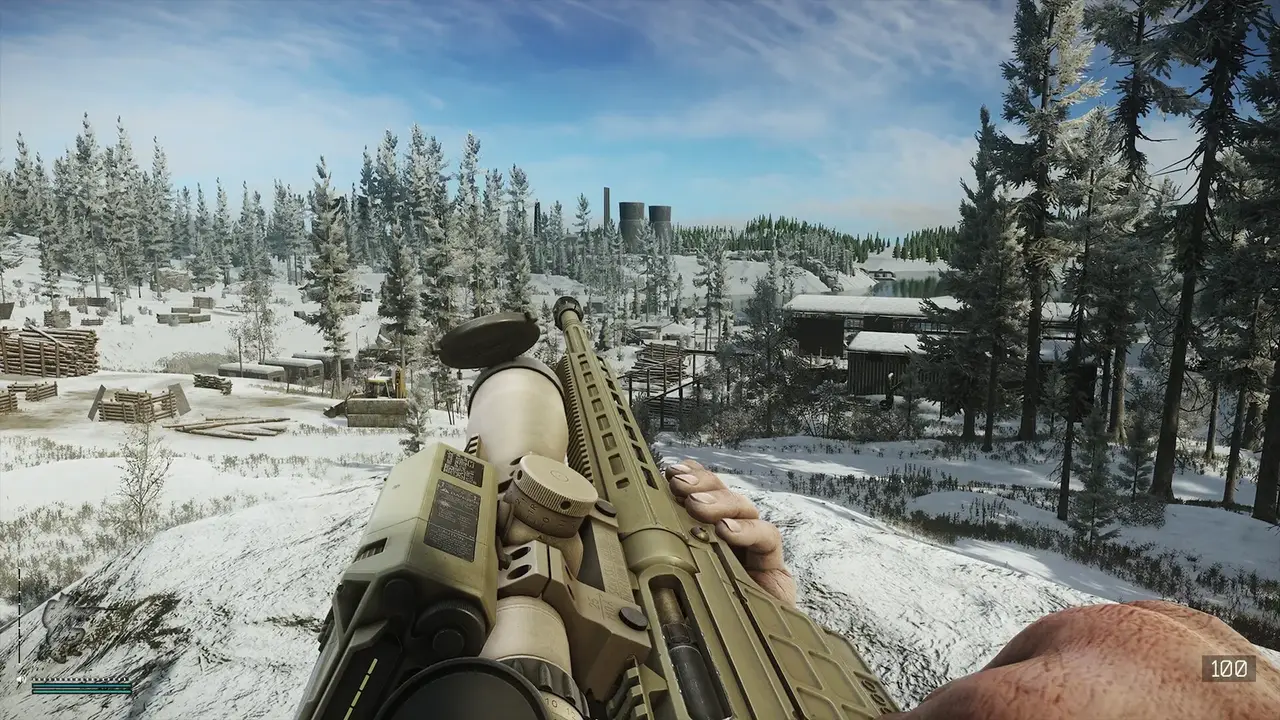
Escape from Tarkov Discord guide: the official server, LFG channels, the teacher program, regional and community servers, rewards, and scam warnings.
Escape From Tarkov Discord: Official Server, LFG Channels and Community
Straight answer: Escape from Tarkov has one official Discord server, listed on Discord's server directory, with over half a million members and an active LFG (looking-for-group) section. You join it from the official Battlestate channels or via the Discord directory listing — not from random invite links in chat. Beyond the official server there are official regional servers (Russian, German and more), community-run LFG servers, and the tarkov.dev "Stash" bot that pulls game data straight into Discord. This guide covers the official server's channels, how to find squads, the regional communities, the Discord account-linking reward, and the scams you need to avoid.
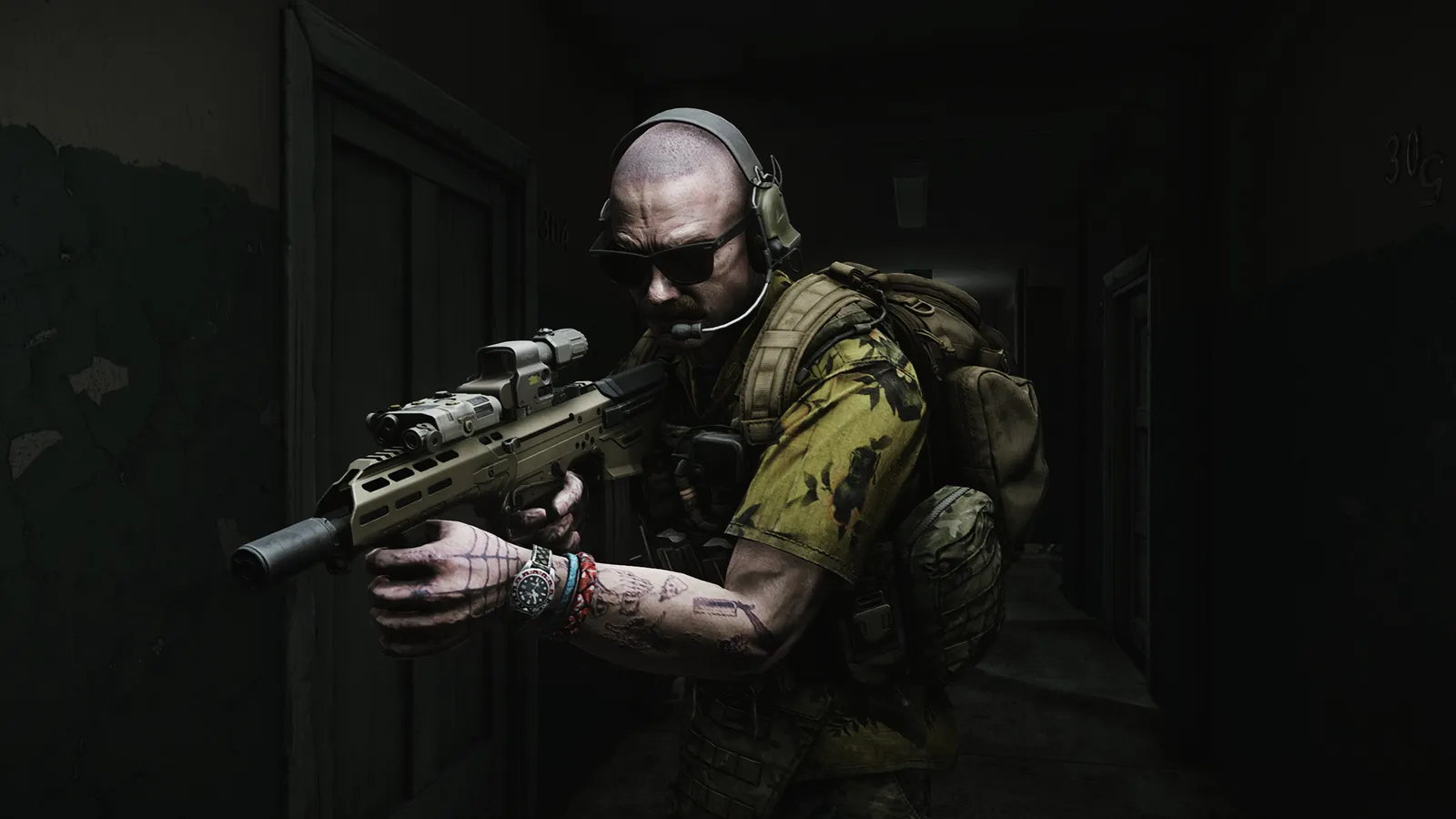
Official resources: Official Escape from Tarkov Discord server listing · Escape from Tarkov official site · Official forum — ban appeal Discord · tarkov.dev
The Official Escape from Tarkov Discord Server
The official server (created December 10, 2018) sits at well over 500,000 members with 100,000+ regularly online, and it is the safest place to find teammates and official news (Discord server listing). What you get inside:
- #LFG-PVP channels — the main squad-finding system; players post their region, level and voice-language requirements
- Teacher program — typing
??Timmyin chat pulls up a mentor-bot that connects new players with volunteer teachers - News and announcements — Battlestate posts patch and event info here, often before the website updates
- Community channels — art, clips, screenshots and general chat
- Active moderation — the server is moderated by the community team, and scam links get removed fast
The official server is also where Battlestate posts event and drop announcements — including Twitch Drops windows and promo-code drops — which makes it a genuinely useful source for the promo codes and rewards guide.
Per the official Escape from Tarkov Discord listing, the server exists to "keep up to date on the latest Escape from Tarkov News, find teammates, partners, or a group to play with, [and] provide feedback/suggestions for the game" — with LFG and a teacher program for new players.
How to Find the Official Server Invite
There is exactly one safe way to join: the official invite from Discord's server directory or the official website/launcher links. The steps:
- Open Discord and search for "Escape from Tarkov Official" in the server-discovery tab, or open the directory listing directly.
- Look for the verified checkmark next to the server name — Discord's verification badge is the anti-impersonation signal.
- Official regional servers (Russian, German, and community-verified ones like the Greek, Dutch/Belgian and South African communities) are also listed through the directory and official forum threads.
Do not click invite links pasted into Twitch chat, YouTube comments or Reddit DMs. Fake "official" servers are one of the most common Tarkov phishing vectors — they look identical, post "free loot" giveaways, and harvest your login or your Steam account (official forum thread on the ban appeal Discord, which shows how much official communication flows through Discord).
Battlestate and its moderators will never DM you asking to "verify" your account, "claim a drop" or share a promo code. Any such message is a scam. Legitimate codes are redeemed on the official website or in the launcher — never through a Discord bot that asks for credentials.
Regional and Community Servers
Tarkov's community runs a full ecosystem of regional servers, most linked from the official channels:
| Server | Audience | Notes |
|---|---|---|
| Official (EN) | Global English | Main LFG + news hub |
| Official RUS | Russian-speaking | Separate official server with ~200k members |
| Escape from Tarkov DE | German | Large verified community (~20k members) |
| Greek / NL-BE / ZA / HK / NA communities | Regional | Smaller verified servers listed in the directory |
| Ban appeal Discord | Banned players | Official channel for appealing legitimate account actions |
| tarkov.dev "Stash" bot servers | Data nerds | The bot answers /quest, /ammo, /patchnotes, /goons and more from live game data |
The tarkov.dev Stash bot deserves a special mention: it is the official bot of the open-source Tarkov toolkit and can run inside your own server or the tarkov.dev Discord. Commands like /patchnotes pull the latest official patch notes, /goons tracks the Goons boss locations reported by the community, and /quest gives quest details — genuinely useful mid-raid (Stash bot on GitHub).
Discord Rewards and Account Linking
Battlestate added Discord account linking in patch 0.16.9.5 (October 2025, right before 1.0). From that patch on, players can register and authorize on official Escape from Tarkov sites with their Discord account, and linking your profile came with a special reward — Battlestate said it planned to expand the game's integration with Discord over time. If you have never linked your account, it is worth doing once for the reward and for faster community authentication.
How to Use the Official Server Without Going Mad
The official server is busy — 100k+ online at peak means the LFG channels scroll fast. Practical tips:
- Use the LFG format. Posts like "NA / lvl 25 / duo / eng" get answered; "anyone play?" does not.
- Type
??Timmyif you are new — the teacher program is genuinely good and free, and new players are the exact audience for the Woods map guide and wipe/season explainer. - Mute everything except announcements and your LFG channel. The server is a firehose; a bookmarked announcement channel is all you need for news.
- Never trade game accounts or items through Discord. Account trading is against the ToS and a known scam vector — the same reason our cheats and anti-cheat guide warns against RMT.
The best time to find a regular squad is the start of a wipe or season, when everyone is running budget kits and the LFG channels are full of returning players. If you are planning for the next season, get your group sorted early — see how seasons work in the wipe guide.
Frequently Asked Questions
What is the official Escape from Tarkov Discord server?
The official English server is listed on Discord's directory as "Escape from Tarkov Official" (500,000+ members), with LFG channels, a teacher program (type ??Timmy), news announcements and active moderation. There is also a separate official Russian server.
How do I find people to play Escape from Tarkov with?
Join the official server and post in the #LFG-PVP channels with your region, level and language. Community regional servers and content-creator servers are also good for finding squads of a similar level.
Are there regional Escape from Tarkov Discord servers?
Yes — an official Russian server, a large German community, and verified regional communities (Greek, Dutch/Belgian, South African, NA and more) are all linked through the official channels and the Discord directory.
Does Escape from Tarkov give rewards for linking Discord?
Yes — patch 0.16.9.5 added Discord account linking with a special reward for linking your profile, and Battlestate has said the Discord integration will expand over time.
How do I avoid Escape from Tarkov Discord scams?
Only join the verified official servers via Discord's directory, never click invite links from chat or DMs, and never give credentials or game codes to any bot or moderator DM. Official codes are redeemed on the website or launcher only.
Related Guides
- Escape From Tarkov Promo Codes — active codes, drops and how to redeem
- Escape From Tarkov Cheats — ban risks and how anti-cheat works
- Escape From Tarkov Wipe — what wipes, what carries over, and Season 1
- Escape From Tarkov Error 213 — fixes for connection and launcher problems
Last updated: August 13, 2026.
More Escape from Tarkov Guides
What protects you from cold in Escape from Tarkov: the Frostbite debuff, warm headwear, indoor positions, alcohol and fires, plus winter event quests.
Is Escape from Tarkov on Xbox or PS5? Console release status, the confirmed console port in development, account transfer to Steam, and console alternatives.
Escape from Tarkov Customs map guide: every extract, Reshala's spawns, dorms keys, the unknown key and MS2000 quests, loot routes and map overlays.
Escape from Tarkov Error 0 fixed: what causes launcher Error 0, Error 213 and Error 214, plus the full troubleshooting checklist that actually works.
Escape from Tarkov Error 213 explained: causes of the authentication error, ordered fixes (firewall, admin, VPN, file checks), and memory-leak fixes.
Escape from Tarkov Factory map guide: 20-minute raids, every extract and the Factory key, Tagilla's spawn rates and HP, and why Factory is the fastest XP map.
Games like Escape from Tarkov: the best extraction shooters of 2026 compared — Arena Breakout Infinite, Marathon, ARC Raiders, Hunt Showdown and more.
Gas analyzer in Escape from Tarkov: quests that need them, best Interchange spawns, other maps, Workbench crafting, and early-wipe tips.