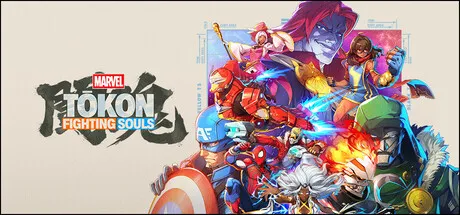
MARVEL Tōkon: Fighting Souls PC system requirements — minimum and recommended specs, Steam Deck support status, save file location, and performance notes.
MARVEL Tōkon System Requirements — PC Specs, Save File & Steam Deck Status
MARVEL Tōkon: Fighting Souls' official PC system requirements are surprisingly steep for a 2.5D fighter — the minimum asks for an RTX 2060 and 16 GB of RAM, higher than Street Fighter 6 or Tekken 8. The game is locked to 60fps in battle, so those requirements are about consistency, not raw frames. Here's the official spec list, what it actually means for your rig, and the Steam Deck situation.
Official Requirements (Steam)
Minimum
- OS: Windows 11 (64-bit)
- CPU: Intel Core i5-8400 or AMD Ryzen 5 1600X
- RAM: 16 GB
- GPU: NVIDIA GeForce RTX 2060 6GB or AMD Radeon RX 6600 XT 8GB
- Storage: 27 GB available space
Recommended
- OS: Windows 11 (64-bit)
- CPU: Intel Core i7-8700 or AMD Ryzen 5 3600X
- RAM: 16 GB
- GPU: NVIDIA GeForce RTX 3070 8GB or AMD Radeon RX 7600 XT 16GB
- Storage: 27 GB available space
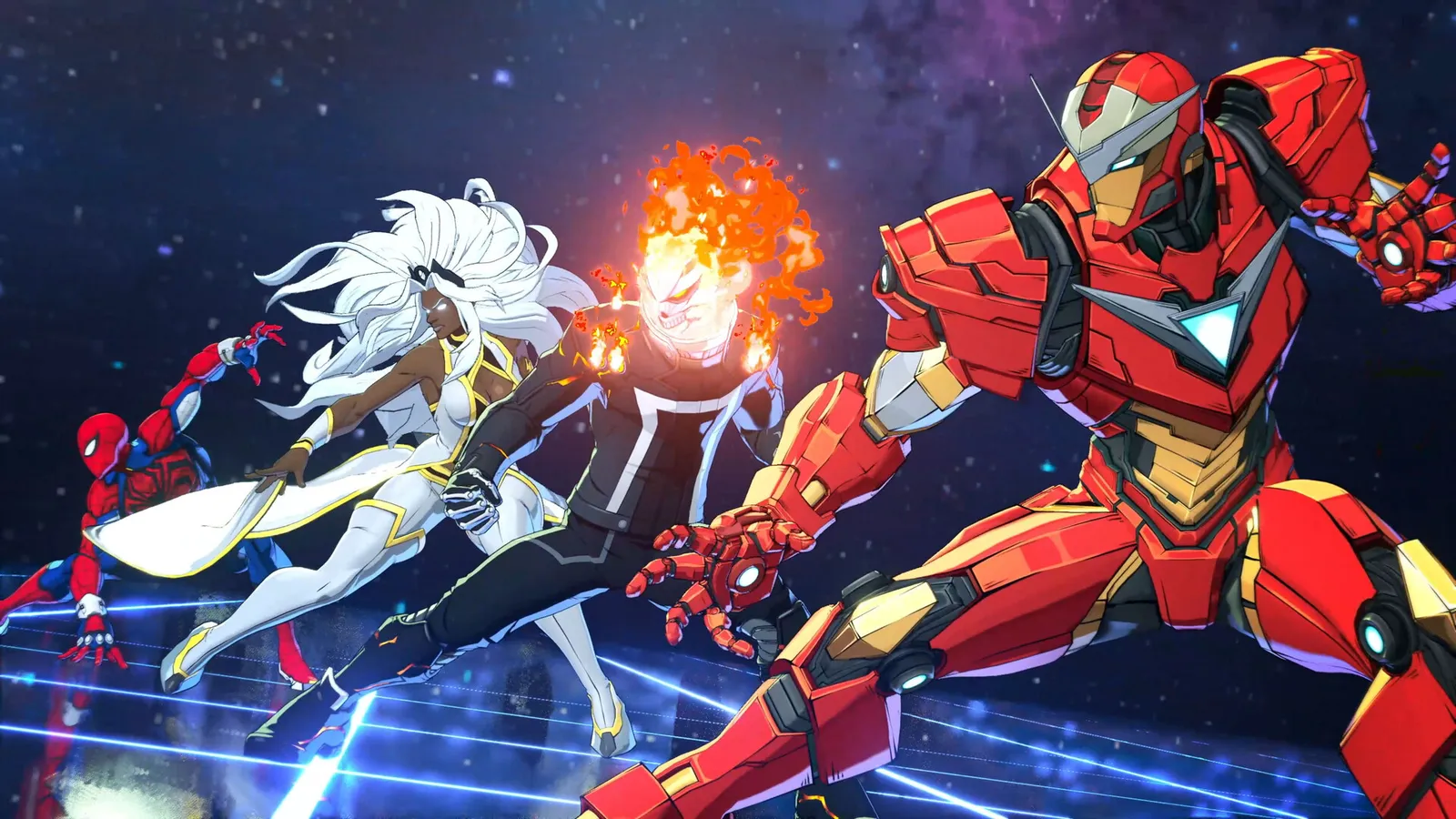
The game runs on Unreal Engine 5 with Arc System Works' cel-shaded 3D rendering at a locked 60fps in battle, 4K-capable on Ultra settings. The rendering load is closer to Guilty Gear Strive's high-end than to sprite-based fighters — that's where the GPU demand comes from, and it's also why the launch-window stuttering (see patch notes) hit weaker CPUs hardest.
Do You Actually Need the Recommended Spec?
Community testing during the open beta and launch week suggests the true performance floor is closer to Street Fighter 6's: a GTX 1660-class card can hold 60fps at 1080p with settings turned down, and the "RTX 2060 minimum" is conservative for competitive play at reduced visuals. The game's locked 60fps target means any GPU that hits 60fps at your resolution is sufficient — there's no benefit to chasing 120fps+ because the battle sim is hard-capped.
Two caveats:
- CPU-bound stuttering: the launch-window stutter reports clustered on older 6-core CPUs. The major post-launch patch improved this, but if you're on a pre-2020 quad-core, budget for issues.
- SSD strongly recommended: 27 GB of streaming-loaded UE5 assets on a mechanical drive will produce hitches in battle. The requirements list "available space" without an SSD mandate, but treat an SSD as effectively required.
Steam Deck Status: Officially Unsupported
MARVEL Tōkon: Fighting Souls is rated "Unsupported" on Steam Deck — it doesn't run out of the box. The blockers are structural, not just performance:
- Easy Anti-Cheat blocks the Linux runtime.
- The mandatory PSN login and the game's regional gating (see crossplay) add another layer the Deck's environment can't cleanly satisfy.
Community workarounds (Proton tweaks, dual-boot) exist but are fragile and don't fix the online requirement. If Steam Deck play matters to you, this is currently the wrong game — the platforms guide covers the alternatives.
Save File Location
Tōkon uses Steam Cloud for saves on PC. The local save directory:
C:\Program Files (x86)\Steam\userdata\<SteamID>\3787240\remote\
Backing up that folder preserves your profile progress, unlocks, and settings. There's no cross-save between PC and PS5 — platform profiles are separate (see the crossplay guide).
FAQ
What are the MARVEL Tōkon system requirements? Minimum: Windows 11 64-bit, Core i5-8400 / Ryzen 5 1600X, 16 GB RAM, RTX 2060 6GB / RX 6600 XT 8GB, 27 GB. Recommended: Core i7-8700 / Ryzen 5 3600X, RTX 3070 8GB / RX 7600 XT 16GB.
Can my PC run MARVEL Tōkon? If your GPU can hold 60fps at your resolution in a UE5 game, yes — the battle sim is locked to 60fps so there's no headroom benefit beyond that. Community testing puts the real floor around a GTX 1660 at 1080p with reduced settings. An SSD is effectively required; older 6-core CPUs saw launch-window stutter that the post-launch patch improved.
Does MARVEL Tōkon work on Steam Deck? No — officially "Unsupported." Easy Anti-Cheat and the mandatory PSN login block the Linux runtime, and community workarounds are fragile. Treat the Deck as unsupported for now.
Where is the MARVEL Tōkon save file located? C:\Program Files (x86)\Steam\userdata\<SteamID>\3787240\remote\ on PC, synced via Steam Cloud. No PS5 cross-save.
Related Guides
- Platforms — PS5, PC, Steam, Epic & More
- Controller Support & Controls
- MARVEL Tōkon Crossplay — Is It Cross-Platform on PS5 & PC?
- MARVEL Tōkon Price & Editions — Which Should You Buy?
- MARVEL Tōkon Characters — 20 Fighters & All 5 Teams
Official resources: IGN game page · Steam store page · SystemRequirementsLab · Wikipedia · PlayStation Blog announcement Last Updated: August 12, 2026