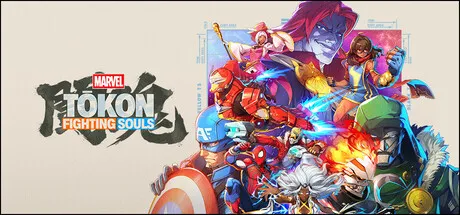
MARVEL Tōkon: Fighting Souls supports DualSense haptics on PC, fight sticks, and custom button keybinds. Full gamepad & stick setup guide.
MARVEL Tōkon Controller Support & Controls — DualSense, Keybinds & Fight Sticks
MARVEL Tōkon: Fighting Souls is built from the ground up as a competitive tag-team fighting game by Arc System Works, making precise input and controller support a top priority. Whether you play on PlayStation 5 or PC via Steam, the game delivers extensive controller flexibility — including native DualSense wireless haptic feedback on PC, plug-and-play fight stick compatibility, and customizable control schemes.
This guide covers complete button layout mappings across all supported input devices, step-by-step keybinding instructions, fighting stick configuration, and tips for optimizing execution.
Official source: Steam Store Page & DualSense Announcement · PlayStation Blog MARVEL Tōkon Reveal · IGN MARVEL Tōkon Overview
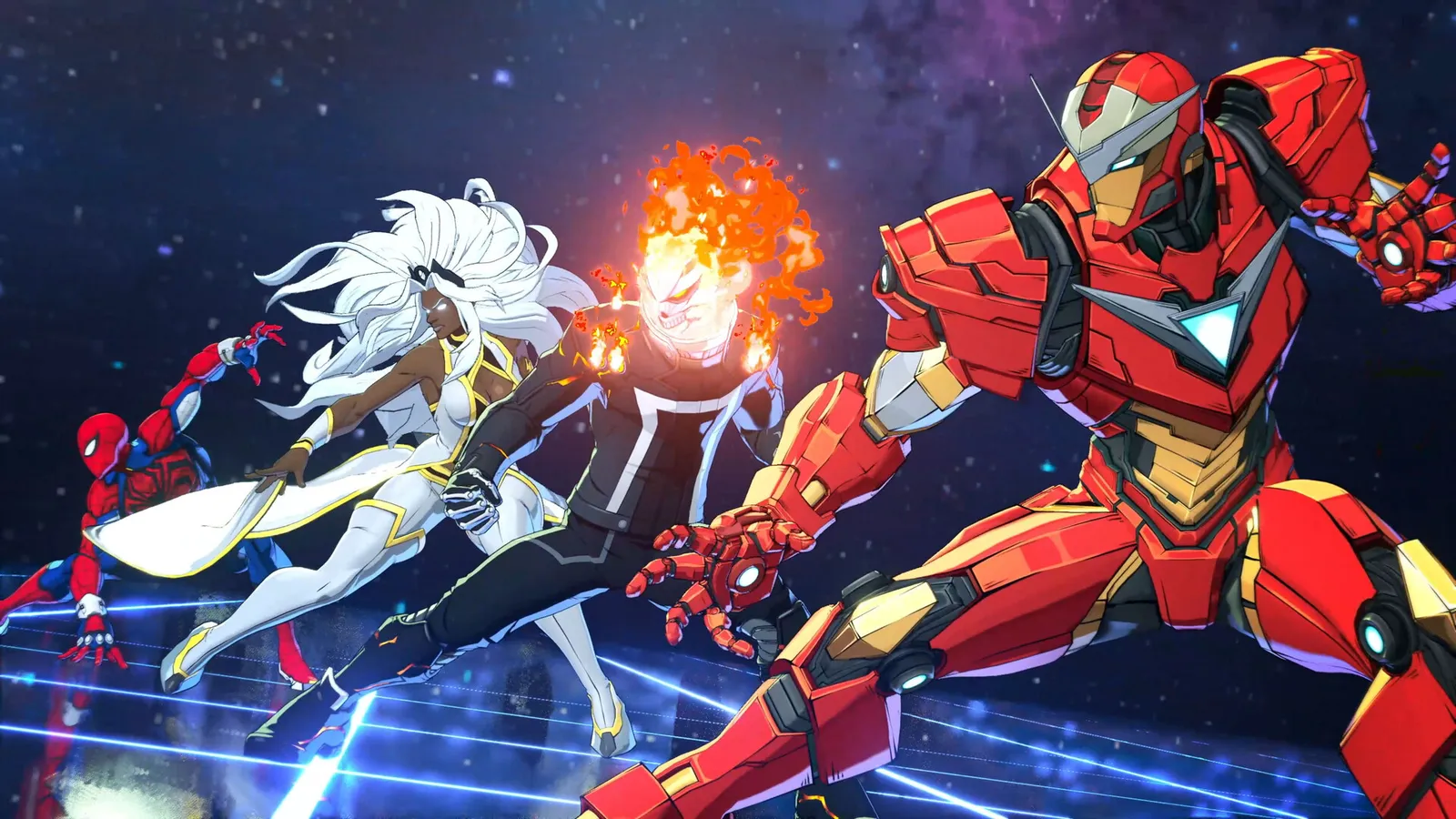
Official resources: IGN game page · Steam store page · Wikipedia · PlayStation Blog announcement
Controller Support Matrix & Feature Compatibility
Every major controller type operates seamlessly through Arc System Works' native input layer and Steam Input integration.
| Controller / Device | PC Support | PS5 Support | Haptic / Trigger Features | Connectivity & Requirements |
|---|---|---|---|---|
| PS5 DualSense | ✅ Full Native | ✅ Full Native | Full haptic feedback & adaptive triggers over USB | USB-C recommended for PC haptic layer |
| DualShock 4 (PS4) | ✅ Full Native | ⚠️ PS4 BC | Standard vibration feedback | Bluetooth or DirectUSB connection |
| Xbox Wireless (Series X|S / One) | ✅ Full Native | ❌ N/A | Standard rumble motor feedback | XInput plug-and-play via USB / Bluetooth |
| Arcade Fight Stick (DirectInput / XInput) | ✅ Full Native | ✅ Compatible | N/A (Arcade layout) | DirectInput / XInput switch set to PC/PS5 |
| Leverless / Hit Box Style | ✅ Steam Input | ✅ Compatible | N/A (Digital directional) | Steam Input controller profile set to Arcade Pad |
| Keyboard & Mouse | ✅ Full Native | ❌ N/A | N/A (Key binding) | Fully rebindable with WASD / Numpad splits |
While standard Bluetooth pings allow basic XInput gamepad functionality, PC players must connect the DualSense controller via a high-speed USB-C cable to experience full native haptic feedback and adaptive trigger resistance during super attacks and cinematic story panels.
Button Mapping Comparison Table Across Controllers
MARVEL Tōkon uses a 4-attack-button core layout (Light, Medium, Heavy, Unique) complemented by team assists, active tag mechanics, and simplified Quick Skill inputs. The table below details default button assignments across PS5, Xbox, standard 8-button arcade sticks, and keyboard layouts.
| Game Action | PS5 DualSense | Xbox Controller | 8-Button Fight Stick | PC Keyboard Default |
|---|---|---|---|---|
| Light Attack (L) | Square (□) | X Button | Top Row Button 1 (Far Left) | J Key |
| Medium Attack (M) | Triangle (△) | Y Button | Top Row Button 2 | K Key |
| Heavy Attack (H) | Circle (◯) | B Button | Bottom Row Button 2 | L Key |
| Unique Attack (U) | Cross (✕) | A Button | Bottom Row Button 1 (Far Left) | U Key |
| Assemble (Assist 1) | L1 Bumper | LB Bumper | Top Row Button 3 | I Key |
| Tag (Active Swap) | R1 Bumper | RB Bumper | Top Row Button 4 | O Key |
| Quick Skill (1-Button) | L2 Trigger | LT Trigger | Bottom Row Button 3 | Shift Key |
| Super Attack Macro | R2 Trigger | RT Trigger | Bottom Row Button 4 | Spacebar |
| Movement (Up/Down/Left/Right) | D-Pad / Left Stick | D-Pad / Left Stick | Joystick / Directional Buttons | W / S / A / D Keys |
Players can combine one-button Quick Skill inputs with traditional quarter-circle motion inputs within the exact same match. Choosing Quick Skill mode allows fast execution without sacrificing access to traditional special move inputs, giving gamepad players equal execution capability alongside arcade stick veterans.
Step-by-Step Rebinding Guide for Keyboards & Gamepads
Customizing your control layout takes less than a minute through the in-game menus.
- Launch the game and navigate to Options → Controls from either the main menu or pause screen.
- Select your active device profile (Gamepad 1, Fight Stick, or Keyboard).
- Scroll to the specific action you wish to modify (e.g., reassigning Tag from R1 to L2).
- Press the desired new button or key prompt to confirm the assignment.
- Save your custom profile. Your button assignments automatically sync via Steam Cloud across devices (see our system requirements guide for cloud settings).
The game also offers two pre-configured control presets — Arc Classic and Modern Fighter — switchable with a single press from the preset menu.
Fight Stick & Leverless Controller Configuration
Arcade sticks and Hit Box style leverless controllers perform exceptionally well in MARVEL Tōkon. Because Arc System Works designs fighting games for Japanese arcades, direct stick support is embedded deep in the engine code.
- 8-Button Arcade Layout: The default 8-button stick mapping groups Light, Medium, Heavy, and Unique on the left six buttons, leaving the rightmost two buttons for Assemble assist calls and Active Tag swaps.
- Leverless SOCD Cleaning: Simultaneous Opposite Cardinal Direction (SOCD) resolution is handled in-game according to tournament standards (Up + Down = Up priority, Left + Right = Neutral).
- Input Latency Testing: Input latency on arcade hardware matches gamepad performance (approx. 2.1 frames of input delay on PC), maintaining full competitive fairness across input devices. Learn more about performance tuning in our beginners guide and check character mechanics in the full game overview.
If your PC fight stick displays Xbox button icons instead of PlayStation prompts, open Steam Settings → Controller → General Controller Settings, enable "PlayStation Controller Support", and restart the game client.
Frequently Asked Questions
Does MARVEL Tōkon support the DualSense controller on PC?
Yes. MARVEL Tōkon features full native support for the PS5 DualSense controller on PC. When connected via USB, players get custom haptic feedback for super hits and adaptive trigger resistance during cinematic attacks.
Can I use a fight stick or leverless controller in MARVEL Tōkon?
Yes. The game features native Arcade Stick and leverless (Hit Box) support. DirectInput and XInput arcade sticks work out-of-the-box, with standard 8-button layouts mapped automatically.
What are the default controls and button mappings in MARVEL Tōkon?
The core combat system uses four attack buttons (Light, Medium, Heavy, Unique), an Assemble button for assists, Tag for active character swaps, and an optional Quick Skill button for simplified one-button special moves.
How do I rebind keys and controller buttons in MARVEL Tōkon?
Navigate to Options → Controls from the main menu, choose your input device, select any action, and press your new key or button. Settings save to your local profile and sync via Steam Cloud.
Is there an input latency difference between fight sticks and gamepads?
No. Input latency is identical across pads, fight sticks, and leverless controllers. Arc System Works' engine processes all polling inputs at the same frame-rate cycle.
Related Guides
- MARVEL Tōkon Roster & Character Guide
- MARVEL Tōkon Crossplay & Netcode Guide
- MARVEL Tōkon System Requirements — PC Specs & Steam Deck
- MARVEL Tōkon Price & Editions — Which Should You Buy?
- How Long Is MARVEL Tōkon: Fighting Souls?
Last Updated: August 20, 2026