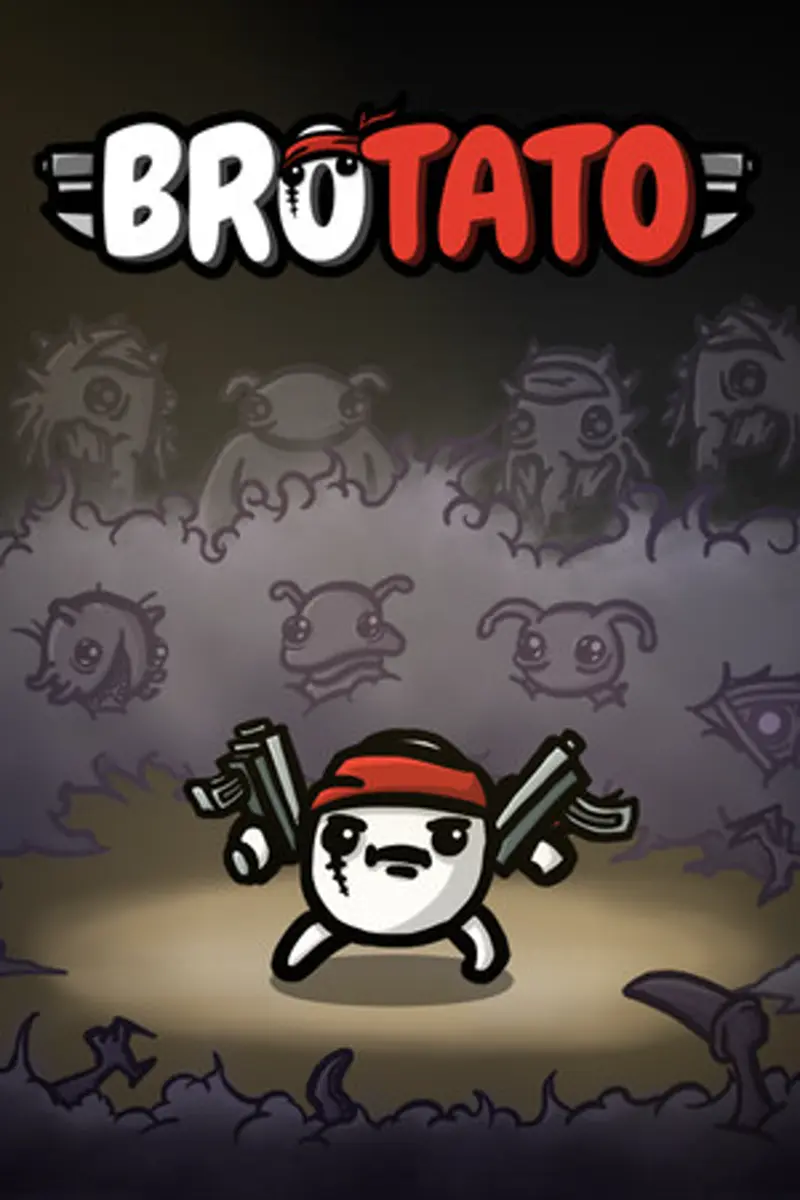
Brotato co-op explained: local 4-player couch mode, Steam Remote Play Together online setup, shared run economy, console crossplay rules, and best builds.
Brotato Coop Guide — How Local & Online Co-op Works
The short version: Yes — Brotato features official local co-op for up to 4 players, added in the major v1.1.0 update. Multiple players share the screen in a single run, pooling XP, materials, and shop waves. While the game lacks native dedicated online servers, PC players can easily play online using Steam Remote Play Together or Parsec without needing any third-party mods. All console ports (PS4, PS5, Xbox One, Xbox Series X|S, and Nintendo Switch) support local 4-player couch co-op alongside the Abyssal Terrors expansion.
This guide details how the shared-run economy functions, step-by-step instructions for online Remote Play Together setup, console availability, and the strongest multi-potato team synergies.
Official resources: Steam Store Page · Brotato Official Wiki · IGN Brotato Coverage
Brotato Co-op & Platform Support Matrix
Brotato multiplayer features depend on your platform and connectivity setup. Below is the complete platform capability matrix:
| Platform | Local Couch Co-op | Native Online Servers | Steam Remote Play Together | Max Players | DLC Co-op Supported |
|---|---|---|---|---|---|
| PC (Steam) | ✅ Yes | ❌ No | ✅ Yes (Online) | 1–4 Players | ✅ Yes (Abyssal Terrors) |
| PlayStation (PS4/PS5) | ✅ Yes | ❌ No | ❌ No (Use Share Play) | 1–4 Players | ✅ Yes |
| Xbox (One / Series X|S) | ✅ Yes | ❌ No | ❌ No | 1–4 Players | ✅ Yes |
| Nintendo Switch | ✅ Yes | ❌ No | ❌ No | 1–4 Players | ✅ Yes |
| Mobile (iOS / Android) | ❌ No | ❌ No | ❌ No | 1 Player | ❌ No |
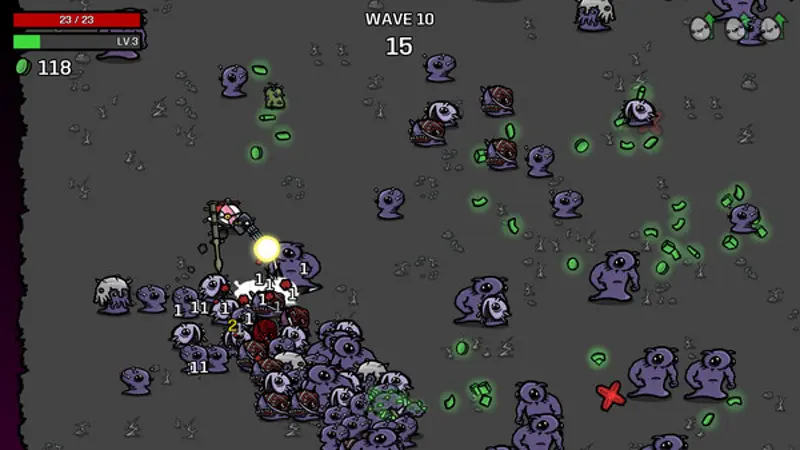
In Brotato co-op, you are not playing separate games on split-screen. All 2 to 4 potatoes fight on the exact same single arena screen. Waves, material drops, and shop visits are shared across the team, making communication and budget management essential.

How Brotato Local Co-op Works
Understanding how shared mechanics operate in co-op runs will help you survive high Danger levels:
- Character Selection: Every player chooses their own unique potato character during run setup (e.g., Player 1 as Well-Rounded, Player 2 as Engineer, Player 3 as Masochist). Duplicate characters are permitted depending on host settings.
- Shared Economy & Materials: When enemies drop green materials (XP/currency), any player can collect them. All collected materials flow into a single shared team bank.
- The Shop Phase: Between waves, players take turns or shop simultaneously depending on input mode. Weapons, items, and stat upgrades bought come out of the shared bank balance. Coordinating who gets weapons or stat boosts early prevents one player from under-gearing.
- Revive Mechanics: If a partner potato dies during a wave, surviving teammates can revive them by remaining near their fallen spirit marker or completing the wave. Having a living teammate grants a safety net that solo runs lack.
- Enemy Scaling: Waves spawn additional enemies and scale total health based on player count, maintaining challenge parity while offering team tactical advantages.
How to Play Brotato Online Co-op (Steam & PC)
Since Brotato does not host native matchmaking servers, online multiplayer is achieved through streaming pass-through tools:
Method 1: Steam Remote Play Together (Recommended)
Only the host needs to own a copy of Brotato on Steam. Guests stream the game audio/video directly from the host.
- Launch Brotato on the host PC and select Co-op Mode from the main menu.
- Open the Steam Overlay by pressing
Shift + Tab. - Right-click your friend's name in your Steam Friends List and select Remote Play Together.
- Once your friend accepts, Steam routes their input to your PC.
- Assign controllers in the Remote Play overlay menu. The host can use keyboard & mouse, but guest players must use a controller (Xbox, PlayStation, or XInput gamepad).
Method 2: Parsec
If Steam Remote Play Together suffers from input latency or resolution stuttering, Parsec offers low-latency screen sharing:
- Install Parsec on both host and client PCs.
- Host creates a room, invites the guest, and grants controller permissions.
- Launch Brotato locally; Parsec simulates local gamepads seamlessly.
Early in Brotato's Early Access period, community mods such as Brotatogether or Brotato Online enabled experimental netcode. Following the official v1.1.0 local co-op update, these legacy mods are largely obsolete and frequently crash current game versions. Stick to official local co-op combined with Remote Play Together for the smoothest experience.
Best Co-op Character Combos & Strategies
Playing co-op changes build prioritization. The best team compositions pair specialized roles rather than two identical damage dealers:
- Engineer + Generalist / Tank: The Engineer builds turrets and landmines to lock down zone control, while a tanky character (like Masochist or Bull) draws enemy aggro into turret kill-zones.
- Glass Cannon + Crowd Controller: Combine high ranged damage (Ranger or Crazy) with slow-inflicting melee weapons (Gladiator or Pacifist) to peel fast alien spawners off your sniper.
- Resource Booster Synergy: Running Entrepreneur alongside a high-DPS potato allows one player to focus on economy items while financing top-tier weapons for their partner.
Co-op makes clearing Danger 5 considerably easier for achievements. Because revives exist between waves, a surviving partner can clench tough boss waves even if one player drops during final elite spawns.
Brotato Console Co-op (PS5, Xbox & Switch)
Console versions of Brotato received the full co-op update alongside the Abyssal Terrors DLC release:
- PlayStation 4 & PlayStation 5: Supports 1–4 player couch co-op natively using connected DualShock 4 or DualSense controllers. For online play, PlayStation users can use PS Share Play to pass virtual controller inputs to a friend.
- Xbox One & Xbox Series X|S: Fully supports 1–4 local gamepads.
- Nintendo Switch: Local couch co-op supports up to 4 players using detached Joy-Cons or Pro Controllers.
There is no cross-platform multiplayer between consoles or between PC and consoles.
Frequently Asked Questions
Does Brotato have multiplayer?
Yes. Brotato features official 1–4 player local co-op. Online play is supported on PC via Steam Remote Play Together or Parsec.
How does Brotato co-op work?
Players share a single screen and arena run. Materials, XP, and shop visits are pooled across the team. Each player selects their own character, weapons, and items.
Is Brotato co-op online or local?
Natively, Brotato co-op is local split-screen/same-screen. On PC, it functions online via Steam Remote Play Together without extra software.
Can you play Brotato co-op on PS5, Xbox, and Switch?
Yes. All major console versions include 1–4 player local couch co-op. PlayStation players can also use Share Play for online sessions.
How do you set up online co-op in Brotato?
Start a co-op run on Steam, press Shift + Tab, right-click a friend, and click Remote Play Together. Your friend joins your game stream instantly with a controller.